
Comprehensive file protection software
Folder Lock is a versatile security tool that protects files and folders using AES 256-bit encryption. It allows users to create encrypted lockers for sensitive data and offers file locking features that hide files from unauthorized access, even in Safe Mode. This app also supports cloud backup and real-time syncing across devices, enhancing data security and accessibility.
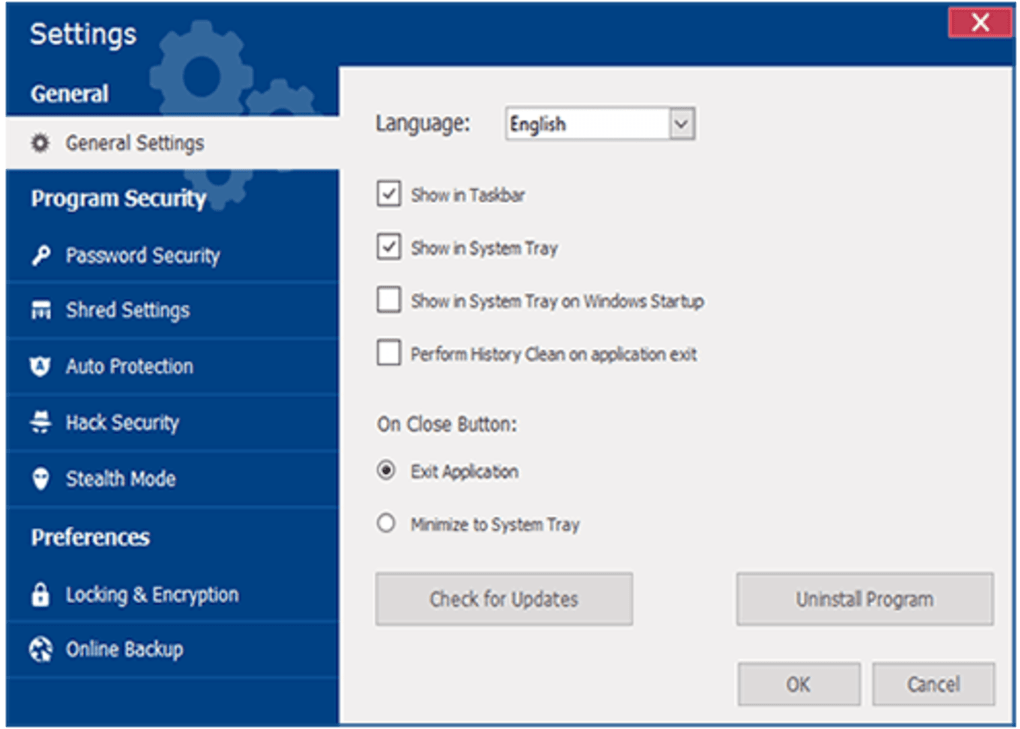
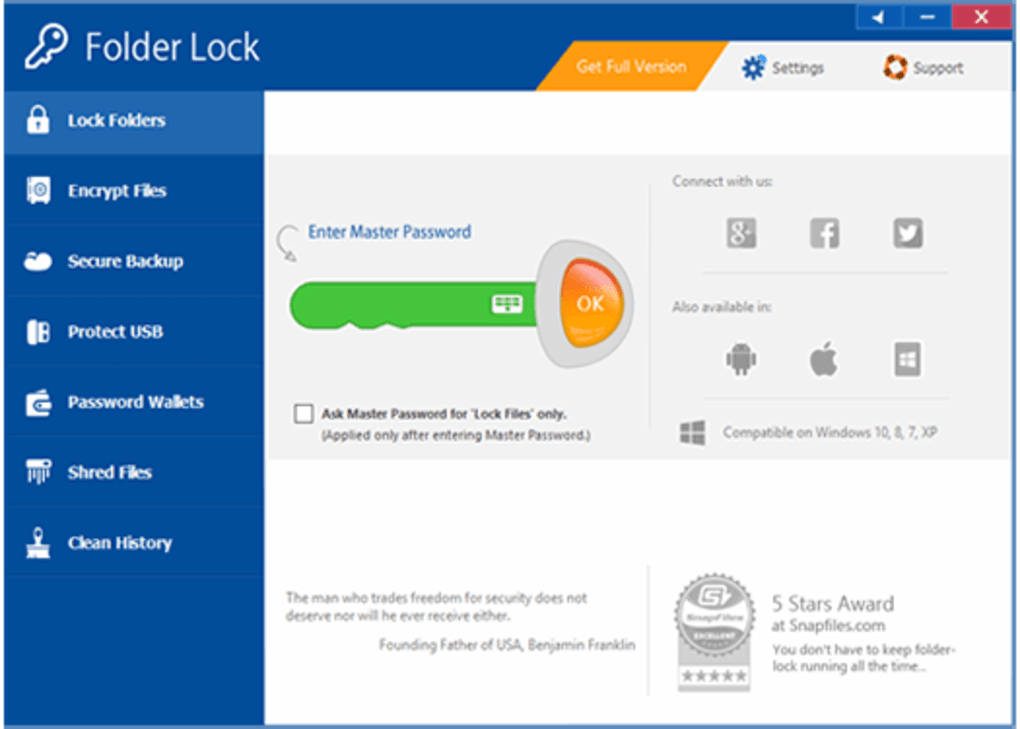
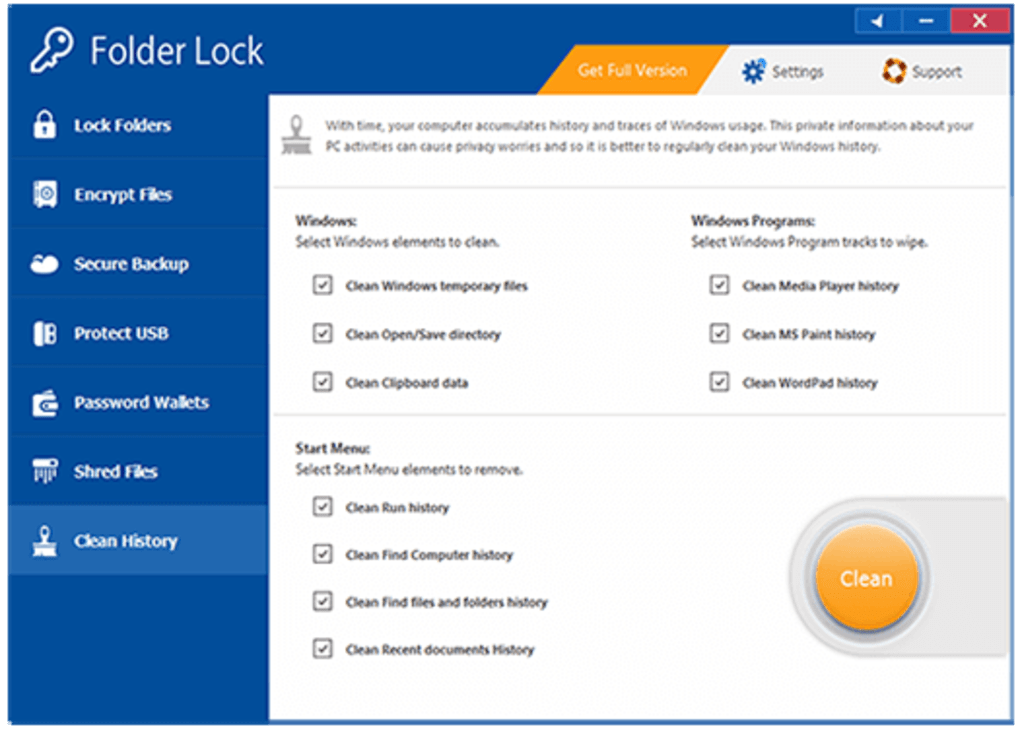
Folder Lock offers a user-friendly interface with strong security features like password protection, digital wallets, and secure notes. It supports file shredding for permanent deletion, cleans browsing history, and enables secure, encrypted file sharing with unique passwords for collaboration and privacy.
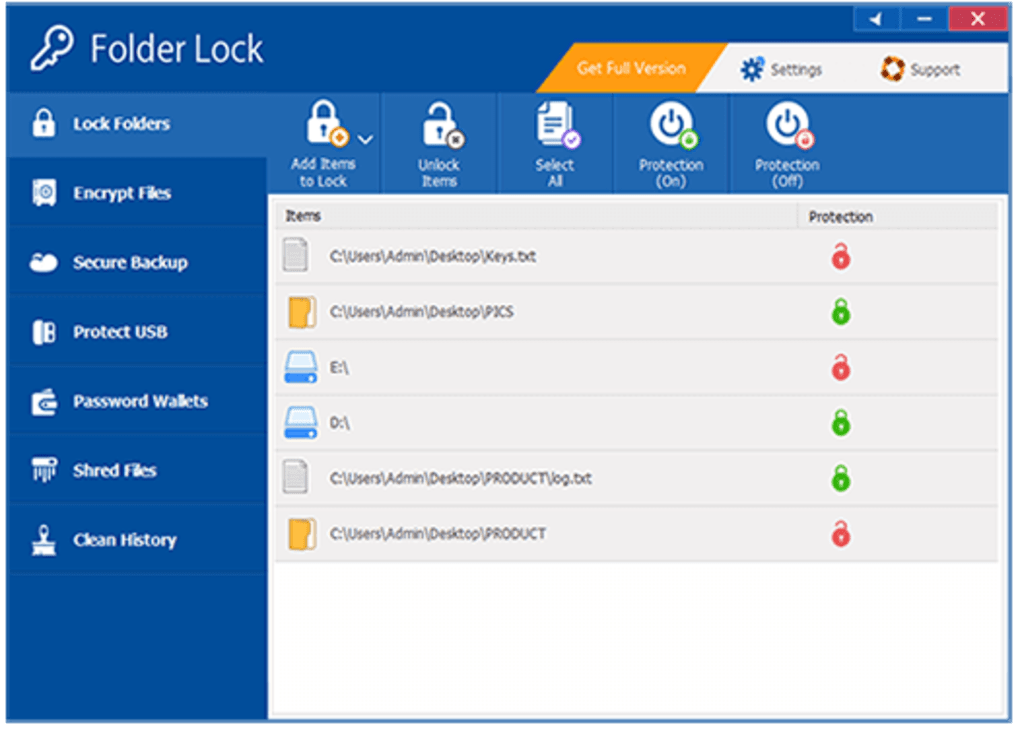
Folder Lock’s core strength lies in its dual-mode protection approach. You can lock files and folders to make them invisible or drag them into encrypted lockers that act as secure virtual drives. The lockers dynamically resize, supporting efficient storage expansion. Users benefit from on-the-fly encryption, where files decrypt automatically upon access without extra steps. Locking is quick, with files disappearing from Windows Explorer and reappearing once unlocked.
File protection and encryption tools
The software integrates with popular cloud services like Dropbox, Google Drive, and OneDrive, encrypting files locally before syncing to ensure privacy across Windows, iOS, and Android devices. It offers seamless backup and syncing to minimize data loss and provide secure access across platforms. Additional features include password management, digital wallets, secure notes, file shredding, and cleaning of usage history for enhanced privacy and security.
A notable drawback is that locked files are only hidden, not encrypted, which may not satisfy users needing full encryption at all times. This means files remain vulnerable to alternative access methods. Additionally, strong password protection is provided, but the lack of two-factor authentication limits security compared to more advanced applications, which may concern some users.
Pros
- Military-grade AES 256-bit encryption
- Dual file protection: locking and encryption
- Cloud backup and multi-device sync
- File shredding and privacy cleaning tools
Cons
- Bugs and glitches can be frustrating
- Locked files hidden but not encrypted
- No two-factor authentication support
- Windows-only platform
- Some features require paid version