Your guardian against cyber threats
Windows Defender, now officially known as Microsoft Defender Antivirus, is the default security software bundled with Windows 10 and 11, providing real-time protection against viruses, malware, and other cyber threats.
As the built-in antivirus solution for Windows systems, it has come a long way since its inception, evolving into a comprehensive security tool that shields millions of users worldwide. With continuous updates and integration into the broader Windows ecosystem, it offers a reliable first line of defense without the need for third-party software.
One of Windows Defender’s greatest strengths is its seamless integration with the Windows operating system. It runs in the background without requiring much input from users, ensuring that your system is protected right out of the box.
A seamless security experience
From real-time scanning to periodic updates, the software handles most security tasks automatically, providing users with peace of mind while they focus on their work or entertainment.
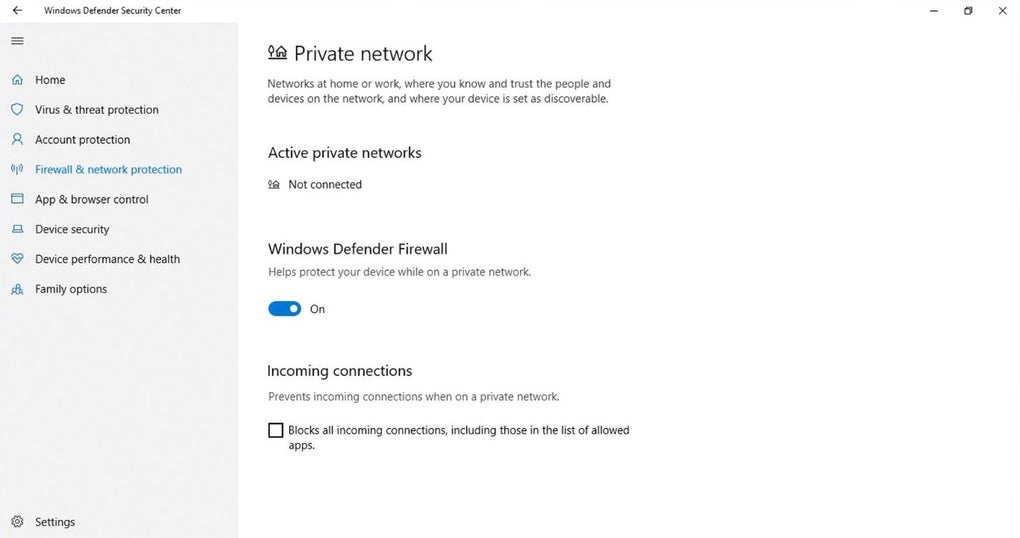
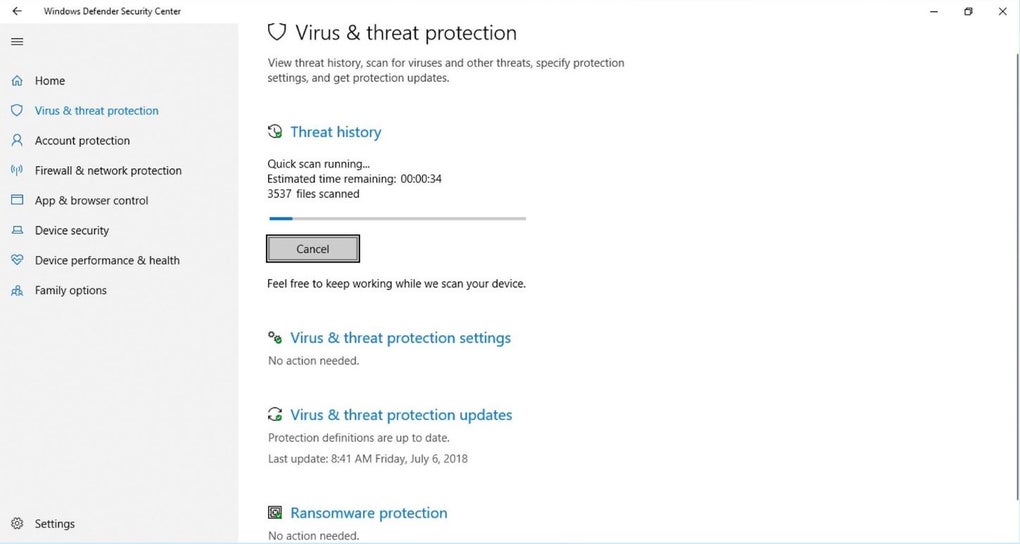
Windows Defender offers several layers of protection, including malware detection, firewall management, network security, and even ransomware protection.
Its cloud-based protection feature allows it to respond to emerging threats in real time, drawing from Microsoft’s vast network of threat intelligence.
Ease of use and accessibility
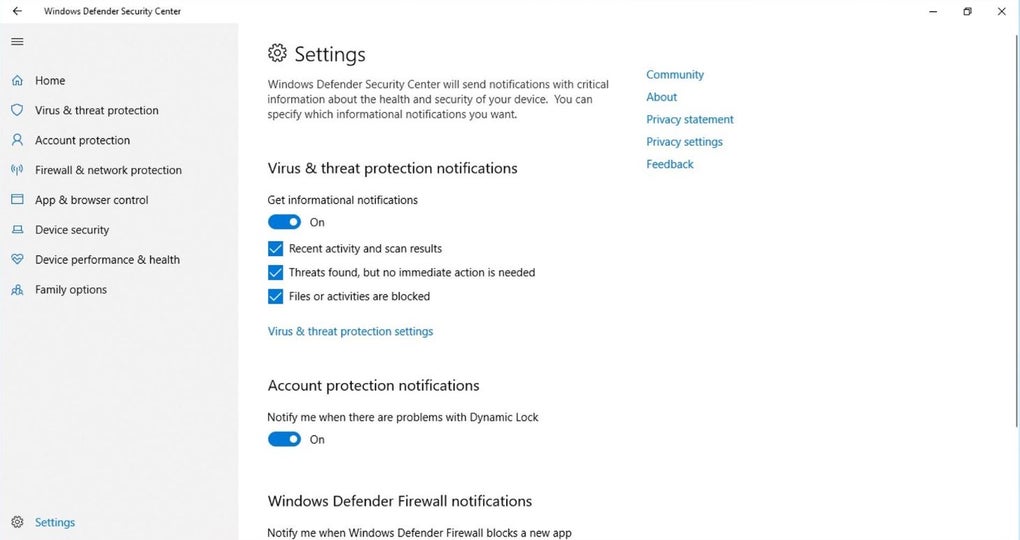
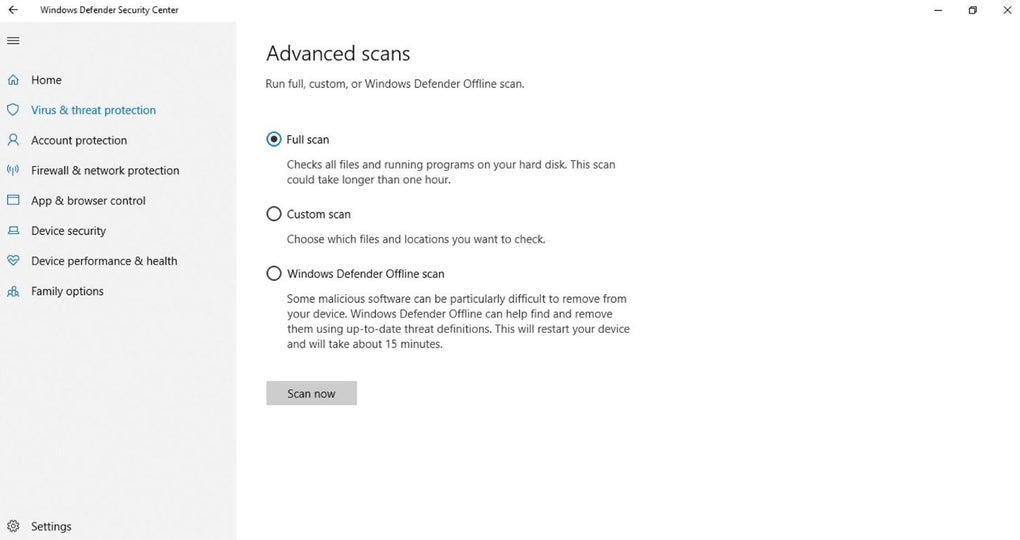
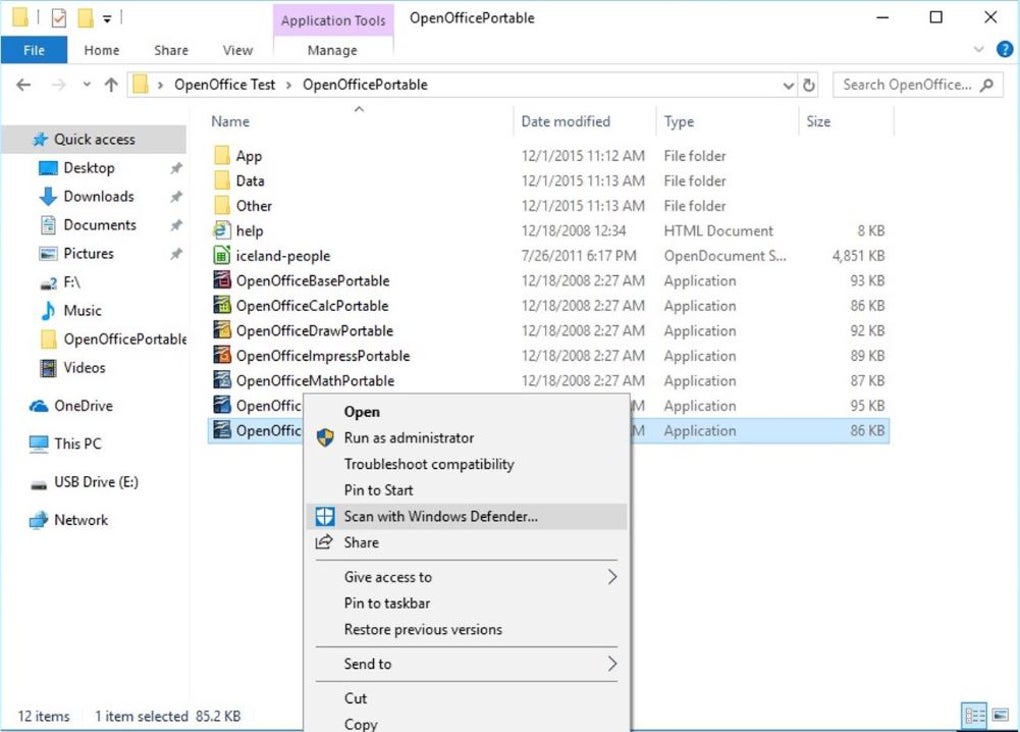
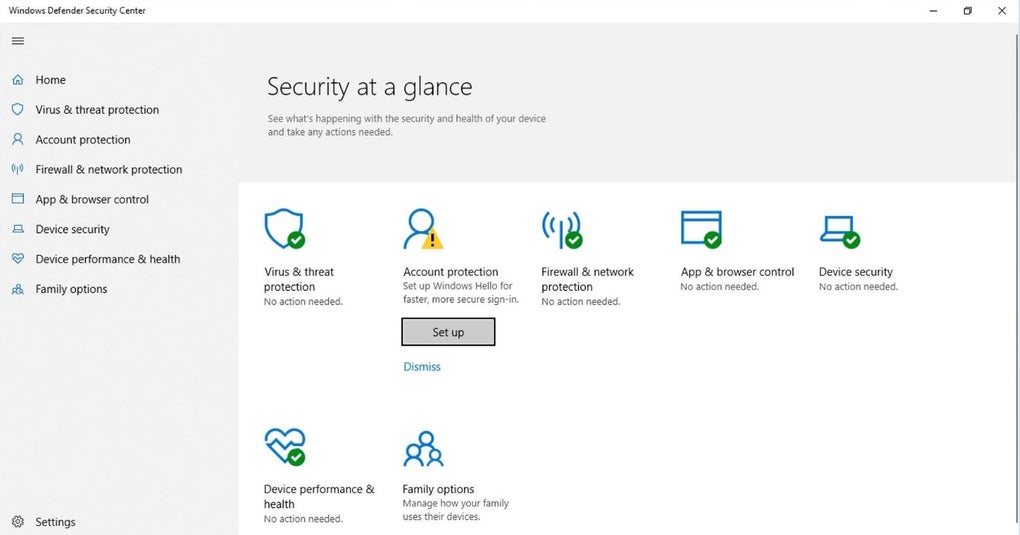
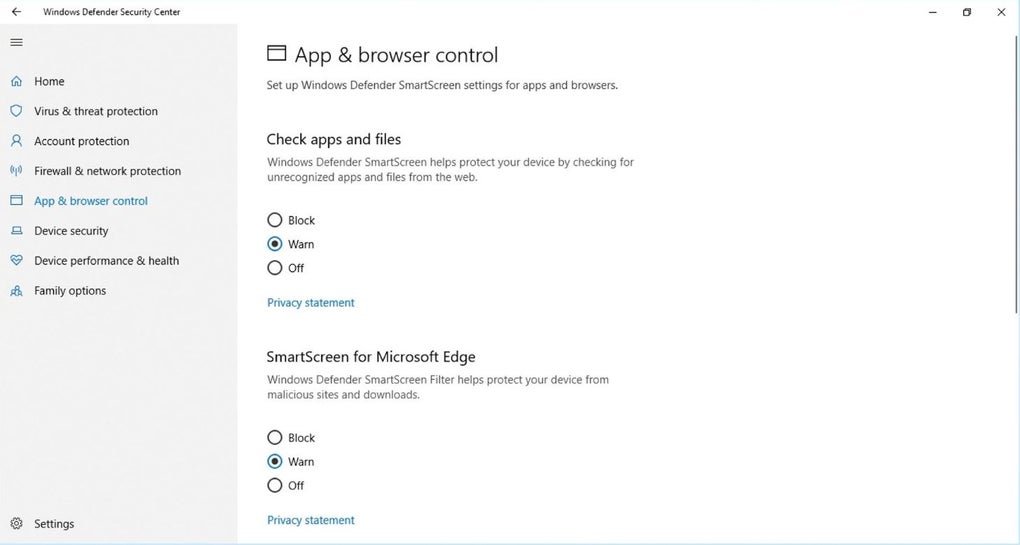
Windows Defender’s user interface is simple and user-friendly, designed with accessibility in mind. Its settings and features are easily navigable through the Windows Security dashboard, where users can check the health of their device, run quick or full scans, and manage protection settings.
A standout feature is Automatic Sample Submission, which helps Microsoft gather data on new threats and improve the software’s ability to defend against future attacks. This happens in the background, ensuring protection without disruption to the user’s experience.
Additionally, the software alerts users to any security issues through Action Center notifications, making it straightforward to stay on top of potential vulnerabilities.
Performance and system impact
In terms of system impact, Windows Defender has made great strides in minimizing the drain on system resources. Running in the background, it rarely causes noticeable slowdowns, which is a marked improvement compared to earlier versions or some third-party antivirus software that tend to hog CPU and memory.
However, some users might still find that running full scans on older systems can lead to temporary slowdowns, especially during high-demand tasks like gaming or video editing. This is where this antivirus’s Tamper Protection feature, which prevents malicious software from changing security settings, ensures your system is always protected — even when you're not actively managing it.
How does it compare to third-party antivirus solutions?
When comparing Windows Defender to other third-party antivirus programs, one of its primary advantages is its cost. Defender is completely free and comes pre-installed on Windows devices, unlike premium antivirus suites like Norton or Bitdefender, which require subscription fees.
These paid alternatives often boast more extensive features, such as VPNs, password managers, and advanced identity theft protection.
That said, Windows Defender has narrowed the gap significantly, especially for average users. For instance, this antivirus now provides exploit protection and application guard, features that help defend against zero-day attacks and risky web content.
In third-party tests, Defender’s detection rates are comparable to some premium security solutions, making it an appealing option for those looking for solid protection without additional cost.
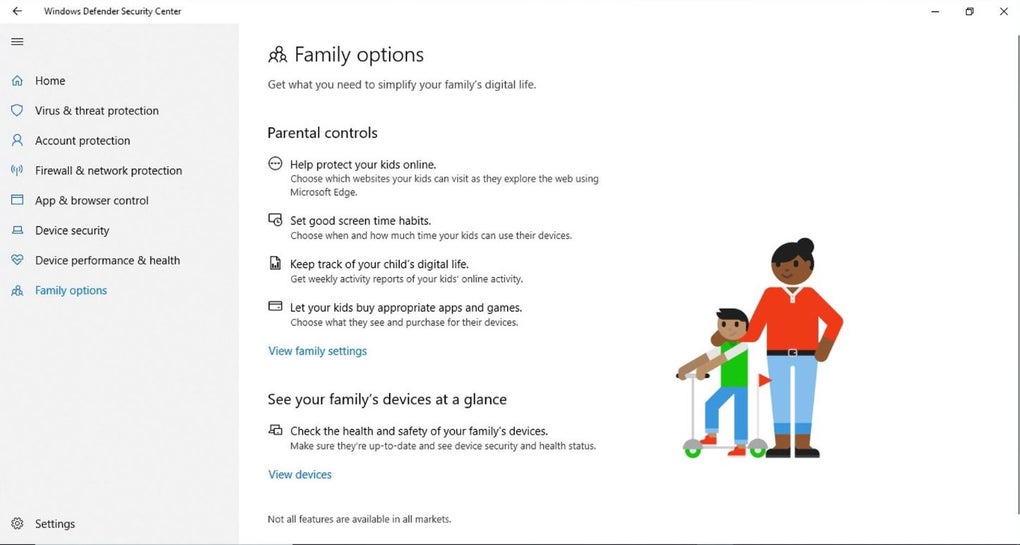
Where it may fall short is in advanced tools like identity protection, multi-device management, or advanced parental controls — features typically found in paid solutions. For users looking for more specialized security features, third-party software still has a role to play.
Strengths in integration
A major strength of Windows Defender is how well it integrates into the larger Microsoft ecosystem. For those already using Windows services like OneDrive or Microsoft 365, Defender enhances the overall security experience.
For example, its ransomware protection works with OneDrive to back up critical files, ensuring they’re safe even if your system is compromised. This synergy between Microsoft services gives Defender a distinct advantage over third-party solutions that may not offer the same level of integration.
Additionally, businesses that rely on Microsoft Endpoint Protection can extend Defender’s capabilities to manage their network security more effectively, offering a unified solution across devices and users.
Expanded threat database
Windows Defender’s threat detection capabilities get a boost in Version 1.435.281.0. This update introduces a range of newly added threat detections, including severe classifications such as 'Backdoor:JS/SneakyPony.A!dha', 'Trojan:JS/HeldPonyLoader.A!dha', and various 'Trojan:MSIL' and 'Trojan:Win' variants. These new definitions specifically target emerging and persistent threats, equipping the software to identify and neutralize sophisticated malware.
Furthermore, this version brings extensive updates to existing threat detections. It enhances the software's ability to combat a wide array of adware, backdoors, browser modifiers, and ransomware. Notable updates include improvements to detections for 'Adware:AndroidOS/Multiverze!rfn', 'Backdoor:Win32/Berbew', 'Ransom:Win32/Qilin', and various 'Trojan:Win32' families like 'AgentTesla', 'FormBook', and 'GuLoader'. With the ever-evolving landscape of cyber threats, these continuous updates promise effective defense and protection.
Pros
- Seamless integration
- Comprehensive multi-layered protection
- User-friendly interface
- Minimal system impact
Cons
- Can cause temporary slowdowns
- Lacks some advanced features