

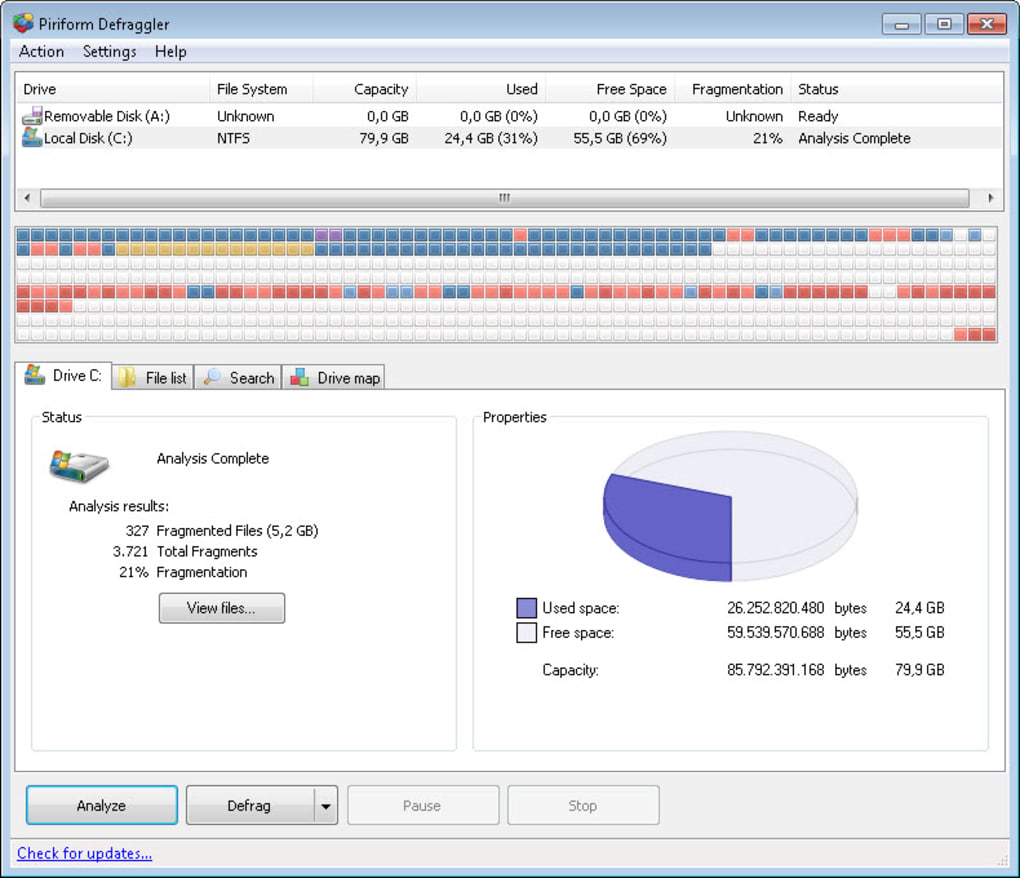

A familiar disk optimization utility
Defraggler remains a recognizable name in system tuning, disk maintenance, and storage optimization. While modern operating systems handle many maintenance tasks automatically, It still provides manual control for analyzing fragmentation and organizing files on traditional hard drives. It remains useful for users who prefer a hands-on approach.
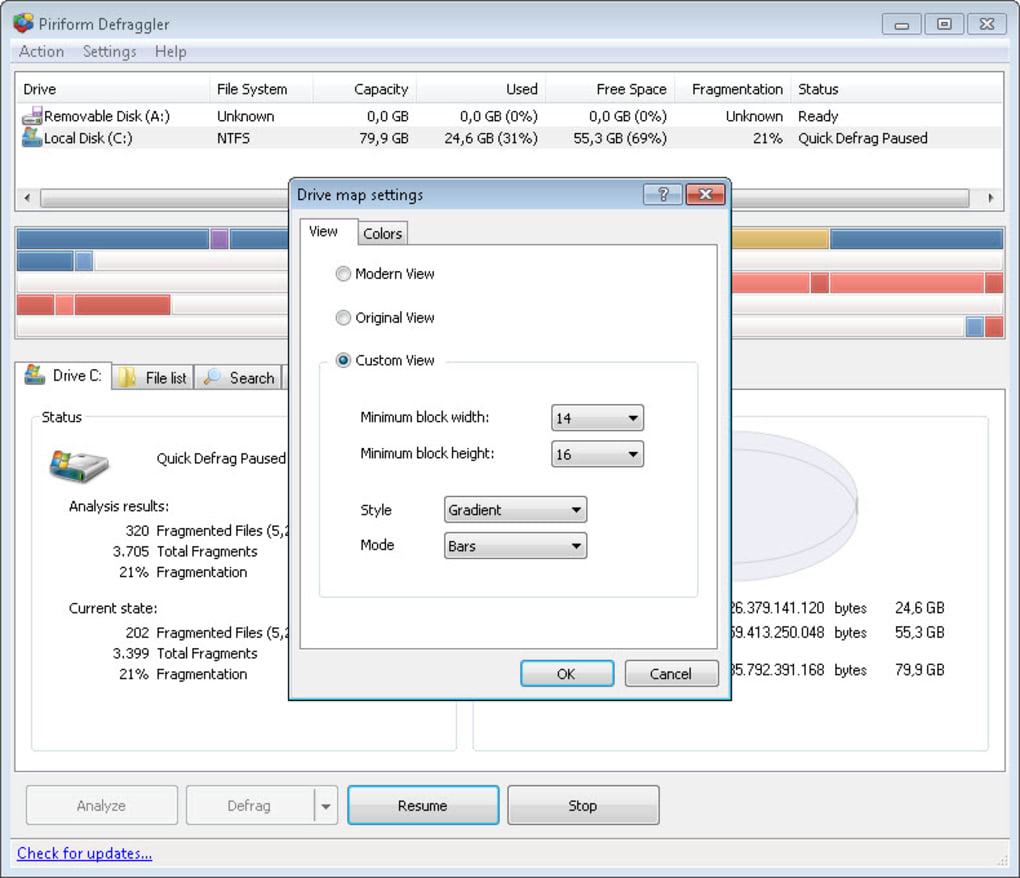
What makes Defraggler appealing is its straightforward interface, file-level optimization, and scheduled maintenance options. The software presents drive information clearly and allows targeted actions on specific files or folders. However, it also shows its age, with a design and workflow that may feel dated compared to newer utilities.
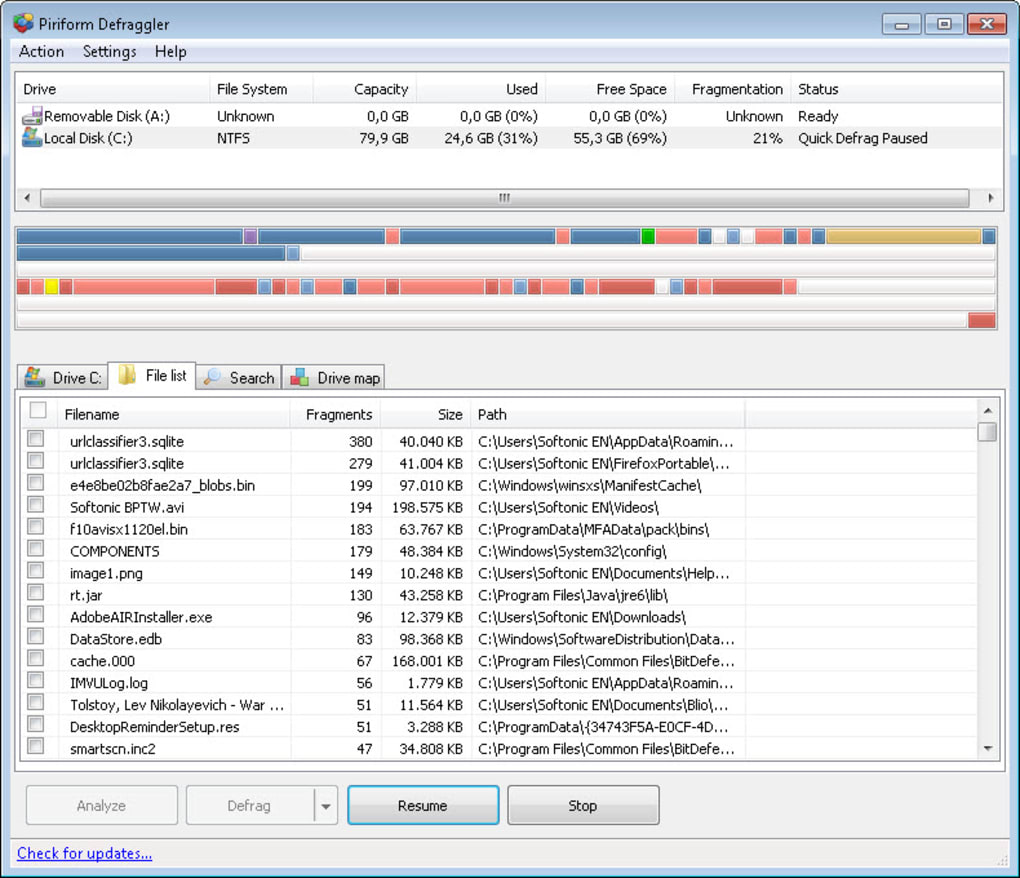
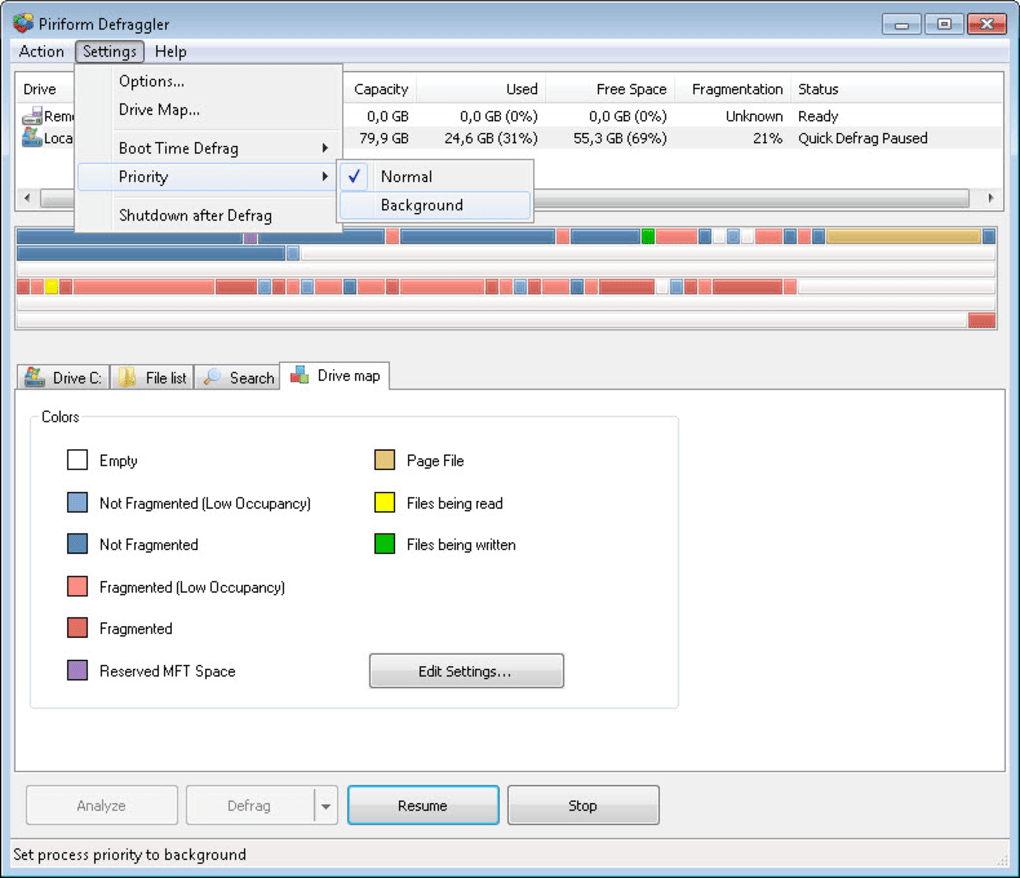
One of Defraggler’s strongest qualities is its file-level defragmentation, fragmentation maps, and detailed reporting, giving users deeper control over storage optimization. The program analyzes drives quickly and presents storage conditions in a clear, visual way that is easy to interpret. For systems still using traditional hard disk drives, the tool remains genuinely helpful for understanding, organizing, and improving data layout efficiently over time.
Defraggler’s enduring role in disk care
However, the software shows its age with limited development, narrow relevance, and reduced alignment with modern storage systems like SSDs. As newer devices increasingly rely less on defragmentation, the program serves a smaller audience than it once did. While still functional and stable, its feature set feels more specialized compared to broader optimization tools that offer system-wide performance management and maintenance features today.
It remains smooth with fast scanning, low resource usage, and a clear drive visualization map that helps users track fragmentation easily and accurately. The program also includes useful scheduling options that support routine maintenance, making long-term use convenient for those still relying on hard drives. However, its aging design and limited innovation make it more of a niche utility than a modern essential tool for everyday system optimization tasks overall.
Pros
- File-level defragmentation
- Clear drive visualization
- Lightweight resource usage
- Flexible scheduling tools
Cons
- Aging interface design
- Limited recent development
- Narrow modern relevance







