

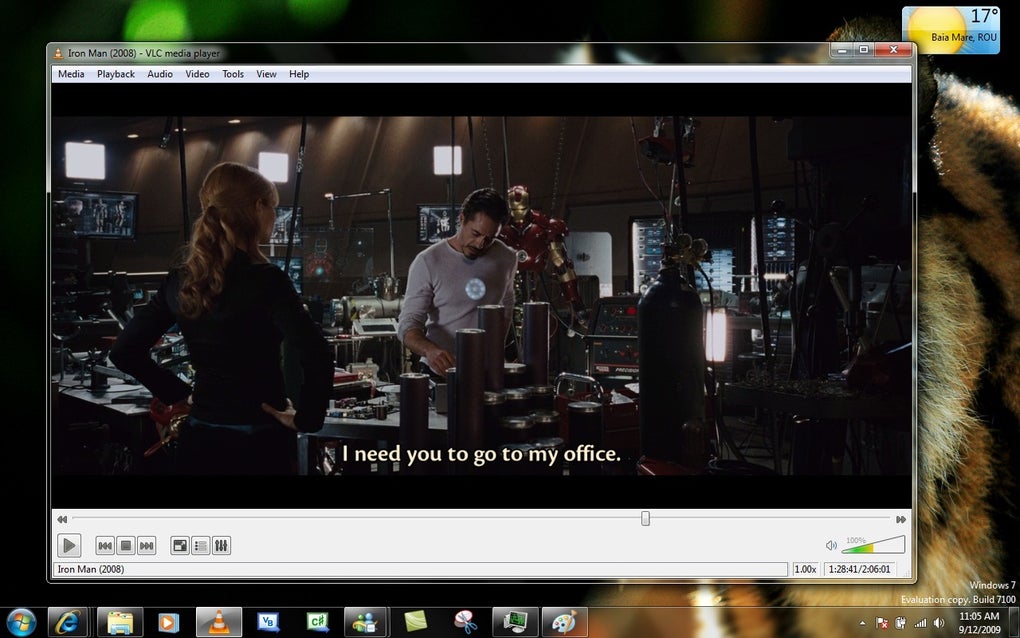
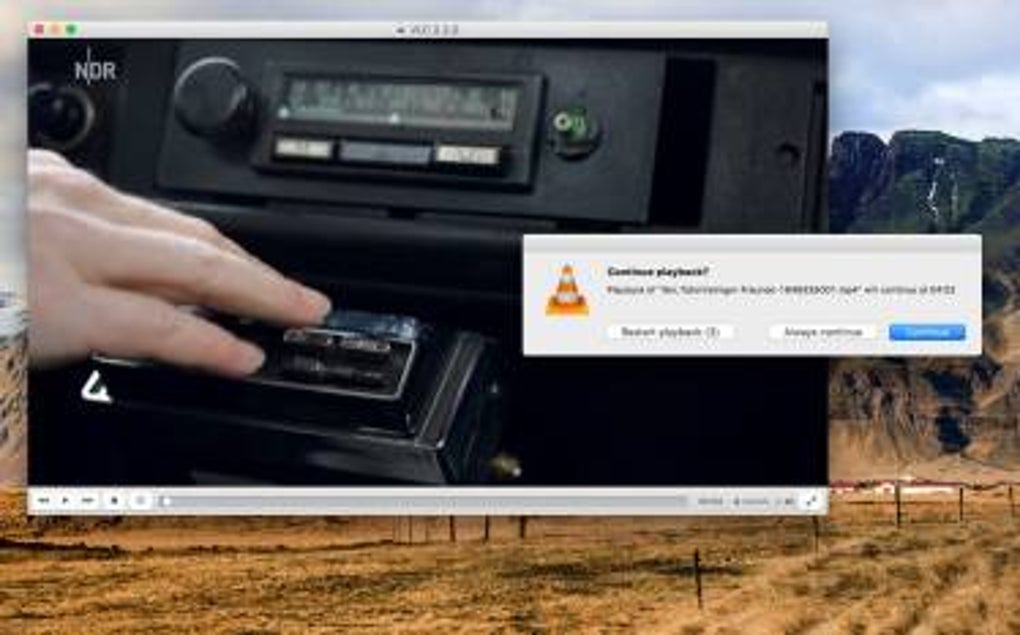

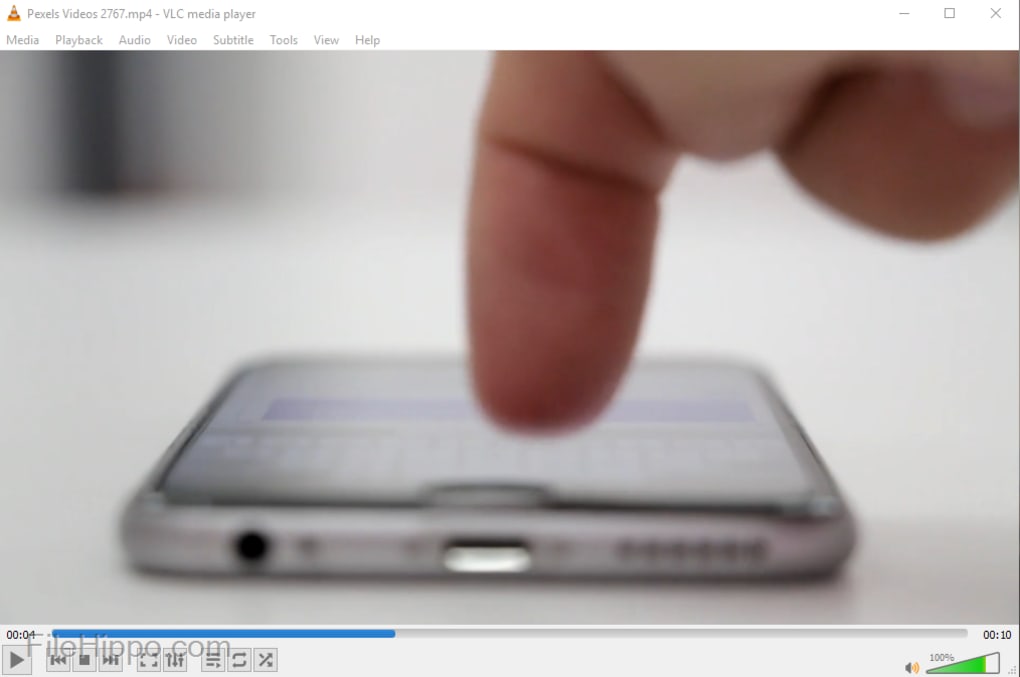
A versatile media playback solution
VLC Media Player 32-bit stands out as a comprehensive tool for audio and video playback. With its ability to support a wide range of media formats, it serves the needs of both casual users and audiophiles alike. As an open-source program developed by VideoLAN, it offers extensive features without the constraints of advertisements, user tracking, or premium versions.
VLC Media Player boasts impressive versatility, supporting an extensive array of audio formats, including MP3, FLAC, and DTS. This broad compatibility ensures that most audio enthusiasts will find their needs met with minimal hassle. On the video side, it handles formats such as MPEG-1/2/4, H.264, and H.265 (HEVC) with ease.
Exceptional compatibility and format support
It also supports modern formats like VP9 and AV1, though hardware decoding for these newer codecs may be limited or unavailable on older 32-bit systems. Its robust streaming capabilities support protocols such as HTTP, RTP, and HLS, making it suitable for both local playback and online streaming. However, like most open-source players, it cannot play DRM-protected content from services like Netflix or Disney+.
Comprehensive media management tools
Beyond basic playback, VLC offers a range of advanced features to enhance the user experience. It includes a built-in converter for audio and video files via the Convert and Save feature. However, true batch conversion is not natively streamlined and typically requires command-line usage or third-party scripting tools.
Its media management toolkit includes playlist creation, subtitle synchronization, and audio and video filters such as equalizers and visual effects. While older versions offered customizable skins, versions post-3.0 have prioritized a consistent default UI. Skin support still exists, but theme customization is now minimal.
Interface and accessibility
VLC presents an intuitive interface that is easy to navigate, balancing simplicity for newcomers with configurability for advanced users. It offers extensive keyboard shortcuts and is compatible with screen readers such as NVDA and JAWS, supporting visually impaired users. High-contrast themes within the player are very limited, though OS-level accessibility tools can effectively bridge the gap.
The 32-bit version remains lightweight and performs well on older or low-spec systems. However, users may encounter performance limitations when playing high-resolution or hardware-intensive formats like HEVC or AV1. Hardware-accelerated decoding can improve playback performance where supported, but modern systems benefit more from using the 64-bit version.
Pros
- Free and open-source
- Diverse file format support
Cons
- Limited customization
- Limited accessibility features







