
Comprehensive cybersecurity solution
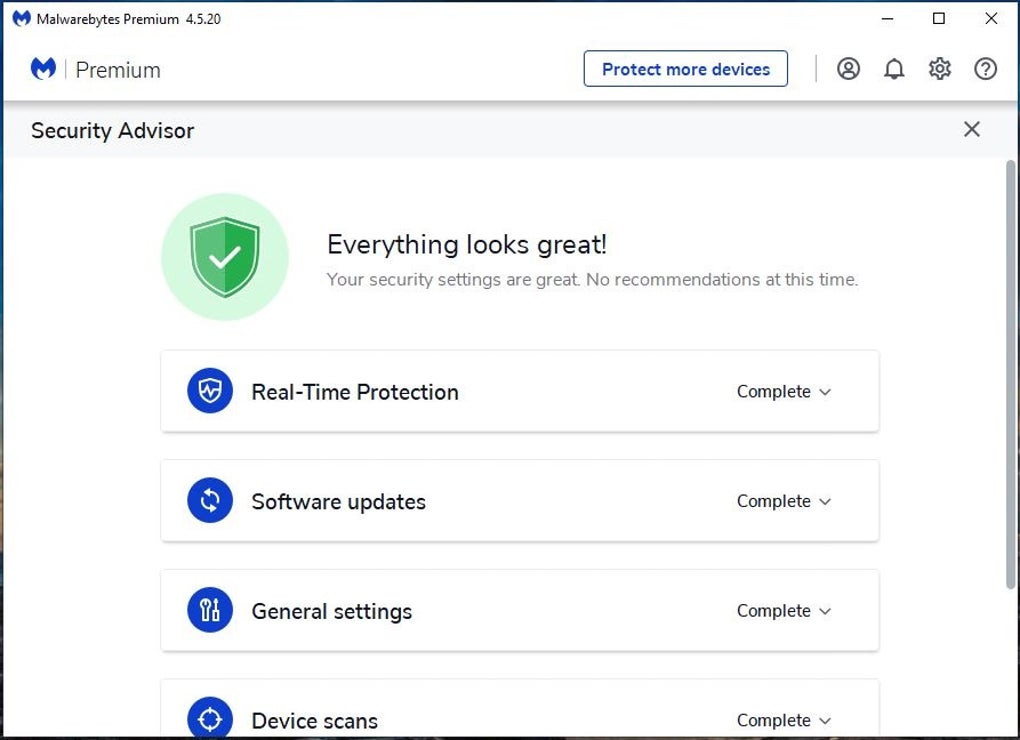
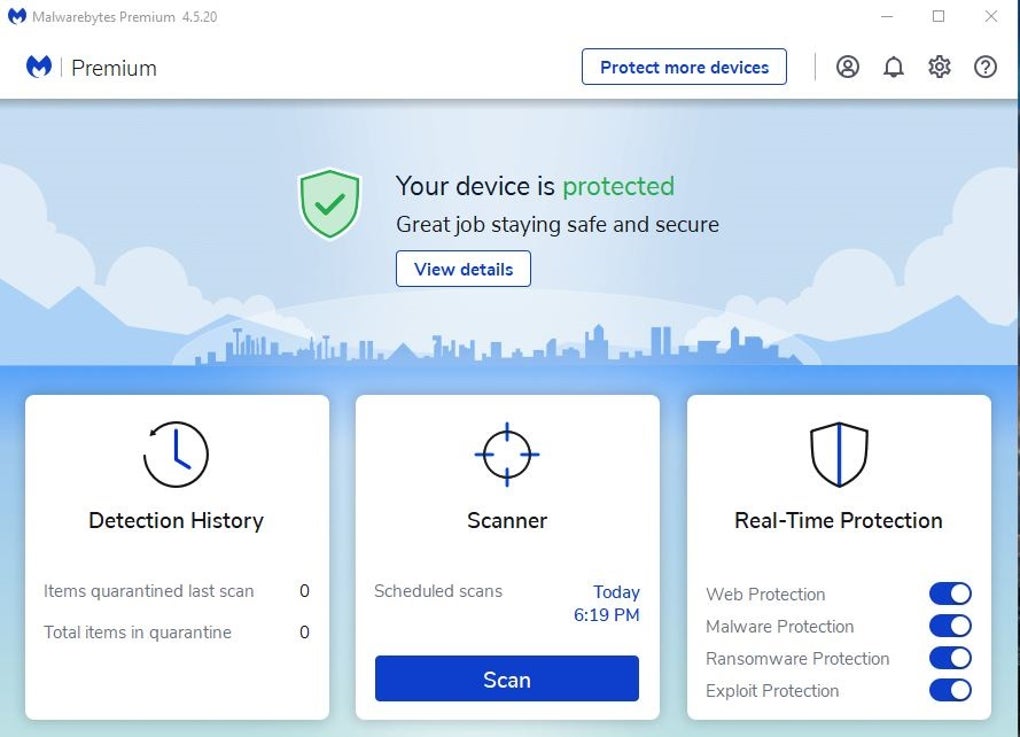
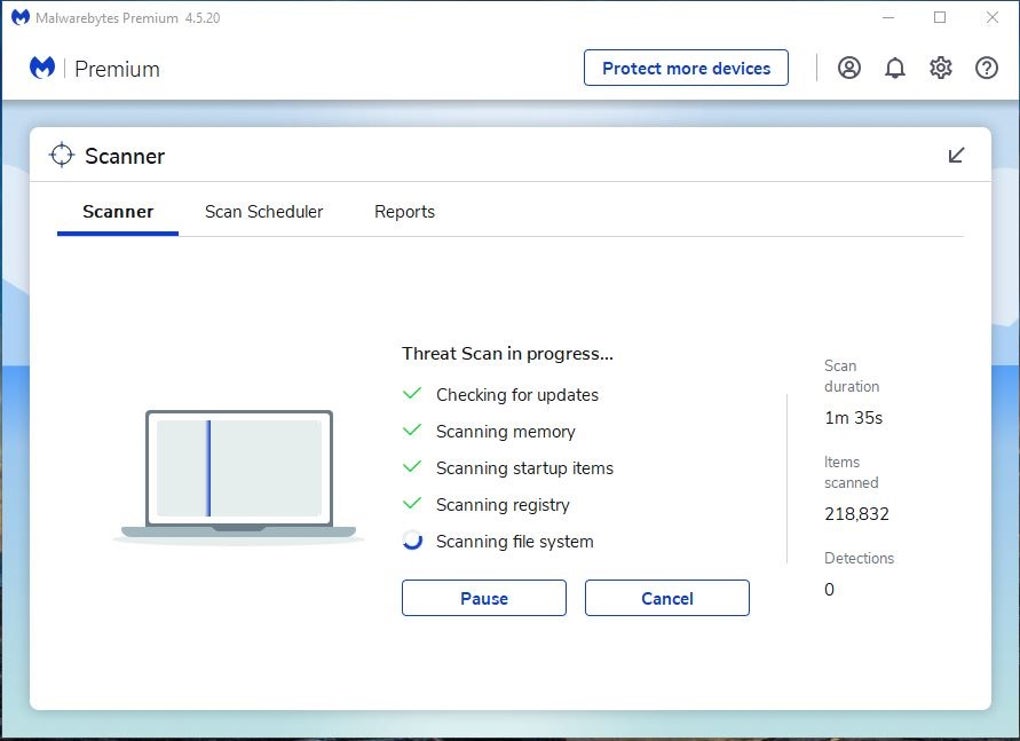
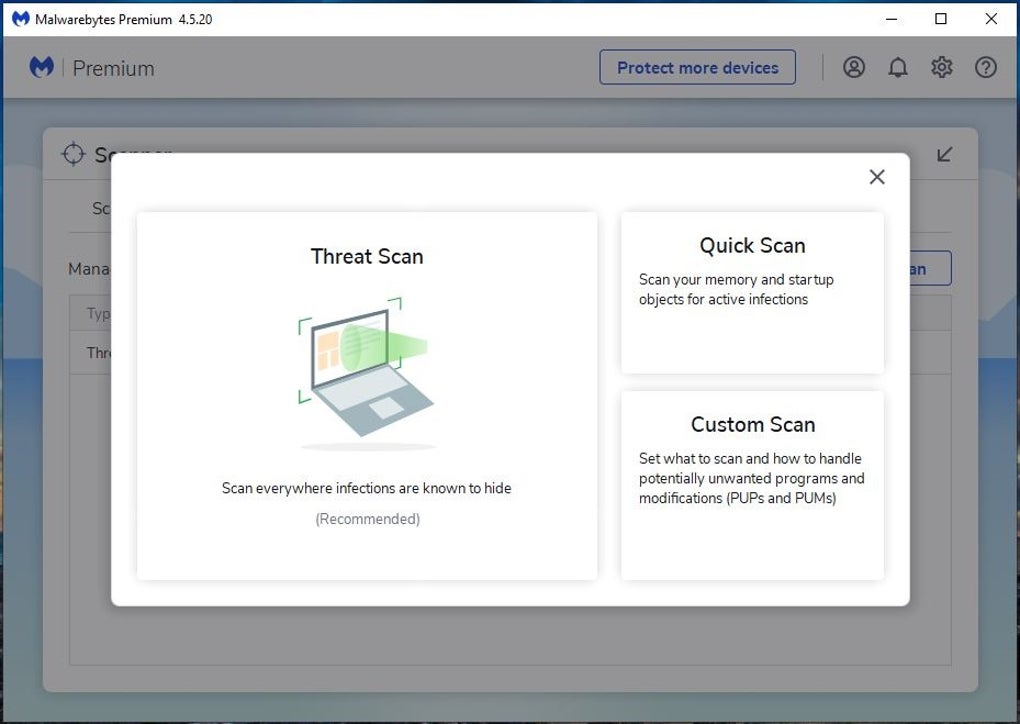
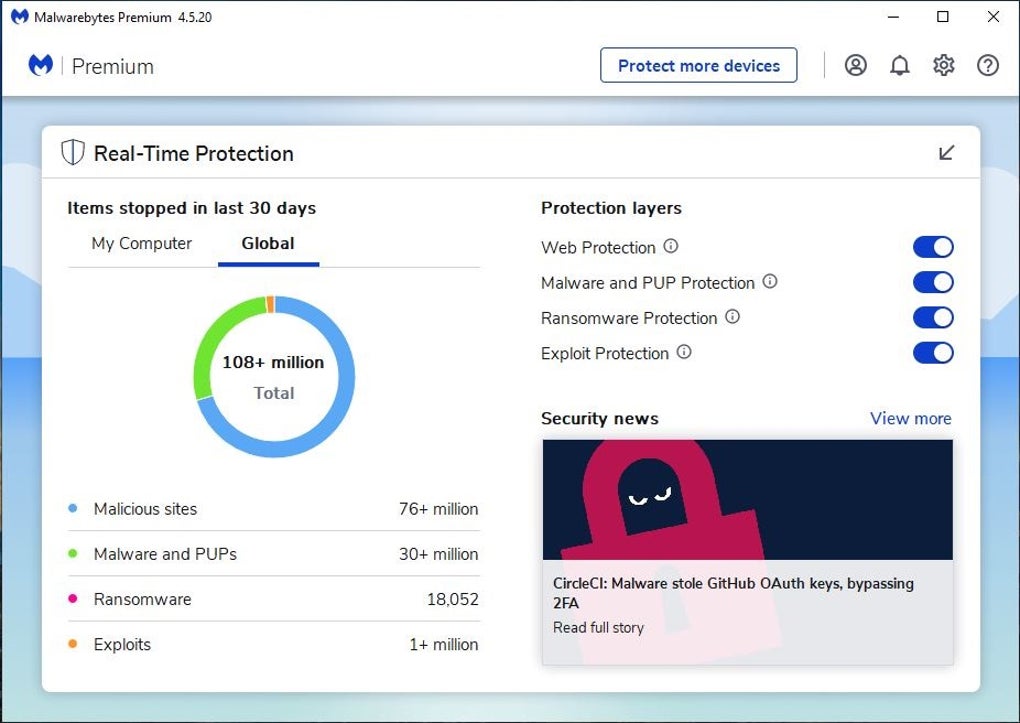
Malwarebytes Anti-Malware is a trusted cybersecurity solution designed to safeguard devices against malware, ransomware, spyware, and emerging online threats. It provides advanced scanning and removal capabilities that detect malicious software often missed by traditional antivirus tools. Compatible across multiple platforms, the program delivers real-time protection alongside powerful on-demand scanning.
Malwarebytes Anti-Malware offers privacy tools like Scam Guard, an AI assistant that detects scams by analyzing suspicious texts and links. Its Personal Data Remover deletes exposed personal information online, providing home and business users with enhanced privacy, proactive protection, and reliable security. It offers a free version.
Malwarebytes Anti-Malware uses advanced heuristics and behavioral analysis to detect hidden, new, and evolving threats, while robust quarantine and removal tools contain infections without affecting system stability. Continuous monitoring blocks ransomware, harmful sites, and unauthorized access in real time. Privacy features include tools to remove exposed personal data, complemented by the AI-driven Scam Guard, which helps users avoid scams and online fraud, delivering comprehensive protection.
Deep malware detection and removal
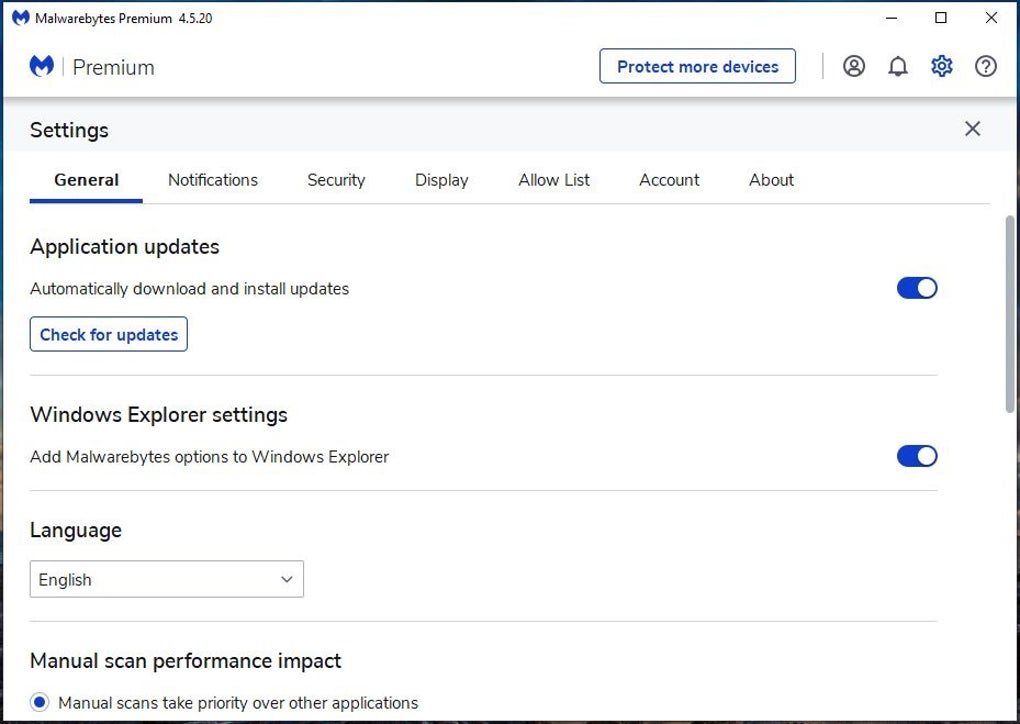
Designed with accessibility in mind, this cybersecurity tool features an intuitive interface suitable for users of all experience levels. Installation and scanning require minimal input, making setup simple and efficient. Background operations are lightweight, ensuring system resources remain available for other tasks. Even during active scans, performance impact is minimal, allowing users to maintain productivity while benefiting from reliable, continuous protection against digital threats.
While powerful and effective in detecting and removing malware, this software often works best as a complementary tool rather than a complete standalone antivirus solution. Users who require comprehensive protection may need additional programs to address broader security needs, including firewall management, email filtering, and VPN services. Used alongside other safeguards, it significantly strengthens overall digital defense against diverse and evolving cyber threats.
Pros
- Advanced malware and ransomware detection
- Real-time threat blocking and privacy tools
- AI-driven scam detection assistant
- Lightweight and easy to use
Cons
- Lacks comprehensive antivirus features
- Best as a complementary tool
- Some advanced features require premium subscription