Essential tool for modern document creation
Microsoft Word remains a reliable cornerstone of digital document creation, offering a suite of tools for both novice and advanced users. Word 2021 and the subscription-based Microsoft 365 provide robust functionalities, from basic word processing to advanced collaboration features and formatting options for professional documents.
These versions aim to streamline workflows, boost productivity, and enhance document security, solidifying Microsoft Word's position as an indispensable tool. Its consistent evolution, incorporating user feedback and emerging technological advancements, ensures it remains relevant in an increasingly digital world. This ongoing development makes it a dependable, versatile, and widely used application for diverse user needs.
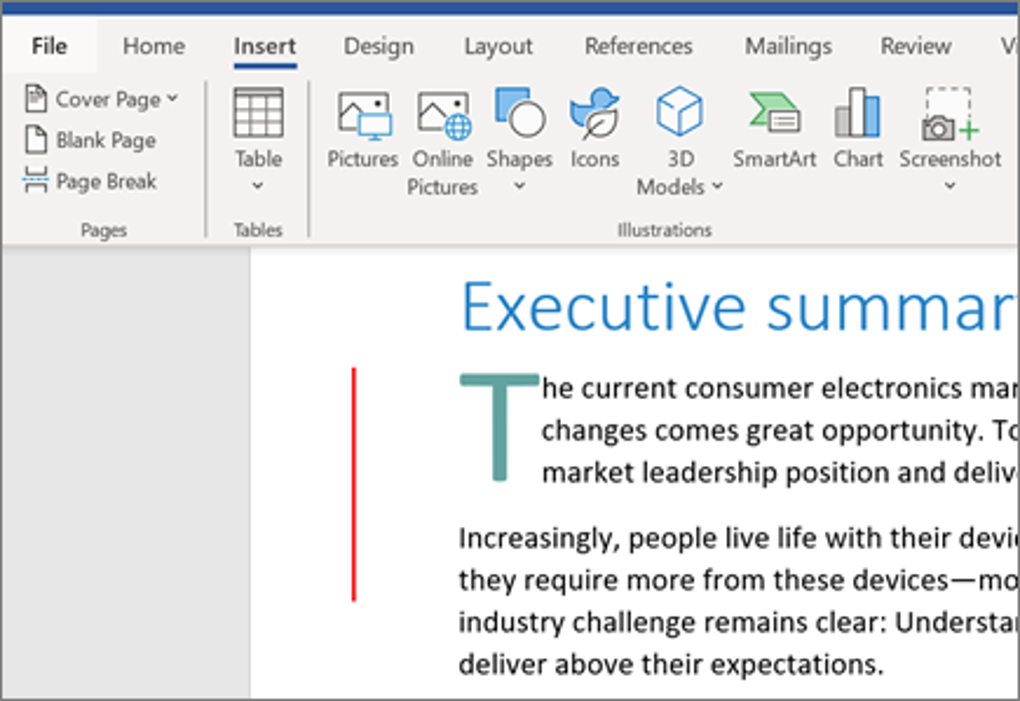
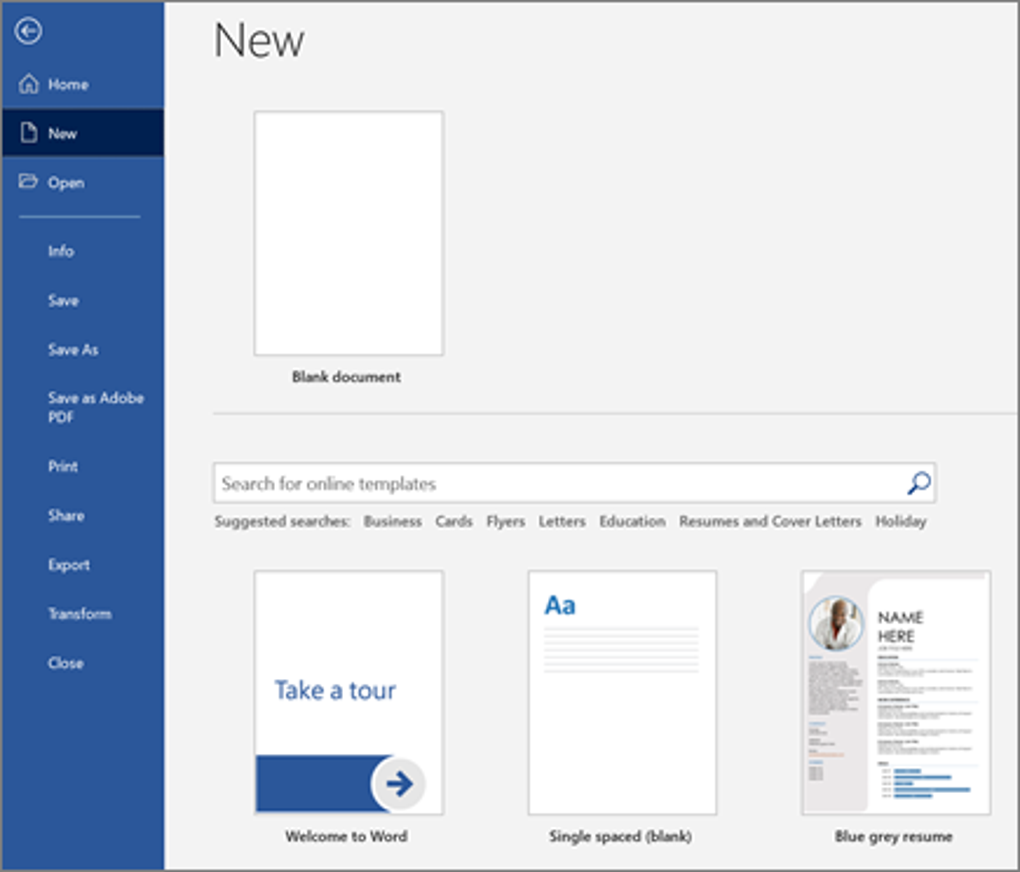
Microsoft Word boasts a user-friendly interface, simplifying document creation and editing. The Learning Tools, including Read Aloud and Dictate, cater to diverse learning styles and improve accessibility. Real-time collaboration through Microsoft 365 allows multiple users to work on the same document simultaneously, fostering teamwork. However, the one-time purchase model of Word 2021 lacks continuous updates, potentially leaving users behind with older features.
Enhanced features for collaborative and secure work
Security is a priority, with features like password protection and macro regulation safeguarding sensitive data. Advanced Encryption Standard (AES-128) encryption adds a layer of protection. Co-authoring allows changes to be tracked in shared documents. Despite these strengths, the need for a Microsoft 365 subscription for full collaboration and updates can be costly. The lack of free download options for Word 2021 also limits accessibility for some users.
Beyond basic functionality, Word's integration with Microsoft services enhances its utility. Cloud storage via OneDrive, available with Microsoft 365, enables sharing and version control. This also connects smoothly with other Office apps, streamlining workflows. However, reliance on the Microsoft ecosystem may deter users who prefer alternatives. Requiring a Microsoft account to access full online features can also pose a challenge for some users.
Pros
- User-friendly interface
- Real-time collaboration support
- Strong security features
- Integration with Microsoft services
Cons
- Lacks updates in Word 2021
- Microsoft 365 subscription required
- No free download for Word 2021
- Dependent on Microsoft ecosystem