
Free chromium-based web browser
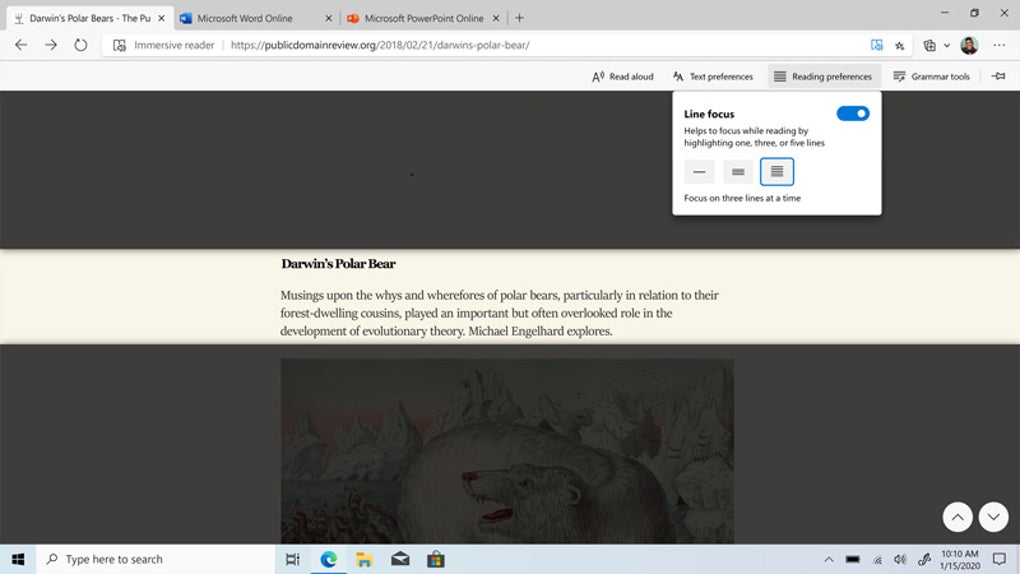
Microsoft Edge is a free internet browser designed to be faster and safer than its predecessors. It features built-in tools like a digital ruler, e-book reader, note-taker, and advanced security features. With options for organized tab management, reading view, tab previews, and PDF viewing, this offers a streamlined browsing experience suited for various tasks.
Built on Google's Chromium framework — the same foundation behind popular browsers like Google Chrome, Opera, and Vivaldi — Microsoft Edge delivers a sleek, fast, and fluid experience. Whether browsing the web, reading PDFs, or taking notes, this search engine combines performance with useful features across multiple platforms.
Microsoft Edge is known for its impressive speed and efficient resource management. Its browsing performance is smooth, even when handling multiple tabs or media-heavy websites. Thanks to improved memory efficiency, this browser consumes less RAM compared to some competitors, making it ideal for devices with limited resources. This balance of speed and efficiency makes it a reliable choice for various browsing needs.
Performance and privacy in one package
This browser provides a clean and intuitive interface, making it easy for users to navigate effectively. The toolbar and settings menu are well-organized, allowing both newcomers and experienced users to find what they need quickly. With features like collections for organizing web pages and a built-in PDF viewer, this programMicrosoft Edge offers useful tools and utilities that enhance productivity without feeling overwhelming.
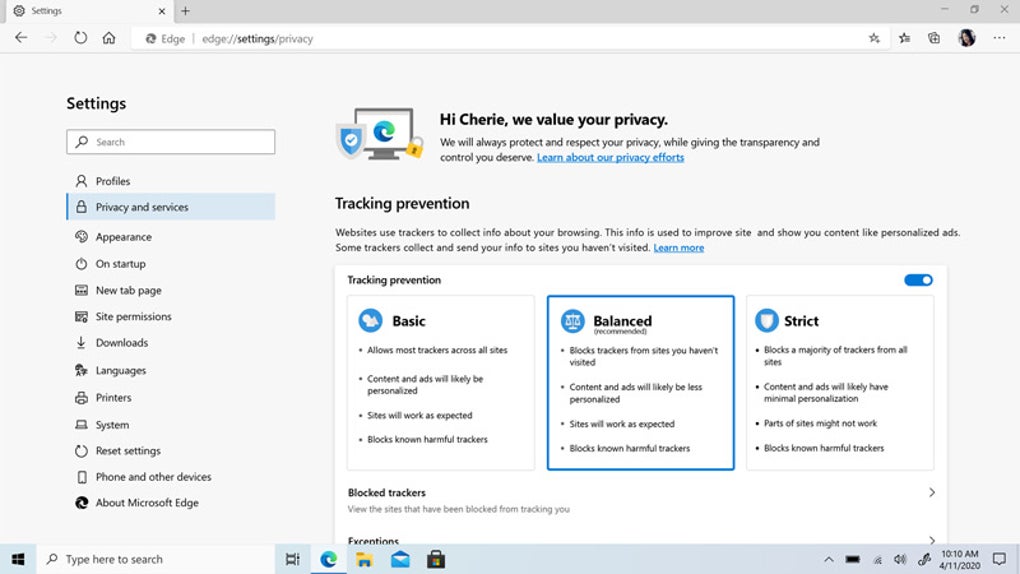
This also prioritizes security with built-in protection features such as Microsoft Defender SmartScreen and password monitoring. It actively warns users about malicious websites, phishing attempts, and compromised passwords. Its customizable privacy settings offer better control over tracking prevention, encrypted connections, and data protection, ensuring users can browse with confidence. These security enhancements make this search engine a trustworthy and reliable option for online safety.
Pros
- Impressive browsing speed
- Efficient memory usage
- Built-in productivity tools
- Strong security features
Cons
- Limited extension library
- Occasional compatibility issues
- Frequent updates may disrupt
- Default settings need adjustments