
Decentralized P2P file sharing
BitTorrent Classic and BitTorrent Web both implement the BitTorrent protocol, a peer-to-peer system that enables users to share files directly without relying solely on central servers. This decentralized architecture enhances resilience and supports file distribution even when trackers go offline, thanks to mechanisms like Distributed Hash Tables (DHT) and swarming. Downloads occur in parallel from multiple peers, significantly improving speed—especially for files with a healthy number of seeders and peers.
Both BitTorrent Classic and Web clients offer file prioritization, allowing users to choose which files within a torrent to download first. This is particularly useful when working with large torrents, as it enables access to critical content without having to wait for the entire package to finish downloading. Bandwidth allocation settings are also available, giving users the ability to limit upload and download speeds to prevent the client from consuming too much of their internet connection. Additionally, both clients support magnet links, allowing users to initiate downloads directly without needing separate .torrent files. Magnet links use DHT to locate peers, further simplifying the sharing process.
Smart download controls
Platform flexibility
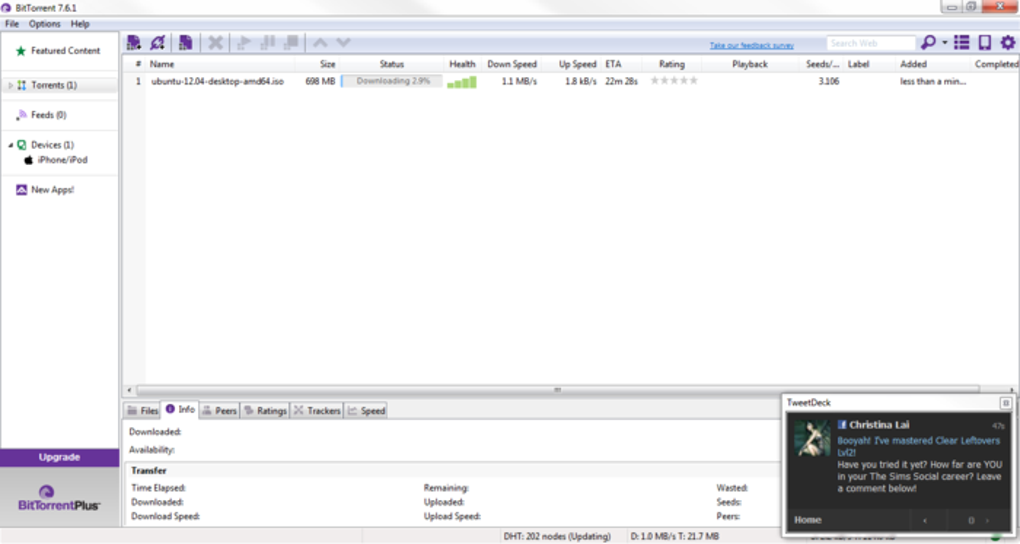
BitTorrent Web is a browser-based torrent client designed to stream files while they download, eliminating the need for a separate desktop application. On the other hand, BitTorrent Classic is a lightweight desktop client, offering advanced features such as bulk downloading, download queuing, and detailed torrent management. The latter also includes features like torrent scheduling, RSS feed automation for automatic downloading, and support for remote access.
User-friendly but lacking accessibility
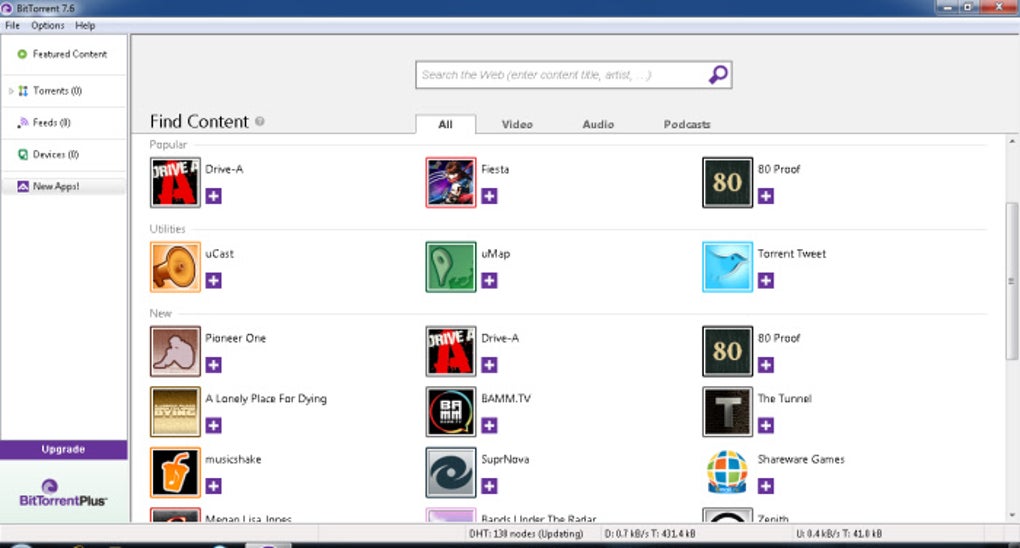
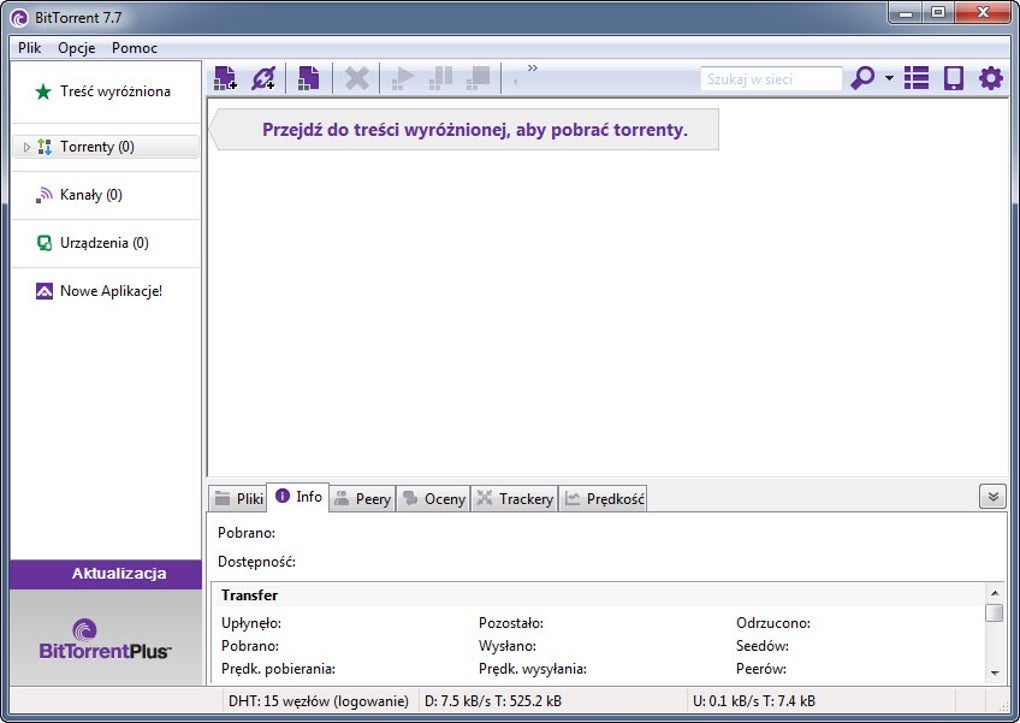
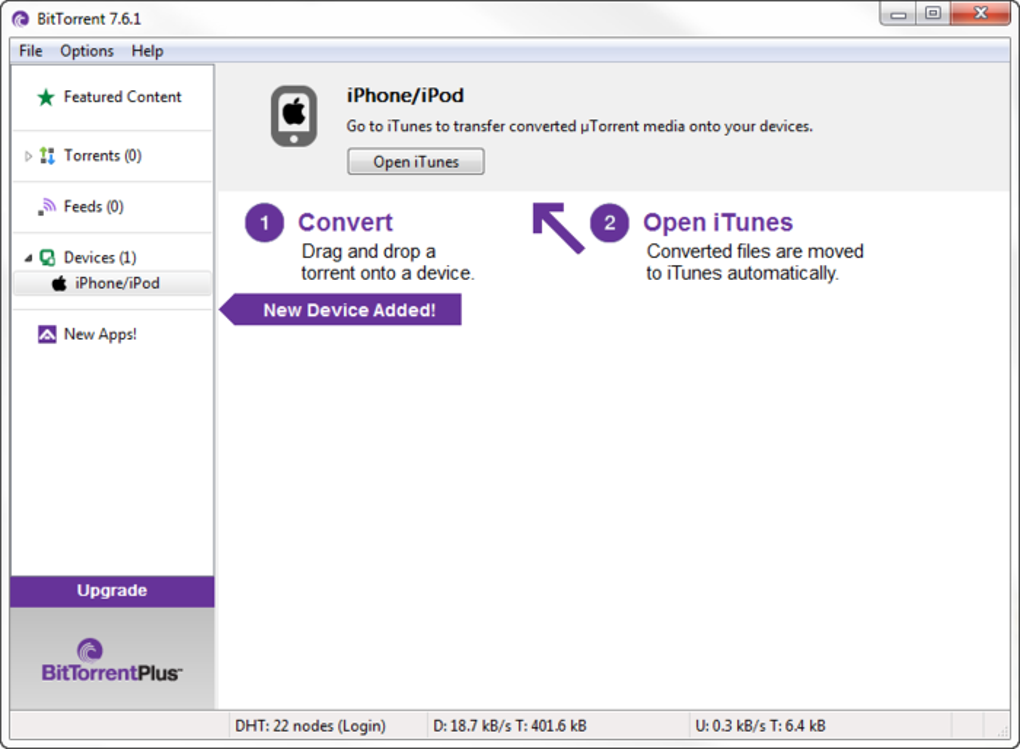
Both BitTorrent Classic and Web offer intuitive graphical user interfaces with drag-and-drop support, clear layout structures, and tooltips to help users navigate. While usability is generally strong, the official clients do not advertise specific accessibility features such as screen reader compatibility, high-contrast themes, or customizable font sizes. Accessibility support depends on the operating system and available third-party customization tools.
Remote torrent management
BitTorrent Classic includes support for BitTorrent Remote, a feature that allows users to control their torrent client from a web browser or mobile device. After enabling remote access in the application settings, users can manage torrents, start new downloads, and monitor progress remotely without needing to be physically present at their computer.
Pros
- Has two versions for convenience
- Bandwidth allocation
- Magnet links
- Remote control
Cons
- Limited accessibility features