

File sharing across devices and platforms
Zapya is a user-friendly file-sharing tool designed to simplify wireless transfers across a wide range of devices. Its core purpose is to facilitate fast and easy file exchanges between different platforms, making it a convenient option for users moving between mobile devices and computers. While some versions offer more features or receive updates more frequently than others, the tool’s compatibility helps reduce many of the challenges typically associated with cross-platform file sharing.
One of Zapya’s key features is its ability to transfer files without requiring an active internet connection. This is enabled through local wireless technologies that allow devices to connect directly and exchange files at high speeds—often outperforming traditional internet-based methods. Users can establish a peer-to-peer connection using its built-in hotspot functionality. Although transfers are conducted offline and require approval from both parties, they are not encrypted, so caution is advised when sharing sensitive or confidential information.
Offline transfers, but Insecure
Group sharing made simple
Zapya supports group sharing, enabling multiple devices to receive files from a single sender simultaneously. This is particularly useful for quickly distributing files among friends, colleagues, or group members. The process is simple and easy to initiate, requiring only a few steps. While the program does not offer advanced group management controls such as access roles or permissions, its straightforward broadcast method provides an efficient solution for informal file distribution.
Intuitive for all users
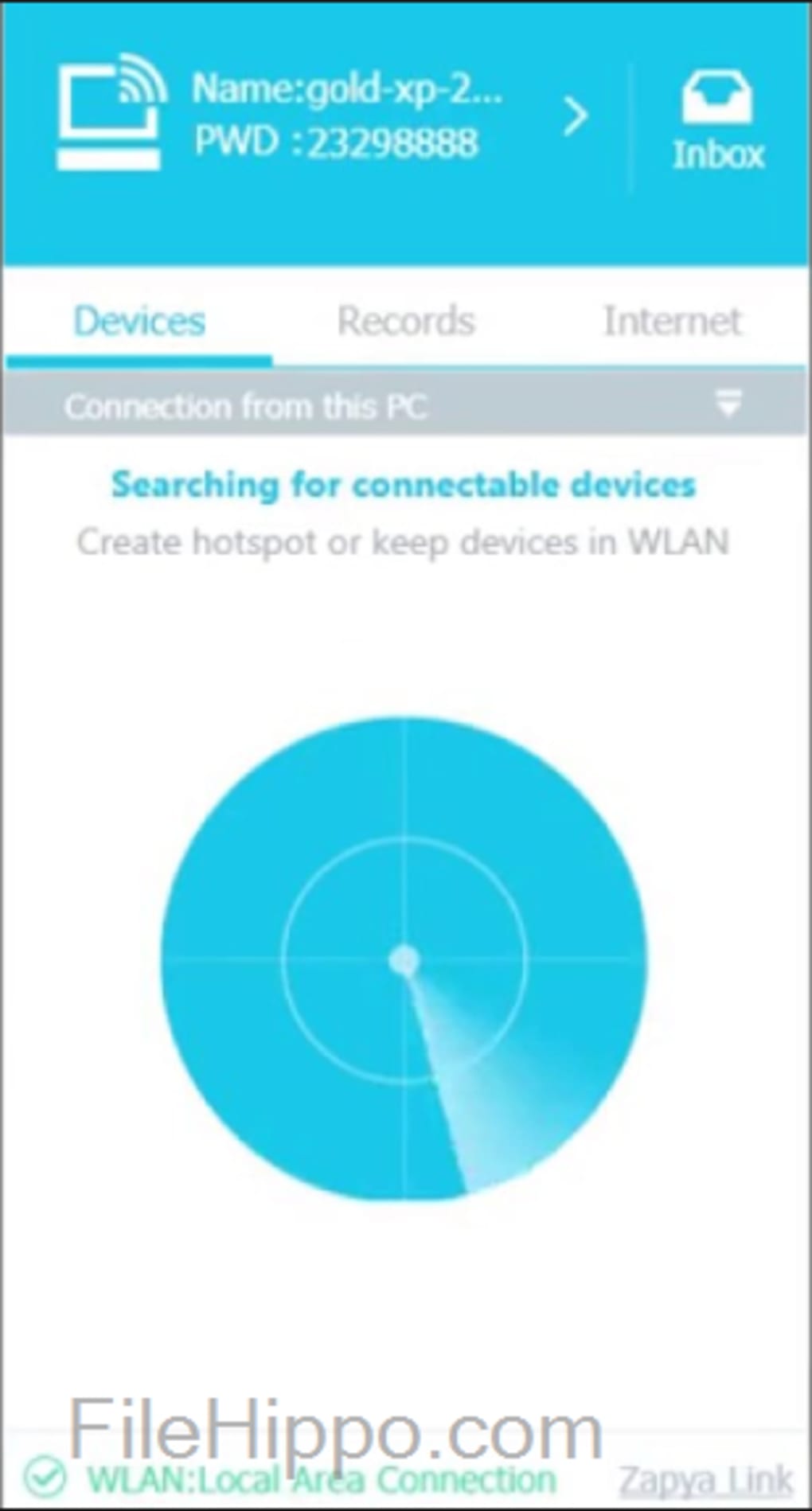
Zapya features a clean and intuitive interface that is accessible to users of all experience levels. First-time users can quickly navigate the app and begin transferring files without needing extensive guidance. Key functions such as individual and group transfers, QR code pairing, and hotspot creation are easy to access. Although the file-sharing tool does not include built-in accessibility features, it is generally compatible with standard system-level accessibility tools, helping to meet a variety of user needs.
Pros
- Group file sharing
- Offline transfers
- Cross-platform
Cons
- Insecure transfers
- Limited accessibility features






