
Reliable PDF viewing and annotation for all users
Adobe Acrobat Reader DC functions as a widely used free tool for handling PDF documents, offering essential functionalities such as viewing, printing, and annotating files. Its user-friendly interface accommodates both beginners and more experienced users, allowing for smooth interaction with PDF content.
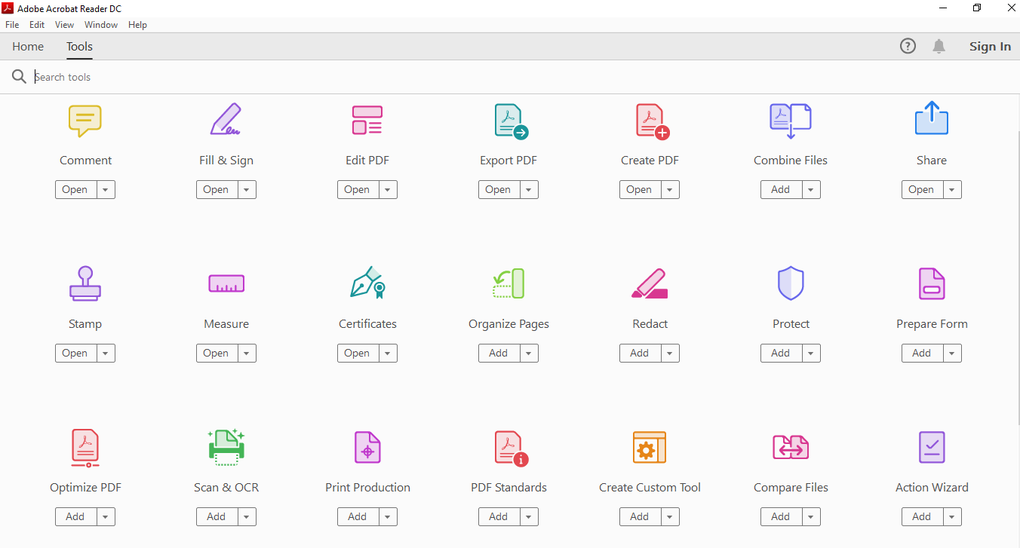
Adobe Acrobat Reader DC's core capabilities extend beyond mere viewing. Users can fill out forms and sign documents electronically, enhancing productivity without incurring costs. The suite of annotation tools includes highlighting, underlining, sticky notes, and the Draw free form tool for basic freehand annotations.
No more document limitations
Text box tools are also available for adding comments or markup, depending on the document’s permission and Reader version. However, the application does not include tools for editing existing text or images within PDF documents, as these features are only available in paid versions like Adobe Acrobat Pro.
Streamlined user experience
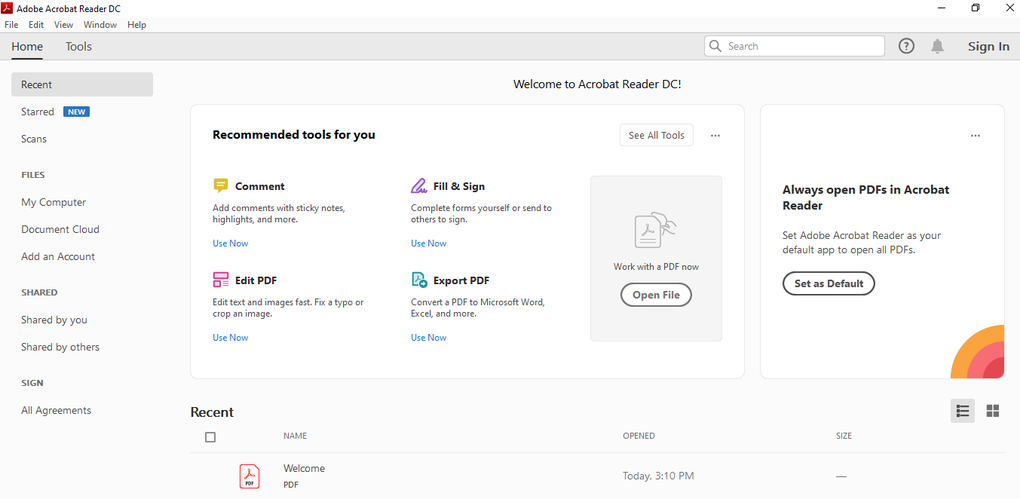
Adobe Acrobat Reader DC offers a user-friendly interface, featuring a well-organized main menu with clear labels that simplify navigation. Users can quickly locate functions using a robust search tool for accessing specific text within PDF files. The application delivers a consistent experience across devices. Accessibility features such as keyboard shortcuts and screen reader compatibility ensure usability for a wide range of users.
System requirements
Adobe Acrobat Reader DC supports a wide range of operating systems and devices, accommodating diverse user needs. It is compatible with desktop and mobile platforms, including PCs, tablets, and smartphones, making it suitable for both work and personal use. Installation requires at least 1 GB of RAM and up to 2.5 GB of available hard-disk space on desktop systems, depending on the operating system and version installed.
Pros
- Free to download and use
- Cross-platform support across devices
- Supports commenting and annotation tools
- Allows form filling and signing
Cons
- No tools for editing PDFs