
Privacy-focused browser with built-in security
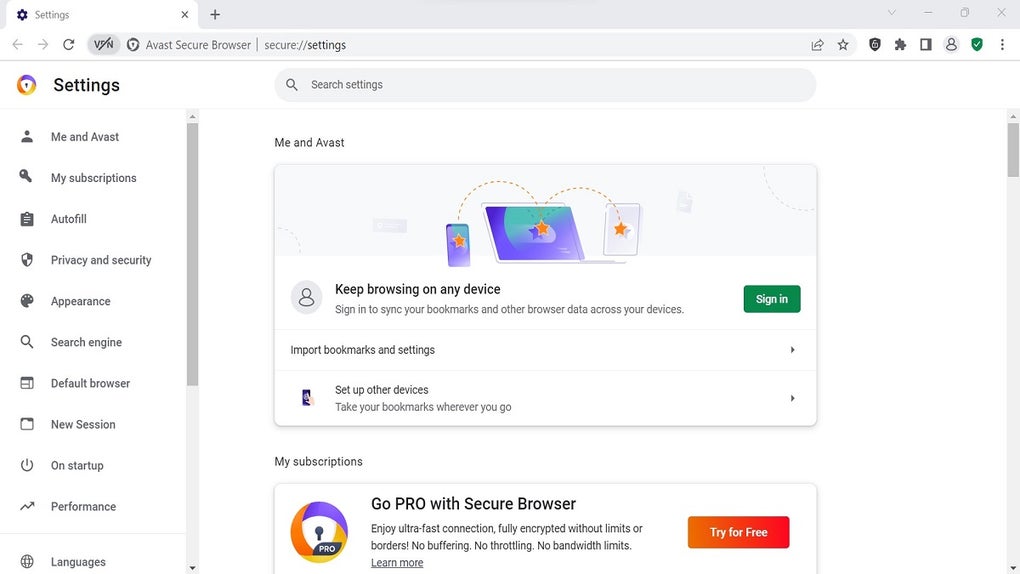
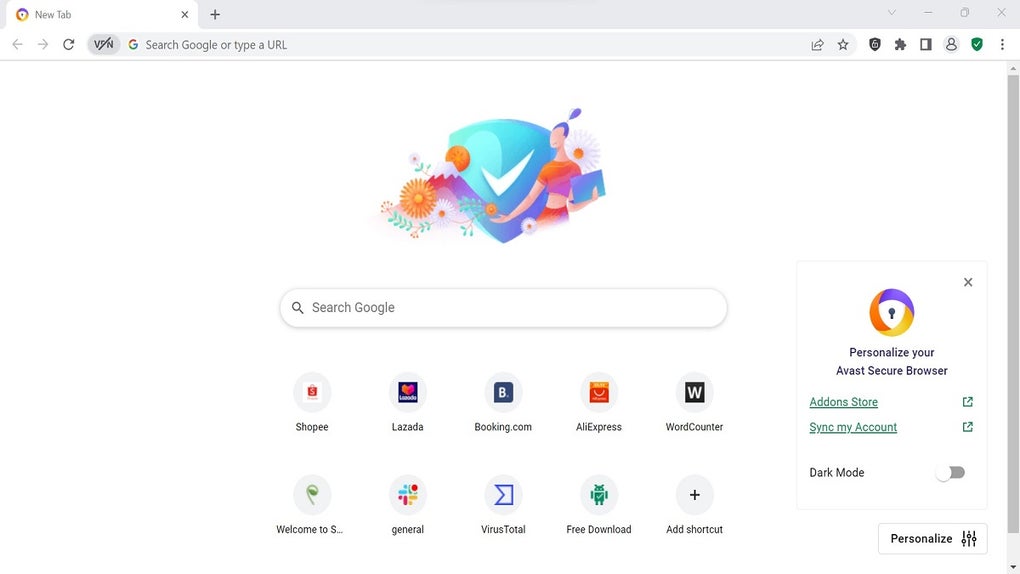
Avast Secure Browser for Windows is a free web browser designed to improve online security and privacy during everyday browsing. Built on the Chromium engine, it includes built-in tools that help protect users from malicious websites, online tracking, and phishing attempts, without requiring additional extensions or complex configuration for safer internet use.
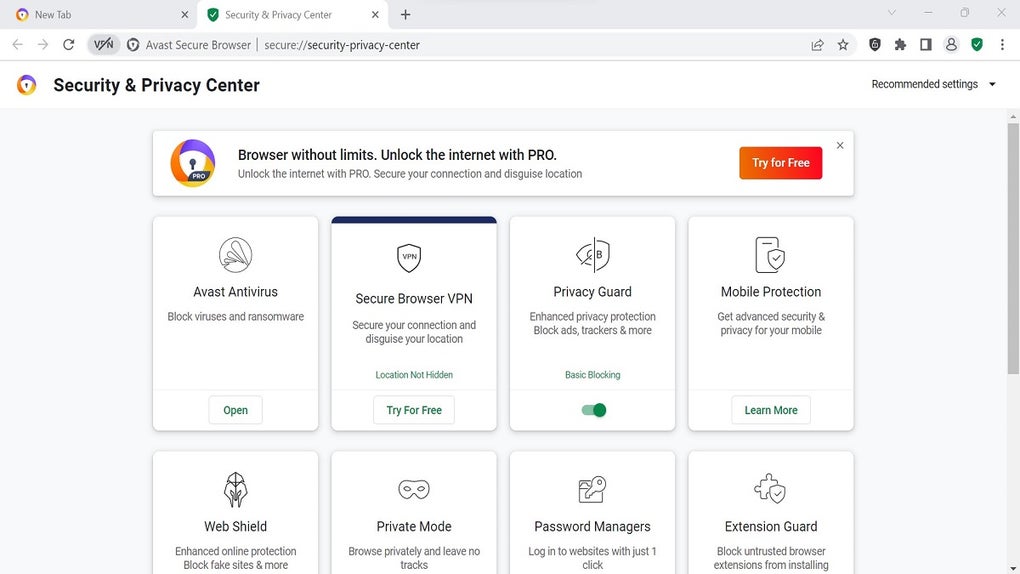
Avast Secure Browser for Windows also focuses on online transactions by offering features such as anti-fingerprinting, HTTPS encryption enforcement, and a dedicated banking mode. The browser integrates security settings directly into the interface, making it suitable for users who want protection while browsing, shopping, or accessing sensitive accounts.
Avast Secure Browser for Windows includes features such as anti-phishing protection, tracker blocking, and forced HTTPS connections to help secure web traffic. It also offers a built-in ad blocker and anti-fingerprinting technology to reduce online tracking and profiling. These tools are enabled by default, which helps protect users without requiring advanced configuration, manual setup, or technical knowledge during everyday browsing activities on most modern Windows systems today.
Trusted protection and safety features
The browser includes a feature called Bank Mode, which opens a virtual desktop to isolate sensitive sessions such as online banking or payments. This reduces the risk of keylogging and screen capture attacks. It also supports Chrome extensions, allowing some customization while maintaining compatibility with the wider Chromium ecosystem. However, customization options are more limited than in some other browsers, especially for interface controls and advanced settings.
In terms of performance, it is comparable to other Chromium-based browsers in speed and resource usage during everyday tasks. However, some features promote other Avast products, which can feel intrusive to certain users and can interrupt the browsing experience. Alternatives include Google Chrome, Microsoft Edge, Brave, and Mozilla Firefox, which offer different balances of performance, privacy, customization, user control, and extension support.
Pros
- Built-in security and privacy tools
- Bank Mode for safer transactions
- Compatible with Chrome extensions
Cons
- Limited customization compared to some browsers
- Promotes other Avast products






