


A legacy browser facing challenges
Internet Explorer was once an option for web browsing tasks, particularly for users who needed to handle straightforward activities. It effectively managed basic HTML, CSS, and JavaScript, allowing it to display a wide range of websites. Additionally, it maintained compatibility with older websites and internal systems, which made it suitable for certain legacy applications.
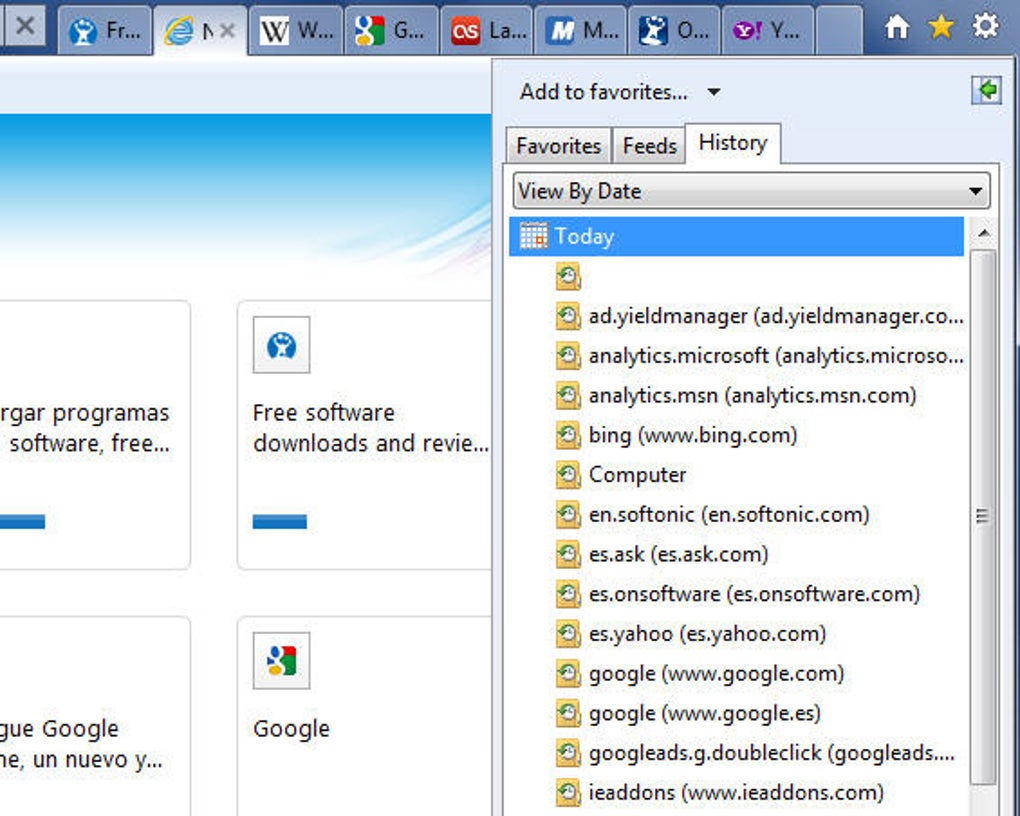
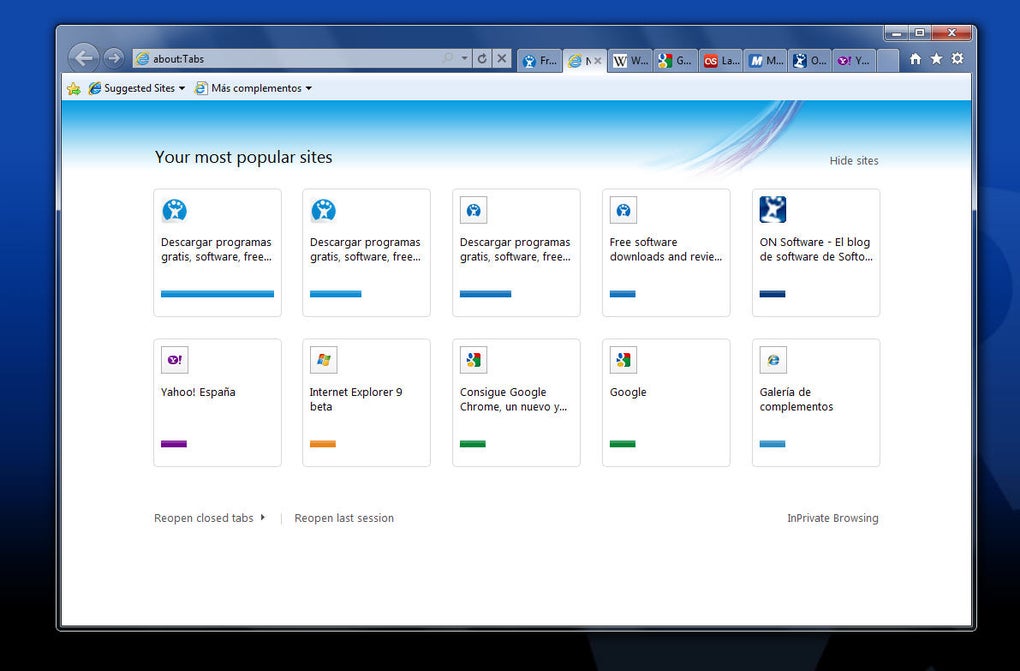
Internet Explorer was known for its straightforward approach to web browsing. Key features included tabbed browsing, favorites, and history management. Tabbed browsing allowed users to open multiple websites in a single window, improving multitasking. The favorites feature let users save frequently visited websites for quick access, while history management maintained a chronological record of visited pages.
Simplicity meets functionality
Despite these conveniences, it struggled to keep pace with evolving web standards. It lacked full support for HTML5, CSS3, and advanced JavaScript frameworks, which created compatibility issues with modern websites and applications. Over time, users noticed slower performance and higher resource consumption compared to contemporary browsers such as Chrome, Firefox, and Edge.
Seamless integration with Microsoft products
Internet Explorer was long praised for its integration with Microsoft applications. Email links opened from Outlook would launch IE by default, ensuring a smooth workflow between apps. Users could also access cloud files and shared content from OneDrive directly through the browser.
Although this integration once enhanced user productivity, it has since been surpassed by Microsoft Edge. The successor offers deeper integration with Microsoft 365 and provides enhanced security, performance, and compatibility. As a result, the predecessor’s role in this ecosystem has effectively ended.
User-friendly experience
Internet Explorer offered a user-friendly experience that catered to both beginners and experienced users. For newcomers, navigation was intuitive, with clearly labeled buttons, a simple address bar, and support for tabbed browsing. However, while it excelled in simplicity, more experienced users found its customization options to be limited. In terms of accessibility, it included features such as screen reader support and keyboard navigation.
Visuals and technical performance
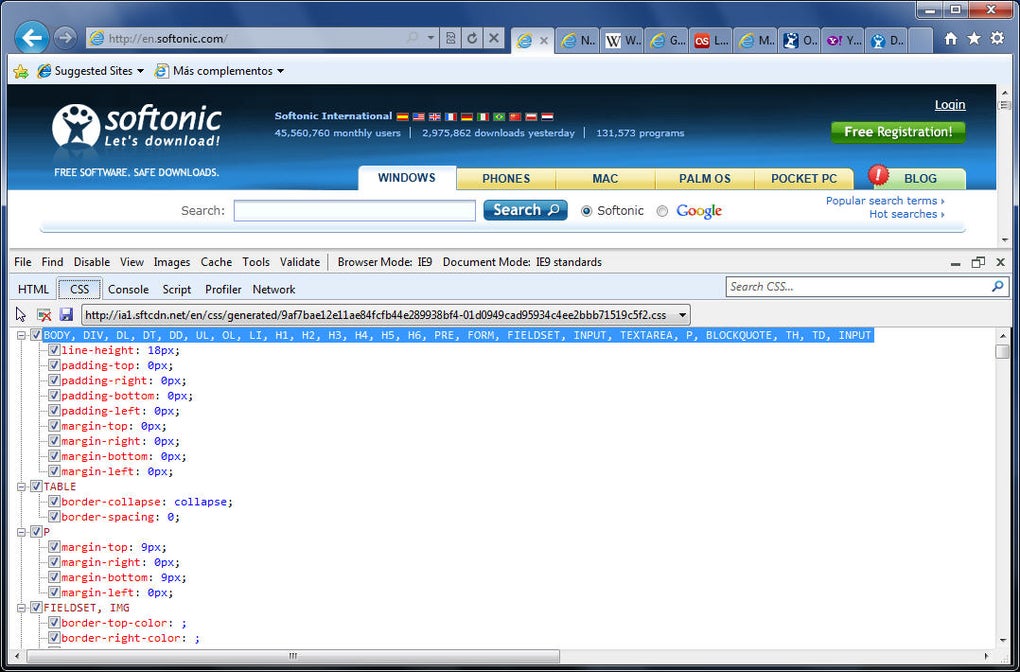
Internet Explorer’s visual interface remained largely unchanged in its final years, with a minimalistic design that lacked the visual refinement of modern browsers. While it was functional for simpler tasks, its performance declined when handling resource-intensive web applications, leading to slower loading times and reduced compatibility with complex sites.
Pros
- Straightforward browsing experience
Cons
- Outdated







