

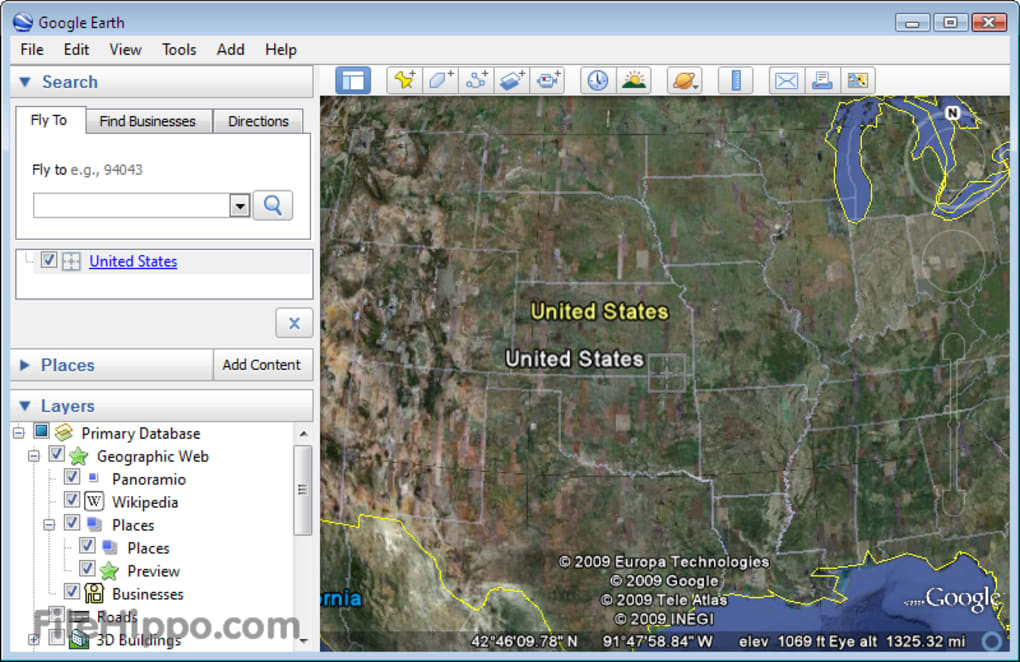
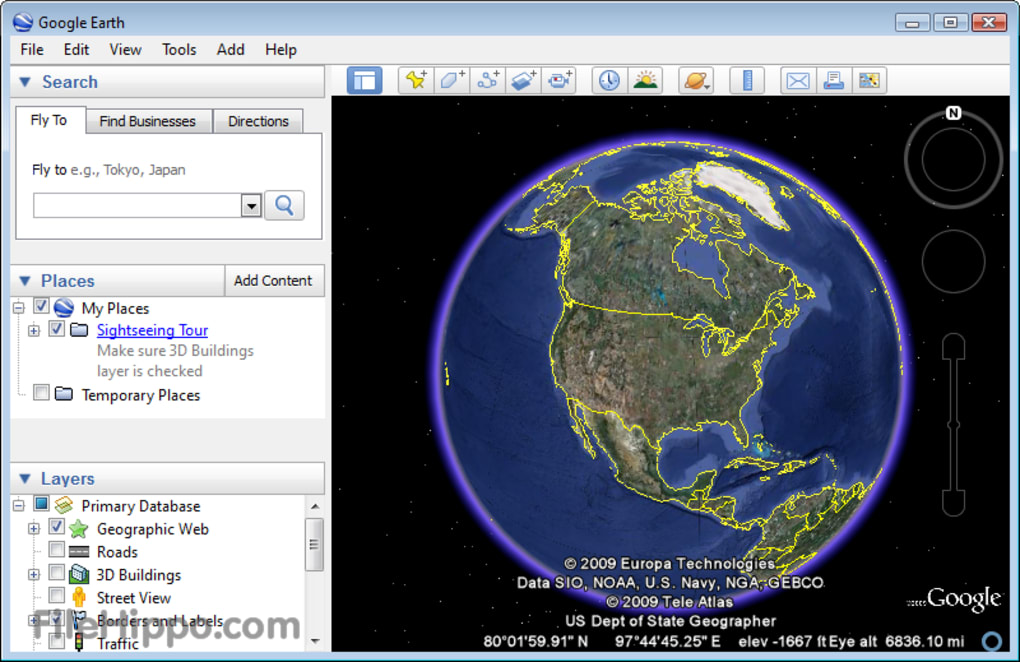
Explore the world from your screen
Google Earth is a free geospatial tool that lets users explore a 3D model of the planet built from satellite images, aerial photography, and GIS data. It is widely used for education, research, and casual discovery, offering everything from globe-spanning views to street-level imagery. Its accessibility across web, desktop, and mobile devices makes it a flexible way to experience geography without leaving home.
The program stands out with its immersive visuals and interactive features. Whether you want to zoom into landmarks, take guided tours, or measure distances between points, Google Earth delivers a detailed yet intuitive interface that appeals to both casual explorers and professionals.
At its core, Google Earth provides a 3D interactive globe where users can rotate, zoom, and tilt to view terrain, cities, and landmarks. Street View integration adds a ground-level perspective, while tools like Voyager and Timelapse let users follow curated tours or watch landscapes change over time. A built-in measurement tool enables quick distance and area calculations, making it useful for planning and research.
How does Google Earth work?
The Pro version, also free, expands on these capabilities. It includes advanced tools such as HD video creation, high-resolution printing, and 3D measurement options. These features make it suitable for professional tasks like presentations, mapping projects, and urban planning. Despite its advanced functionality, the interface remains accessible, with drag-and-click navigation or touchscreen gestures for mobile users.
Performance depends on internet connection and location details. Highly populated areas and landmarks are rendered in impressive detail with 3D buildings and terrain, while rural or cloud-prone regions may appear less sharp. Imagery is updated periodically, but not in real time, so users cannot rely on this program for live monitoring. Still, the overall experience is smooth and visually engaging, especially on capable hardware.
Pros
- Free, accessible, and cross-platform
- Immersive 3D maps with Street View, Voyager, and Timelapse
Cons
- Requires internet for full functionality
- Image quality and coverage vary by region