
Empowering creativity through code
Scratch is an exceptional tool for empowering creativity through code, particularly aimed at children and beginners. Its visual programming paradigm leverages a user-friendly block-based interface that makes creating animations, games, and interactive stories accessible and engaging. The beauty of this application lies in its design purpose; it is entirely free to use and crafted specifically for educational learning, making it an invaluable resource for both young learners and educators.
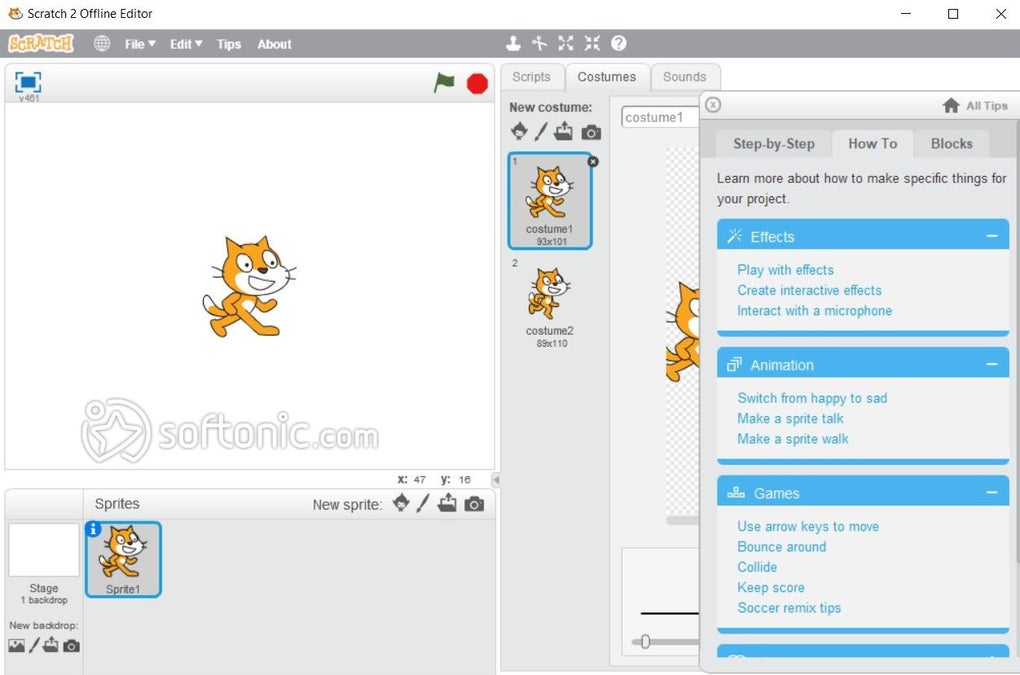
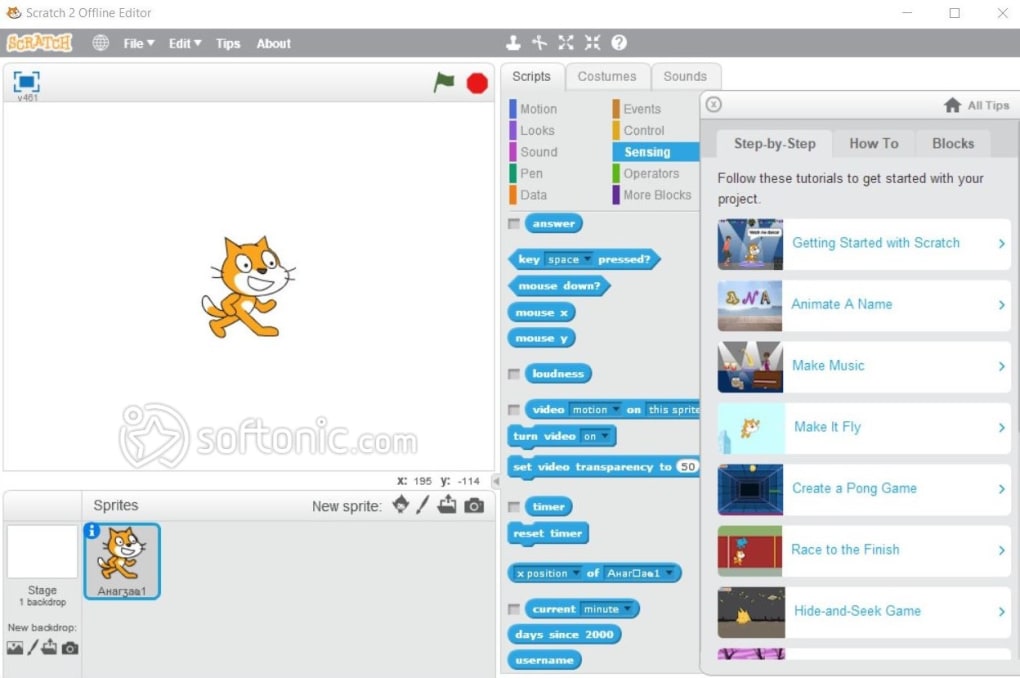
Scratch supports a gentle learning curve, allowing users to grasp fundamental coding concepts seamlessly. With extensive tutorials available, new users can navigate the world of programming with ease. The community aspect of this tool is another highlight, featuring robust sharing options for projects, commenting, and remixing, fostering a spirit of collaboration and creativity.
No more setup frustration
As fun and easy as this tool is to use, it does have its limits, especially when your ideas start to get bigger. This platform is designed for beginners, so there’s only so much complexity you can build into a project. As your skills grow, you start looking for more advanced tools and greater flexibility. It’s a great starting point, but not the final stop for every creative journey.
Intuitive creation tools
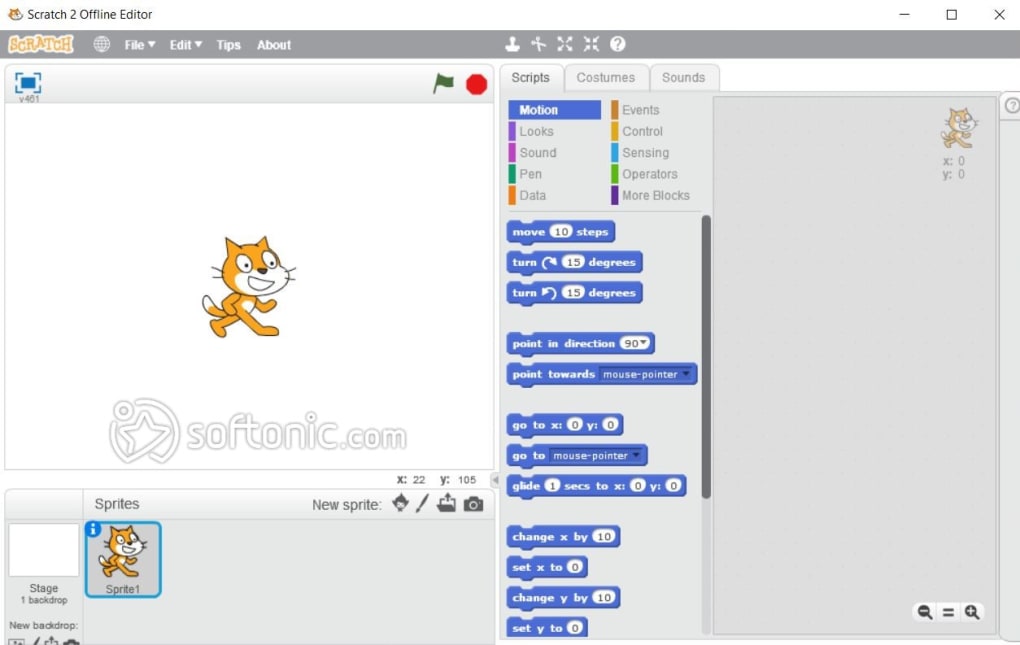
Scratch excels in providing intuitive creation tools that simplify the programming process for users of all ages and skill levels. The drag-and-drop method utilizes visual programming blocks that snap together seamlessly, eliminating syntax errors and making coding accessible for beginners. Each block is color-coded by category—including motion, looks, sound, events, control, sensing, operators, variables, and my blocks—facilitating easy identification and organization.
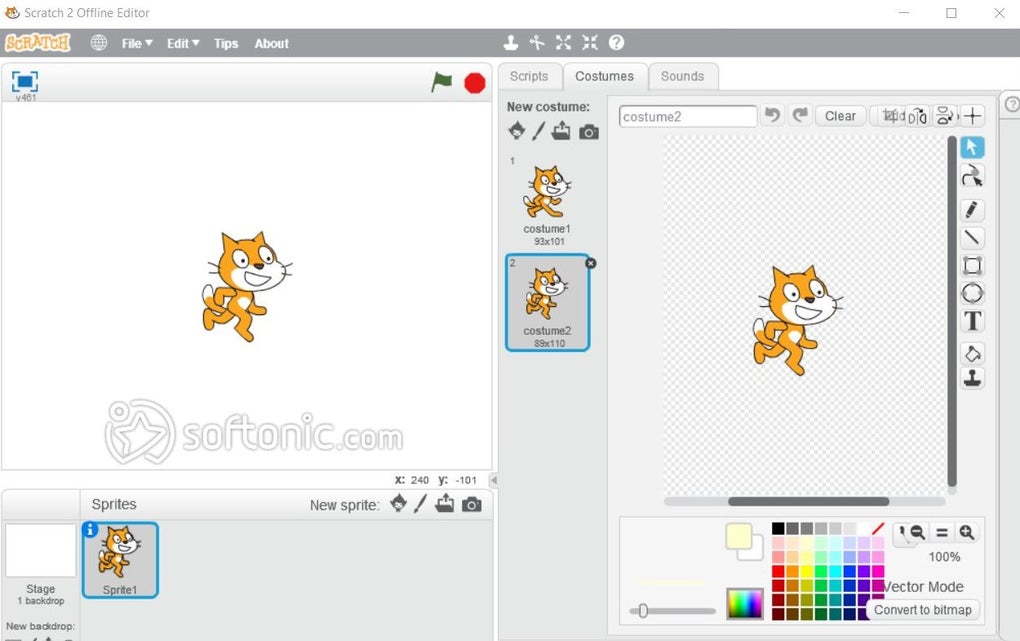
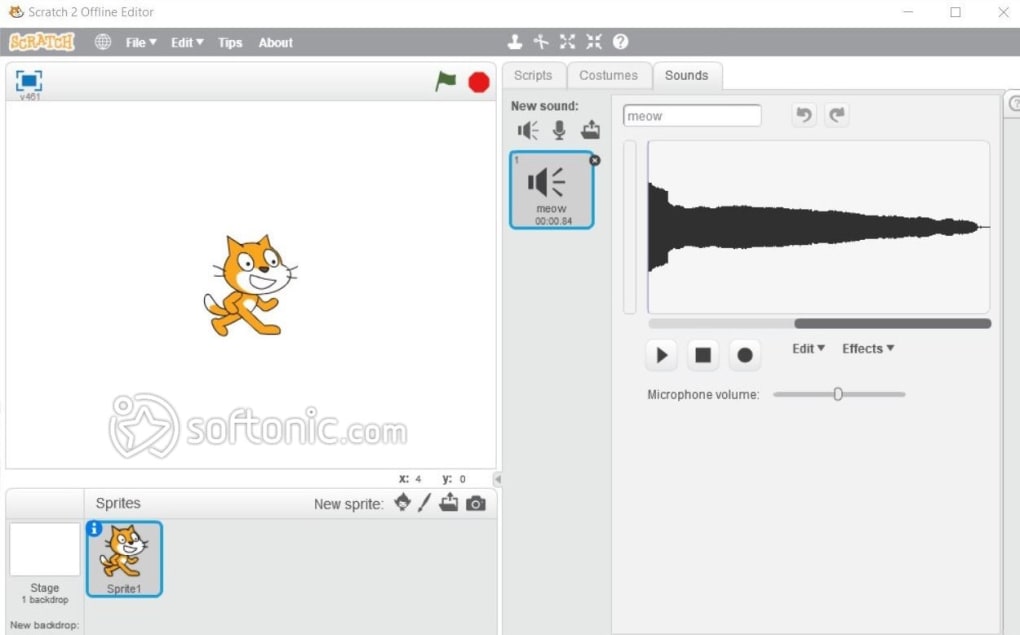
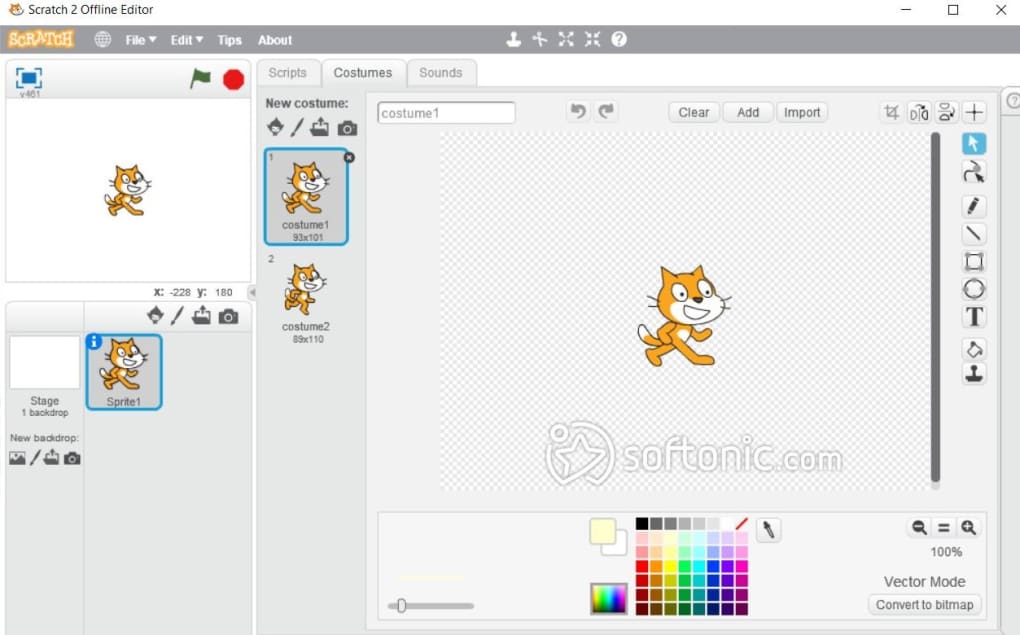
Additionally, the platform offers a diverse library of pre-made assets that provide users with an excellent starting point for assembling projects. This tool also supports custom asset creation, enabling users to import images and sounds or use built-in drawing tools to enhance their creative expression.
Collaborative and community features
Scratch fosters collaboration and community engagement, making it a beloved platform among users of all ages. The unique sharing mechanism allows users to make their projects publicly accessible, paving the way for valuable feedback through comments and "Love-its." The remixing functionality enables individuals to build upon each other's work creatively, encouraging experimentation and ownership. Studios for collaboration are also available, allowing users to group projects by theme and engage in discussions that enhance peer learning.
Pros
- Completely free and easy to access
- Promotes collaboration through remixing features
- Great tool for early coding education
- Encourages creativity through visual projects
Cons
- Project complexity is somewhat restricted







