Reliable cloud storage with seamless sync
iCloud is a cloud storage utility designed to keep your files safe and accessible across multiple devices. With its seamless syncing capabilities, it simplifies file management by automatically updating your content wherever you log in. This makes it an appealing choice for those seeking a streamlined way to manage photos, documents, and backups.
iCloud excels in creating a hassle-free experience for users who rely on cloud storage. While its intuitive interface and integration make syncing straightforward, users may encounter storage limits that require upgrading to paid plans. Despite this, it remains a dependable solution for secure and synchronized file management.
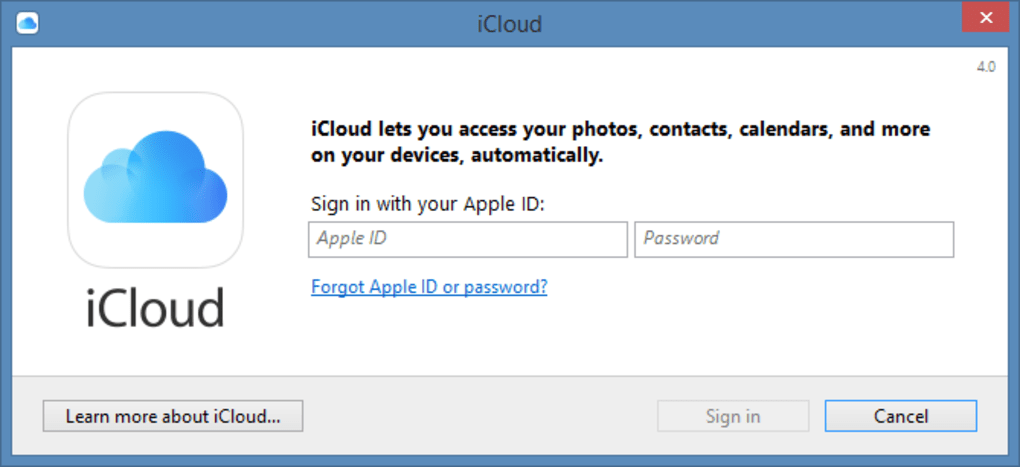
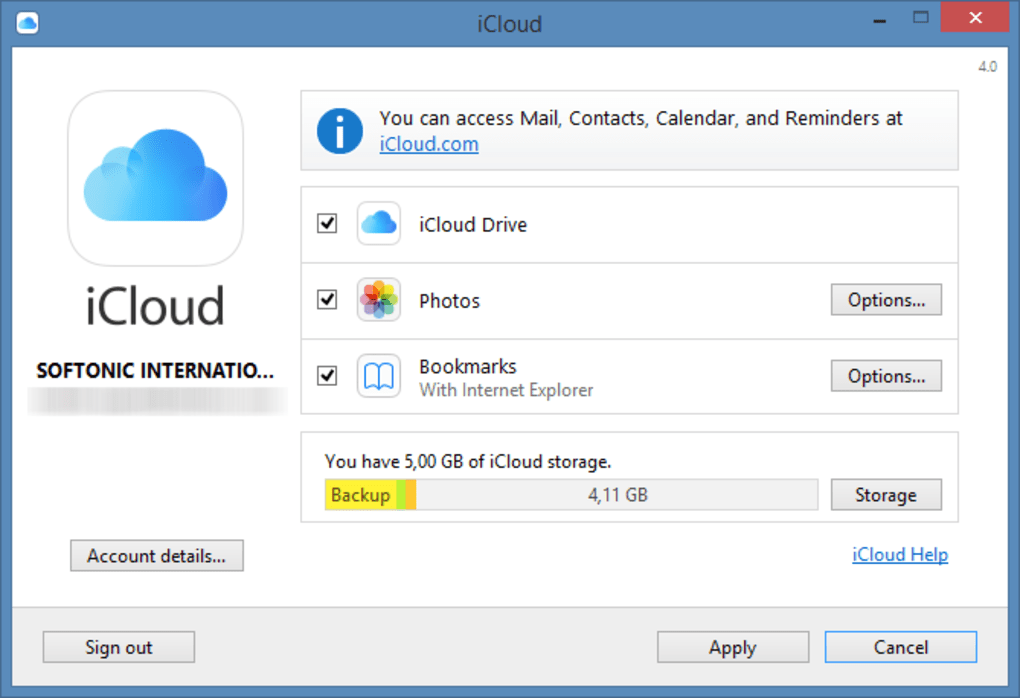
iCloud offers an intuitive interface that simplifies cloud storage management. With automatic syncing, files, photos, and contacts are updated seamlessly. This convenience reduces manual uploads, ensuring your data is always current. However, users unfamiliar with cloud services may find the setup process confusing, especially when managing shared files or toggling backup settings. At times, the interface may require extra steps to configure features, which could be daunting for beginners.
Convenient yet limited storage solution
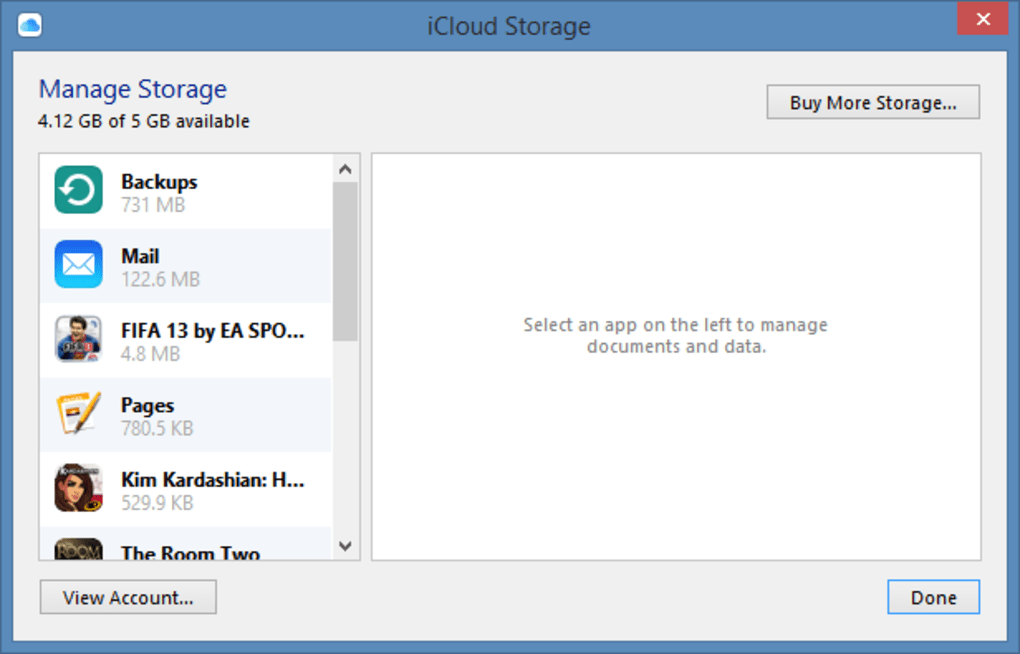
It provides 5 GB of free storage, which can fill up quickly for users with extensive photos, videos, or device backups. While additional storage plans are available, those managing large volumes of data may need to weigh the costs. For basic use, its free storage suffices for essential backups and file sharing. Users who require extra space will find the paid plans flexible but necessary for long-term use.
Security is a standout feature within it, employing encryption to protect stored data. Its robust privacy settings ensure users have control over file sharing and device access. However, restoring files from it can sometimes feel slower compared to other cloud services, which may be a drawback for users needing quick recovery. Despite this, it remains a trusted solution for users seeking secure data management and reliable cloud storage.
Pros
- Seamless file syncing
- Intuitive interface
- Strong encryption
- Flexible paid plans
Cons
- Limited free storage
- Slower file restoration
- Confusing setup process
- Extra steps for features