
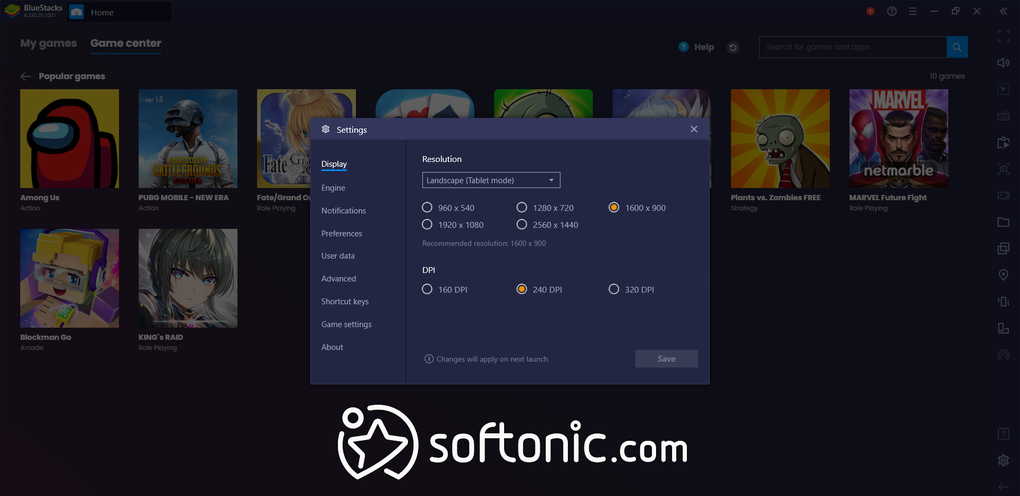
Smooth Android gaming on Windows PCs
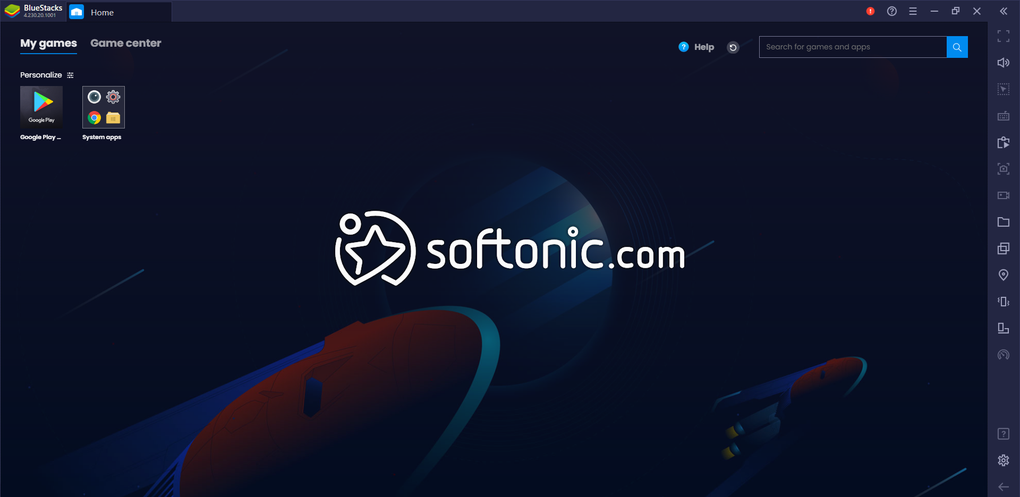
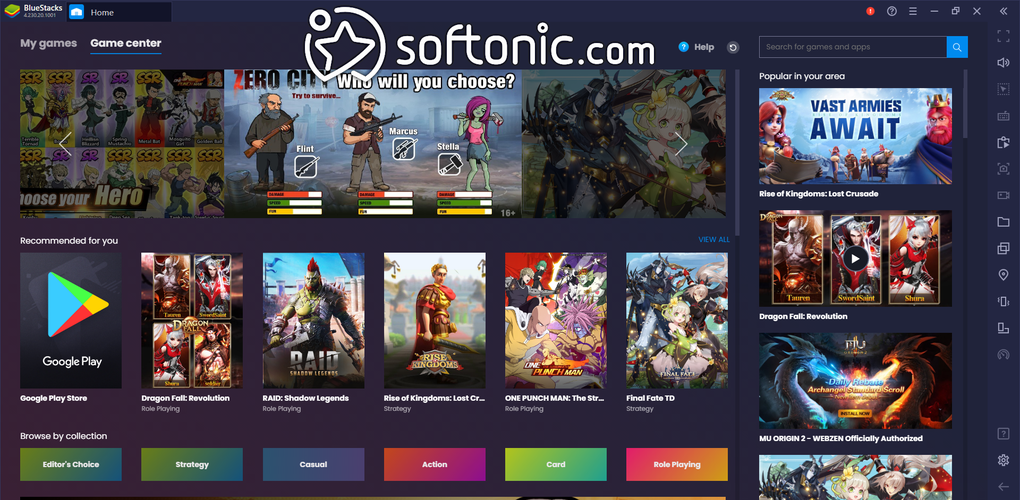
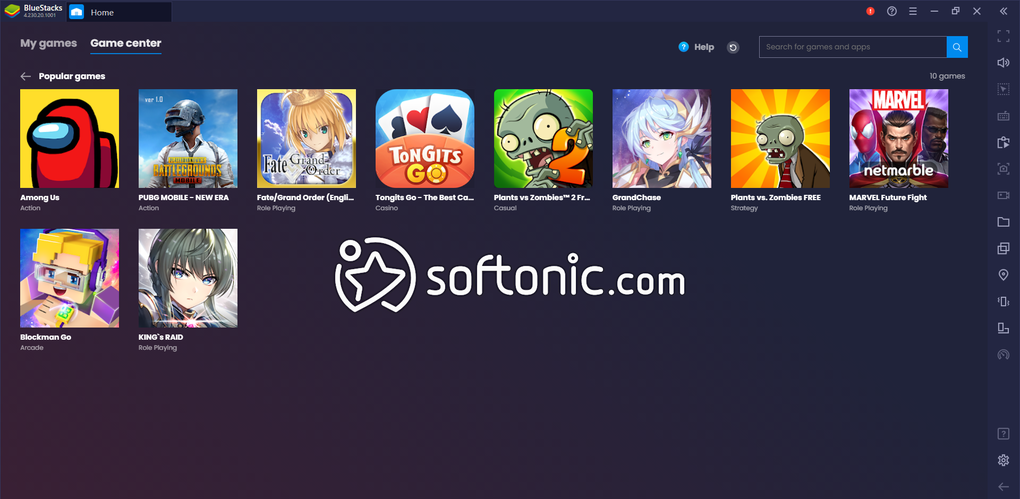
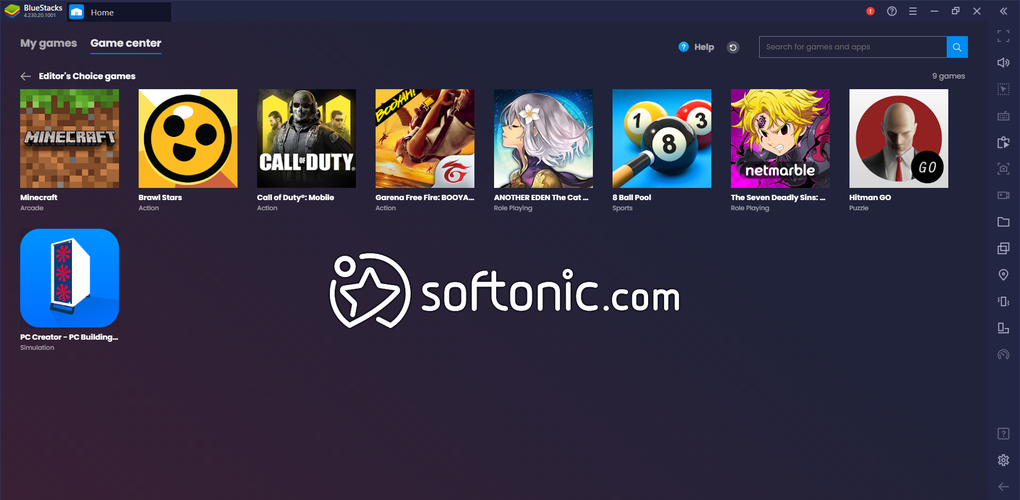
BlueStacks App Player brings Android apps and games to Windows with a focus on performance and flexibility. Best known as a gaming emulator, it supports a wide range of Play Store titles while offering tools that make playing on a larger screen more comfortable. Its features balance convenience with power, though the resource demands may feel heavy on modest PCs.
One of BlueStacks’ biggest strengths is its control customization. Players can map keyboard, mouse, or gamepad inputs, tailoring gameplay to their preference. Multi-instance support allows running multiple apps or games at once, and an Eco Mode helps keep resource usage in check when juggling several sessions. Extras like macro automation, screen recording, and location simulation expand its versatility beyond gaming basics.
Control mapping and multitasking made easy
Performance is generally strong, especially on modern hardware. BlueStacks supports high frame rates in compatible games and benefits from advanced virtualization, though smooth results depend on a capable CPU and GPU. The interface is straightforward, with settings that appeal to both newcomers and experienced users. However, the software remains resource-intensive compared to some alternatives, and the lack of built-in editing or advanced productivity tools makes it more of a gaming platform than a general-purpose emulator.
Pros
- Flexible control mapping with keyboard, mouse, or gamepad
- Multi-instance and Eco Mode enhance multitasking
- High frame rate support for smoother gameplay
- Extra features like macros, recording, and location simulation
Cons
- Demands significant system resources
- Marketing claims (game library size, exclusives) may be overstated
- Focused more on gaming than general app use