Powerful integrated development environment for coding
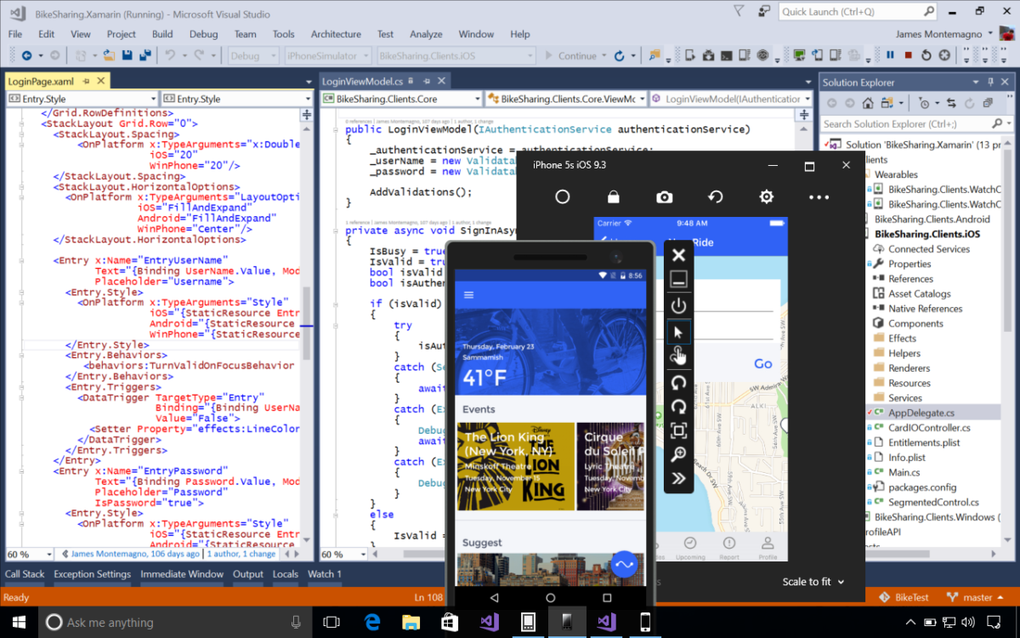
Microsoft Visual Studio is an integrated development environment (IDE) designed for building, debugging, and deploying software across different platforms. It supports multiple programming languages like C#, C++, Python, and JavaScript, making it a flexible choice for developers. The program also integrates tools for testing, collaboration, and cloud deployment, making it a well-rounded environment.
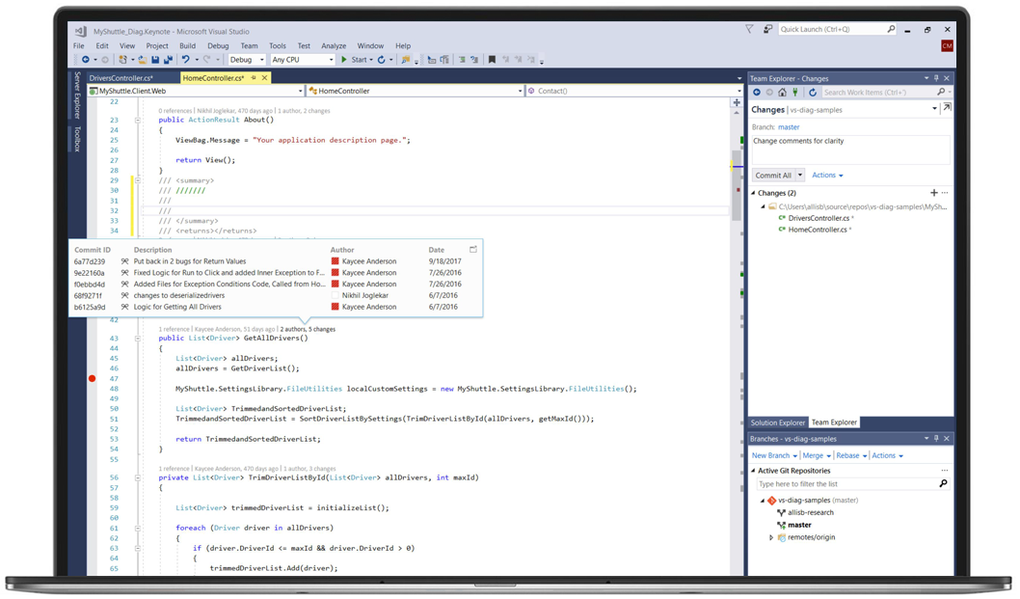
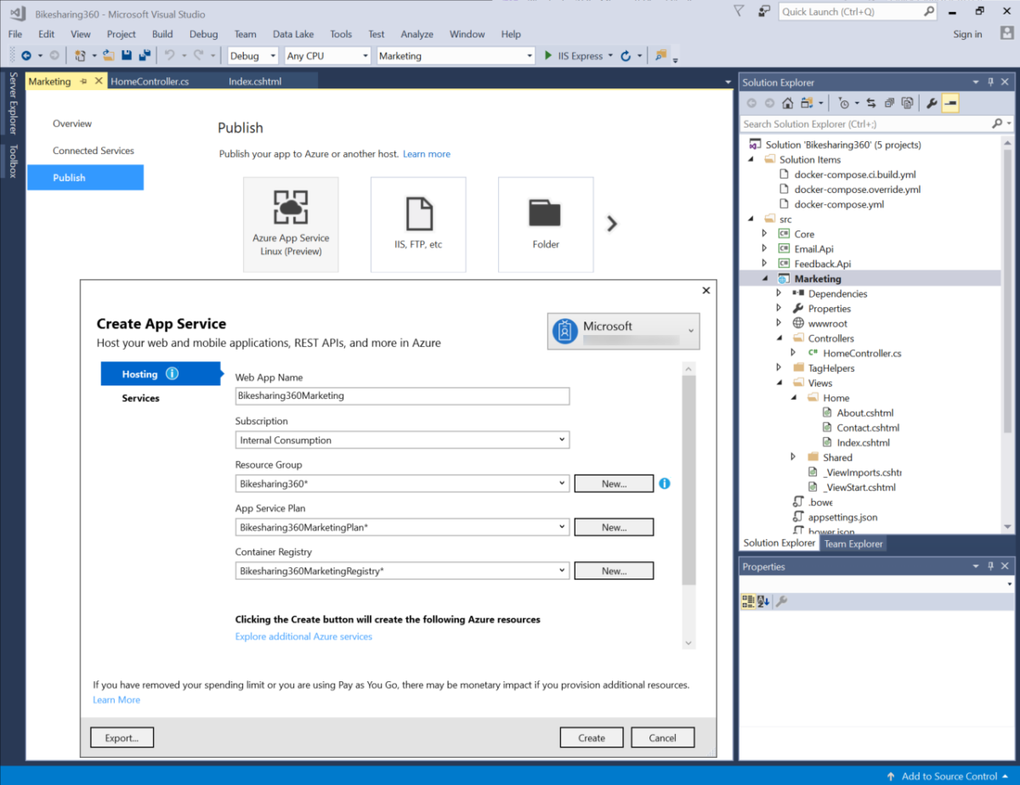
Microsoft Visual Studio is widely used by both individual programmers and large organizations because of its comprehensive features. The program provides built-in templates, intelligent code completion, and debugging support. It also connects with GitHub and Azure, allowing developers to manage repositories and cloud services without leaving the IDE.
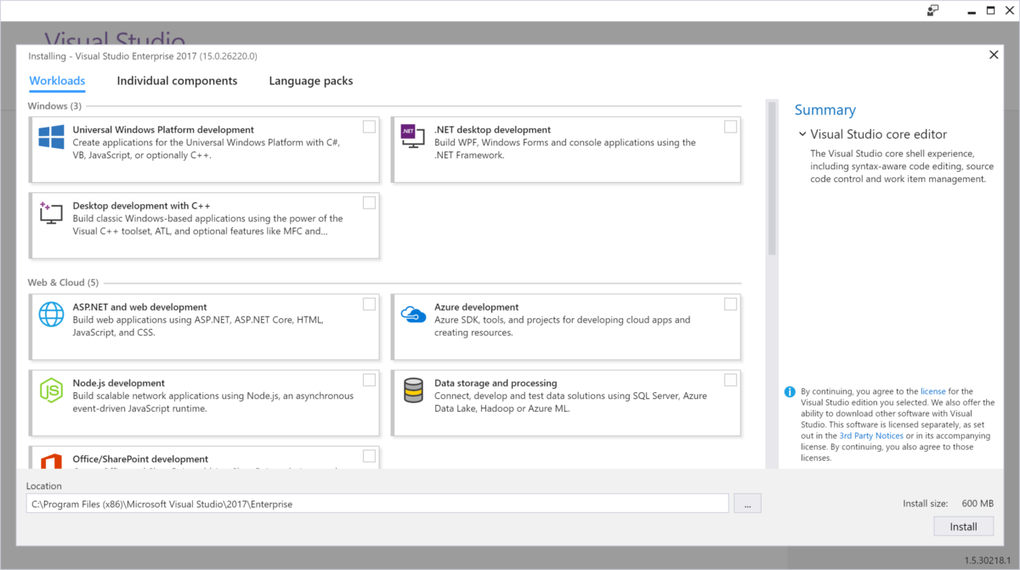
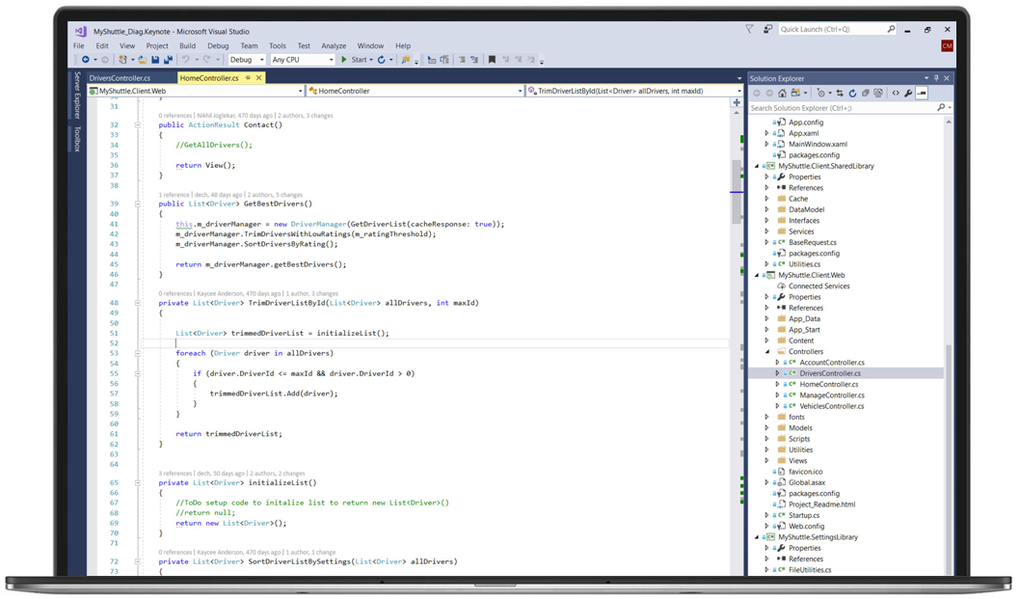
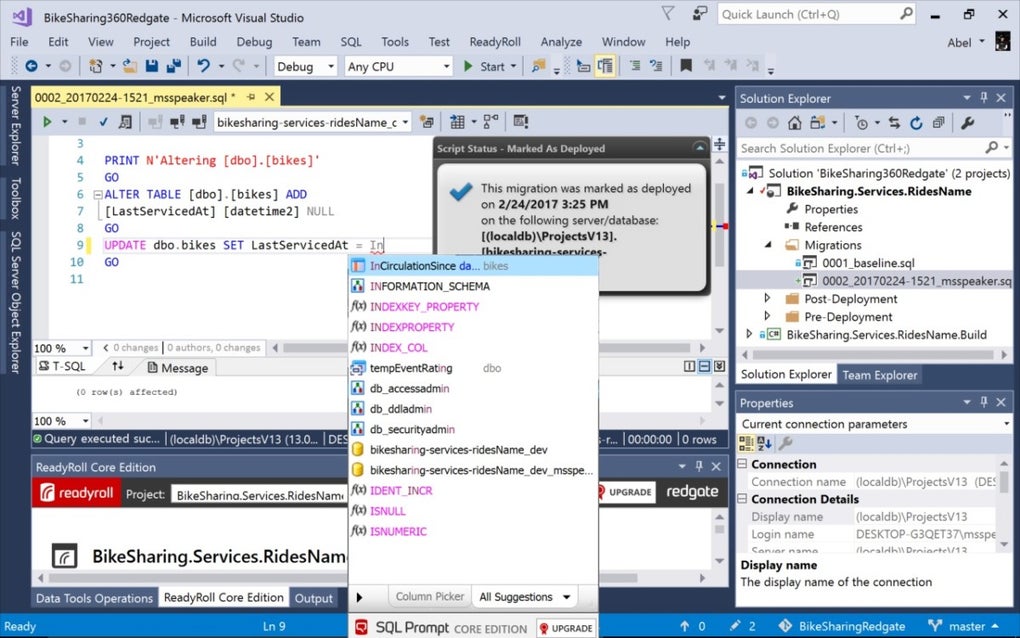
One of the standout features of Microsoft Visual Studio is IntelliSense, which provides smart code completion, parameter info, and quick documentation. This helps developers write cleaner code with fewer errors. The program also includes a visual designer for creating user interfaces, making it suitable for both desktop and web applications. However, one drawback is its long installation times, which can frustrate users who want to get started quickly.
Comprehensive tools for programmers
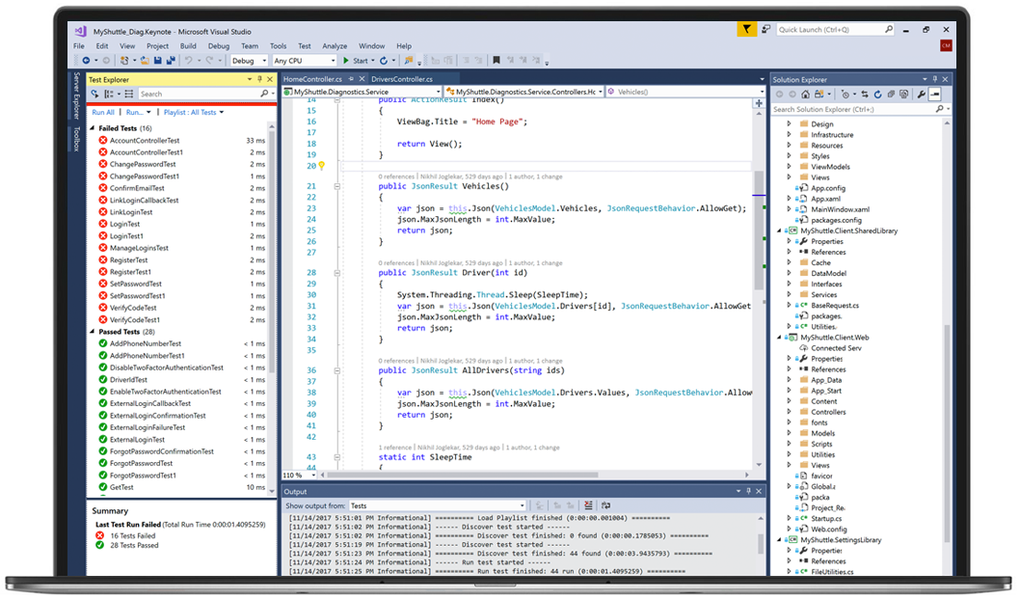
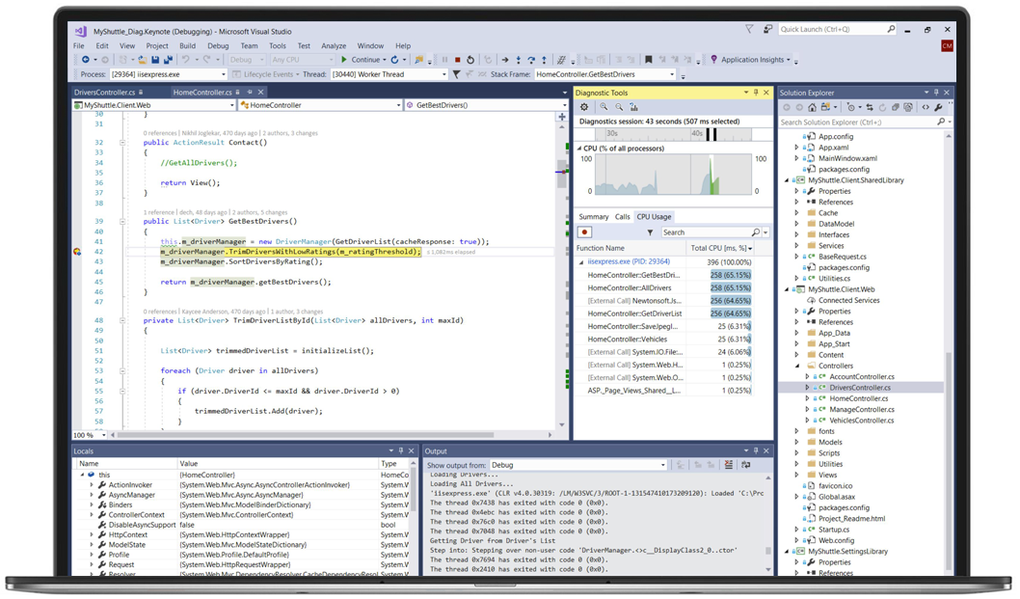
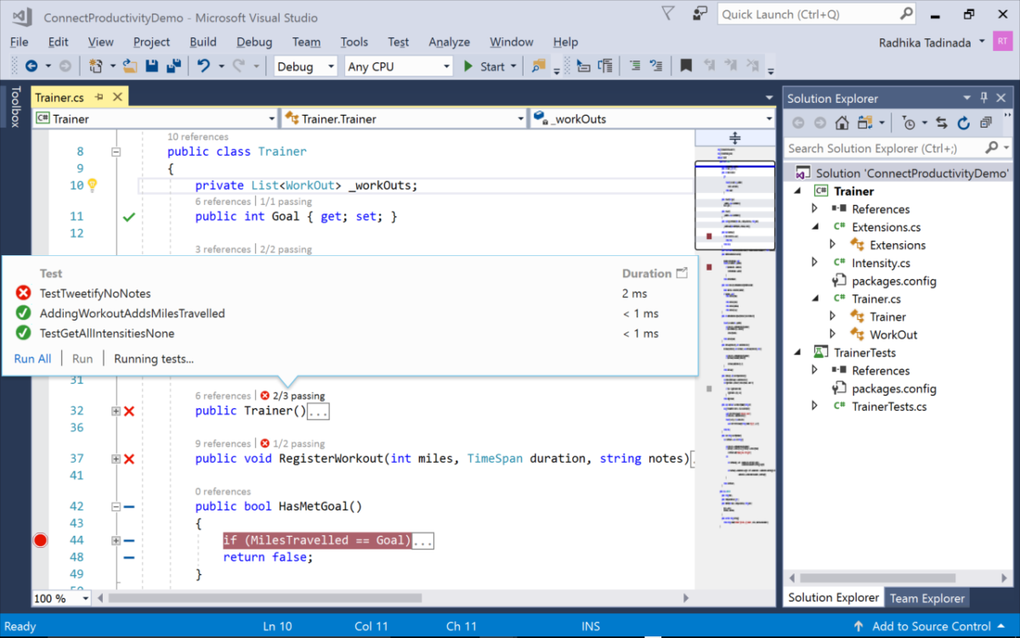
Another strength is its debugging and profiling capabilities. Developers can step through code, inspect variables, and analyze performance issues. The integrated testing framework also supports unit testing, which helps maintain code quality. Its support for containerized applications and cloud-based deployment adds further value to modern development workflows. Still, its high system resource usage can slow down machines, especially when handling larger projects, which can frustrate some developers.
While Visual Studio is powerful, it can be resource-heavy and overwhelming for beginners. Alternatives such as Visual Studio Code, JetBrains Rider, and Eclipse offer lighter or more specialized experiences that may appeal to users seeking simplicity. Still, for developers who require a full-featured IDE with wide language support, advanced debugging, and enterprise tools, this program remains one of the most complete and capable options available today.
Pros
- Wide support for multiple languages
- Powerful debugging and profiling tools
- Integration with Azure and GitHub
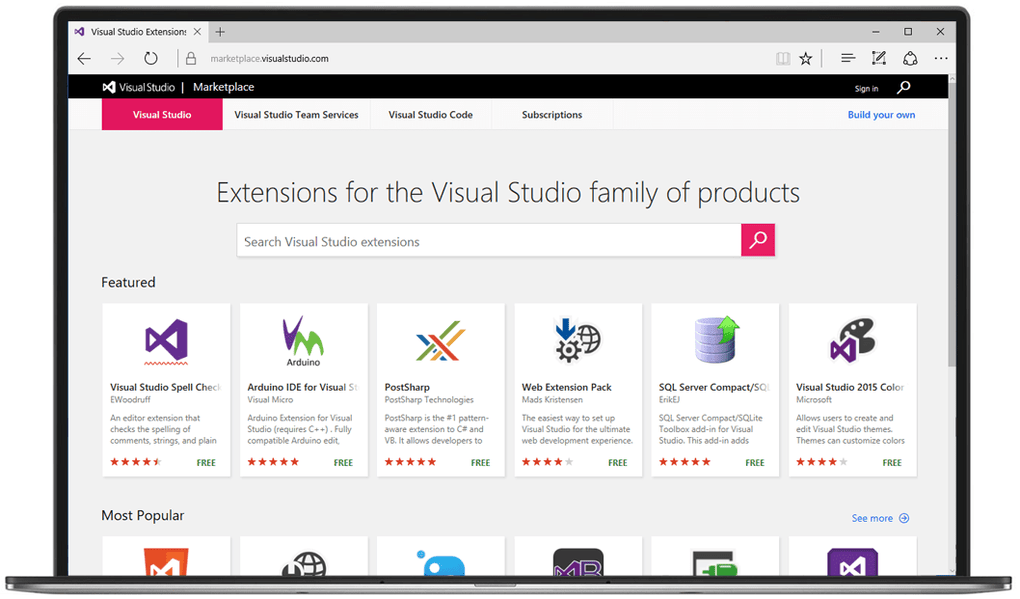
- Rich library of extensions and templates
Cons
- Long installation times
- High system resource usage
- Steeper learning curve for beginners