

A lightweight and versatile IDE for C++
Dev-C++ is a free, open-source integrated development environment (IDE) for C and C++ programming. It features a user-friendly interface with essential tools such as syntax highlighting, debugging, project management, and auto-completion. Designed for beginners and experienced developers alike, it simplifies coding with an intuitive layout, customizable editor, compiler integration, and support for multiple compilers, making development more flexible and accessible.
The IDE supports multiple compilers, including MinGW and TDM-GCC, making it a versatile tool for development. With fast compilation times and minimal system resource usage, Dev-C++ is ideal for learners and professionals looking for a lightweight yet functional programming environment.
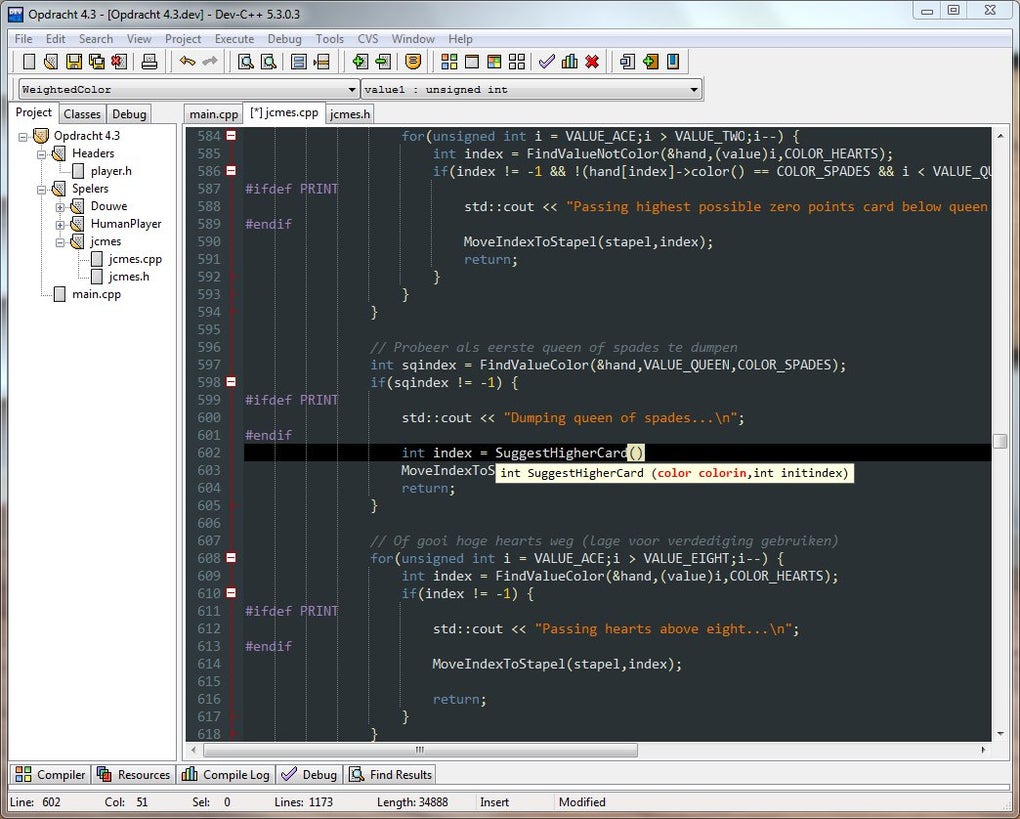
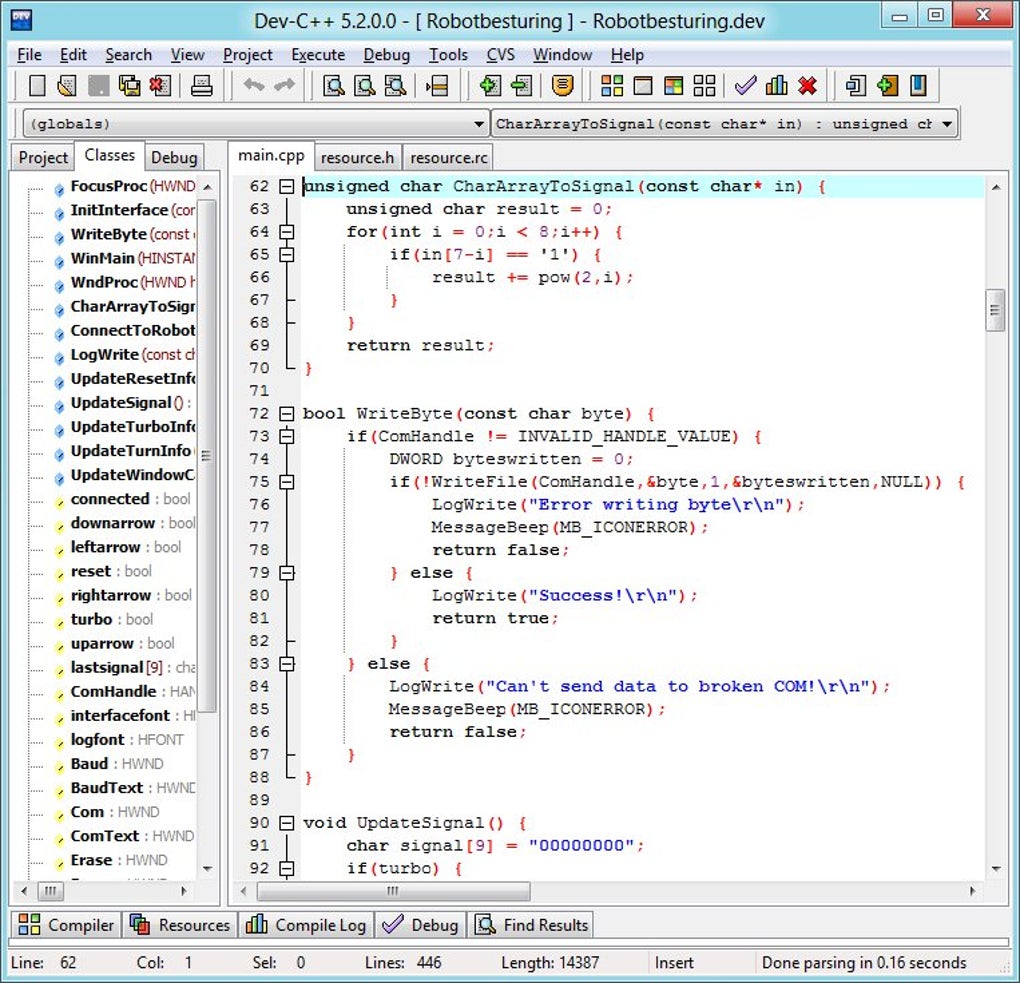
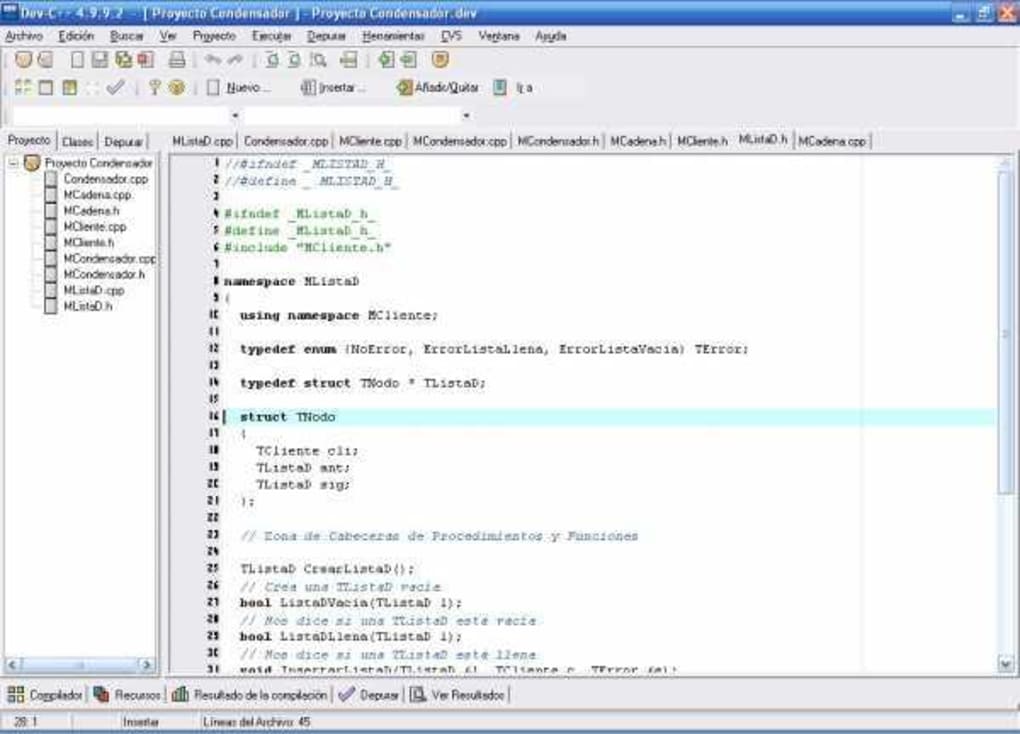
Dev-C++ provides a clean, intuitive interface, making it easy to navigate for all users. It supports syntax highlighting, autocomplete, and customizable themes to enhance workflow. The project manager helps organize files efficiently, while customization options allow developers to adjust compiler settings, shortcuts, and templates. It is well-suited for both small projects and larger development tasks, ensuring a smooth coding experience.
User-friendly interface and customization
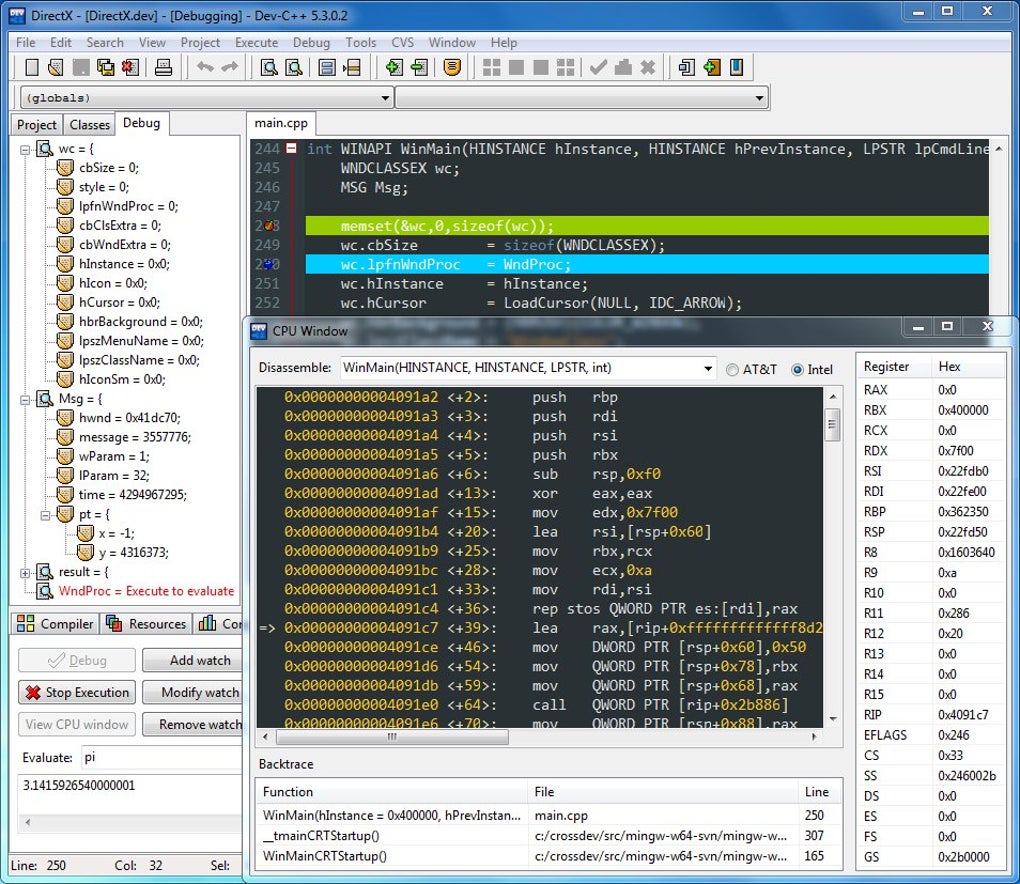
The IDE includes an integrated debugger with breakpoints, watches, and variable tracking, making it easier to identify and fix errors efficiently. Its built-in compiler ensures fast execution without extra setup. With seamless error detection, efficient step-by-step execution, multiple debugging configurations, reliable optimization, detailed debugging insights, and enhanced code navigation, this IDE improves coding quality while remaining lightweight and accessible, even on lower-end hardware.
While this IDE is a great tool, it has some limitations. It lacks built-in version control, extensive plugin libraries, and cloud collaboration. Its slower development pace, outdated interface, and limited debugging tools push some users to seek alternatives. However, it remains a reliable, lightweight, and simple C++ IDE for students and developers needing an easy-to-use, accessible, and efficient coding environment with essential functionality.
Pros
- Lightweight and fast performance
- User-friendly interface with syntax highlighting
- Built-in compiler and debugger
- Free and open-source
Cons
- Slower development updates







