
Solve stubborn file locks fast
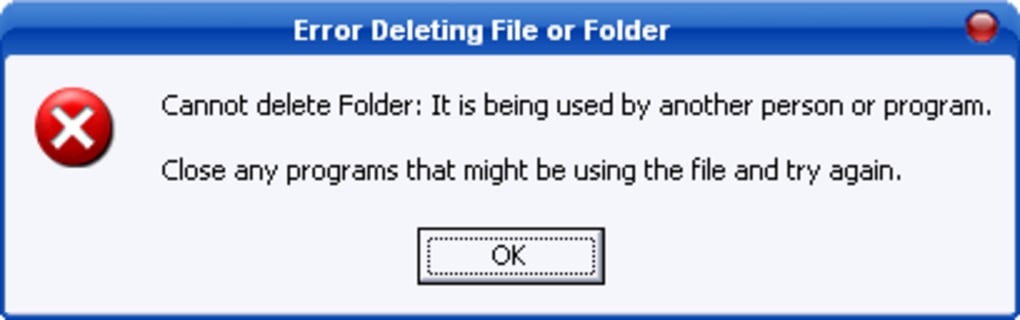
Unlocker is a lightweight utility built to end file-in-use errors that block work. It identifies processes holding a handle on a target and applies safe actions so operations can proceed. With unlock files held by processes and move or rename locked items, it streamlines troubleshooting that once required guesswork or reboots.
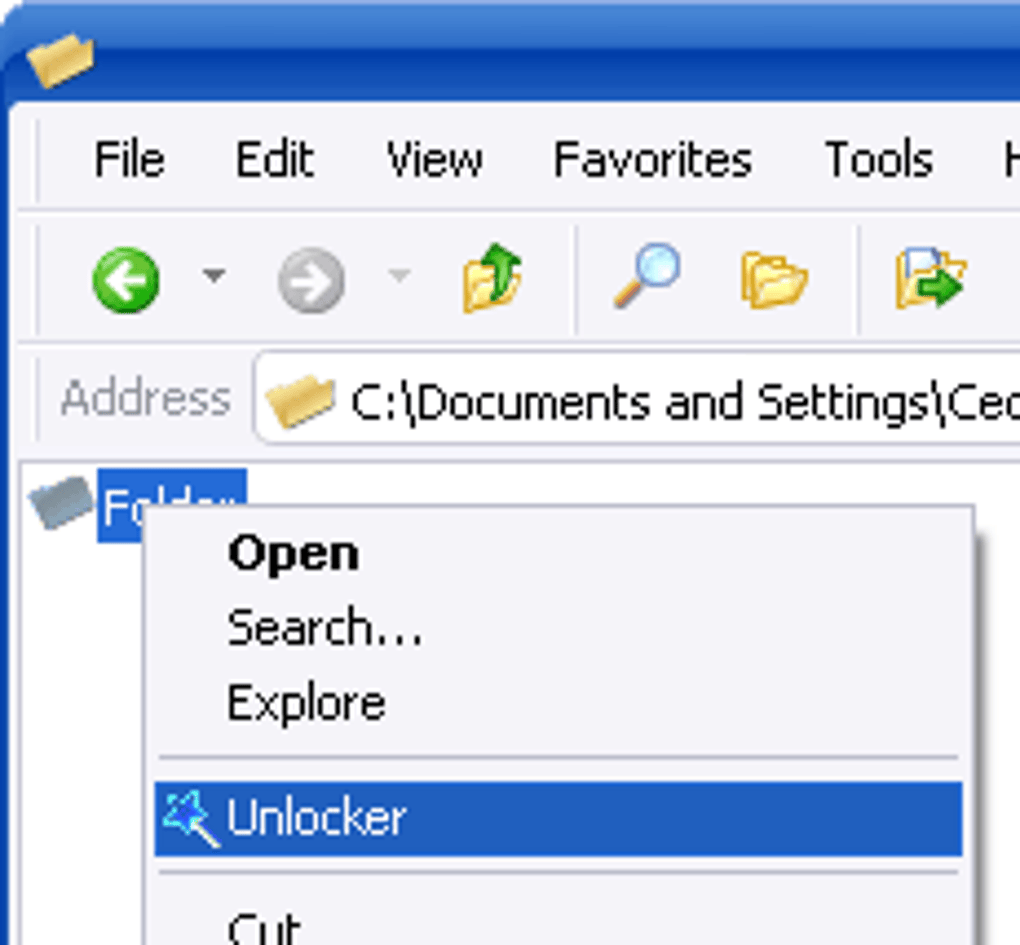
Instead of forcing fixes, Unlocker integrates into workflows through right-click context menu integration, making remediation two clicks. When a file is stuck, Unlock All action clears the associated handles so operations can continue. The result is predictable file operations, useful for admins, power users, and anyone maintaining tidy storage.
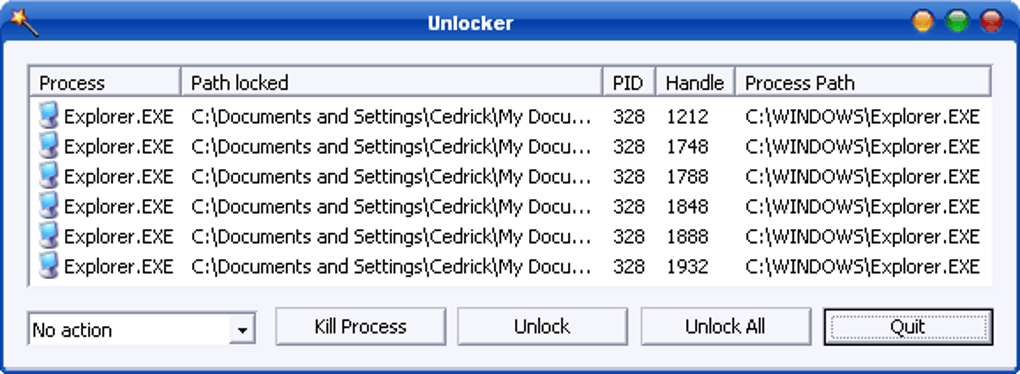
Unlocker favors mechanics over decoration. Select a blocked item, invoke the tool, and it presents a handle discovery list that shows which applications or services are gripping the target. When appropriate, a kill locking process option terminates the offender so operations can continue, or the handle is released cleanly. This targeted workflow shortens downtime and avoids broad system changes that introduce risk. It keeps focus on the job at hand.
Fixing file in-use errors reliably
Usability centers on minimal steps. Context invocation means no menu hunting, and actions complete quickly even on deep folder trees. If a process immediately relocks an item, delete action escalates with care, while alternative actions handle edge cases without scripting. Performance overhead stays negligible because the tool inspects only relevant handles rather than scanning disks or installing persistent services that consume resources. Batch operations remain responsive during routine maintenance.
Strengths include fast, clear actions for cleanup, while limitations involve a narrow scope and few configuration knobs. There are no policy engines, task schedulers, or scripting hooks beyond immediate actions, and administrative rights remain necessary for protected paths. For reference, alternatives such as LockHunter, IObit Unlocker, and EMCO UnLock IT offer comparable unlocking features, yet the appeal here remains dependable behavior and a friction-free flow when files resist deletion.
Pros
- Fast, minimal-step workflow
- Clear visibility into locking processes
- Effective actions for stuck operations
Cons
- Narrow scope; limited configurability
- Requires admin rights in protected areas
- No automation or policy features