
Trusted compression for personal and professional use
WinRAR 64-bit makes compressing and extracting files straightforward, solidifying its place as a go-to utility for both personal and professional use. It supports a wide range of archive formats—including RAR, ZIP, 7Z, TAR, and ISO (extraction only)—ensuring broad compatibility.
While it can open many formats, keep in mind that the tool only creates RAR and ZIP archives, not 7z or ISO files since 7z is developed by 7-Zip and ISO creation isn’t within its scope. The default RAR5 format brings key upgrades over older versions, offering better compression, stronger encryption, and improved recovery features, making it the top choice for most users today.
WinRAR excels at shrinking file sizes, streamlining storage and accelerating transfers. Perfect for emailing large attachments, archiving backups, or managing business documents, its powerful compression reduces storage needs while maintaining quality. The software optimizes workflows when handling large datasets, with fast processing that saves time on uploads and downloads. Its efficient performance makes it ideal for both personal use and professional file management tasks.
Speed, storage, and simplicity
Intuitive tools right where you need them
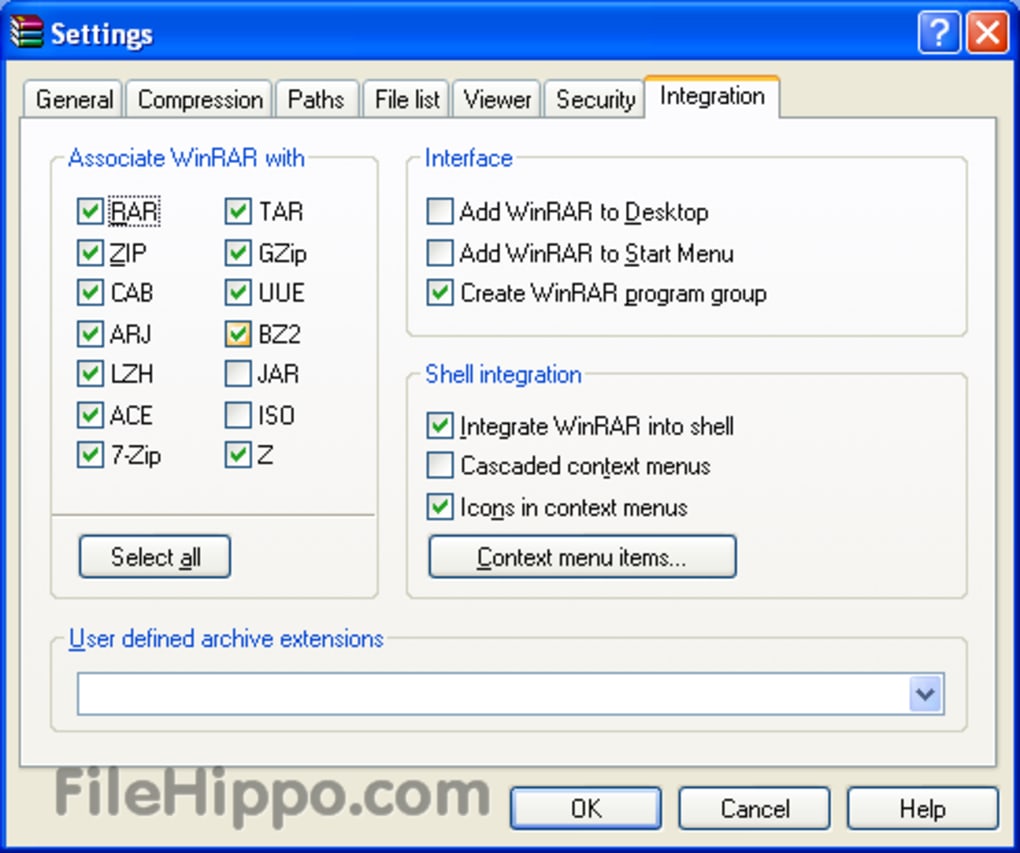
WinRAR blends seamlessly into the File Explorer, letting you right-click to extract or create archives instantly. Drag-and-drop support keeps file management intuitive, while self-extracting archives make sharing easier by allowing recipients to open files without additional software. Though it doesn’t natively sync with Google Drive or Dropbox, you can still drag compressed files into cloud folders for quicker uploads. It’s not automatic, but it gets the job done.
Simple for beginners, powerful for experts
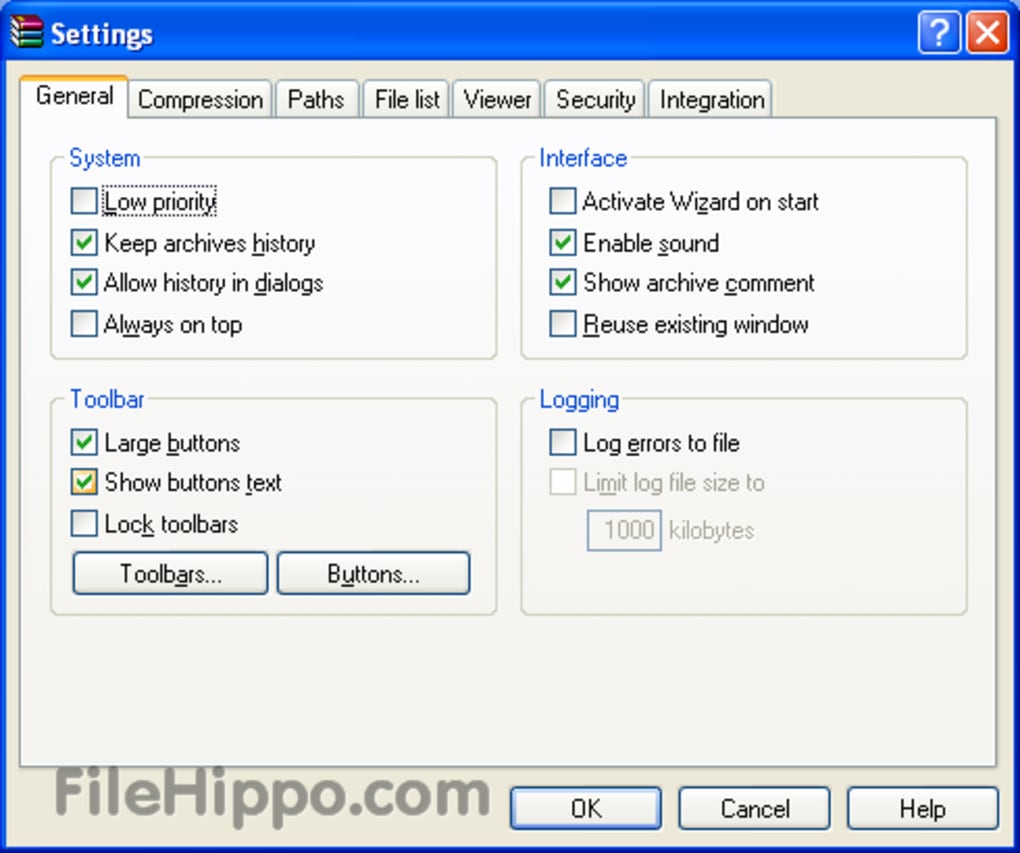
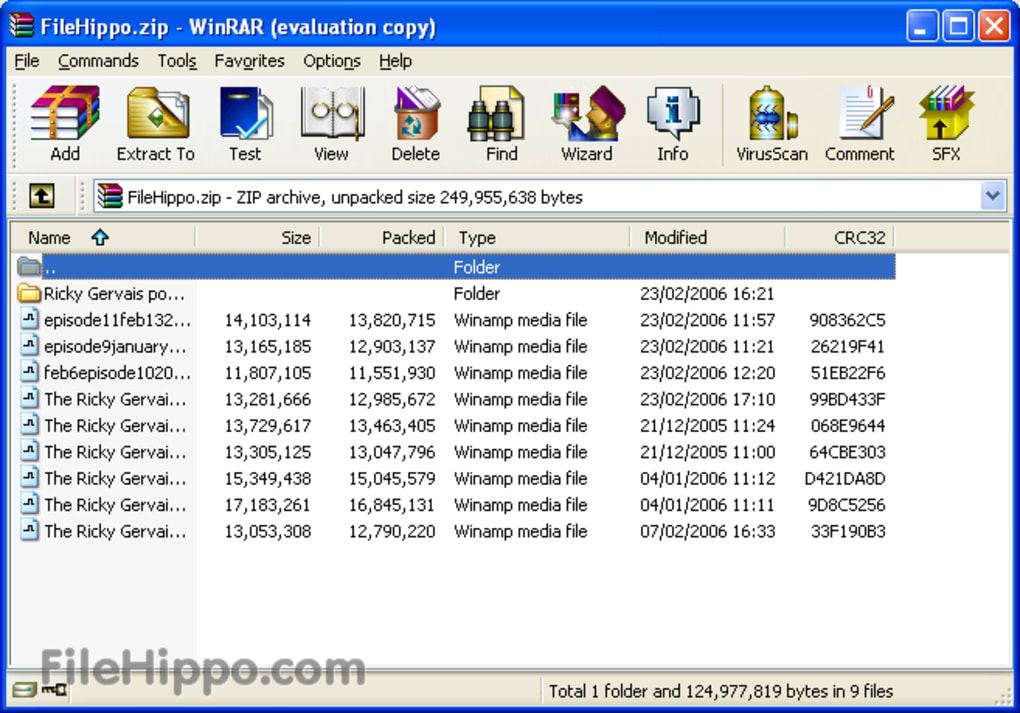
WinRAR’s interface is clean and intuitive, with a customizable layout that can include a folder tree, file list, and information panel. A wizard mode aids beginners, while drag-and-drop keeps navigation simple. However, screen reader compatibility remains limited, presenting challenges, particularly for screen reader users. While basic navigation is keyboard-friendly, fuller accessibility support remains lacking. This shortcoming contrasts with an otherwise polished design that balances ease of use with functional depth.
Security you can archive with
Security is one of WinRAR’s key strengths. It uses AES-256 encryption to safeguard sensitive data and offers recovery records that can rebuild damaged archives—crucial for preserving important files. These features are particularly valuable in professional settings where data integrity matters. While they may slightly increase file size, the added protection is often well worth the trade-off.
Pros
- Strong compression and extraction capabilities
- File Explorer integration
- Security features
Cons
- No 7z or ISO support
- Limited accessibility features