
Nitro: A reliable tool for managing digital documents
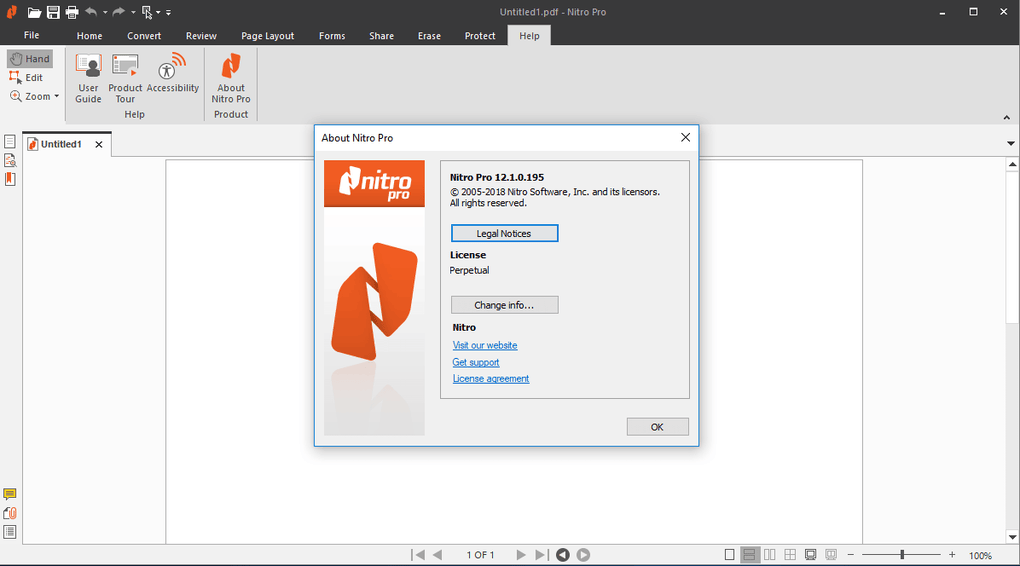
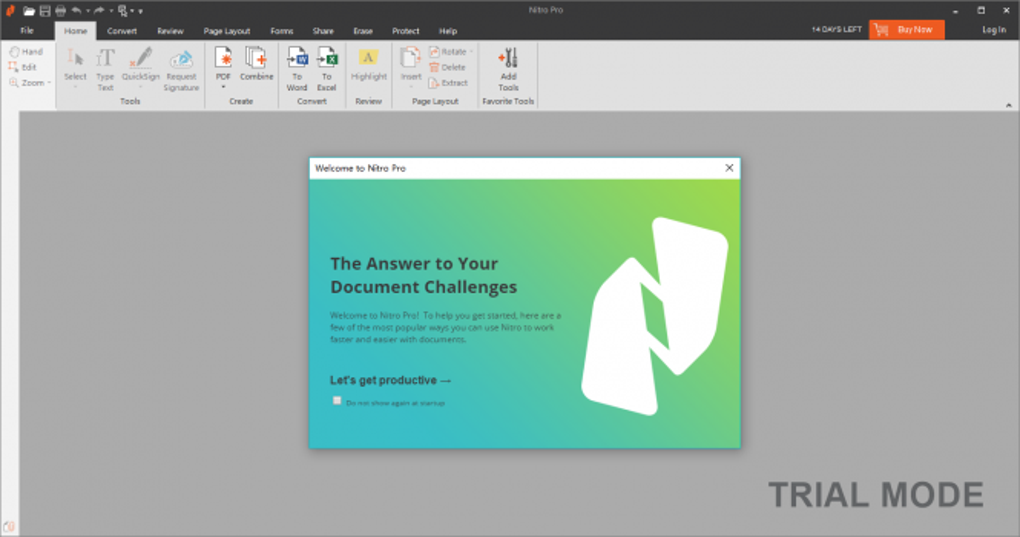
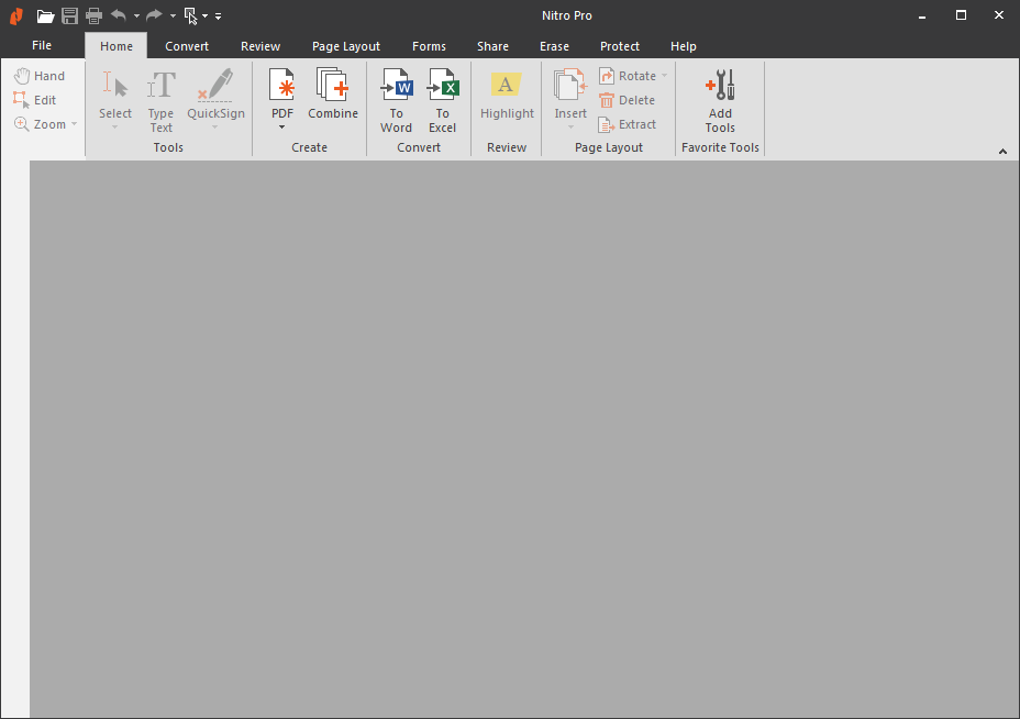
Nitro is a full-featured document productivity program designed to simplify PDF creation, editing, and collaboration. The software centers on helping users handle files through an intuitive layout and practical tools. Many individuals rely on it to support routine tasks that involve preparing, organizing, and sharing documents in a secure environment.
The platform includes products such as Nitro PDF and Nitro Sign, which work together to simplify document work. Nitro PDF focuses on editing and converting files, while Nitro Sign helps users add secure signatures. Its focus on accessibility and performance gives teams a more coordinated approach to managing digital paperwork.
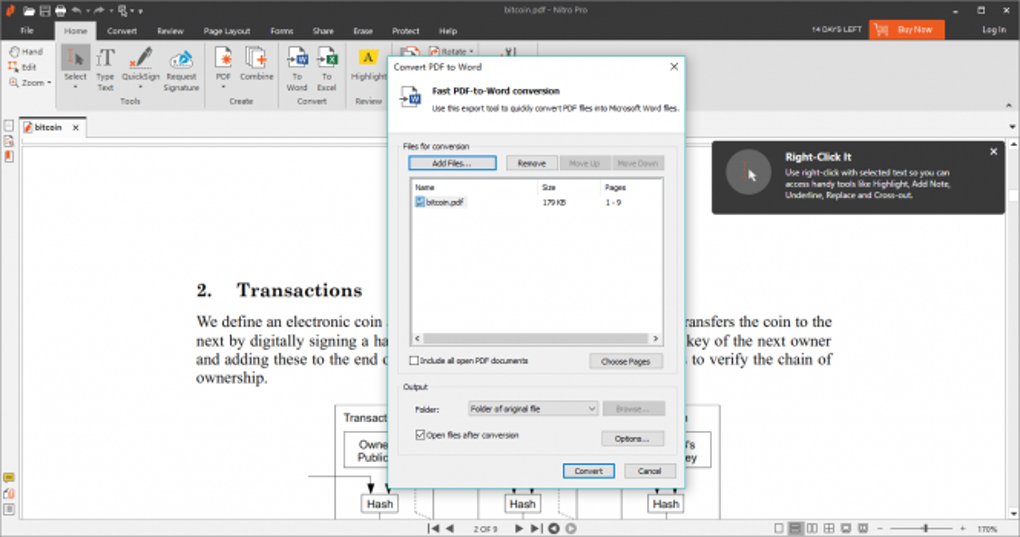
Nitro PDF serves as the core product, offering simple editing, conversion, and review features that beginners can understand easily. Users can update text, place images, and rearrange pages without feeling overwhelmed. Its conversion tool also supports many file types, which helps keep documents neat when moving them between programs. These features make Nitro PDF a comfortable option for anyone new to working with digital files.
What features stand out in Nitro?
On the other hand, Nitro Sign adds helpful digital signing features that guide beginners through each step. Users can send documents for signatures, follow their progress, and view basic verification details. The tool supports safer file sharing by keeping sensitive information protected. Nitro Sign also uses cloud-based access, which helps users open and manage important documents from different devices. This creates a simple and organized signing process for individuals who need a clear and beginner-friendly process.
For those considering alternatives, programs like Adobe Acrobat and Foxit PDF Editor offer comparable features, though they sometimes feel more complex for new users. Nitro provides a more approachable experience by focusing on easy-to-use tools. The combination of Nitro PDF and Nitro Sign gives beginners an easy setup with helpful features, although its free version offers limited features. This helps users build confidence as they learn to manage digital documents.
Pros
- Simple and clear interface
- Helpful editing tools
- Secure digital signing
- Smooth file conversion
Cons
- Limited free features