Efficient USB drive preparation for any system
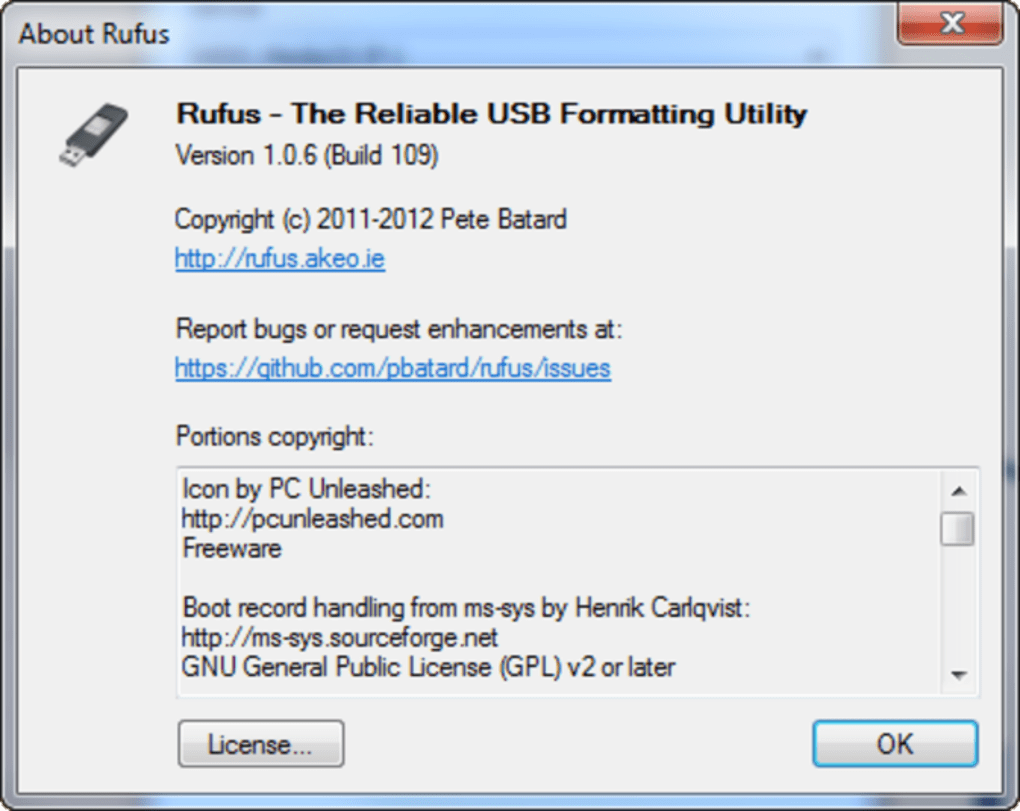
Rufus is a lightweight and dependable utility designed to create bootable USB drives with impressive speed and efficiency. Whether you're setting up a system, performing maintenance, or installing a new operating environment, it makes the process fast and straightforward. Its simplicity and performance make it ideal for both IT professionals and technically inclined users.
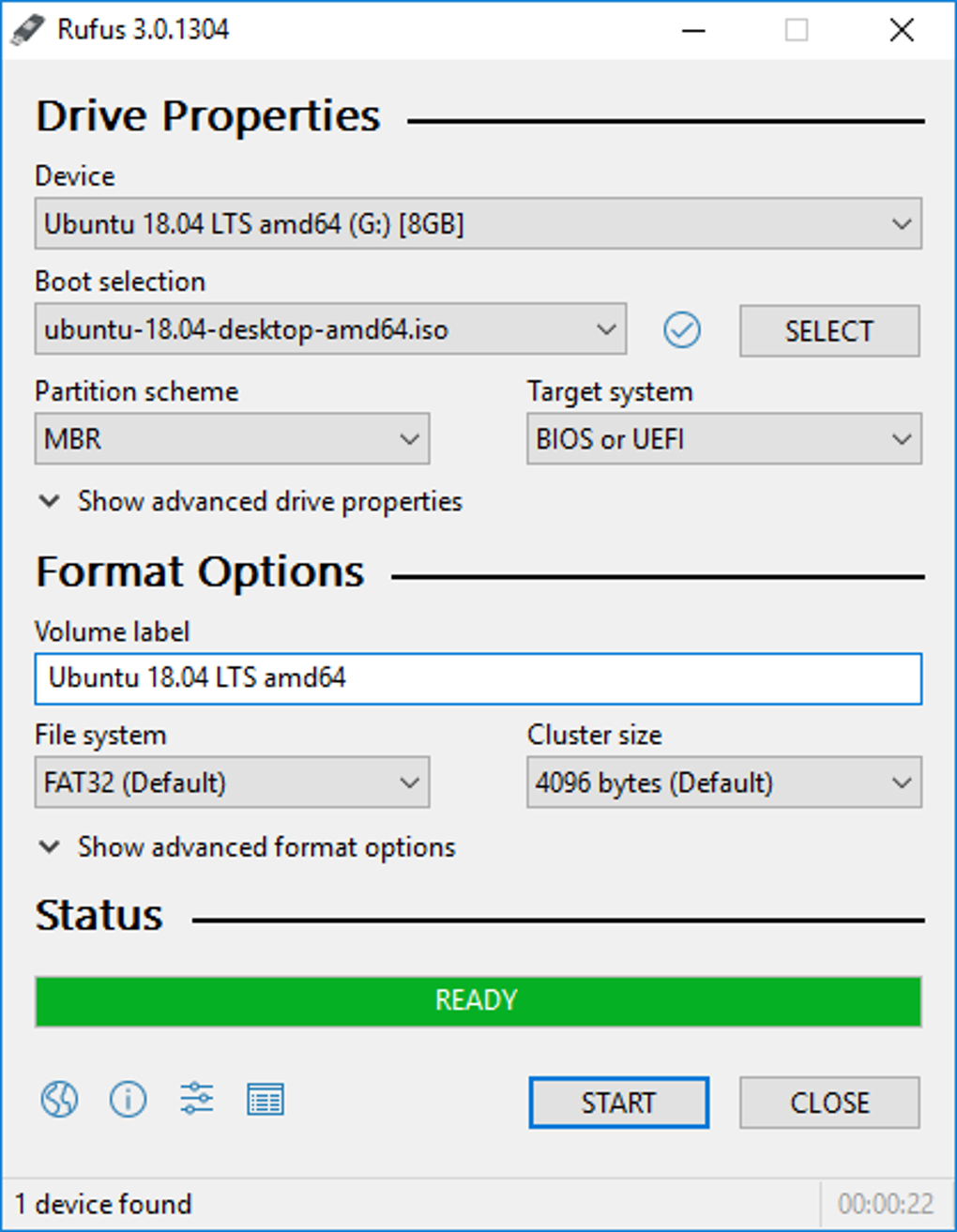
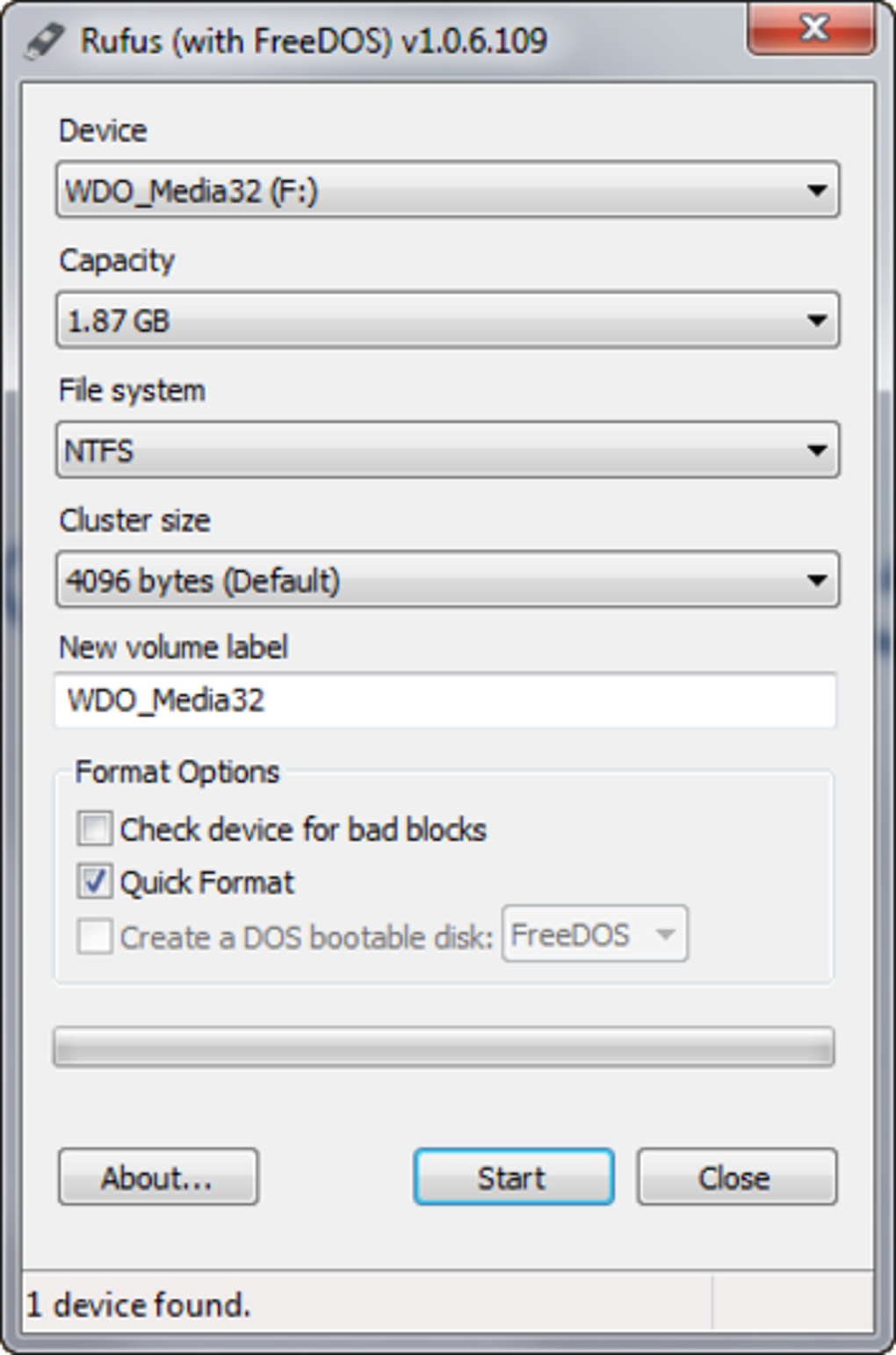
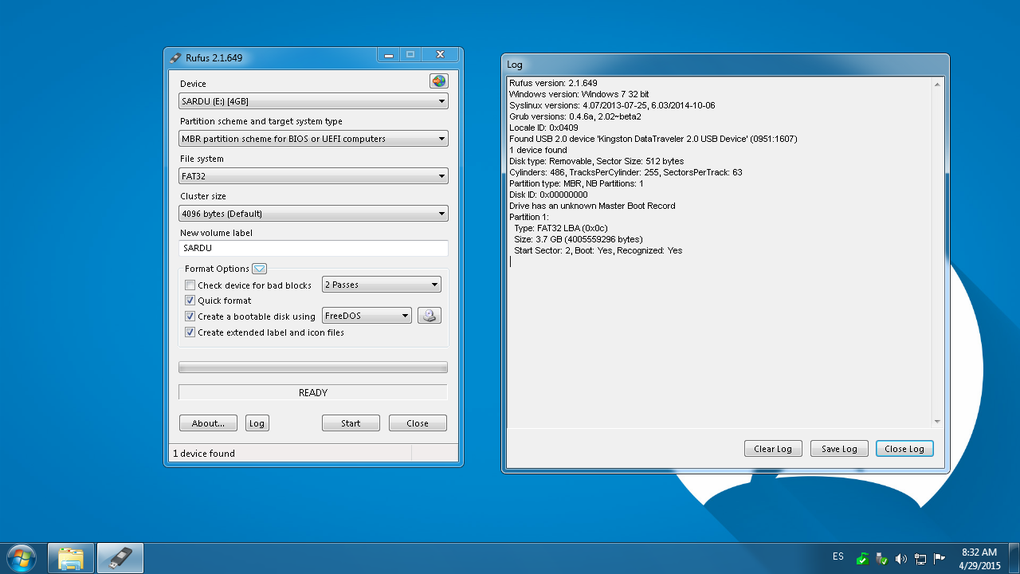
Rufus features a clean, intuitive interface that guides users through a few simple steps: select the USB drive, choose an image file, configure any required options, and begin the creation process. With no installation required, the application runs directly as a standalone executable. Its file size typically ranges from 1.9 MB to 6 MB, depending on the version, making it easy to store and use from portable storage devices.
Minimal interface, maximum efficiency
The tool supports both MBR and GPT partition schemes, offering compatibility with systems that use either legacy BIOS or modern UEFI firmware. Users can choose from multiple file system options—including FAT32, NTFS, exFAT, UDF, and ReFS—based on their specific needs or the image being written. To ensure image reliability, it includes built-in checksum validation with support for MD5, SHA-1, and SHA-256 hashes.
Accessible features with a clear focus
Rufus uses standard interface components that are generally compatible with accessibility tools, including keyboard navigation and screen readers. This helps make the software usable for a broader range of users.
However, it's important to note that it is focused solely on single-boot USB creation. It does not support creating multiboot USB drives, so users who need that functionality must consider third-party alternatives. Even so, for those seeking a fast, portable, and dependable tool for creating bootable USB drives, it remains one of the most effective options available.
Pros
- Compact
- No install
Cons
- Single-boot only