

A full office suite for 32-bit Windows setups
LibreOffice 32-bit, developed by The Document Foundation, is a comprehensive, free, open-source office suite for users who need an option that runs in a 32-bit Windows environment. It includes the core tools needed for everyday productivity work without licensing overhead. This makes it a practical fit for home users, schools, and organizations that prefer a traditional desktop suite. The main advantage is the breadth of features at no cost, while the tradeoff is that the 32-bit build can feel limiting with very large files.
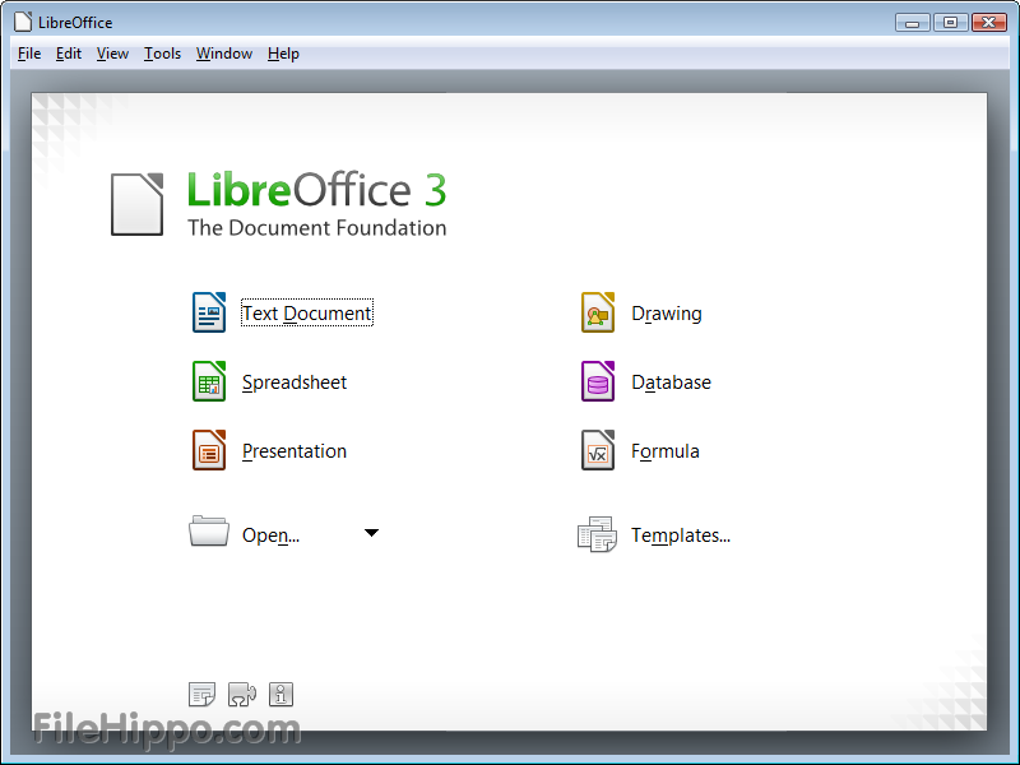
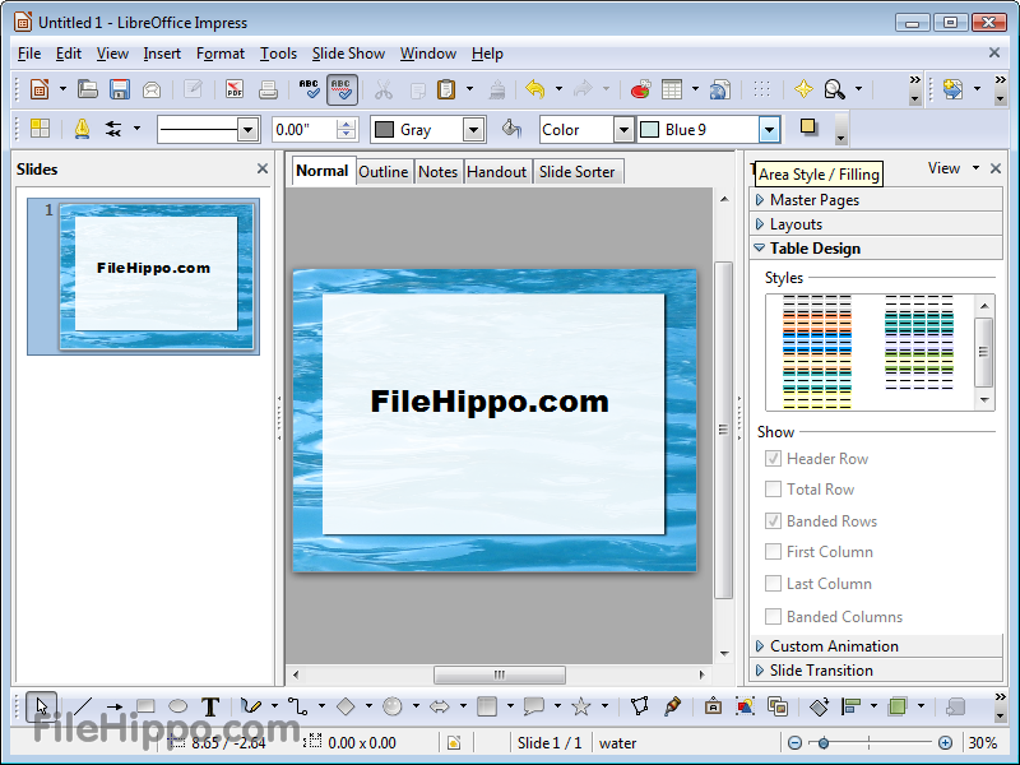
LibreOffice 32-bit includes six core apps: Writer for documents, Calc for spreadsheets, Impress for presentations, Draw for diagrams and vector graphics, Base for databases, and Math for formula editing. This coverage supports everything from basic writing to more structured data work. It also helps users work across different ecosystems thanks to broad file support, including common Microsoft Office formats. Compatibility can vary with complex layouts, so heavily formatted documents can need quick adjustments.
Complete tools for everyday document work
Built for compatibility, with 32-bit limits
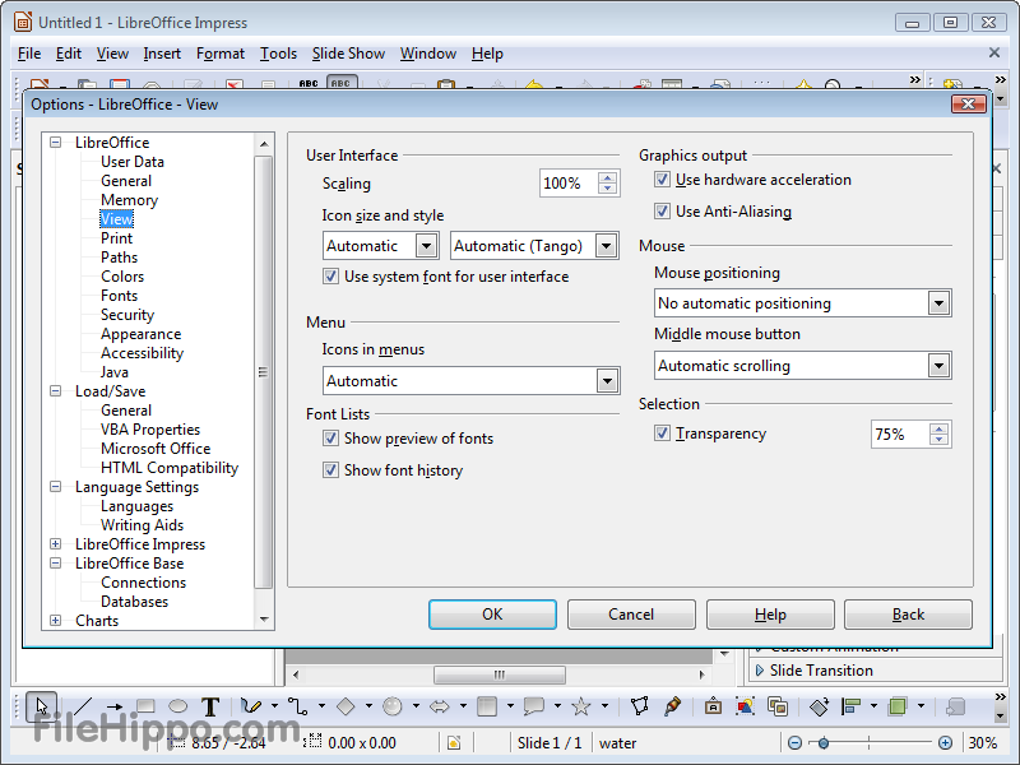
The 32-bit edition is primarily about compatibility for systems and workflows that rely on 32-bit software. That focus can be a plus for older machines and legacy setups that cannot use a 64-bit build. However, 32-bit applications have tighter memory limits, which can affect performance when handling large spreadsheets, long documents, or media-heavy presentations. The interface sticks to a classic menu-and-toolbar style, which can feel less familiar to users who prefer ribbon-based layouts.
Flexible formats and a strong extension ecosystem
LibreOffice supports OpenDocument formats and offers broad import and export options for common office files, helping teams share work across different tools. Extensions also expand the suite with extra templates, language tools, and workflow add-ons, which adds flexibility without locking users into a subscription model. At the same time, the experience remains centered on desktop productivity rather than real-time cloud collaboration. Users who prioritize live co-editing and tightly integrated online workflows can find the collaboration story limited.
Pros
- Full-featured free office suite with six core apps
- Broad file format support plus extensions for customization
Cons
- 32-bit memory limits can slow down large projects
- Limited built-in real-time cloud collaboration







