






Solid choice for Creative Cloud vector design
Adobe Illustrator CC is a professional vector design tool included in Adobe Creative Cloud. It’s ideal for creating logos, icons, and detailed illustrations. Cloud-based features like auto-sync, Adobe Fonts, and Libraries enhance workflow. With seamless updates and cross-device support, this platform delivers flexibility, precision, and efficiency for designers seeking high-quality, scalable graphics across various platforms.
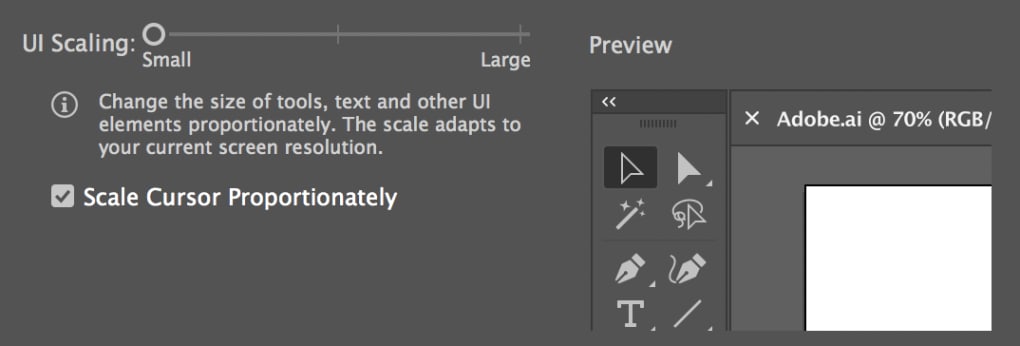
Adobe Illustrator CC’s powerful tools and customizable interface can overwhelm beginners, especially those new to Creative Cloud. However, for users willing to invest time, it delivers unmatched precision and control — making it an essential tool for serious creatives across various design industries.
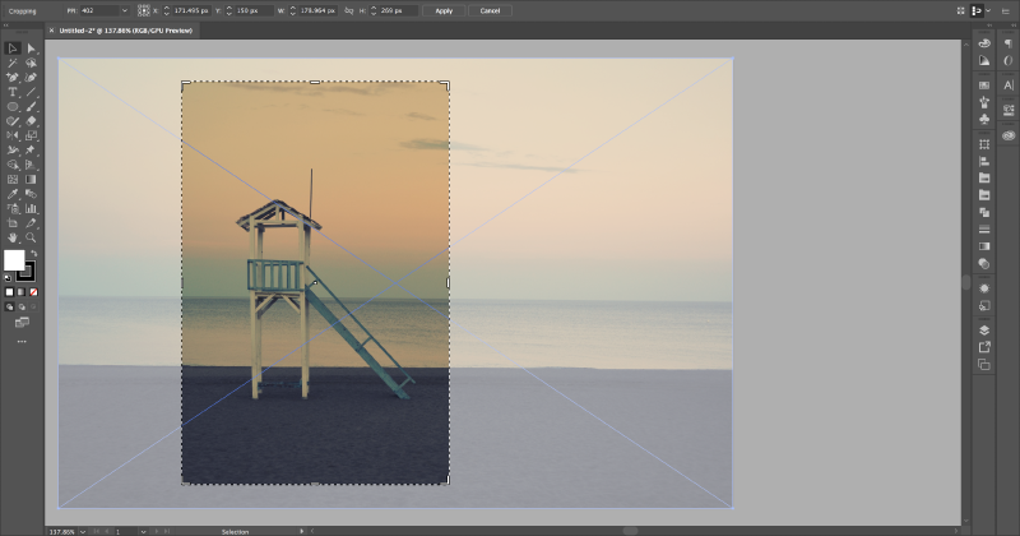
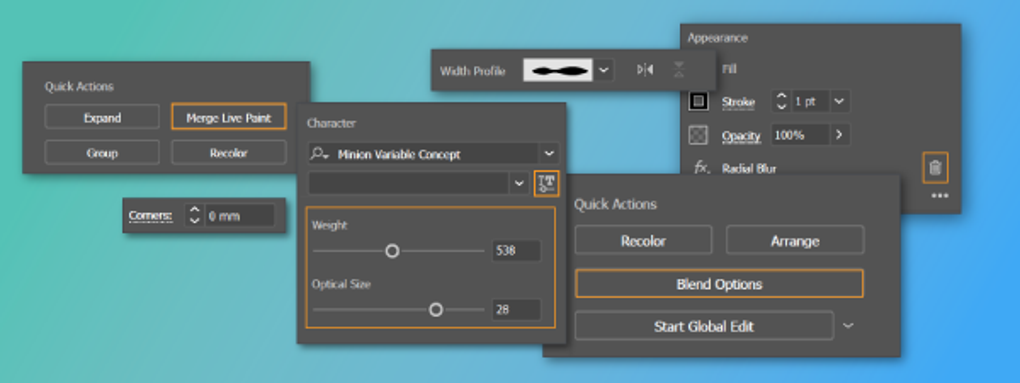
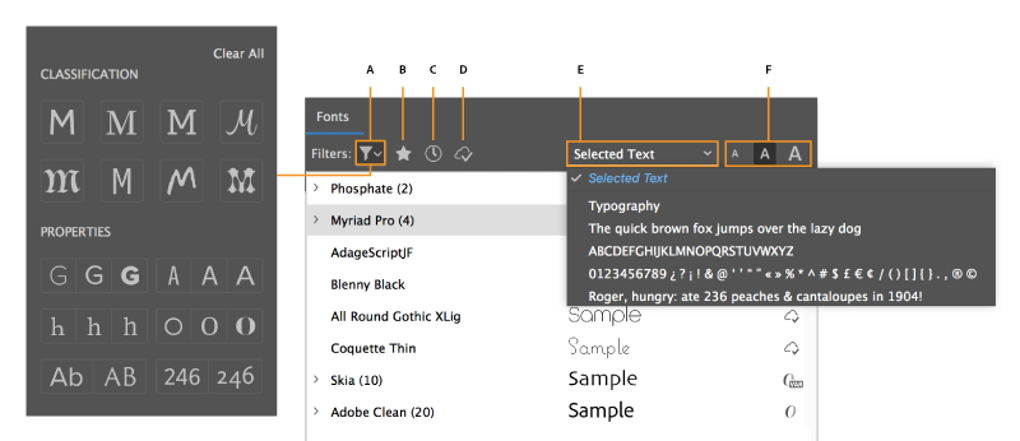
Adobe Illustrator CC stands out for its professional-grade vector editing capabilities, most notably the Pen Tool, which enables the creation of intricate curves and shapes. The software includes advanced typography, color management, and brush tools, supporting both digital and print media. As a cloud-integrated app, users can collaborate, share assets, and sync files across devices, streamlining multi-platform workflows and design consistency.
Packed with tools for cloud-enhanced precision
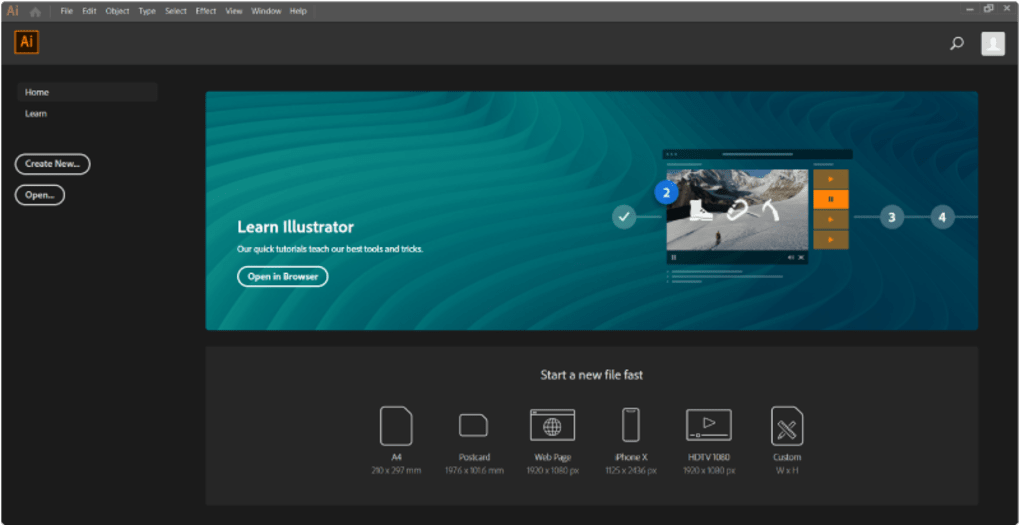
While its Creative Cloud features offer enhanced flexibility and cross-device convenience, they also increase demands on system resources and require a consistent subscription, which may deter budget-conscious users. The expansive interface, packed with advanced tools and settings, can feel intimidating for newcomers — especially those transitioning from simpler platforms. Thankfully, Adobe offers comprehensive in-app tutorials, detailed help guides, and active community forums to support users throughout the learning curve.
Performance is a key strength of this design software. It handles large, complex files efficiently and integrates well with other Adobe apps like Photoshop, InDesign, and After Effects, allowing a seamless transition between tasks. The cloud-sync capability also ensures that users can access projects across multiple devices. However, running Illustrator CC smoothly often requires modern, high-spec hardware. On older systems, users may encounter slowdowns or lag during intensive operations.
Pros
- Powerful vector tools
- Creative Cloud integration
- Customizable interface
- Excellent cross-app workflow
Cons
- Steep learning curve
- High system requirements
- Subscription-only access
- Can overwhelm beginners