
The pinnacle of image editing
Adobe Photoshop continues to lead the field of image editing and graphic design, catering to both professionals and passionate hobbyists. Its comprehensive suite of features empowers users to manipulate, enhance, and craft stunning raster-based compositions while also incorporating scalable vector elements through Smart Objects.
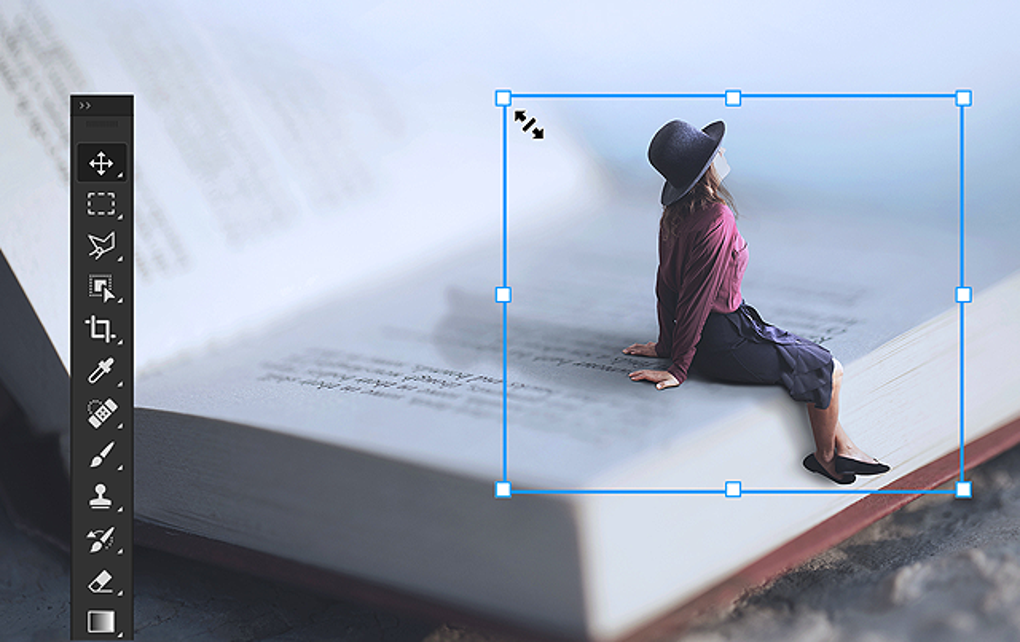
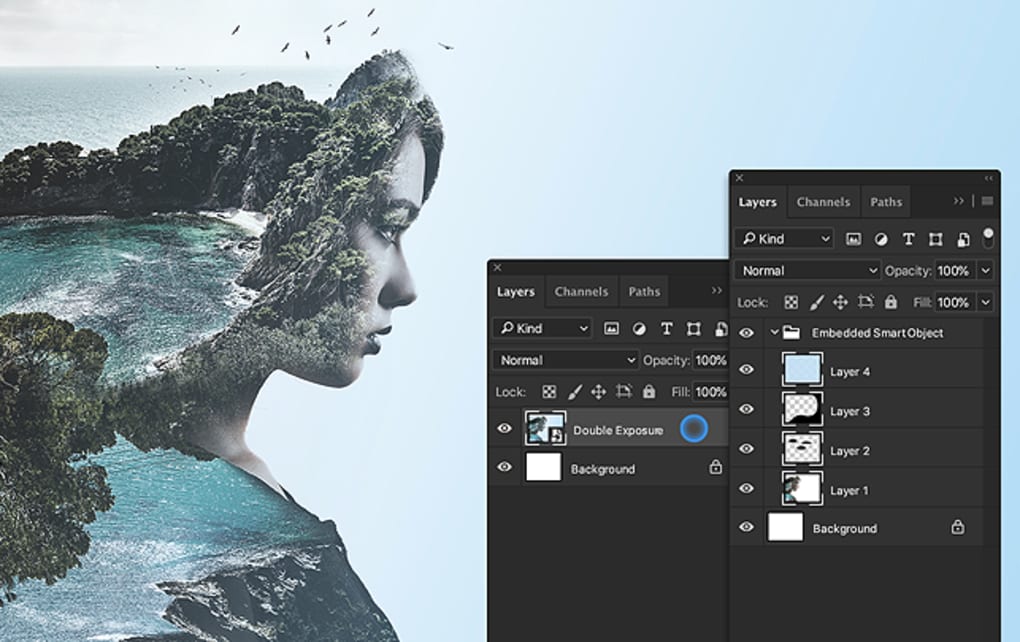
At the heart of Photoshop’s functionality lies its powerful layer system, which forms the foundation for non-destructive editing. This core feature allows artists to stack and blend images, text, and effects with remarkable flexibility, enabling a wide range of creative outcomes. With an extensive selection of blend modes and adjustment options for each layer, users can construct complex compositions that align with their artistic vision.
Precision through layering
Masks further refine this control, allowing selective visibility within layers. Whether using layer masks, vector masks, or clipping masks, users gain precise command over adjustments—transforming ordinary projects into exceptional works of art.
Versatility through filters and brushes
Photoshop’s broad array of filters enhances creative versatility, enabling users to apply pre-configured effects that can be finely tuned to meet specific aesthetic goals. From softening backgrounds to introducing artistic flair, filters can be used non-destructively when applied as Smart Filters to Smart Objects, ensuring the original image data remains untouched.
For digital painters and photo editors alike, the customizable brush engine supports an expansive range of styles and techniques. Whether retouching an image or producing original artwork, these tools streamline creative workflows and support expressive precision.
Seamless integration with Creative Cloud
The program excels through its seamless integration with the Adobe Creative Cloud ecosystem. Users can transition effortlessly between Photoshop and Lightroom for advanced image editing without cumbersome file management. Vector graphics from Adobe Illustrator can be imported as Smart Objects, maintaining scalability and editability while enhancing the fluidity of design processes.
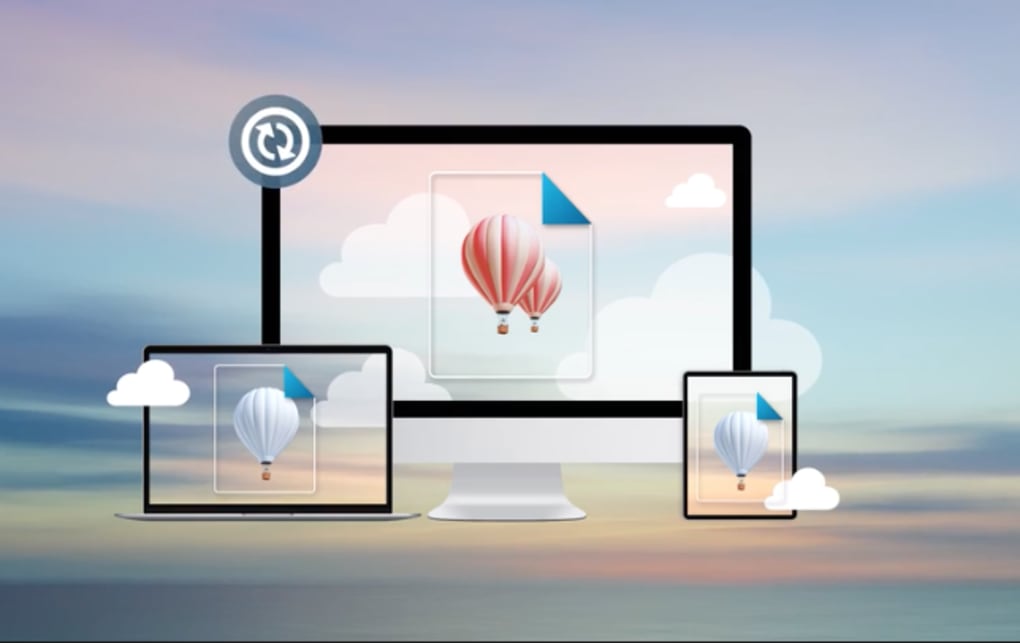
Cloud-based functionality further enriches the user experience, offering real-time syncing, version history, and collaborative access. PSD files can be saved directly to the cloud, facilitating effortless sharing with clients and team members while preserving progress and revisions.
User-friendly design and accessibility
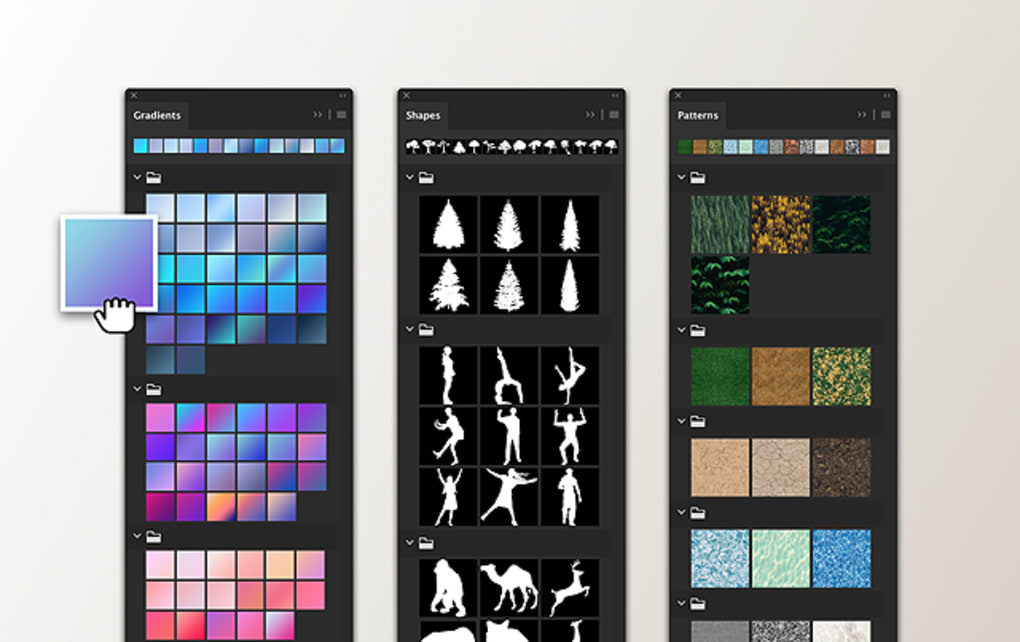
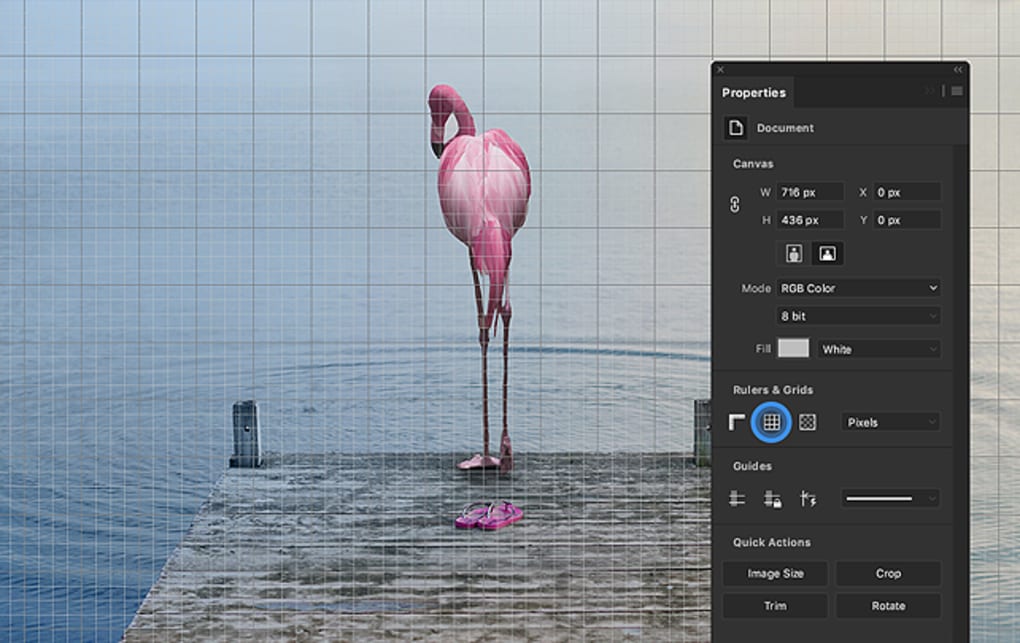
Photoshop is designed with an intuitive, customizable interface that adapts to users across all skill levels. The tabbed workspace organizes tools and panels efficiently, granting quick access to essential functions. Personalized workspaces ensure that tools tailored to individual workflows are always readily available.
While the interface is streamlined, its extensive capabilities contribute to a steep learning curve. Additionally, its vector editing tools are limited, making it less suitable for projects that require fully scalable, resolution-independent graphics. Accessibility features, such as screen reader compatibility and adjustable color settings for users with color vision deficiencies, reflect Adobe’s commitment to inclusive design.
Pros
- Cloud service
- Integrated with other Adobe apps
Cons
- Steep learning curve
- Limited vector tools







