A practical PDF solution for viewing and annotating
Adobe Acrobat Reader is a reliable program for anyone needing efficient PDF viewing and basic annotation. While its editing and management features are limited in the free version, it excels in enabling users to read and annotate documents effectively. Its built-in tools allow users to highlight, underline, or strikethrough text and add sticky notes—features especially useful for researchers and students marking important sections in academic papers.
Acrobat Reader includes strong form-filling capabilities, making it easy to complete interactive PDF forms and save input for future use—ideal for everyday tasks such as applications or administrative paperwork. It also offers access to Adobe Acrobat Sign, allowing users to sign documents digitally and request signatures. However, more advanced functions such as tracking document status or managing multiple signature requests are only available with a paid Adobe Sign or Acrobat Pro subscription.
Document management
While the core viewing, signing, and annotating features are free, advanced PDF editing, such as modifying text or images, combining documents, or applying redactions, requires an Adobe Acrobat Pro subscription.
Easy interface for everyone
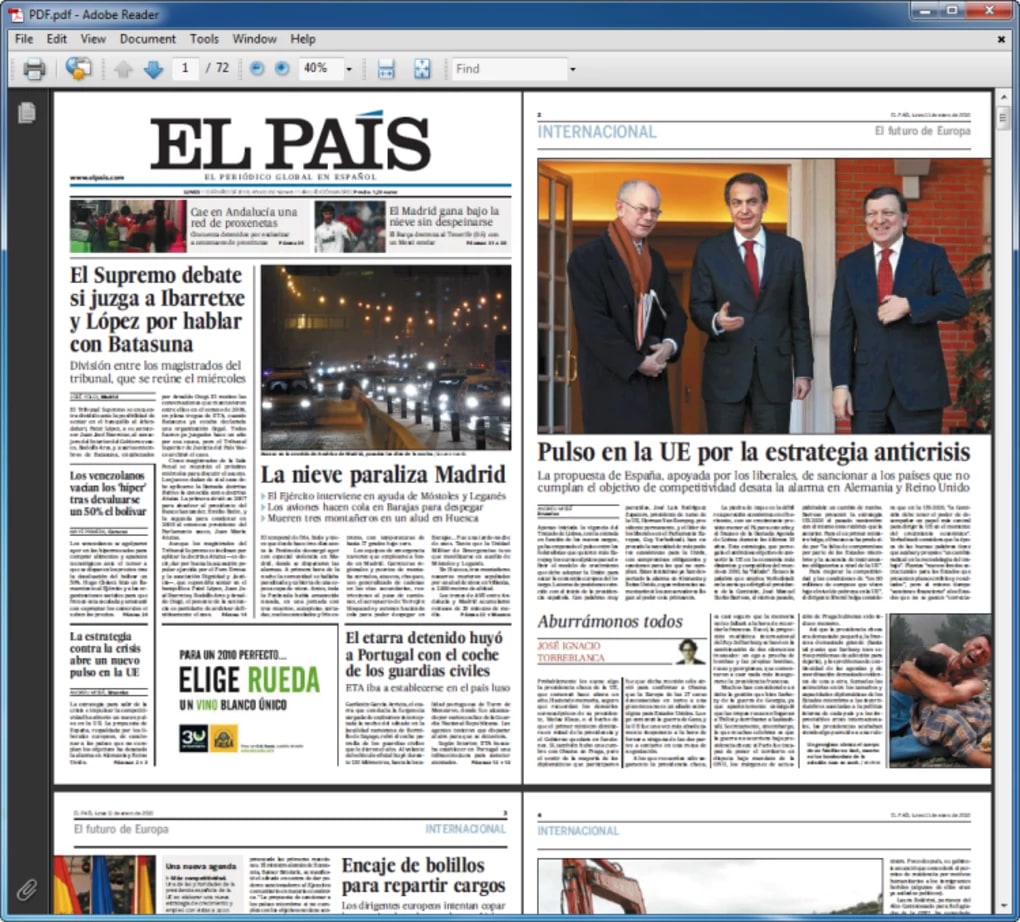
Acrobat Reader is intuitive due to its cross-platform availability and consistent user interface. Whether on desktop or mobile, users can view, print, and save documents with ease. Clear tool icons and built-in tips help new users get started quickly. However, users on older hardware can experience performance issues when opening large or complex PDFs, as the reader can be resource-intensive.
Seamless integration
Adobe Acrobat Reader integrates smoothly with Adobe Document Cloud, giving users 2GB of free cloud storage to sync and store PDFs across devices. The mobile app supports this functionality, allowing for viewing and annotating on the go. While syncing generally works well, some users have reported occasional delays or sign-in issues.
Although the reader offers basic integration with other Adobe services, deeper integration with tools like Photoshop, Illustrator, or InDesign is only available through the broader Adobe Creative Cloud ecosystem and not directly within the free app.
Document protection and collaboration
Acrobat Reader allows users to open and interact with password-protected or encrypted PDFs, but it does not support creating such security features in the free version. Applying password protection, redacting content, and implementing certificate-based encryption are available only in Adobe Acrobat Pro. Users needing to safeguard confidential information or redact sensitive content must upgrade to the paid tier to access those capabilities.
Pros
- Feature-pack for various users
- Cloud syncing for on-the-go scenarios
Cons
- Advanced features behind paywall
- Cannot create secure PDFs