




Master your designs with CorelDRAW Graphics Suite
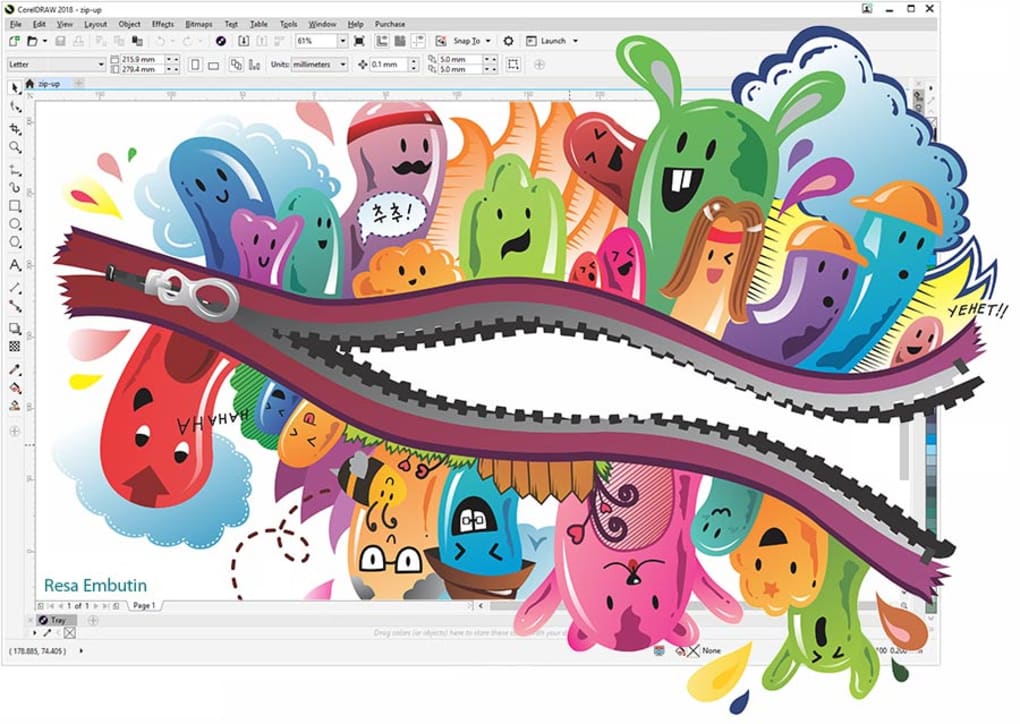
CorelDRAW Graphics Suite stands out as a comprehensive graphic design and illustration software crafted for designers, marketing professionals, and enthusiasts. This versatile suite empowers users to create everything from marketing materials to intricate logos and illustrations efficiently.
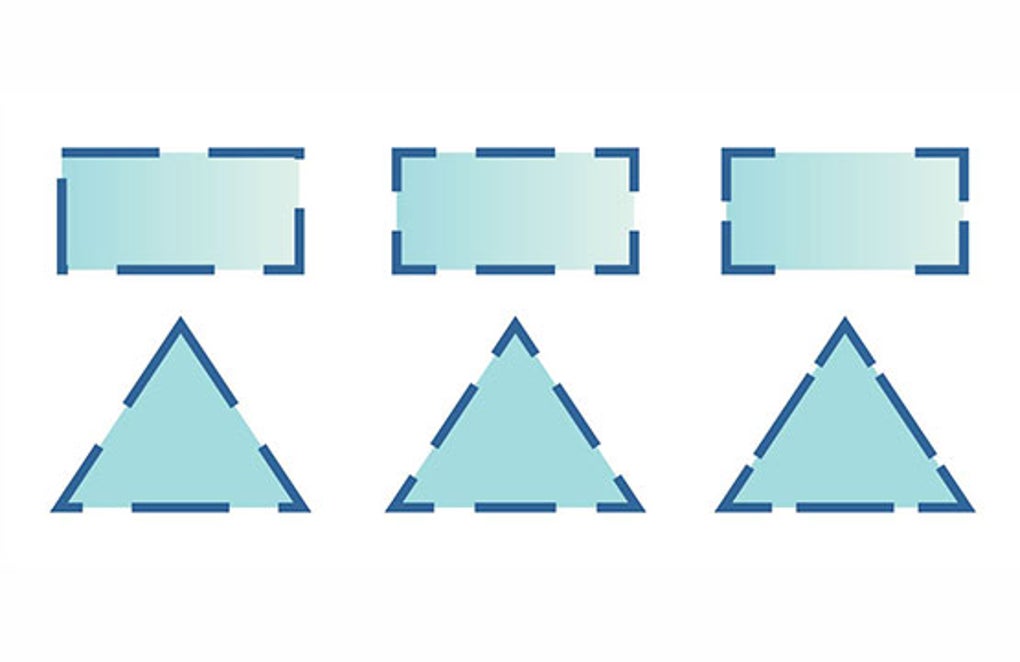
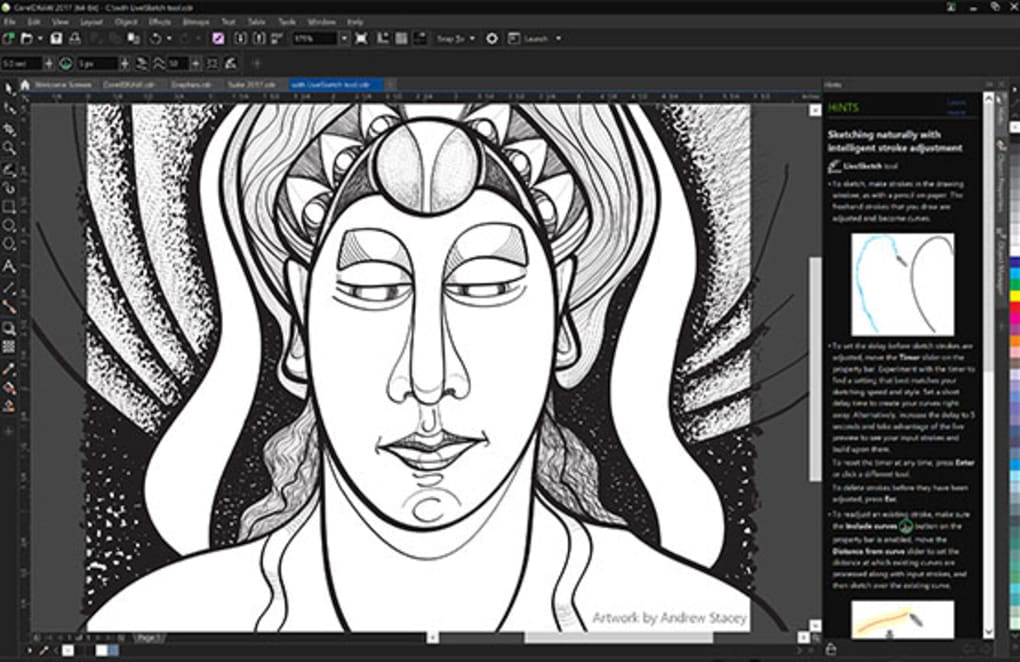
At the core of CorelDRAW are its powerful vector illustration tools, featuring advanced node editing, Bezier curves, and a range of shape tools. These elements allow for meticulous design work with high precision. Coupled with non-destructive photo editing, users can apply color corrections and special effects easily, ideal for those engaged in both illustration and image manipulation.
Precision design tools for every project
The software includes enhanced layout and typography tools that facilitate multi-page layouts and offer an expansive selection of templates and sophisticated font controls. Its user-friendly interface allows for an easy onboarding process, supported by numerous online tutorials and an engaging community for assistance.
Broad file compatibility for creative workflows
CorelDRAW excels in compatibility with various graphic design formats, enabling smooth import and export of Adobe Illustrator (AI) and Photoshop (PSD) files while maintaining critical layers and effects. Furthermore, it supports SVG and PDF formats, enhancing functionality for web and print graphics alike.
An accessible and user-friendly experience
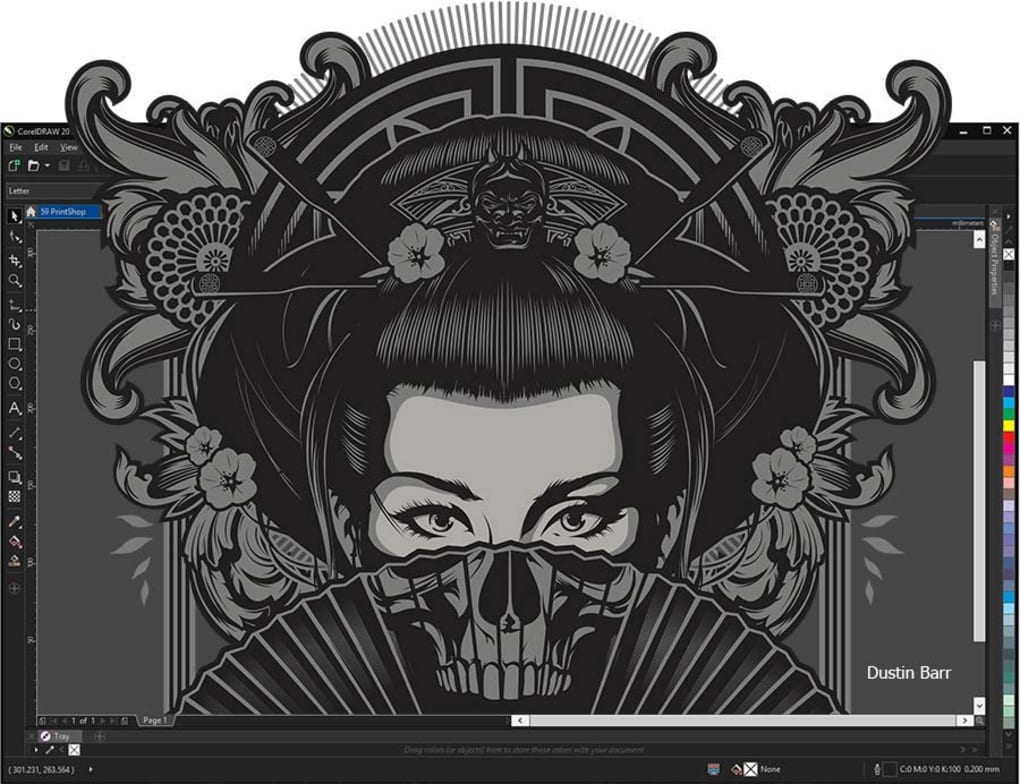
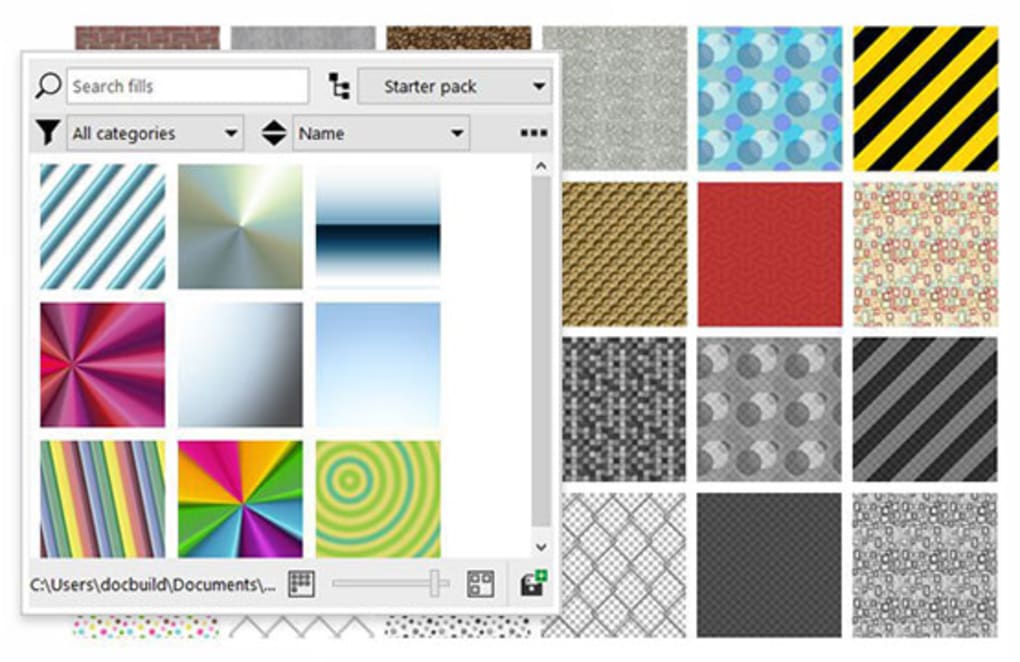
CorelDRAW offers features like customizable interface themes, zoom tools, and flexible workspace layouts that help users tailor their environment for comfort and visibility. Keyboard shortcuts and intuitive tool organization support a smoother learning experience, making the software accessible for both beginners and experienced designers. Some advanced tools—such as mesh fill, typography controls, and vector editing—require practice to use effectively. Fortunately, helpful tutorials are available to guide users step by step.
Pros
- Versatile tools for design and layout
- Offers helpful learning resources and tutorials
- Supports a wide range of file formats
Cons
- Some tools may require practice







