

A sophisticated emulator for mobile gaming
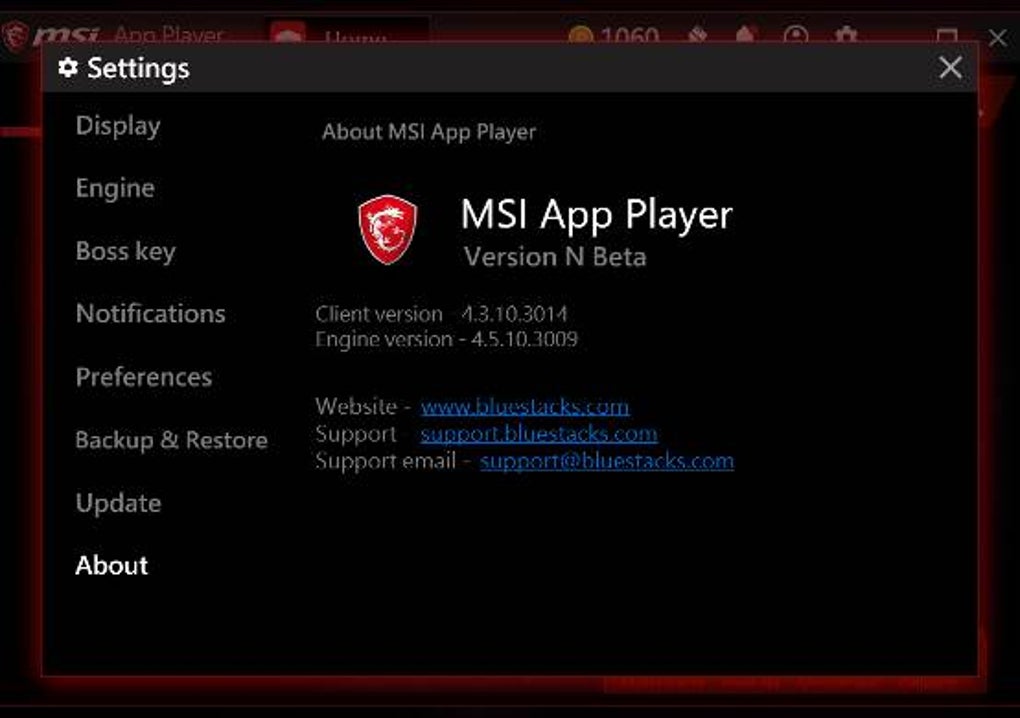
MSI App Player is a powerful emulator designed for users who want to enjoy mobile apps and games on their PC. Built in collaboration with BlueStacks, it is a customized version of the BlueStacks 4 engine, offering MSI-specific features and optimizations while delivering mobile app compatibility with desktop-level performance.
MSI App Player supports smooth, high-performance gameplay with theoretical frame rates of up to 240 FPS on capable systems. It allows users to adjust resolution, frame rate, and resource allocation to suit their hardware and gaming preferences.
Gaming experience
According to publicly available system requirements, the emulator needs a 64-bit PC, a dual-core CPU with virtualization support, at least 4 GB of RAM, and DirectX 11-compatible graphics. However, high-end hardware—such as 8 GB or more RAM and a dedicated GPU—is strongly recommended for reliable performance, especially when running multiple instances or graphically intensive games.
User interface
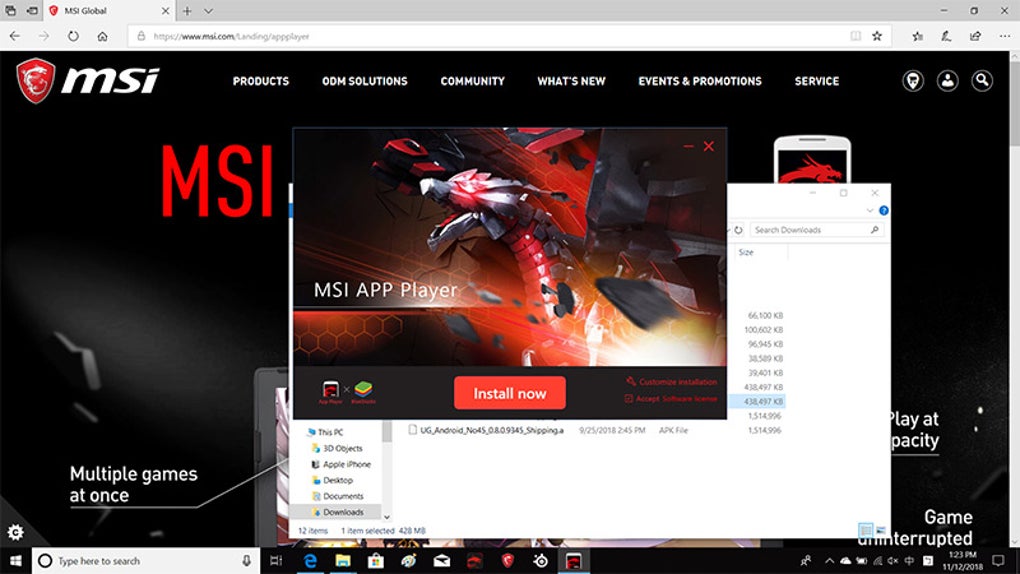
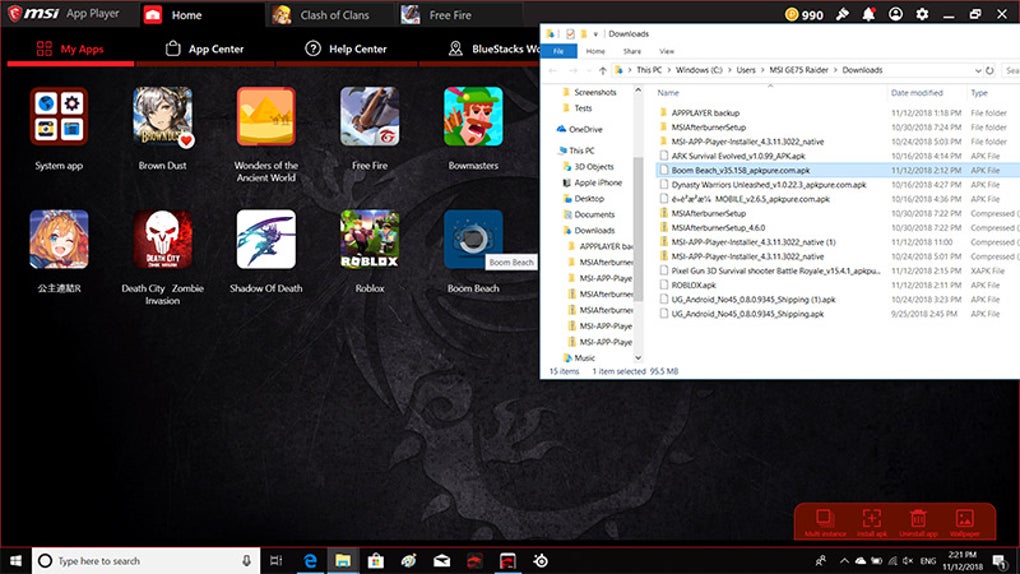
The emulator features a clean, user-friendly interface that simplifies the process of installing and running mobile apps. It provides direct access to the Google Play Store and includes features like customizable keyboard mapping and multi-instance support. Installation is straightforward, making it accessible to both new and experienced users.
Free and feature‑rich
MSI App Player is entirely free to use and includes core features such as high frame rate support, multi-instance management, and seamless integration with keyboard, mouse, and game controllers. Console Mode allows users to play mobile games using a controller, enhancing the experience for genres like racing or action titles.
With MSI hardware in mind, the emulator offers optional enhancements like per-key RGB lighting on select laptops and supports rendering modes such as DirectX and OpenGL. Users can fine-tune settings like DPI and system resource allocation for better performance. While cloud gaming isn’t a core feature, the emulator offers flexible app installation options to help manage storage needs efficiently.
Pros
- Up to 240 FPS
Cons
- Possible lags on low-end devices






