
Basic visual tool for creating PDFs
Free PDF Editor is a lightweight and standalone Windows program that allows users to create basic PDF documents from the ground up. Unlike full-featured PDF suites, it provides a stripped-down visual editor where users can insert and position elements like text boxes, shapes, and images on a blank page. The editor operates using a WYSIWYG interface, showing exactly how the final PDF will appear during the design process.
This freeware does not support editing or opening existing PDF files, nor does it allow multi-page document creation. Instead, it functions as a simple layout tool for generating single-page PDFs with basic formatting. Due to its small file size—under 1MB—and lack of installation requirements, it’s especially useful on legacy systems or in restricted environments. However, its dated interface and limited toolset make it unsuitable for modern professional workflows or advanced PDF handling.
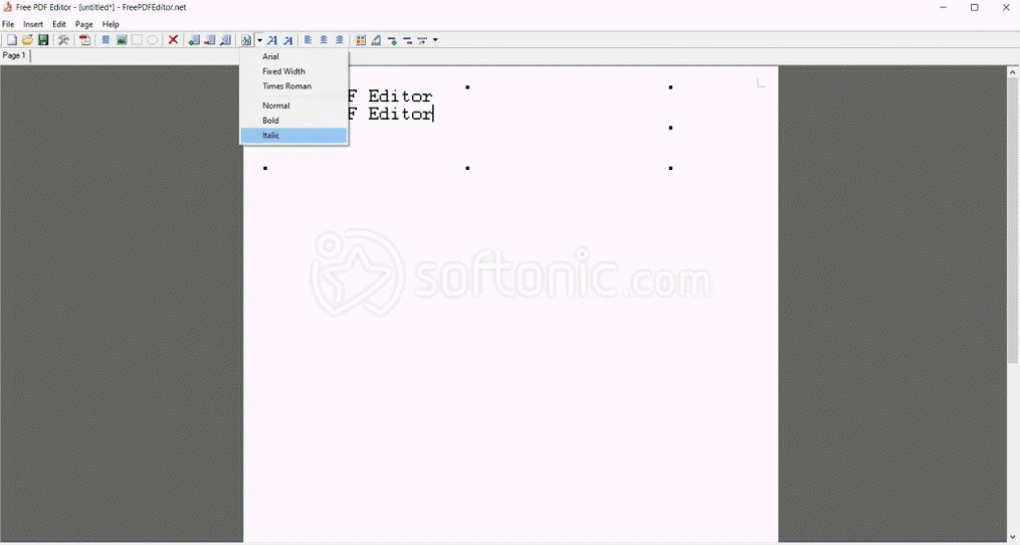
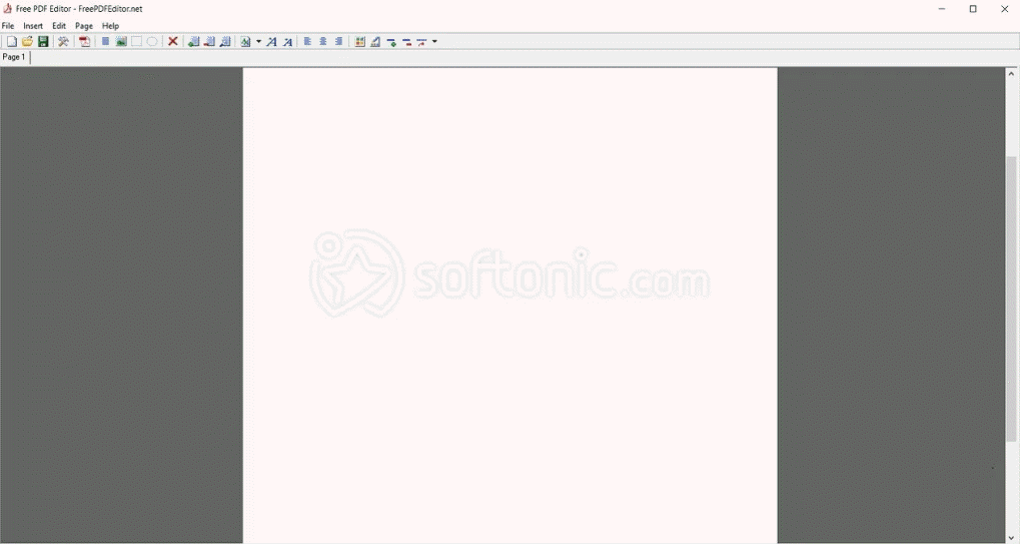
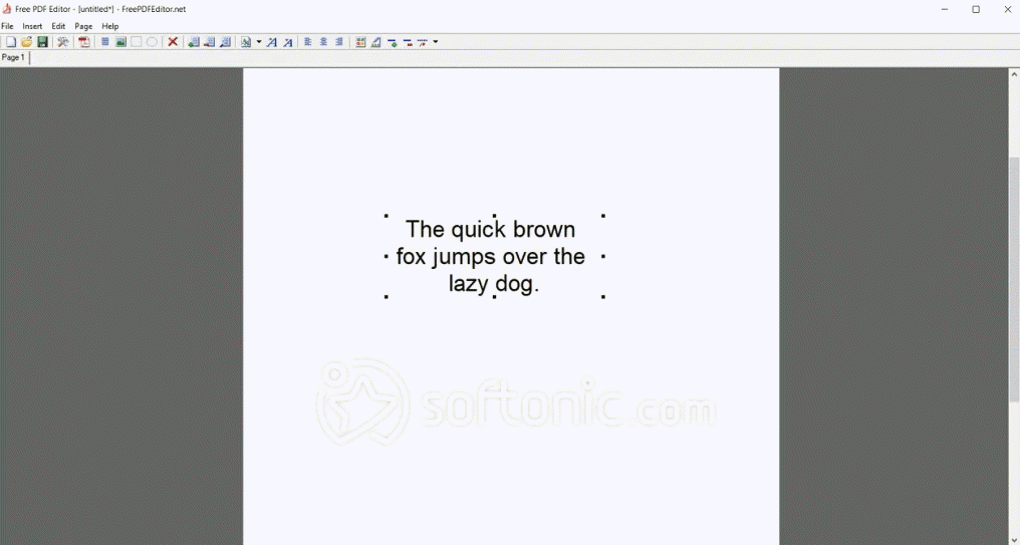
Free PDF Editor opens to a blank canvas where users can insert and position text, images, and lines. It uses a WYSIWYG approach—what you see on screen is what gets printed—helpful for simple flyer or form layouts. However, the icons are outdated and small, and there’s no spellcheck or text formatting beyond font and size.
A stripped-down PDF builder for basic use
Page setup options include margin adjustment, A4 sizing, and basic layout modes. You can save your work as a proprietary .fpe file and export it to PDF when ready. However, the tool lacks standard features like multi-page support, templates, or undo history. Users must manually build and place every element.
Despite its outdated interface, the app runs smoothly and uses minimal system resources. It does not require installation and works as a standalone EXE. However, it cannot open or edit existing PDF files, lacks annotation tools, and may not display correctly on high-resolution screens or newer versions of Windows.
Pros
- Extremely lightweight and portable
- Simple WYSIWYG layout editor
- Allows manual placement of text and images
- No installation required
Cons
- Cannot open or edit existing PDFs
- No support for annotations, forms, or signatures
- Outdated interface and toolset
- Incompatible with many modern PDF standards