
A Free PDF Tool with Useful Extras
Nitro PDF Reader 64-bit is a Windows PDF utility that balances basic reading functions with extra tools for creation and annotation. Developed by Nitro Software, it positions itself as a free alternative to heavier applications like Adobe Acrobat Reader. With a familiar ribbon interface and a reliable virtual print driver, it helps users manage PDF files without steep learning curves.
The program is aimed at individuals, businesses, and educators who need straightforward features such as viewing, highlighting, and basic markup. While its free edition does not offer the full editing power of Nitro Pro, it remains a capable solution for everyday document tasks.
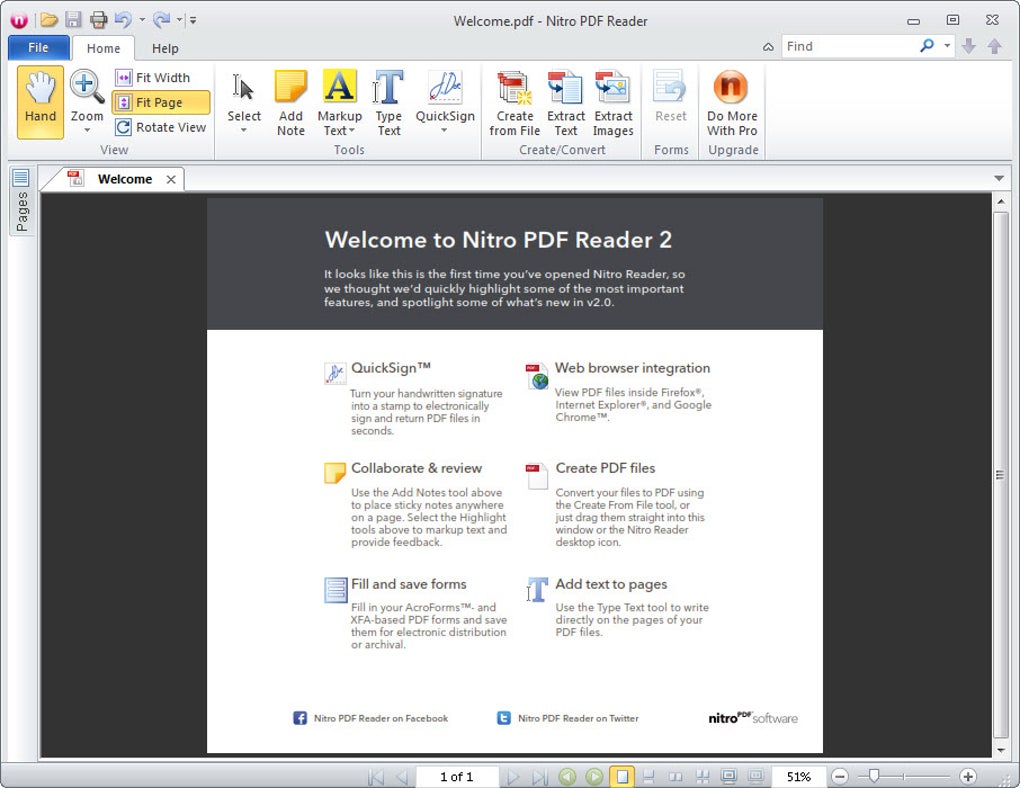
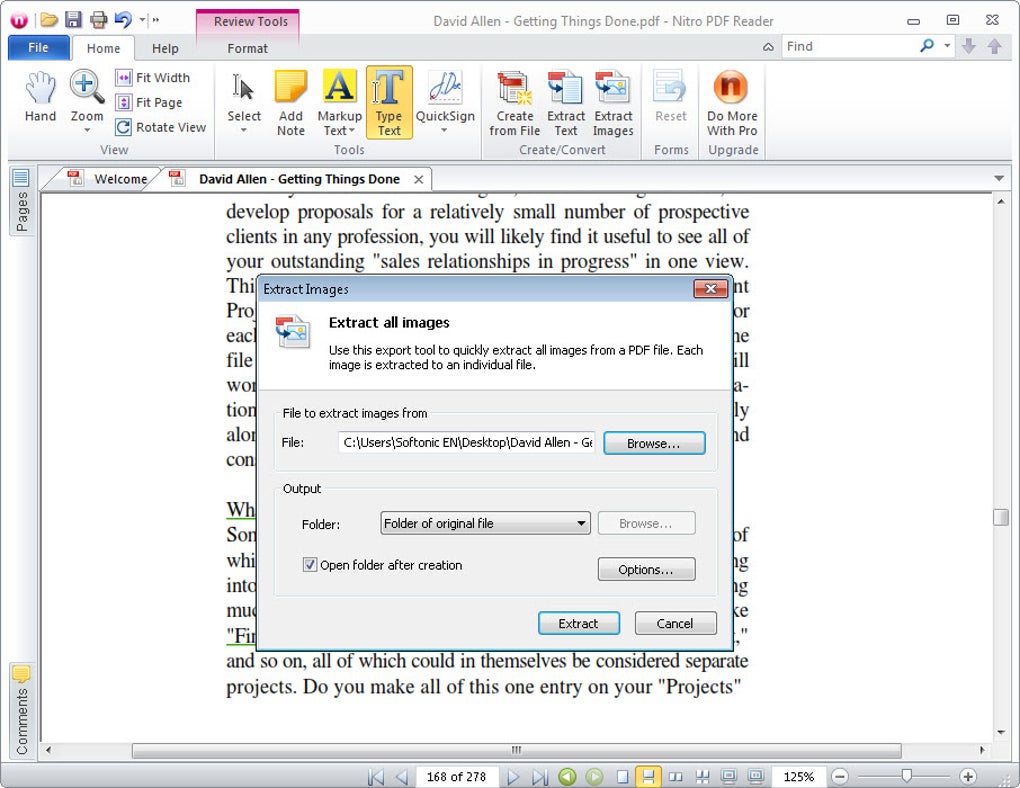
Nitro PDF Reader provides core PDF management tools in a clean, Office-style interface. Users can view PDF documents, zoom, search text, and navigate bookmarks. The built-in virtual print driver lets you convert common file formats—including Word, Excel, and image files—into PDFs by “printing” to Nitro PDF. This makes document sharing simple, as files retain consistent formatting across different systems.
How does Nitro PDF Reader 64-bit work?
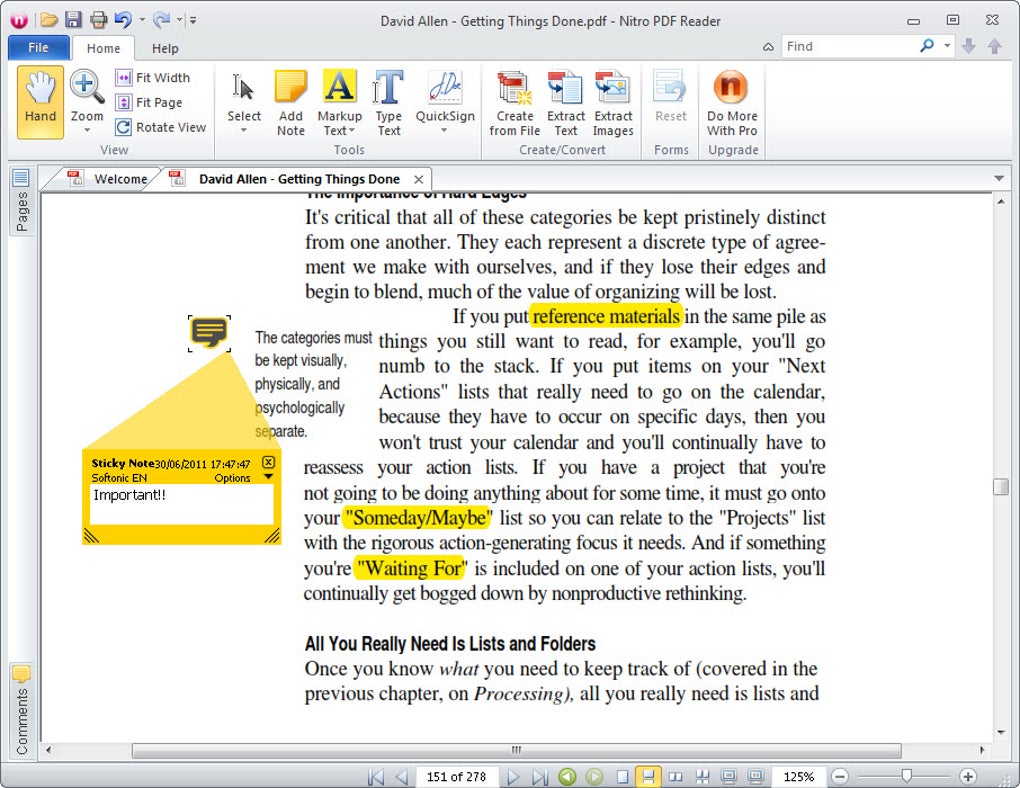
Annotation is one of its stronger areas. You can highlight, underline, and strikethrough text, add shapes, draw freehand, and insert sticky notes. Customization options such as color selection and line thickness give flexibility, and comments remain embedded in the PDF for review by others. While this is not the same as real-time collaboration, it is useful for team feedback or academic review.
Despite its strengths, Nitro PDF Reader is not a full editor. Features like OCR, password protection, digital signatures, merging multiple files, or creating forms are restricted to Nitro Pro. The Reader is also limited in its ability to reorganize or deeply modify PDF content—it is primarily a viewer and annotator. Users who need advanced editing or workflow management should consider upgrading, but for general reading, markup, and creation, the Reader is efficient and lightweight.
Pros
- Free PDF creation and annotation tools
- Familiar ribbon-style interface with easy navigation
Cons
- Lacks advanced features like OCR, merging, and form creation
- Limited editing capabilities compared to Nitro Pro