
Powerful open-source tool for streaming and recording
OBS Studio is a free and flexible program that enables users to record and live stream video content with professional-quality output. Designed for creators of all levels, it supports high-resolution video, real-time audio mixing, and scene transitions—ideal for gaming, tutorials, or online broadcasts.
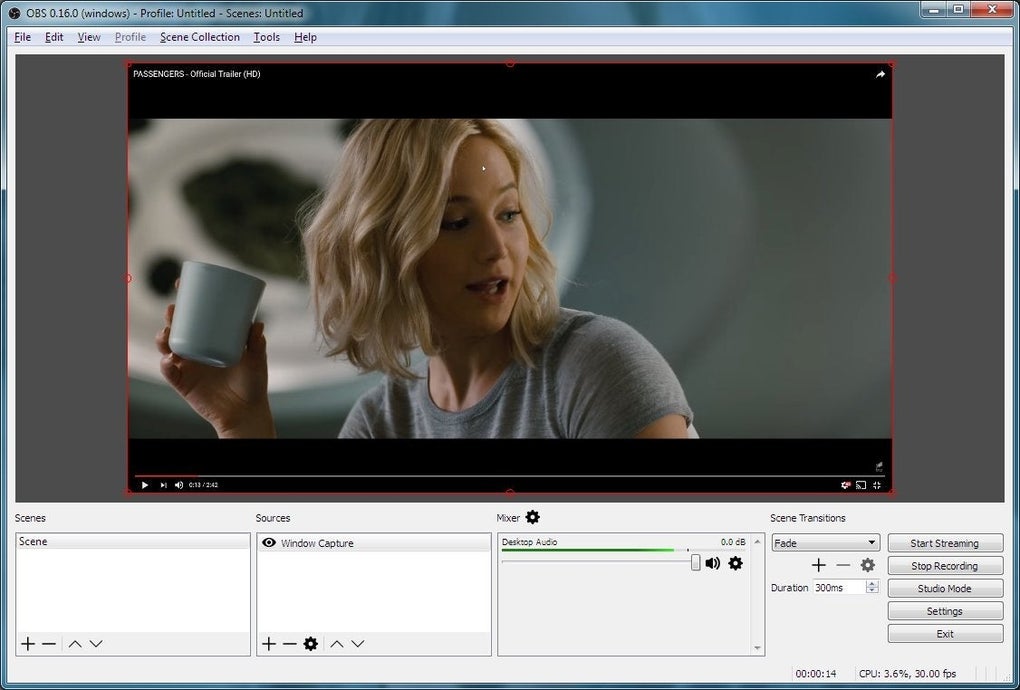
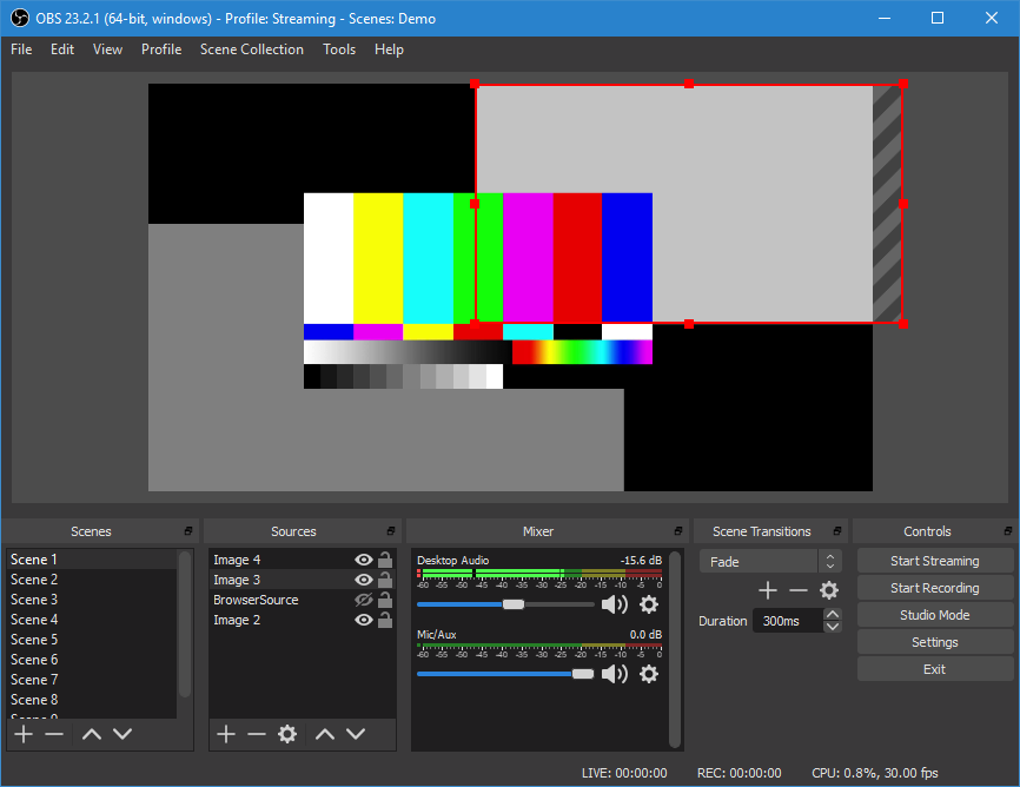
The software features a modular interface where users can customize their layout. It supports multiple sources like display captures, webcams, and browser windows. With support for 4K output and 60 FPS, plus filters and VST plugins for audio control, OBS delivers high-performance results for serious creators.
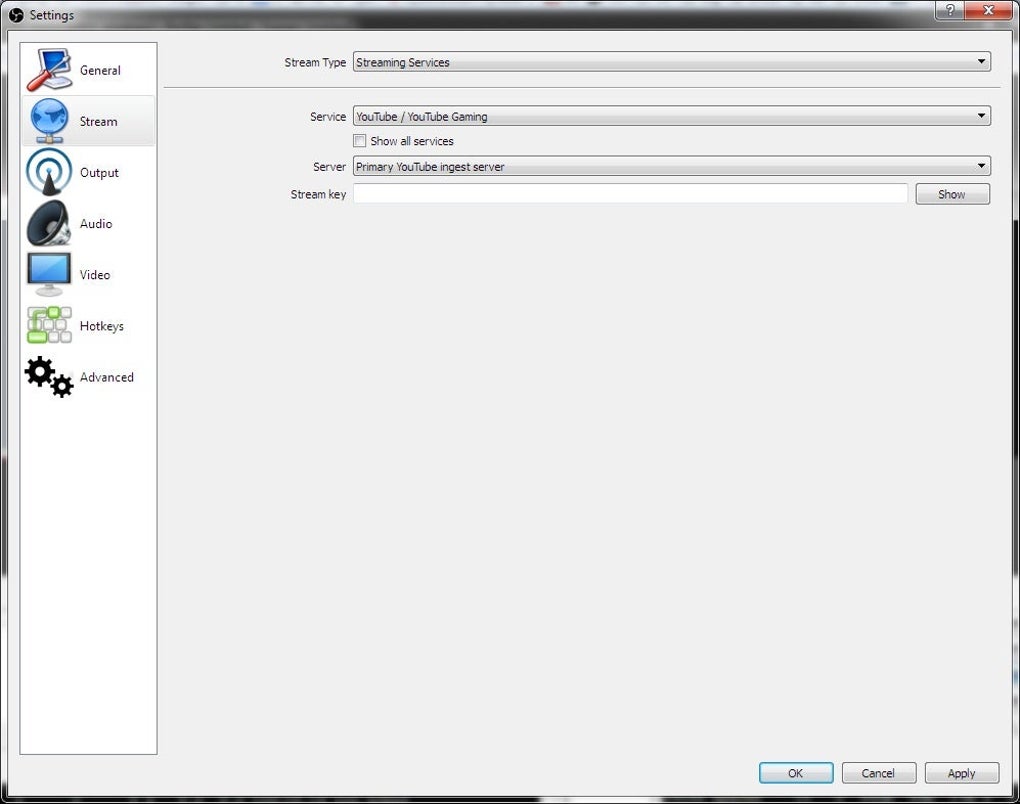
OBS Studio is known for its flexibility. Users can create unlimited scenes, add custom overlays, apply chroma key effects, and fine-tune both video and audio using the built-in mixer. The software supports a wide range of sources, including game captures, webcams, browser windows, and image slideshows. While it lacks a built-in video editor, OBS integrates well with external editing tools, making it ideal for both live streaming and pre-recorded content. Compatibility with major platforms like Twitch, YouTube, and Facebook Live helps streamline broadcasting workflows for creators of all levels.
Built for customization and control
Performance remains consistent even with complex, multi-layered scenes. Hardware acceleration minimizes latency, while modest system requirements allow OBS to run on most modern machines. The software supports output resolutions up to 4K and 60 FPS, with customizable bitrate settings to optimize stream quality based on available bandwidth. OBS also allows streaming to custom RTMP servers and accepts a variety of third-party plugins. These plugins can add everything from animated alerts to integration with donation platforms, expanding functionality beyond the core installation.
Audio features are equally advanced. OBS includes real-time monitoring and support for VST plugins, offering granular control over filters like noise suppression, gain, compression, and EQ. The mixer panel lets users balance audio from multiple sources, whether it's a microphone, game feed, or background music. Accessibility tools include customizable hotkeys and modular docks, while closed captioning is available through third-party plugins. Although native screen reader support remains partial, the platform’s open-source foundation invites community-driven enhancements, frequent updates, and an ever-growing library of extensions to elevate the user experience.
Pros
- Supports 4K recording and 60 FPS streaming
- Highly customizable layout and scenes
- Compatible with major streaming platforms
- Free, open-source, and regularly updated
Cons
- No built-in video editor
- Learning curve for new users