
A media solution for all users
VLC Media Player is a free, open-source multimedia player for PC and mobile that supports nearly every audio and video format without additional codecs. Renowned for its lightweight build, reliable playback, and customizable interface, it delivers smooth performance for everything from 4K video to network streaming—making it a top choice for both casual and advanced users.
VLC supports virtually any media format—including MKV, MP4, AVI, and FLAC—without the need for extra codecs. It plays DVDs with full menu navigation and supports Blu-ray playback for unencrypted discs; most commercial Blu-rays require third-party decryption tools. While playback is smooth for most files, high-bitrate 4K or HDR content is likely to demand tuning on less powerful systems.
Effortless playback across formats
Streaming and recording features
VLC can do streaming, with support for HTTP, RTSP, MMS, and other common protocols. While buffering can occur on unstable connections, advanced settings help reduce interruptions. Although it doesn’t natively stream .torrent or magnet: links, third-party tools—such as WebTorrent Desktop or Peerflix—can convert torrents into HTTP streams that the app can play. The built-in screen recorder captures full-screen or selected areas in multiple formats, though users needing advanced features should go for tools like OBS Studio.
User-centric interface and accessibility
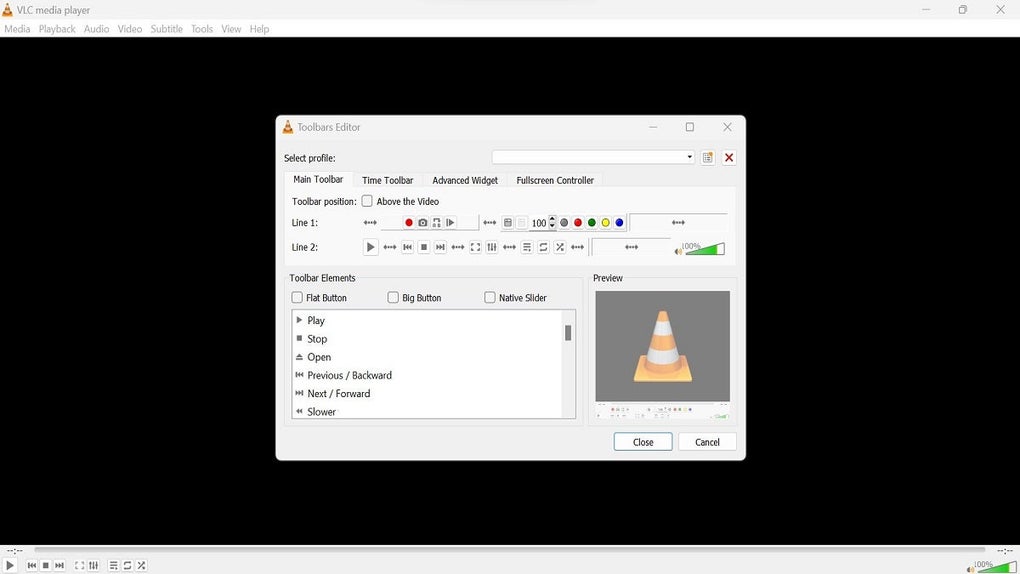
With a clean, intuitive layout and support for over 50 languages, VLC serves a global audience. Beginners benefit from simple controls, while power users make use of keyboard shortcuts and granular playback options. Accessibility features, including screen reader compatibility, further enhance its usability.
Playlist and playback management
VLC includes practical playlist tools with drag-and-drop support and basic editing. While it lacks advanced library management—such as automatic metadata-based organization—its straightforward playlist system enables quick access to frequently used media, keeping playback simple and efficient.
Pros
- Diverse media format support
- Native recording
- Accessibility features
Cons
- Limited torrent support
- Basic library management