Free-to-try video editing application
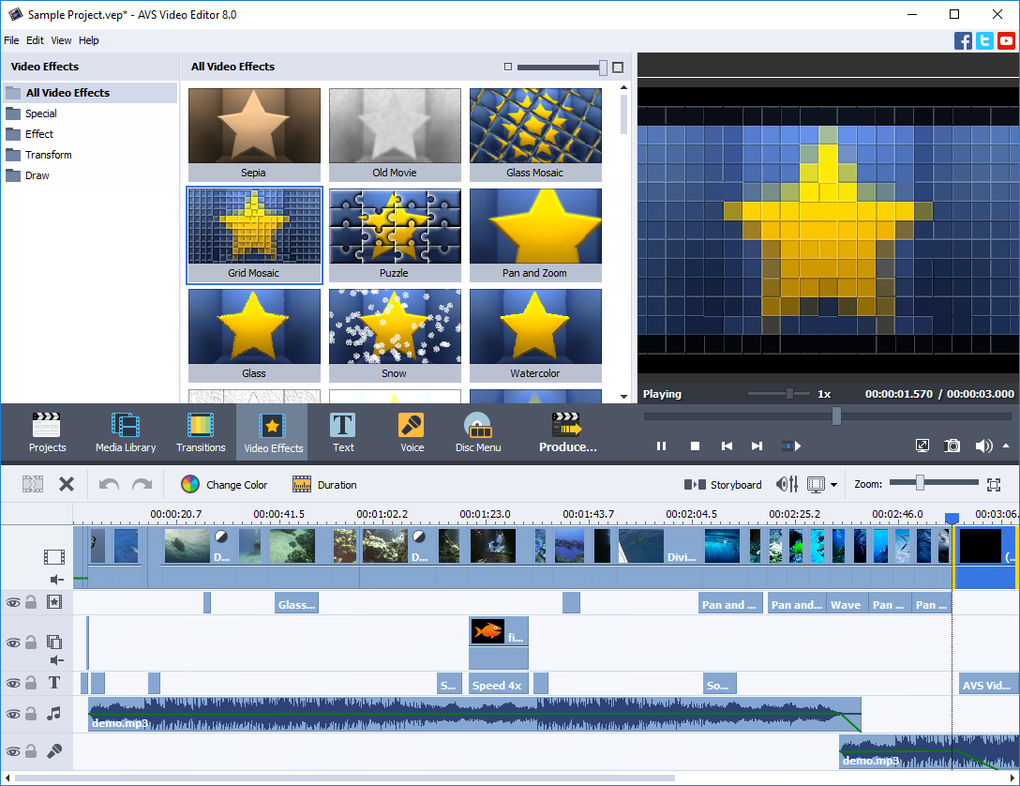
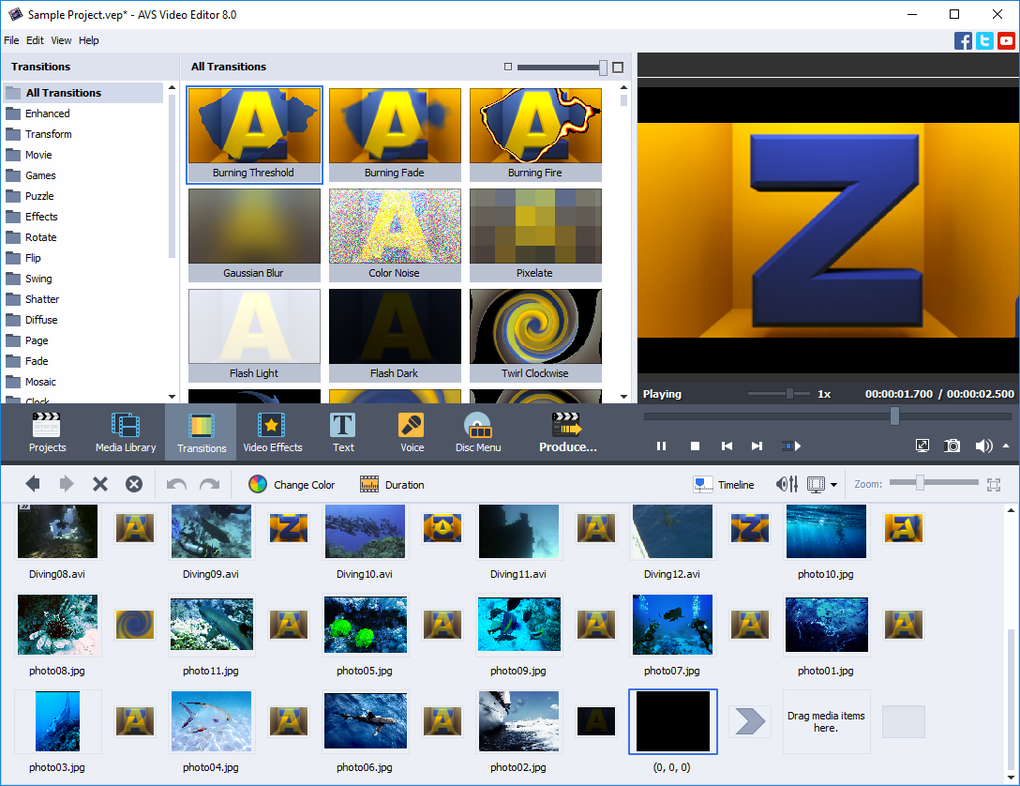
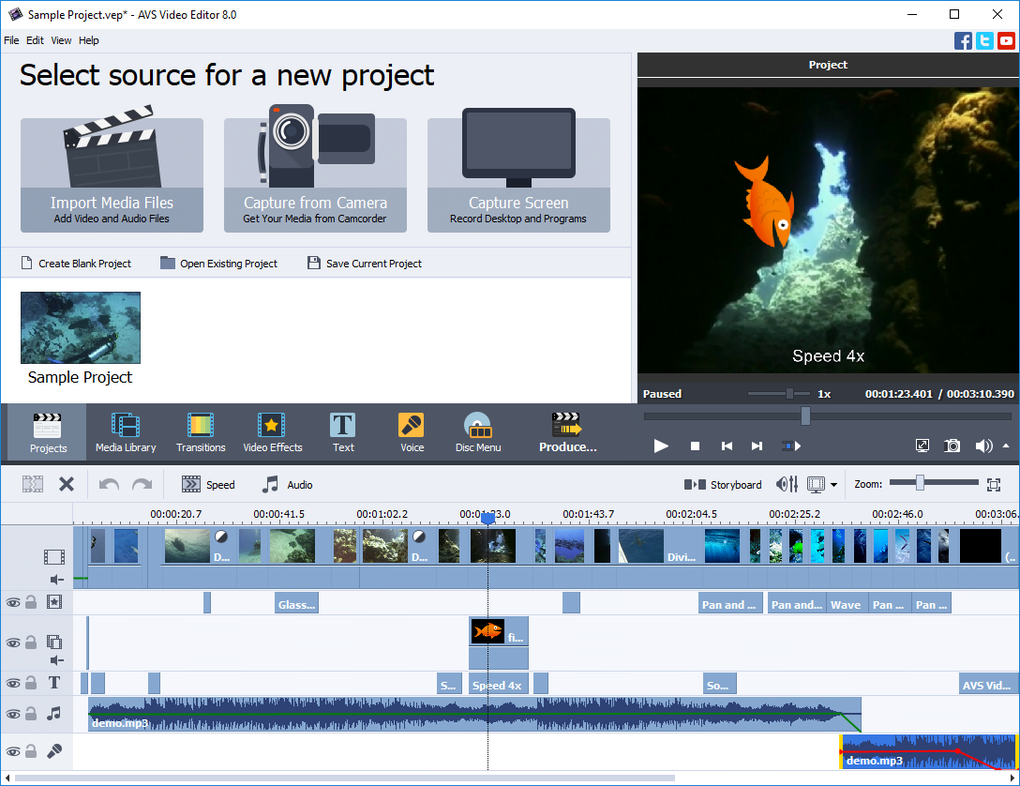
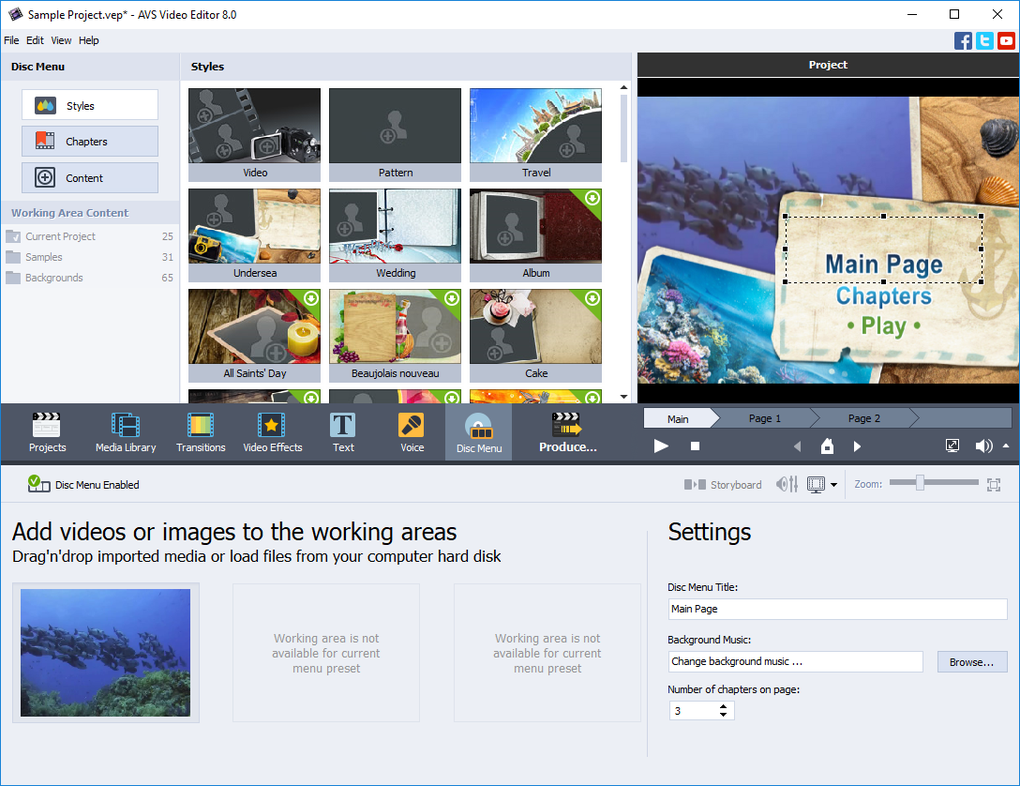
AVS Video Editor is a video editing application by Online Media Technologies Ltd. The interface has a very smooth appeal where you can see all the functions available. Transform your projects into animated works with special effects and filters. The app has an extensive transition capacity that allows for highly active and engaging media. AVS also has a built-in recorder, so you won’t need another app for that. It also allows you to burn videos to a DVD or Blu-ray disc.
AVS video editor is currently free to try. The latest update is downloadable for paid users; free users will be stuck with an earlier version, so there’s an incentive to purchase a license. The difference between these patches is not much, but it’s always better to have the premium. Some known bugs can get fixed a lot quicker if you’re getting the latest updates. You’ll also get technical support with the licensed version, so that’s another reason to spring for it.
Quality production
AVS lets you import videos in standard file extensions, including mp3, mp4, and avi. You can also import a project from another software. When you finish, it will save under the AVS file. There’s no need to convert each file as the app has auto conversion for most types of media. This saves time, especially if you’re a content creator facing tighter deadlines. It’s also a great way to east the switchover from one editing software to the other.
The high usability of AVS puts it on par with the best apps in the market. You will find all the essential features of Adobe Premiere Pro and more than what Filmora has in AVS.
One thing to keep in mind is that this program isn’t designed for beginners. The bright interface and large icons make it easy to navigate, but the functions are on an intermediate level. You’ll need to dedicate time to learning the software in order to be successful.
Features
AVS comes with an integrated cache, which makes it faster to edit large, high-definition files. This is especially useful for content creators short on time but looking for an edge to get their videos in front of more people. There are quite a few transition effects to spice up your project, but they won’t be a good fit for everyone.
AVS isn’t just for video. You can create slideshows from images like you would through the old Microsoft Photo Story. You can add audio tracks and time them with your images for the best impact.
You can publish videos straight to your social media accounts. Alternatively, you can save to various formats, like H.264, MPEG-4, AVCHD, and FLV. You can also save to formats like .3gp and .mp4 for mobile devices.
The system requirements are pretty light for video editing software. All that’s required is a decent video card, a duo-core processor, and 2GB of RAM. This is a low footprint for an application like this.
Effects and Filters
Instead of standard filters that alter your video’s texture, AVS only offers direct color applications. You can add these to your project by using the background tool. It will give the selected frame a colored background. So you can see there’s no subtlety here. The tool is useful when you’re making an animated clip or emphasizing an event in your clip.
There is a huge selection of transitional effects. This amount is strange when you compare it to the meager collection of other special effects. In this regard, AVS seems to specialize in compilations and collage. It might as well be, as there are a ton of unique page-turners you won’t see anywhere else. You can click on each one to see how it would look on your video in the preview window.
Other modifications include Draw, Transform, and Stickers. There aren’t many choices in these areas, and most of them are pretty standard. You can apply multiple effects to a video, and many duplicates of the same one.
Camera and recorder
As any competitive editing software should, AVS has a built-in recorder to create new projects. The recorder is an extension of the app and will open a new window when you activate it. AVS uses your PC camera, so the definition relies on your graphics card. Despite that, the recorder has a terrible frame rate. You’ll feel as if your bandwidth has been cut in half. Having a low performance for your camera can be detrimental to certain projects.
AVS also lets you record your screen. The fact that it comes with this feature is a plus, compared to the likes of OBS Studio or Bandicam, which offer limited or no editing. However, the feature itself is a little disappointing. The frame rate is even worse than the regular recorder. Make sure you remember the key shortcut as there are no toolbars or a dashboard to control your session. When you press stop, the clip will play at 1.5x speed for no reason, and there’s no way to revert this. If you’re trying to record a gaming session or tutorial, it’s best to use another app for that.