


Codec power
K-Lite Codec Pack Mega is a free comprehensive collection of audio and video codecs, DirectShow filters, and related tools designed for Windows systems. Its primary function is to ensure that multimedia files of virtually all formats can be played on a PC without requiring separate downloads.
K-Lite Codec Pack Mega is available only for Windows. It supports a wide range of formats, including MP4, MKV, FLV, AVI, and many others. It includes advanced utilities like Media Player Classic Home Cinema (MPC-HC), ffdshow, LAV filters, and configuration tools, enabling users to manage playback behavior and codec settings according to specific system needs.
K-Lite Codec Pack Mega supports playback of nearly all audio and video files. Common formats like MP3, AAC, FLAC, H.264, HEVC, and MPEG, along with rarer or older formats. It includes subtitle rendering via DirectVobSub and supports multiple subtitle tracks, embedded fonts, and external subtitle files. Tools like Codec Tweak Tool and GraphStudioNext provide users with options to inspect and adjust codec behavior or resolve playback issues. It performs efficiently on most modern systems with minimal CPU and RAM usage during playback. However, the software is only compatible with Windows systems and in both 32-bit and 64-bit versions. Installation offers profile-based configurations that can reduce unnecessary components for low-resource systems. It does not interfere with existing software unless explicitly configured to do so. Resource consumption remains low, even when handling high-resolution media or multiple streams.
Play everything
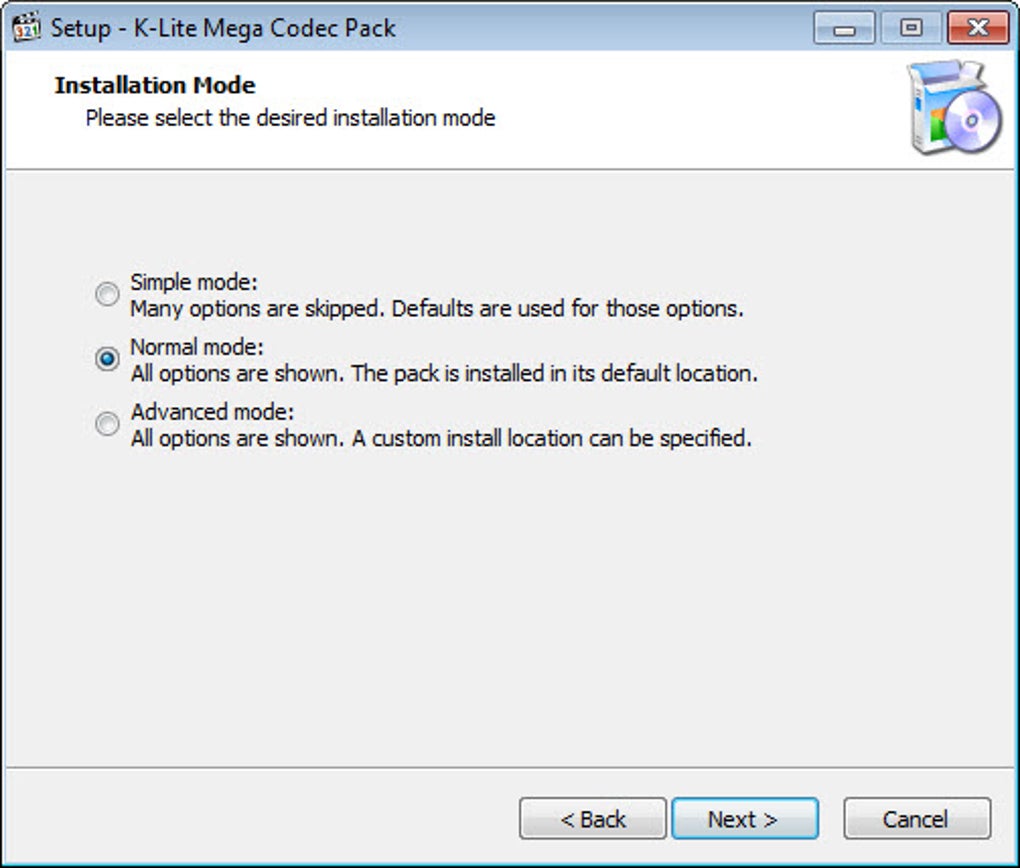
Installation offers detailed component selection with profiles for beginners and advanced users. The package includes MPC-HC, which features a traditional player layout with customizable playback controls, filters, and interface skins. Additional tools like Codec Tweak Tool allow users to scan for broken codecs and manage codec priorities. Explorer integration enables thumbnail previews and media info display, while optional tools like Icaros enhance metadata handling and searchability of media files.
Pros
- Extensive support for video and audio formats
- Includes configuration tools and MPC-HC
- Customizable installation with component selection
- Explorer integration with thumbnail support
Cons
- Only available for Windows systems







