



Enhance your photos with great efficiency
PhotoScape is a comprehensive, free photo editing software that caters to a wide range of users, from beginners to seasoned editors. Its all-in-one approach provides a user-friendly platform for diverse photo editing tasks. The batch editing is a standout feature because it enables users to apply the same edits to multiple photos simultaneously, significantly streamlining workflow for tasks such as resizing or applying filters to numerous images.
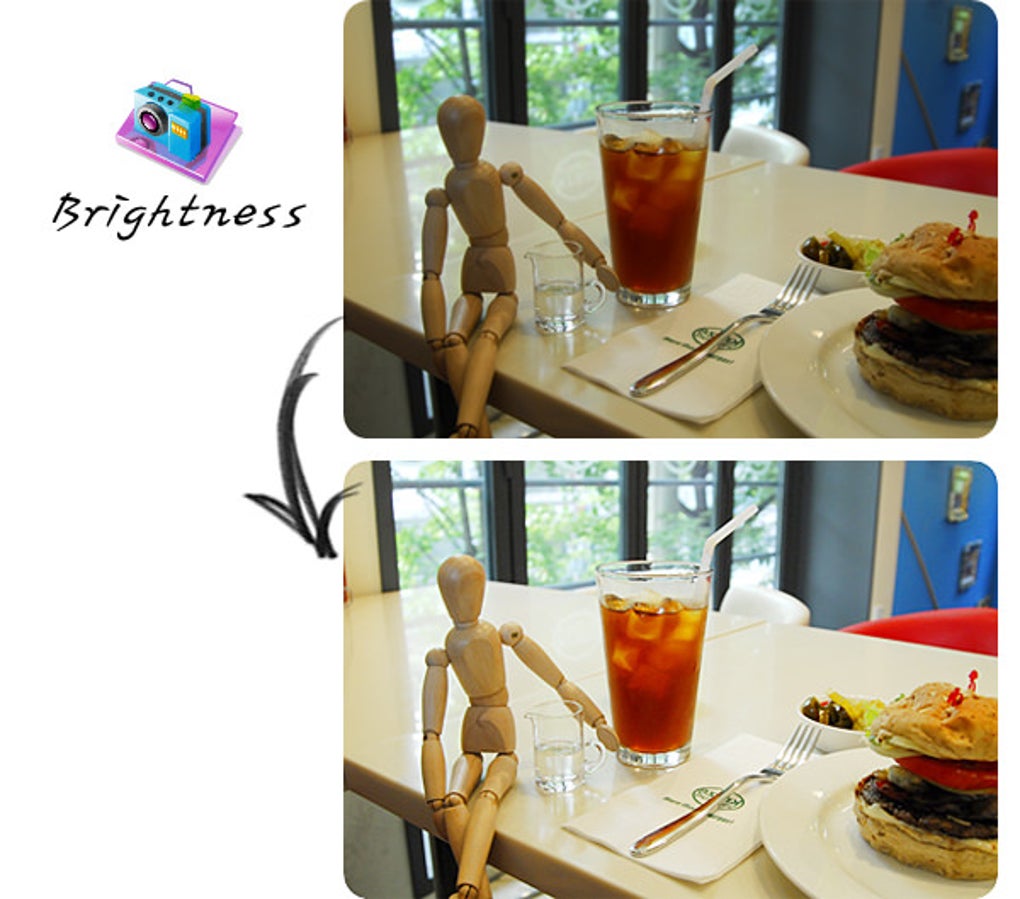
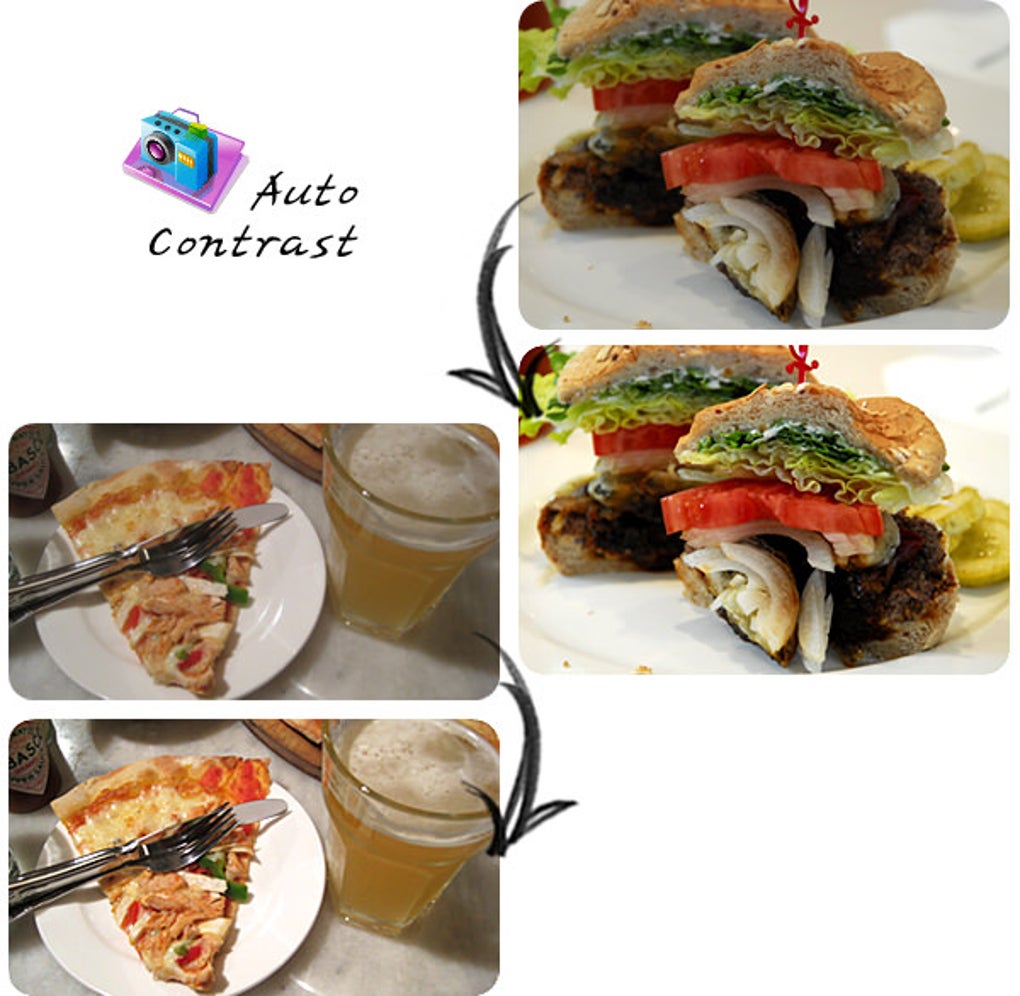
PhotoScape's interface is designed for simplicity, making it accessible for users of all skill levels. The main screen features a carousel of options, giving easy access to everything from basic editing to more advanced features like batch editing and GIF creation. Basic adjustments such as brightness, contrast, and cropping are readily available, allowing newcomers to dive right into editing without feeling overwhelmed. For intermediate users, advanced features like red eye reduction and collage creation are presented in a user-friendly manner, making exploration and experimentation straightforward.
Navigate with ease
Empower your creativity
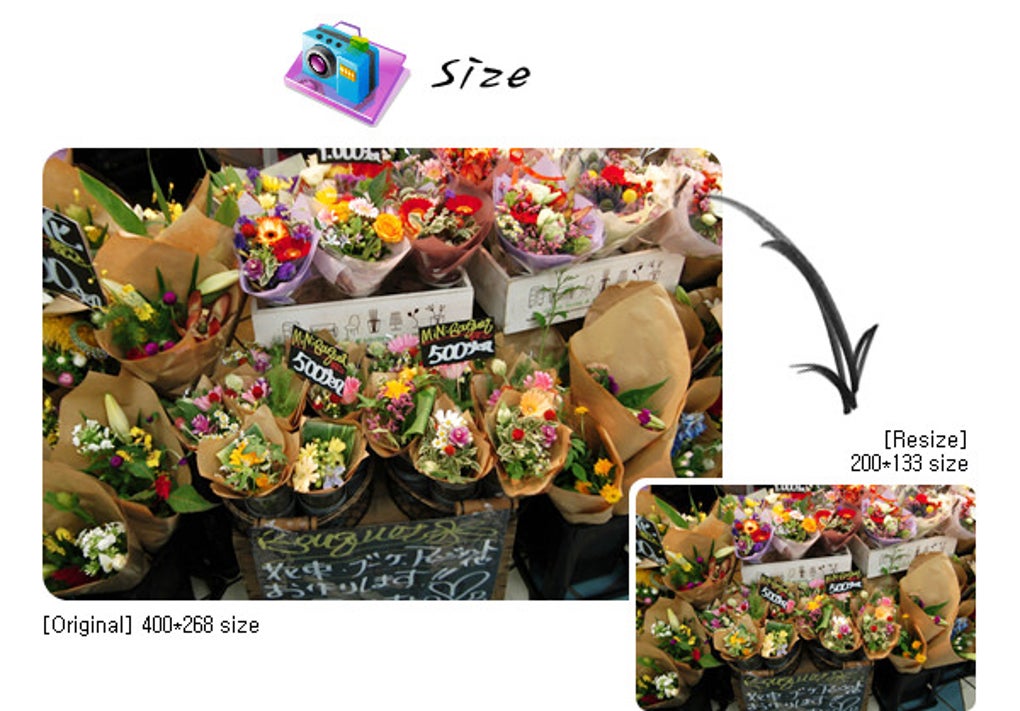
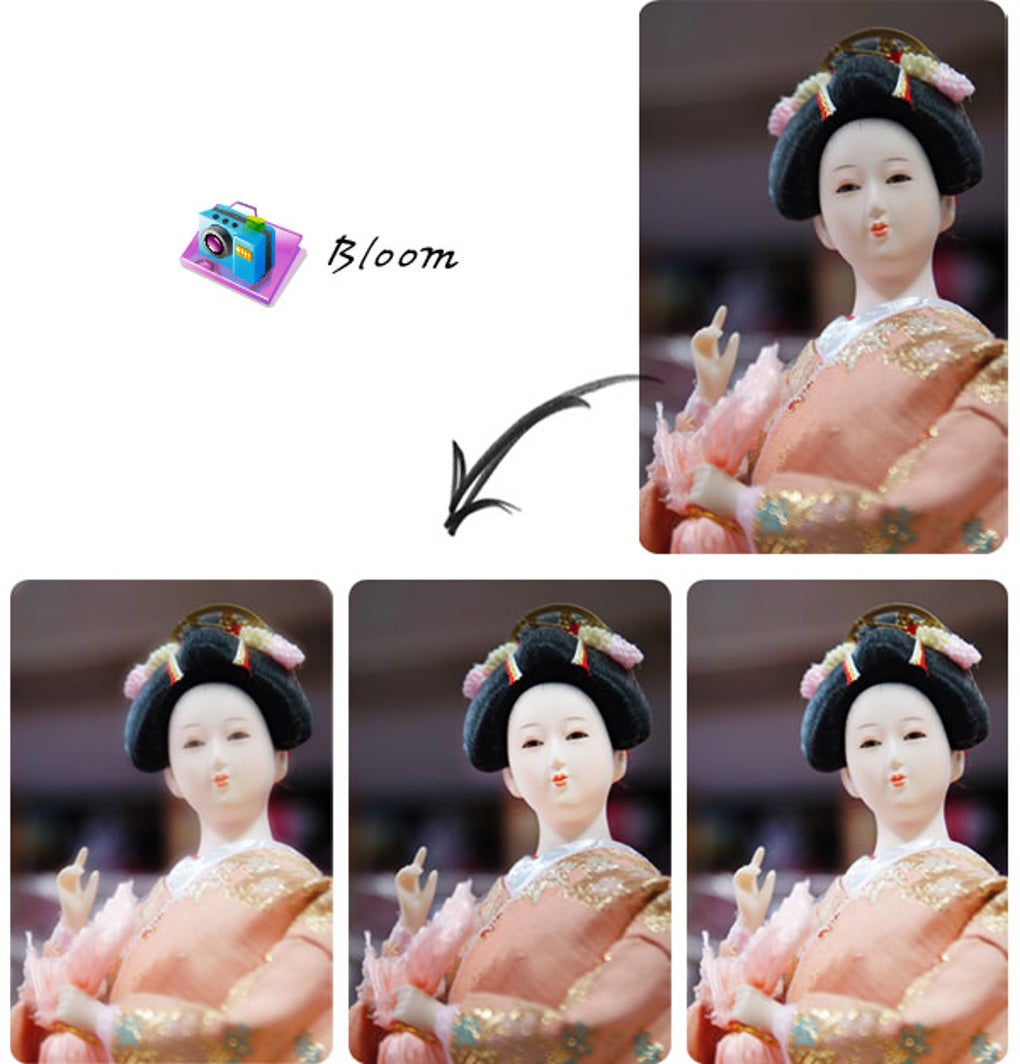
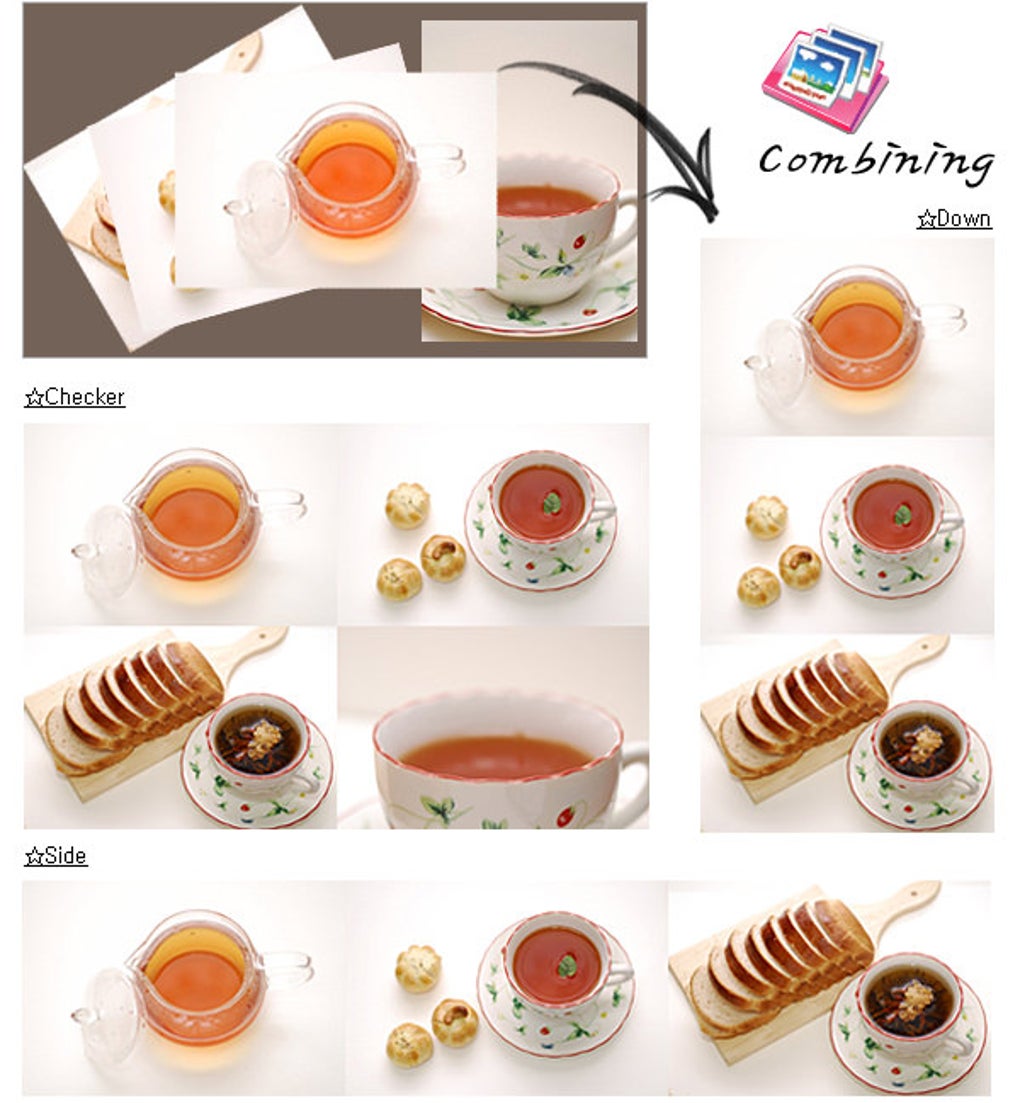
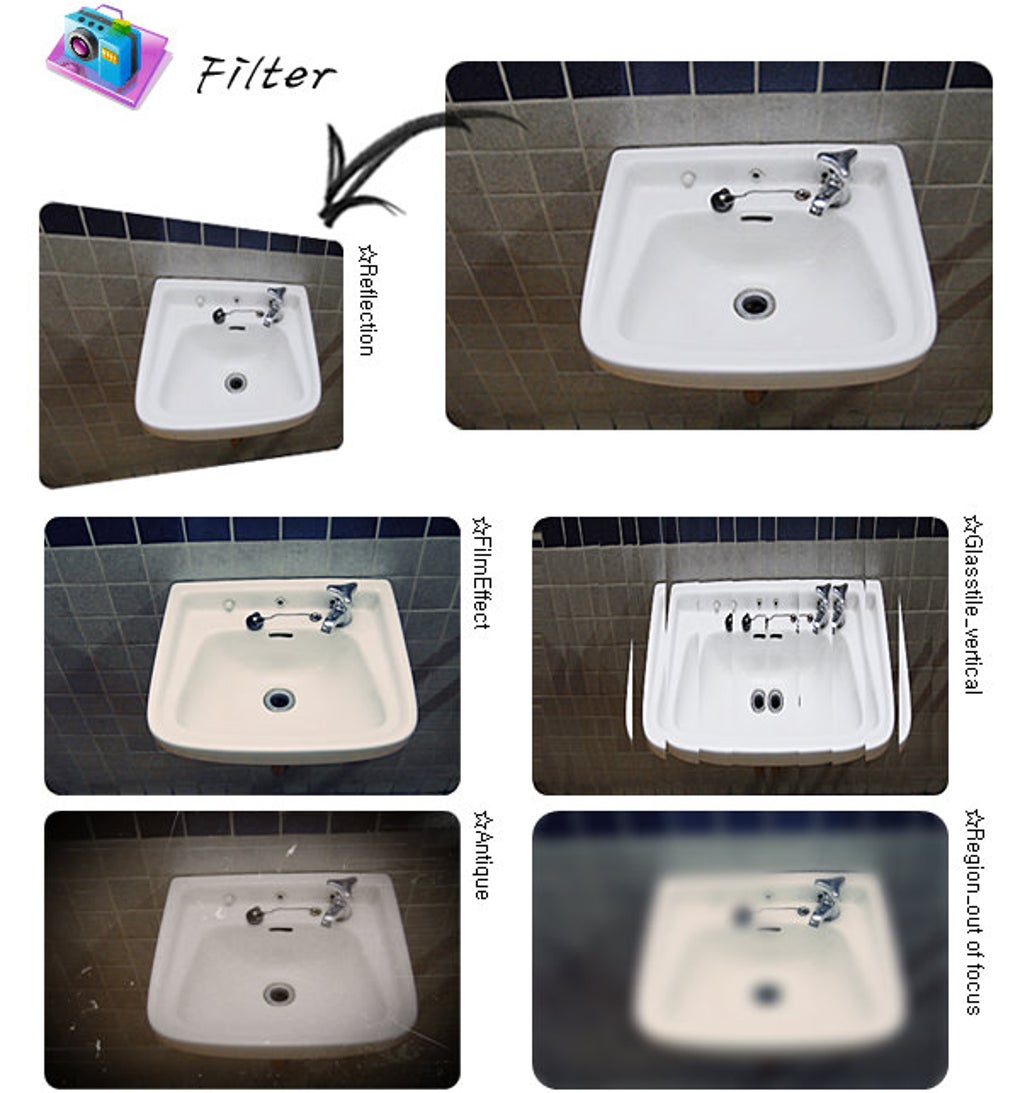
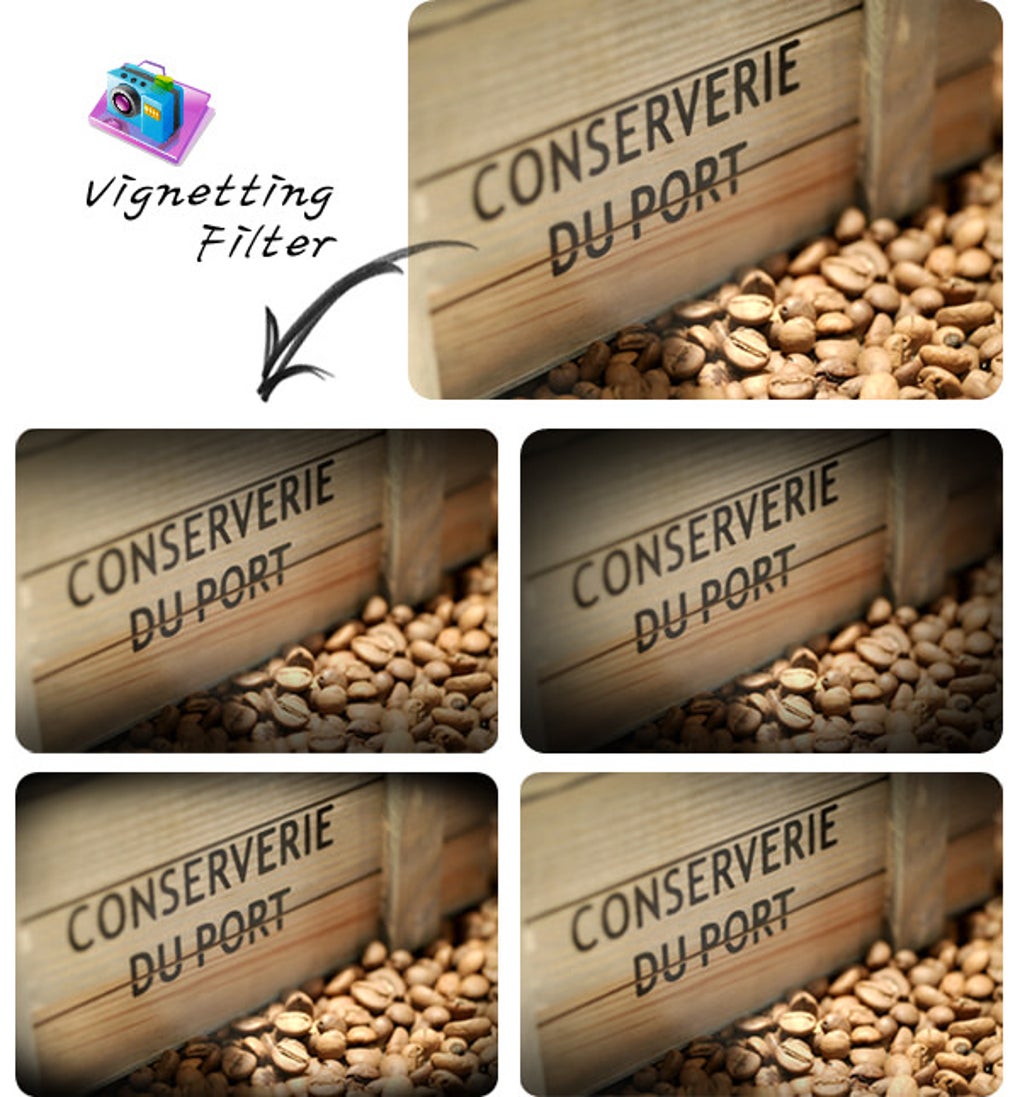
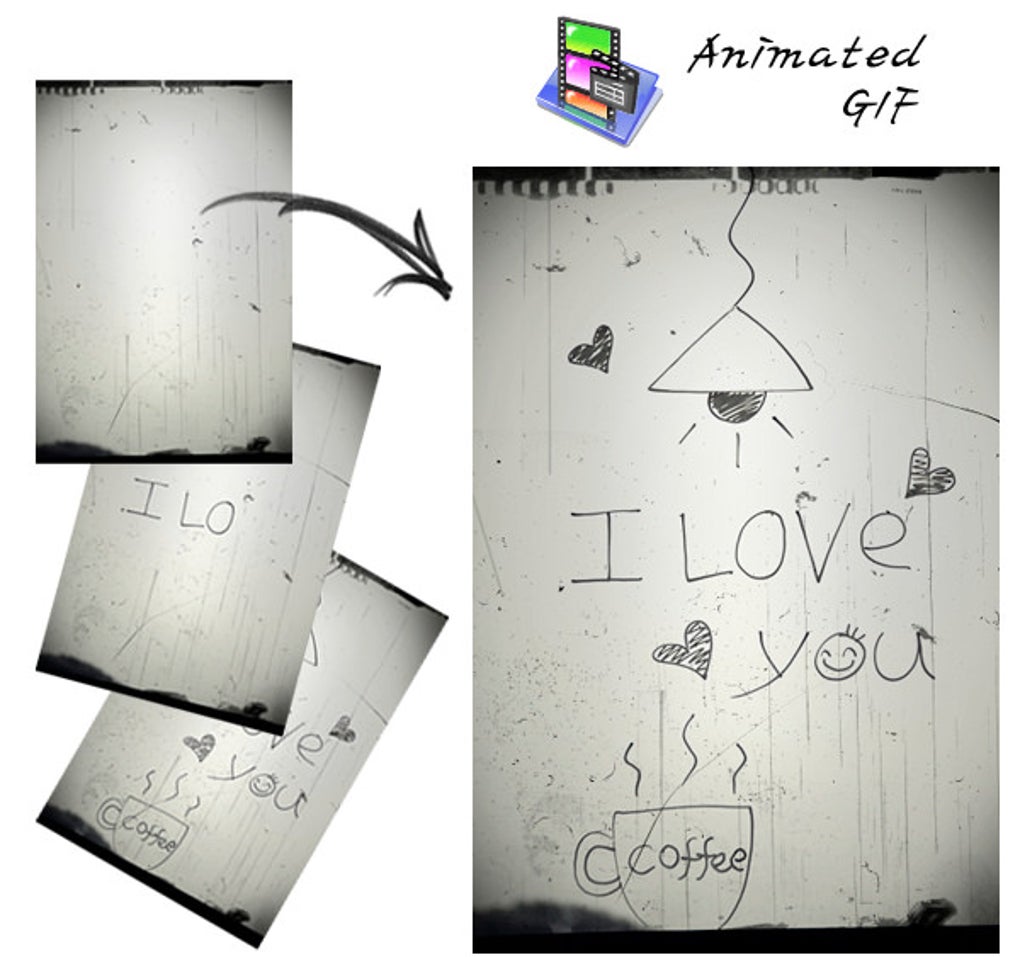
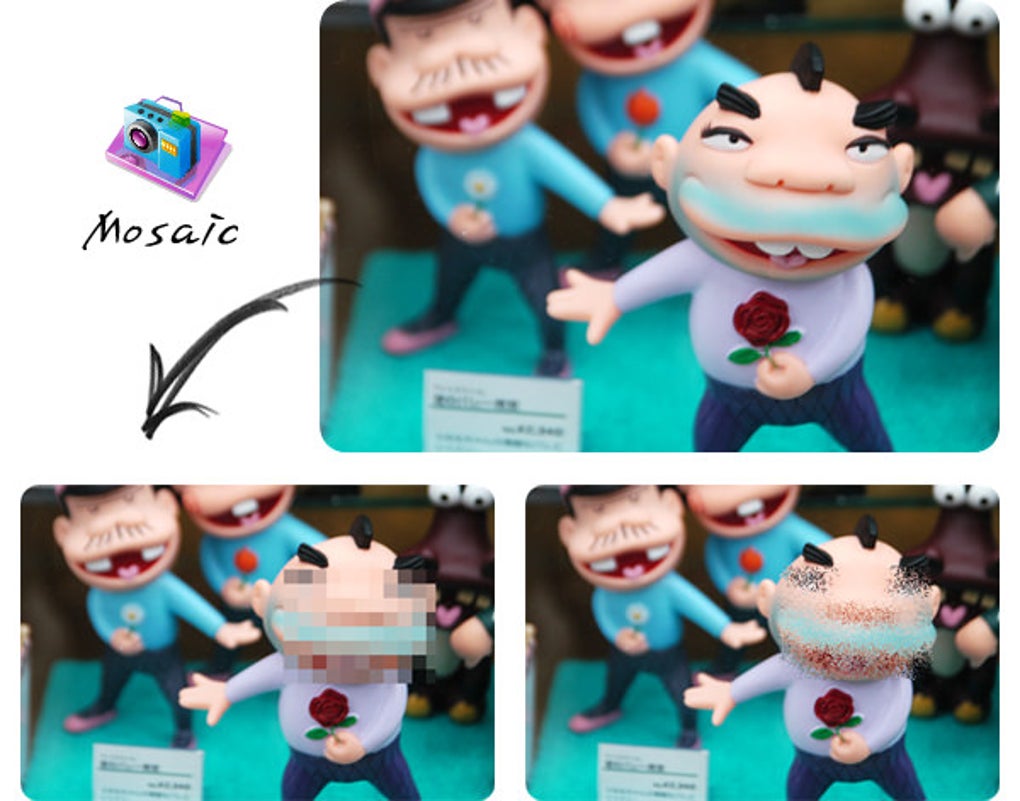
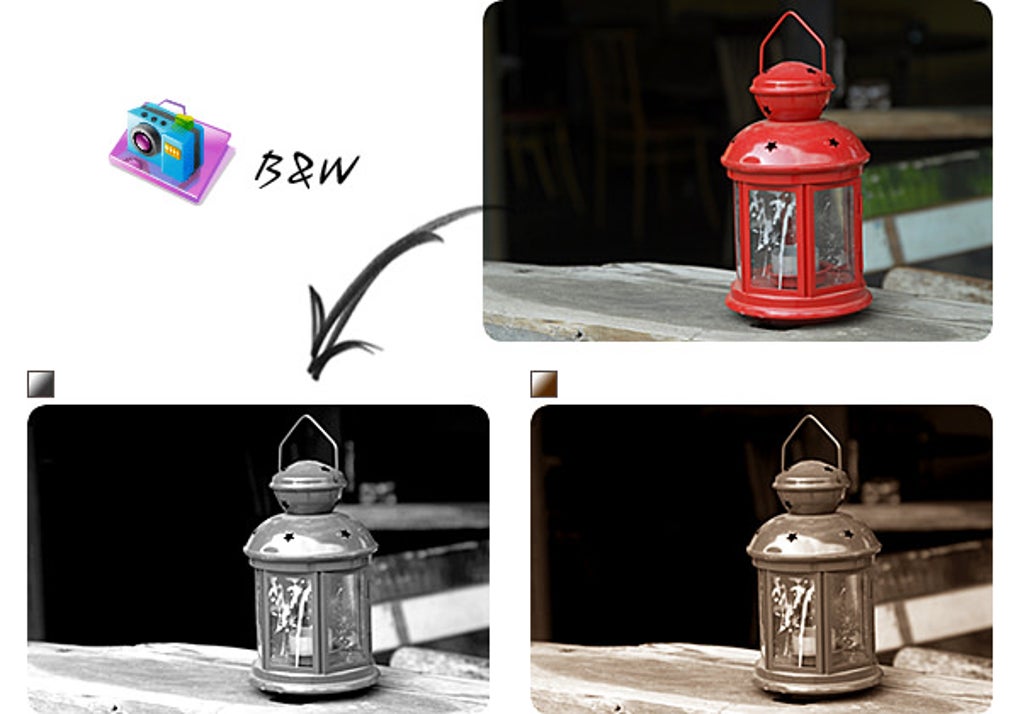
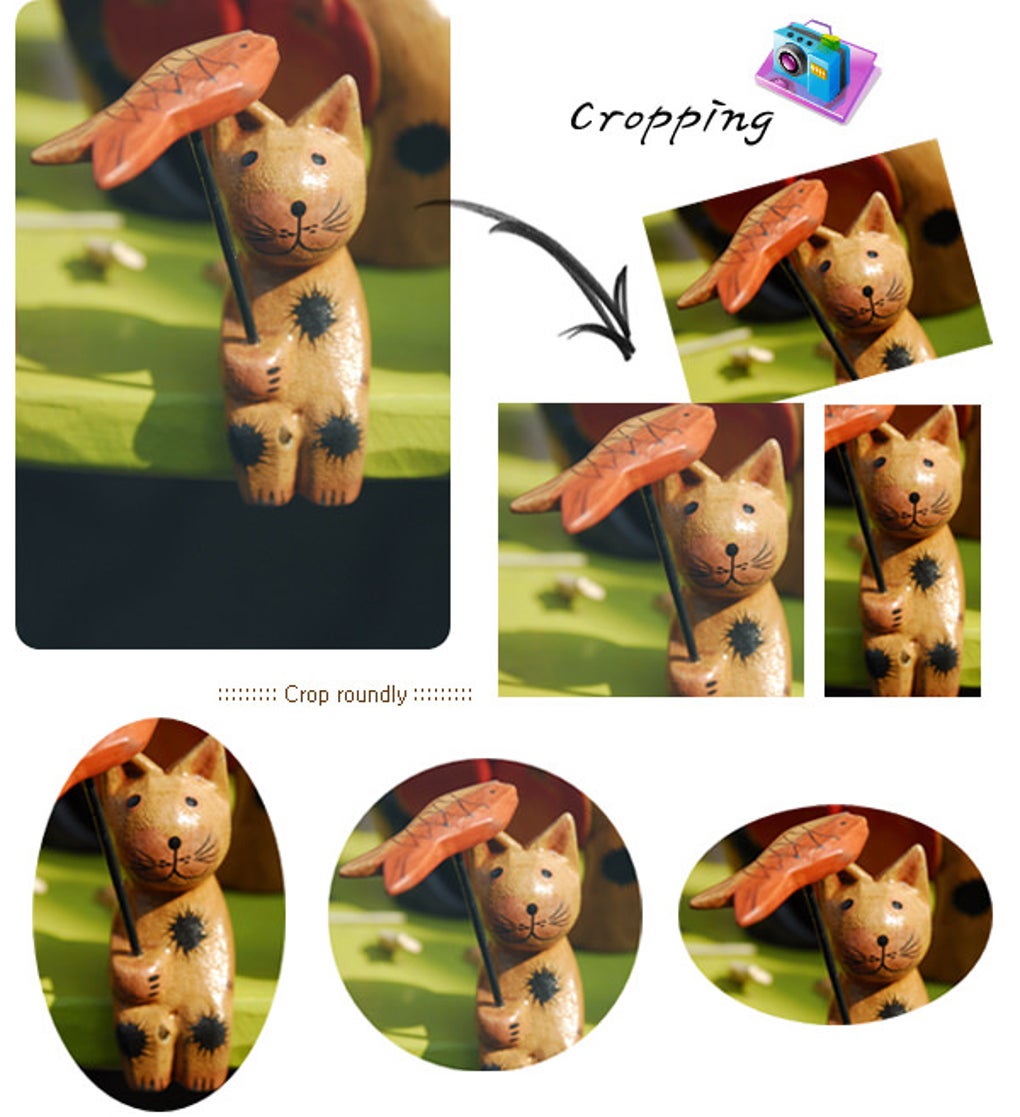
As a comprehensive editing tool, PhotoScape empowers users to attain precise image enhancement. The software includes versatile cropping options, allowing standard, perspective, and circular crops. Resizing is equally flexible, accommodating adjustments by percentage or specific dimensions. Color adjustment options abound, enabling users to fine-tune brightness, contrast, saturation, hue, and more. Special features such as a collage maker and GIF creator add creative dimensions that facilitate engaging content creation.
Seamless integration
PhotoScape excels in its ability to import images from various devices. Users can pull images from local storage or utilize drag-and-drop functionality for efficiency. While sharing images on social media platforms isn’t built-in, they can customize their outputs by adjusting sizes and quality. Also, the editor lacks direct integration with cloud storage services, which means users must manually do the uploading.
Technical specifications
PhotoScape isn’t a demanding editing software in terms of system requirements. It’s compatible with older Windows versions, including NT and XP. Even users of Windows 98 and ME can still utilize the program with the PhotoScape 3.4 version. For modern OS platforms, it’s highly recommended to use PhotoScape X for Windows 10 or later and macOS 10.12 or later.






