

Lightweight, feature-rich editor for developers
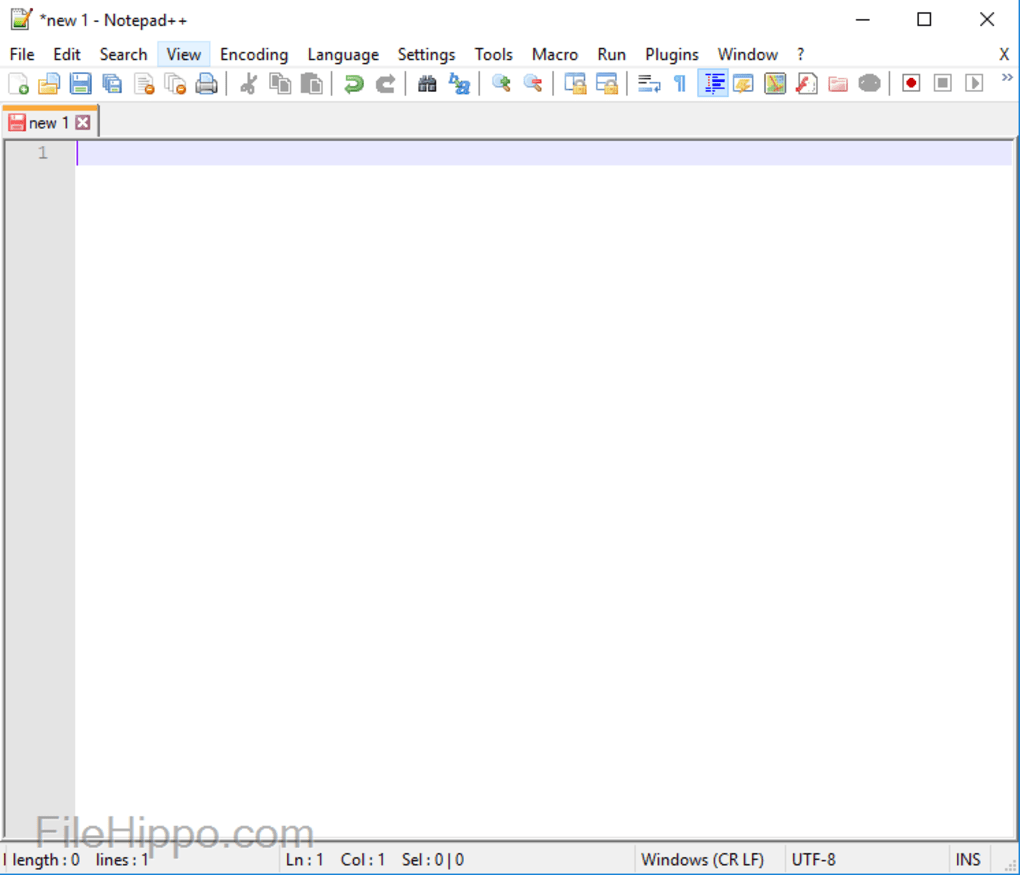
Notepad++ is a free text and code editor designed for users who want a fast, reliable tool for writing and editing code. Built for Windows systems, it balances ease of use with advanced features, making it popular among developers, students, and anyone who works with plain text or source code.
Notepad++ supports a broad selection of programming languages like Python, C++, HTML, and Java, with syntax highlighting and code folding that improve readability and reduce errors. The Style Configurator allows users to change colors, fonts, and themes based on their preferences. Its plugin system, accessible through the built-in Plugin Admin, makes it easy to add features such as file comparison and remote editing using tools like Compare and NppFTP.
Flexible, lightweight code editor for everyday use
The editor runs efficiently, even when handling large files or running complex search tasks. Its lightweight structure uses minimal system resources, making it suitable for slower PCs or multitasking setups. Regular expression support helps simplify advanced find-and-replace operations, while the distraction-free full-screen mode (F11) lets users focus on writing. These tools combine to offer a smooth, customizable experience for everyday coding and text editing.
Pros
- Supports dozens of programming languages
- Fast performance with large files
- Customizable appearance and themes
- Plugin manager for easy feature expansion
Cons
- No built-in file comparison or merge tools
- Lacks built-in version control support
- Windows-only application
- Interface may feel basic compared to full IDEs






