
Enhance your photos with speed and precision
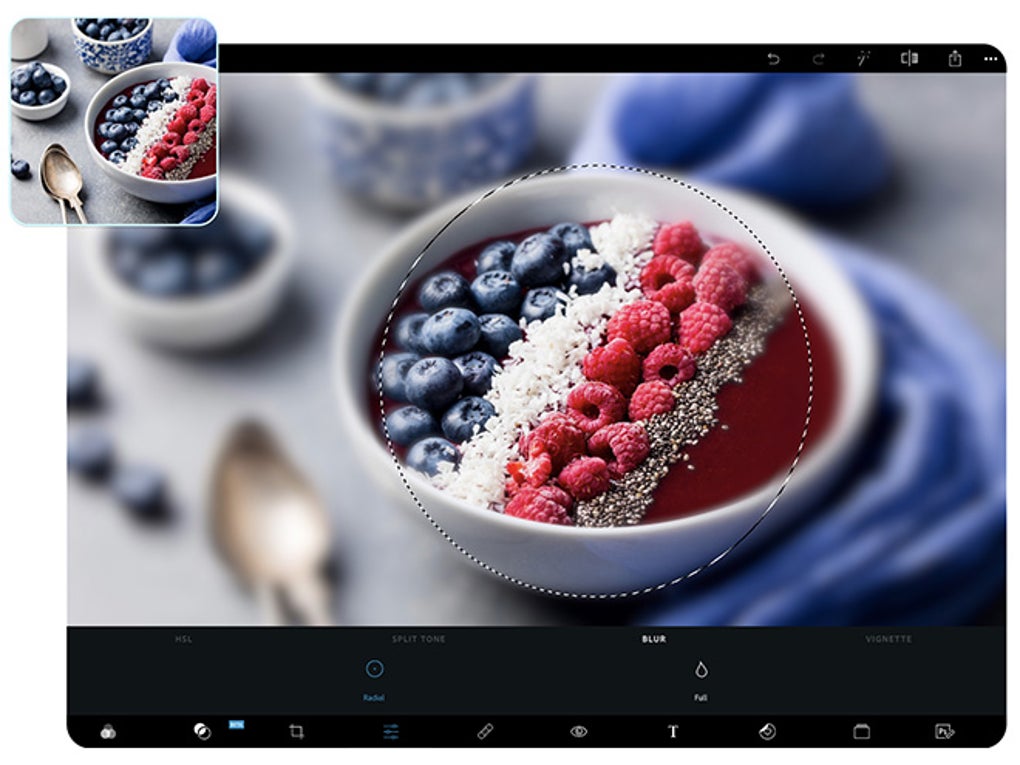
Adobe Photoshop Express for Windows 10 is a powerful, free photo editing application designed to deliver swift enhancements with a user-friendly interface. Perfect for both beginners and casual users, it provides an excellent gateway into the world of photo editing.
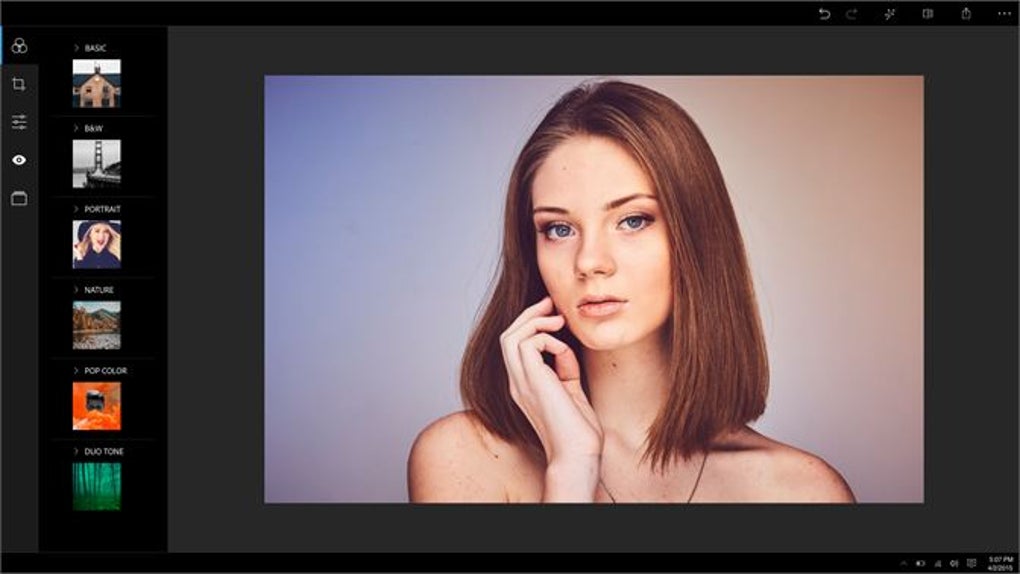
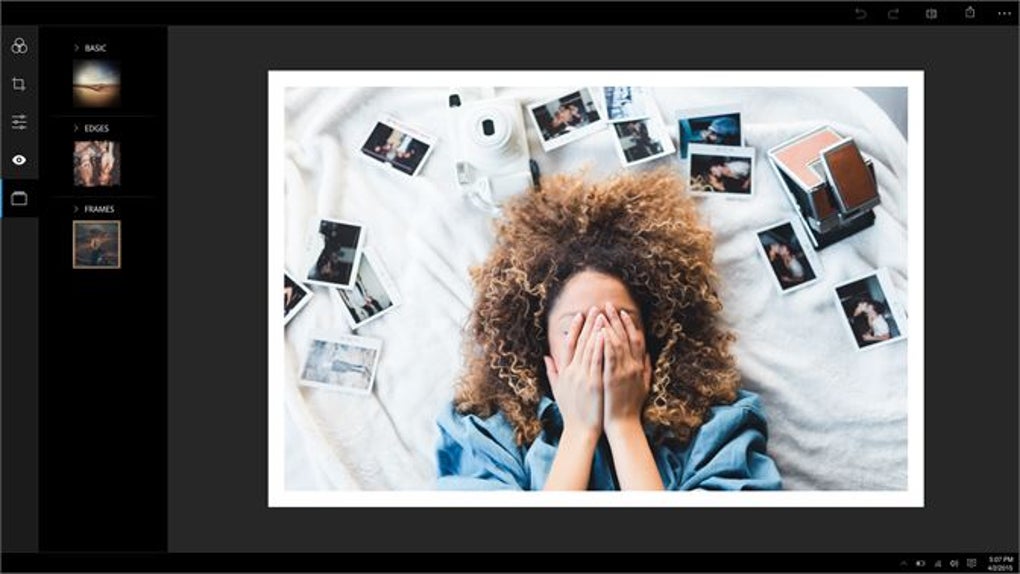
The application’s core functionality includes essential tools such as cropping, rotating, and red-eye removal, allowing users to execute basic edits quickly. Its selection of filters ranges from vintage to monochrome, enabling users to apply creative adjustments effortlessly.
Intuitive editing at your fingertips
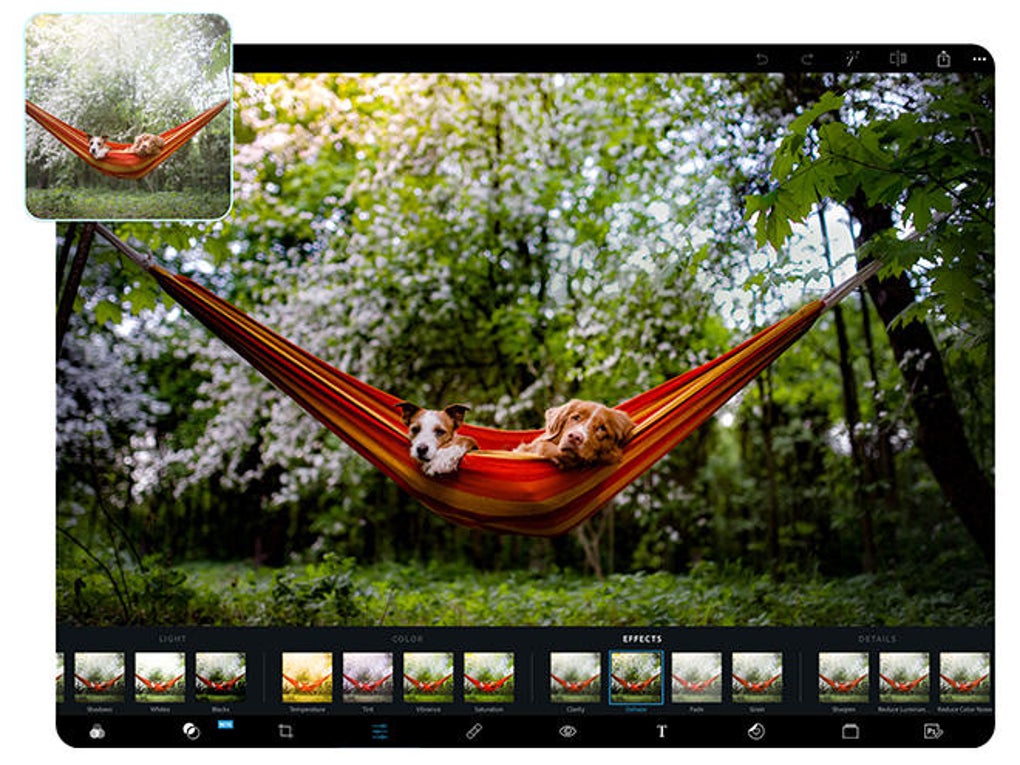
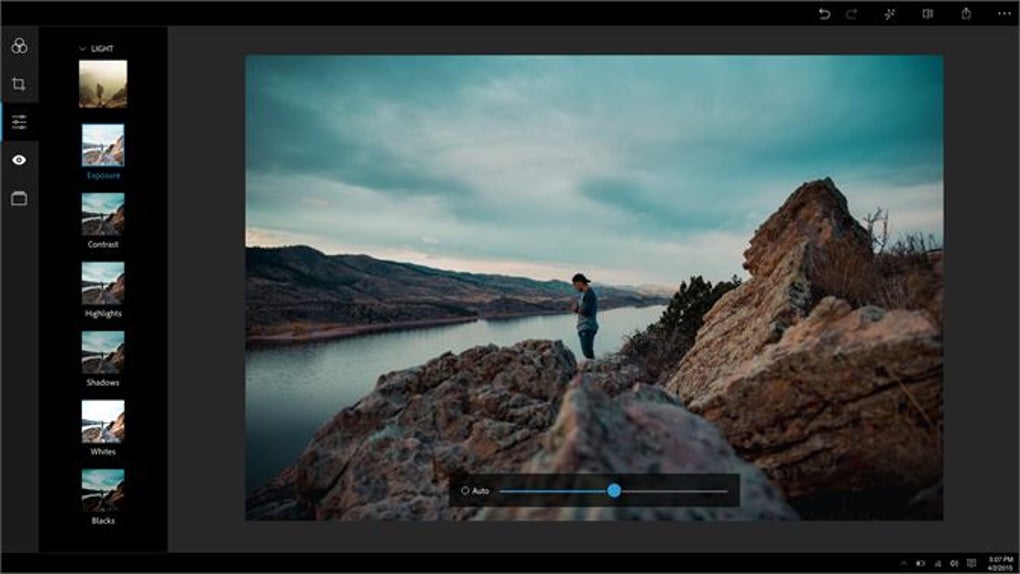
For fine-tuning images, adjustment tools for brightness, contrast, saturation, and sharpness are available, ensuring even minor edits yield impressive results. While the tool is excellent for basic enhancements, it does not include advanced editing capabilities such as layers, masks, or detailed color grading.
Simple setup and user-friendly design
This tool is designed for ease of use and works well across supported operating systems. Installation is quick and straightforward via the Microsoft Store, with uninstalling the application equally simple. Performance is generally smooth during typical editing tasks, depending on the system’s specifications.
Flexible monetization approach
Adobe Photoshop Express operates on a freemium model, offering a range of free tools for casual editing while also providing optional in-app purchases for advanced features. While core functionalities are available without charge, enthusiasts can unlock additional filters, effects, and overlays to enhance their creative endeavors. The application makes these optional features clear and accessible, ensuring that users are not pressured to make unnecessary purchases.
Delivering visual quality with stability
With support for high-quality image exports in JPG and PNG formats, the tool enables users to share their edited photos without compromising quality. Performance during editing depends on the size of the image and the capabilities of the device. The interface also remains responsive on supported systems that meet the application’s requirements.
Pros
- Quick edits like crop and rotate
- Export supports JPG and PNG formats
- User-friendly interface for beginners
- Free to use with core features
Cons
- Lacks advanced editing capabilities







