

Effortless remote access with AnyDesk
AnyDesk is a powerful and streamlined remote desktop software that excels in providing high-performance remote access to devices from virtually anywhere with an internet connection. One of its standout features is its low-latency remote access, which enables users to control remote devices smoothly and responsively, making it particularly suited for tasks that require real-time interaction.
For IT support teams, AnyDesk is an invaluable tool, allowing them to diagnose and resolve technical issues without needing to be physically present. The solution is also ideal for remote work, as it facilitates secure access to workplace computers, enhancing productivity and flexibility for employees. Moreover, users can easily access their home desktops while traveling, ensuring that they can retrieve important files or run applications on the go.
Perfect for IT support and remote work
In addition to remote access capabilities, this tool supports file transfers between local and remote devices and also includes built-in chat, whiteboarding, and real-time multi-user collaboration features that support effective team workflows. However, business-oriented features such as custom branding, session logging, and permission management are restricted to paid plans, making them unavailable to users on the free tier.
Broad compatibility and secure remote interactions
AnyDesk supports a wide range of operating systems, allowing users to connect across various devices and environments. This cross-platform flexibility enables remote access and collaboration regardless of the system in use.
With features such as screen sharing, bidirectional file transfer, and customizable display settings, AnyDesk enhances remote productivity and responsiveness. The platform also incorporates essential security measures, including TLS 1.2 encryption and privacy-focused features like screen privacy modes, to help ensure secure and confidential remote sessions.
Intuitive user experience
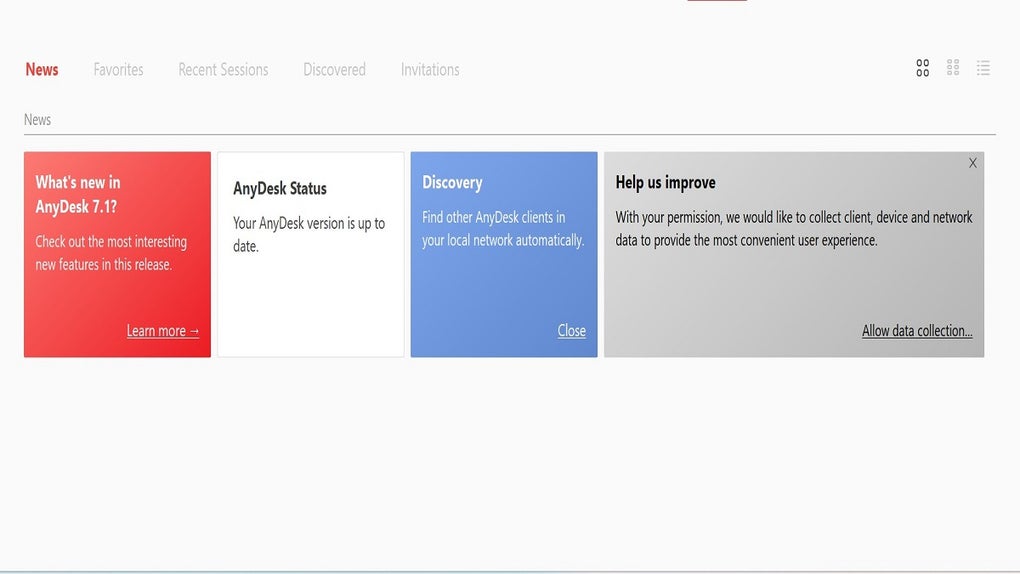
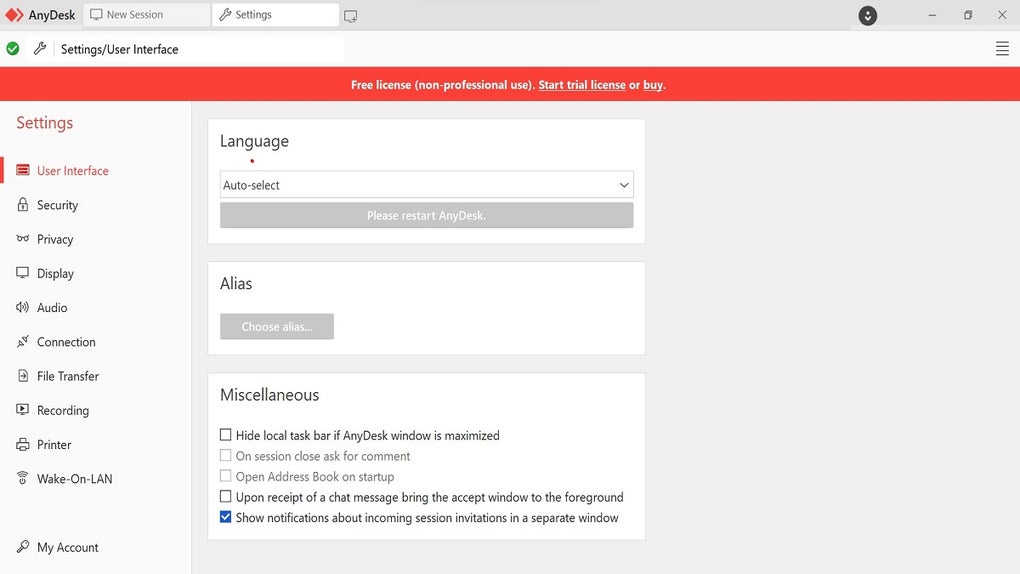
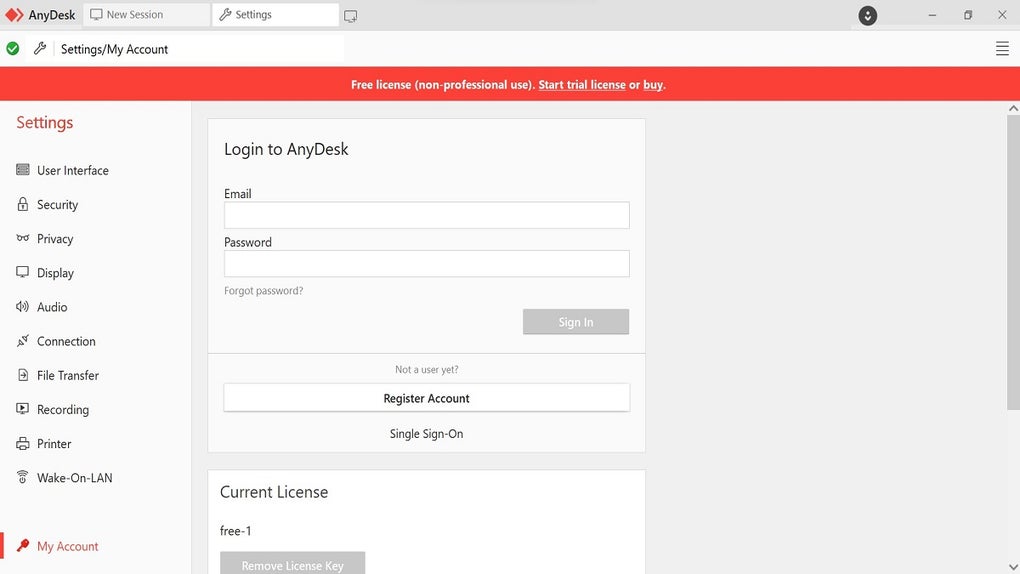
AnyDesk provides a user-friendly experience, particularly with its clean and uncluttered interface. The layout features clearly labeled sections that make navigation intuitive, ensuring that both novices and experienced users can connect to remote devices with ease. The connection establishment process is streamlined, requiring minimal steps to get started, which is a significant advantage for those new to remote desktop software.
Additionally, for power users, built-in keyboard shortcuts help improve navigation and control during remote sessions, supporting accessibility for various skill levels.
Pros
- Cross-platform support across major systems
- Quick setup and connection process
- Allows file transfers between devices
Cons
- Some features are not available on the free plan







