A versatile tool for audio enthusiasts
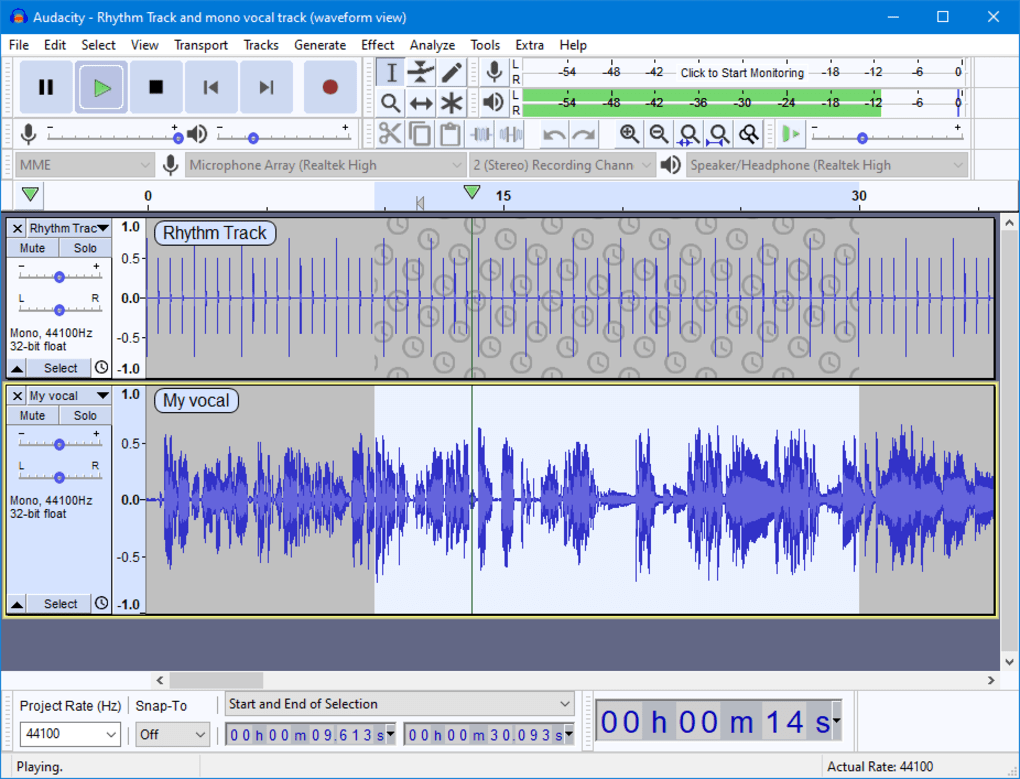
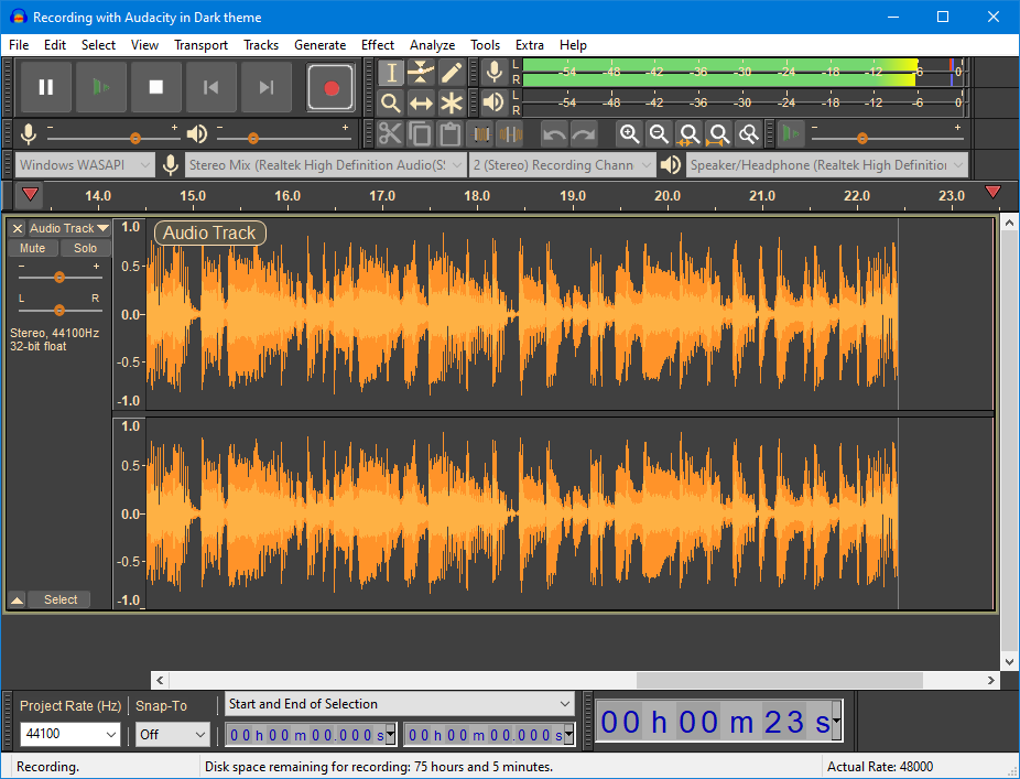
Audacity stands as a testament to the power of open-source software, offering a comprehensive suite of audio editing tools without any cost. It’s designed to be accessible to everyone, from novice podcasters to seasoned musicians, providing a platform to manipulate sound with precision and ease.
This cross-platform compatibility ensures that no matter your operating system, you can tap into its robust features. Whether you're a Windows user, a macOS enthusiast, or a Linux devotee, Audacity provides a consistent experience. This accessibility eliminates the need for multiple audio editing programs, streamlining your workflow and fostering a unified creative environment across diverse systems.
Audacity excels at handling diverse audio tasks, with support for formats such as WAV, MP3, FLAC, and Ogg, making it highly versatile for different projects. Its expandability through plugins like VST3 and Nyquist further enhances creative potential, allowing advanced customization. However, despite its wide functionality, the interface feels somewhat dated and can overwhelm beginners, creating a steeper learning curve that could discourage new users from fully exploring and maximizing its powerful features.
A feature-rich platform for audio manipulation
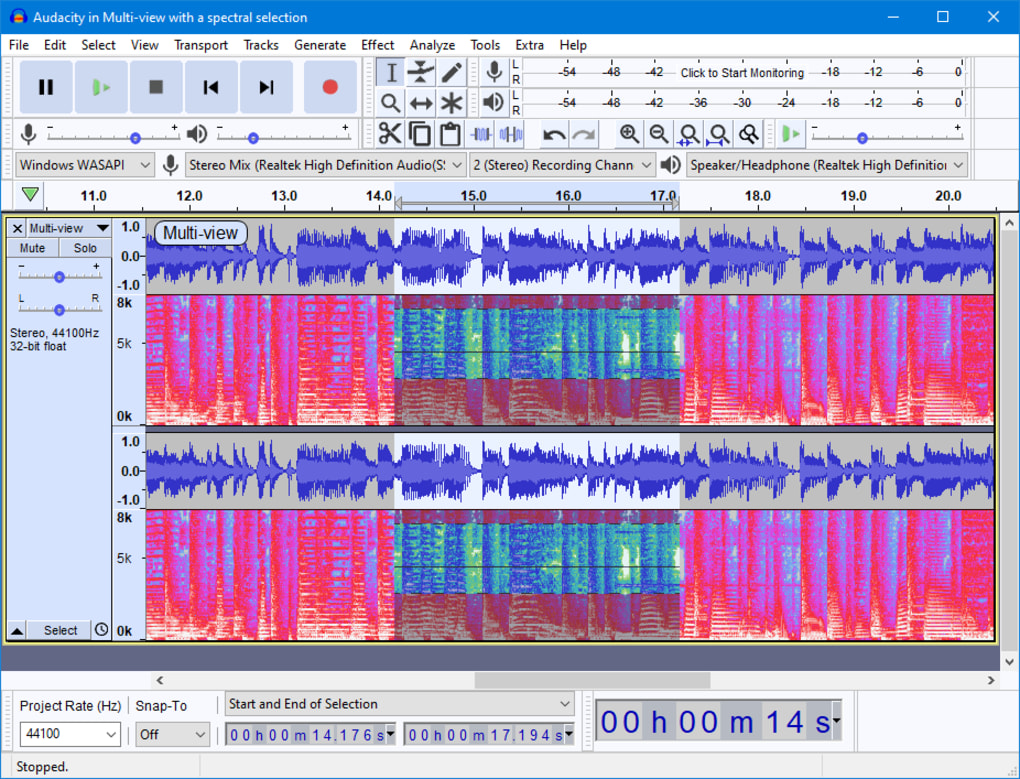
The deep audio analysis tools, including Spectrogram view and Vamp analyzers, give users precise insight into frequencies and anomalies. Regular updates reflect the developers’ commitment to improvement, while the addition of cloud saving is a useful feature. However, its implementation lacks the seamless integration found in dedicated cloud-based DAWs, which may concern users who depend heavily on cloud workflows for accessibility and collaboration across multiple devices or project environments.
Reliance on community-driven support empowers users but can cause plugin updates to lag behind core software updates, leading to errors or compatibility issues. Without a centralized support system, technical proficiency is often required, which can deter beginners. Additionally, the overwhelming number of available plugins makes it challenging to identify those that are reliable, up-to-date, and consistently maintained, creating potential frustration for users seeking stability and ease of use.
Pros
- Completely free and open-source
- Cross-platform compatibility
- Wide range of supported audio formats
Cons
- Cloud saving implementation is not seamless