

Simple audio editing with useful sound tools
Nero Wave Editor is an audio editing program designed for recording, improving, and modifying sound files. It provides tools for trimming clips, adjusting volume, reducing noise, and applying audio effects. Its straightforward approach makes it useful for beginners and casual creators who want to improve recordings without learning a complex production system.
Nero Wave Editor supports podcasts, voice recordings, music projects, and gaming content. Its editing tools help users clean up audio and make basic changes before sharing or exporting files. However, compatibility with newer systems should be checked before installation, especially for users seeking long-term support.
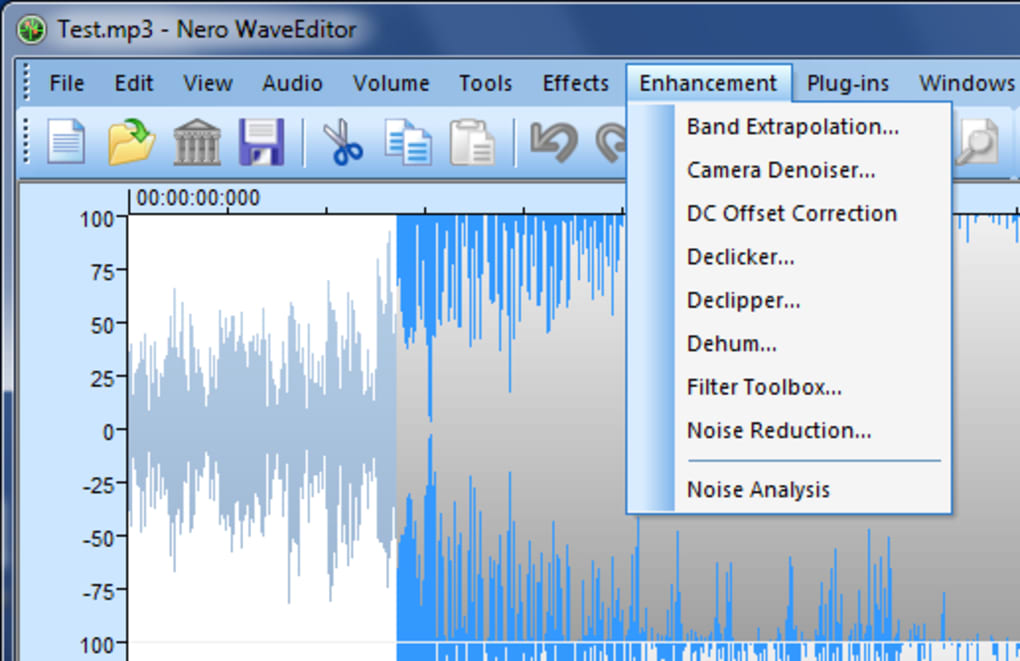
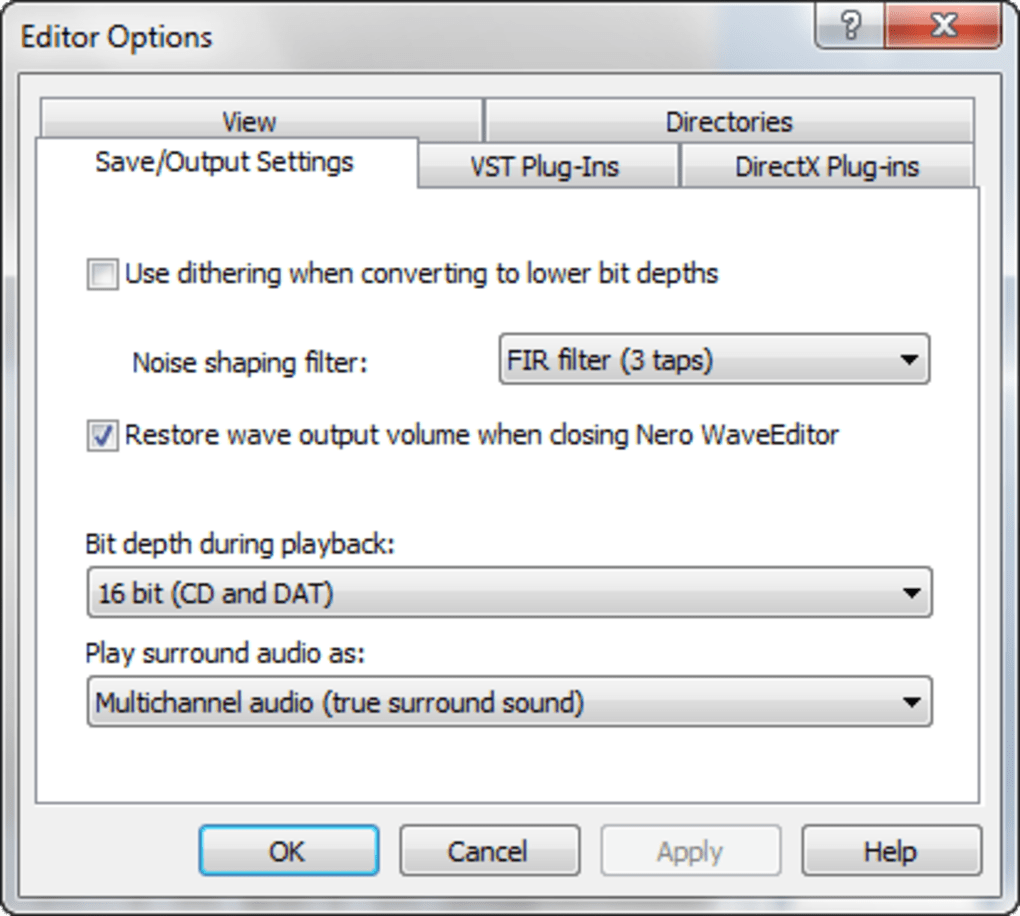
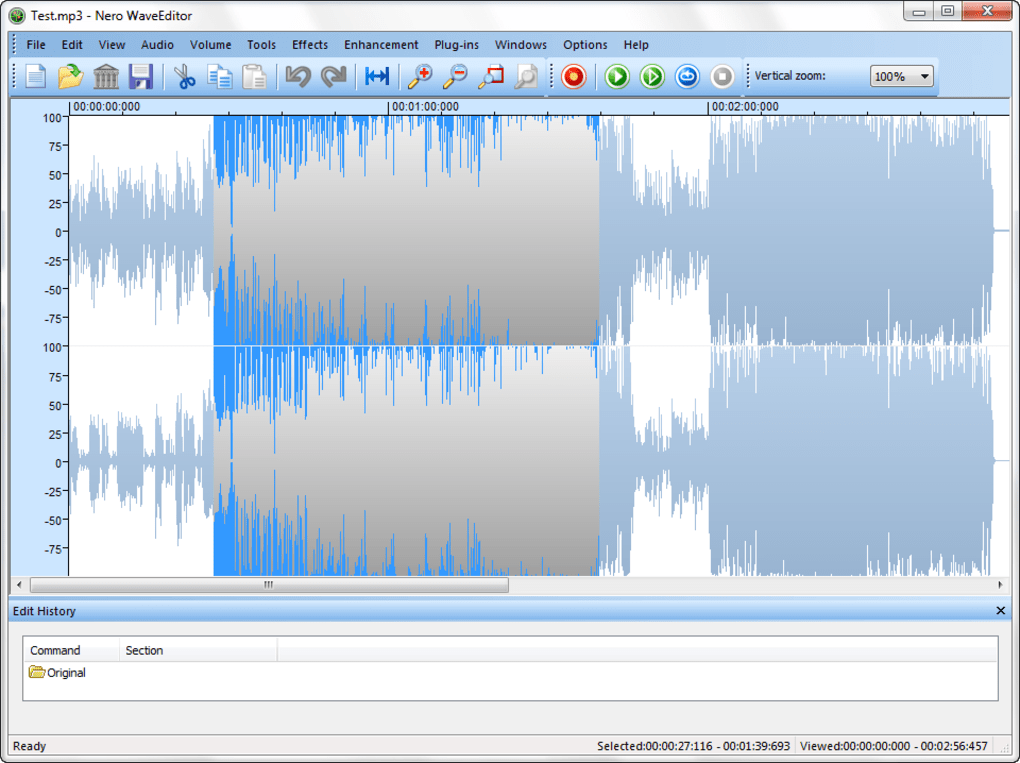
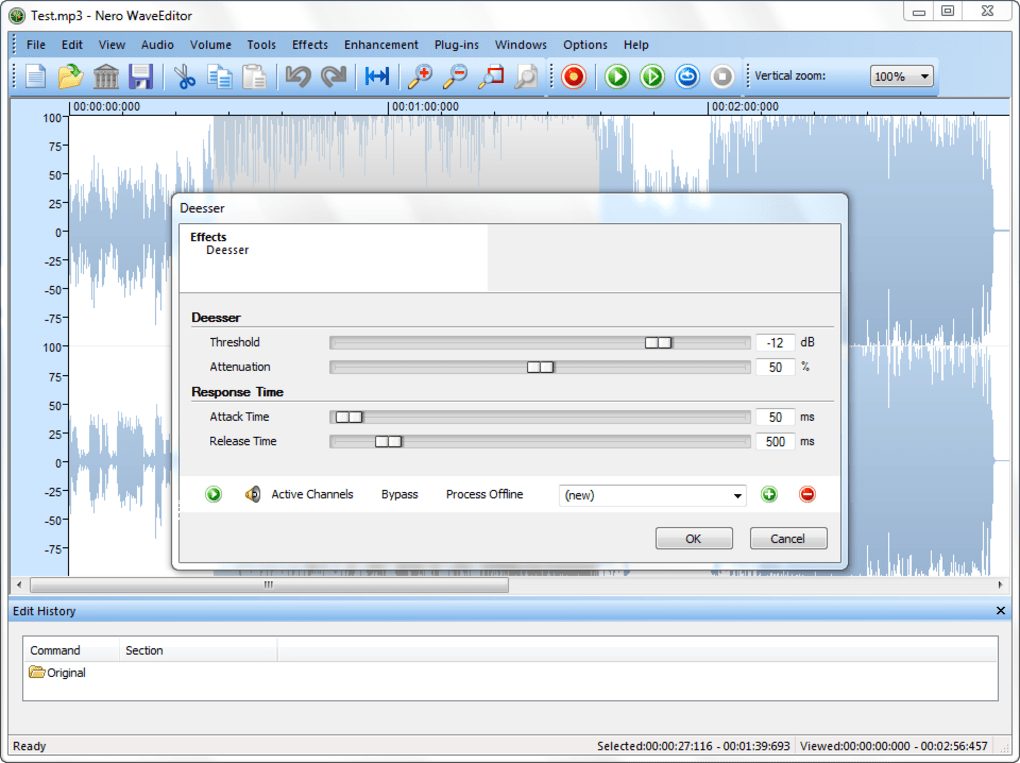
Nero Wave Editor provides tools for recording, trimming, copying, and adjusting audio files, along with effects such as equalization, reverb, delay, and pitch tuning. Noise reduction and volume normalization can help improve voice recordings or older music. Support for common formats, including MP3, WAV, WMA, and OGG, makes it practical for podcasts, music edits, and everyday sound tasks for simple projects at home or work.
What makes this audio editor useful for beginners
The workflow is approachable: users can open an existing recording or capture new audio, make edits, preview effects, and save the result in a suitable format. Compared with Audacity and Ocenaudio, it offers a similarly useful set of basic editing and cleanup tools. However, its Windows-focused availability limits use on other systems, and advanced multitrack production is not its main strength for larger music projects.
The main benefits are a free download, straightforward editing, and useful sound-cleanup options for beginners. Still, the tool may feel limited for users who need detailed multitrack arrangements, frequent collaboration, or a modern cross-platform workflow. Before installing it, check the current system requirements and download source. Audacity is a strong alternative for users who want a widely used, open-source editor with broad online community support.
Pros
- Free audio editing and recording tools
- Useful noise reduction and volume controls
- Supports common audio formats
- Offers several sound effects for creative projects
Cons
- Primarily designed for Windows
- Limited appeal for advanced multitrack production
- May not suit users needing extensive collaboration tools







