


Pro-grade audio editing and repair
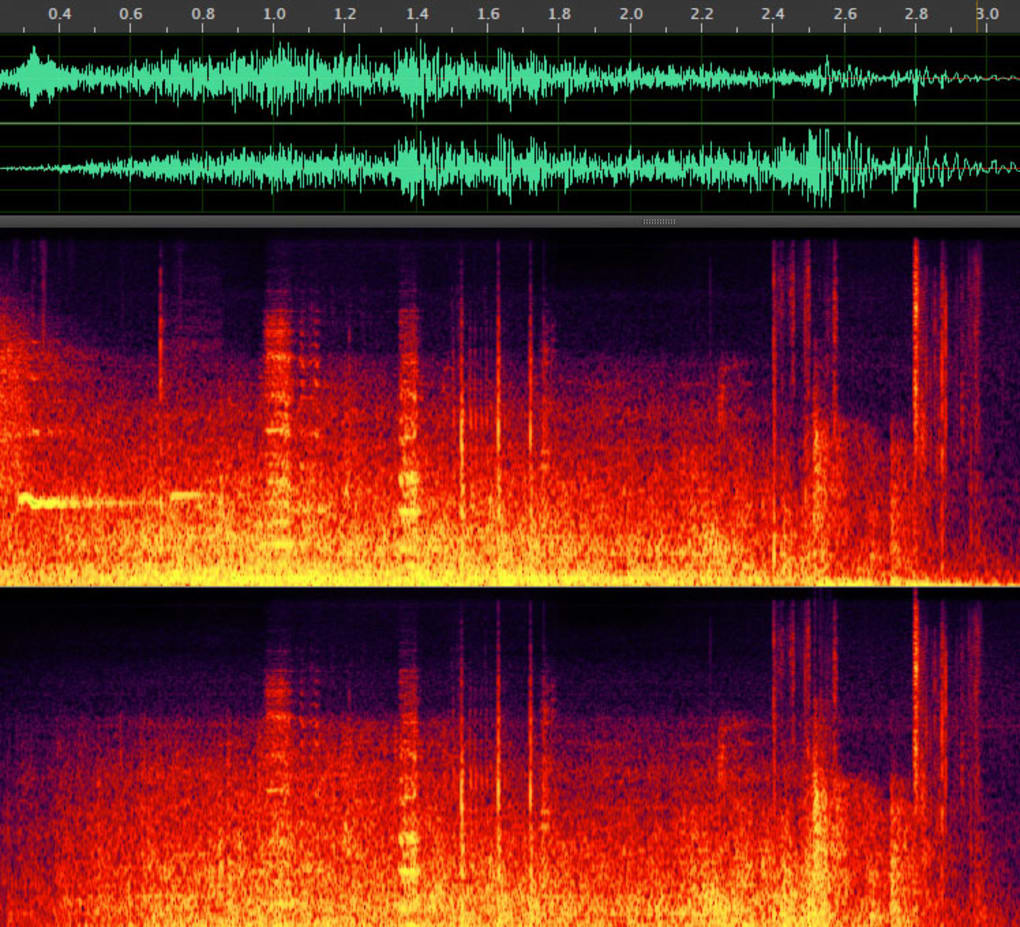
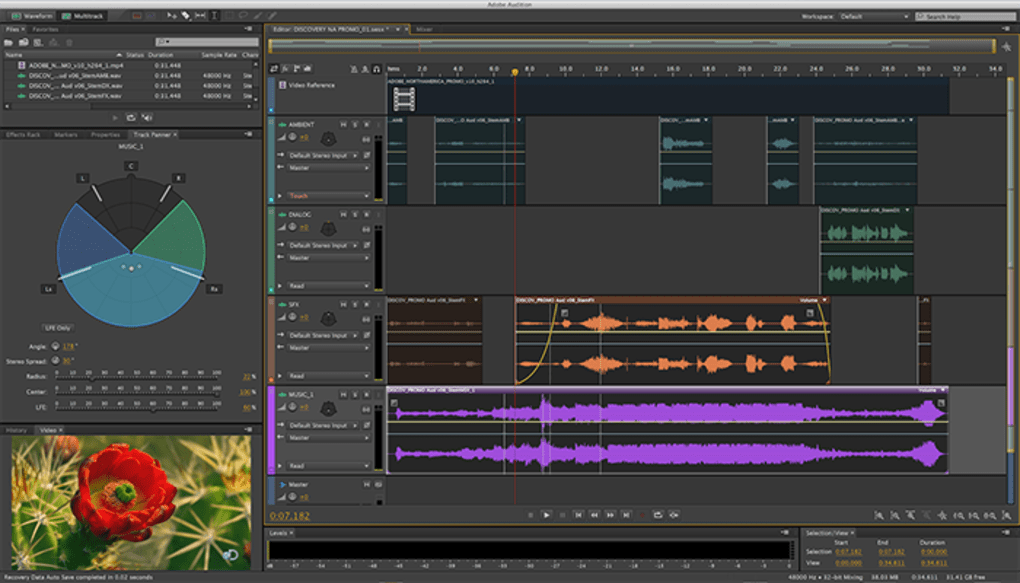
Adobe Audition is a professional audio workstation for recording, editing, and restoration. It anchors workflows around the multitrack editor, waveform editor, and spectral frequency display to cut, fix problems, and align clips. With the essential sound panel, creators apply sensible presets to dialogue, music, and effects, then fine-tune results without wrestling with complex chains.
For podcasts, video mixes, and sound design, Adobe Audition integrates with other tools and plug-ins. It delivers dependable playback and renders on large sessions, supporting tight schedules without sacrificing quality. Teams gain predictable outcomes across projects, reducing tool-switching and keeping assets consistent from draft to master.
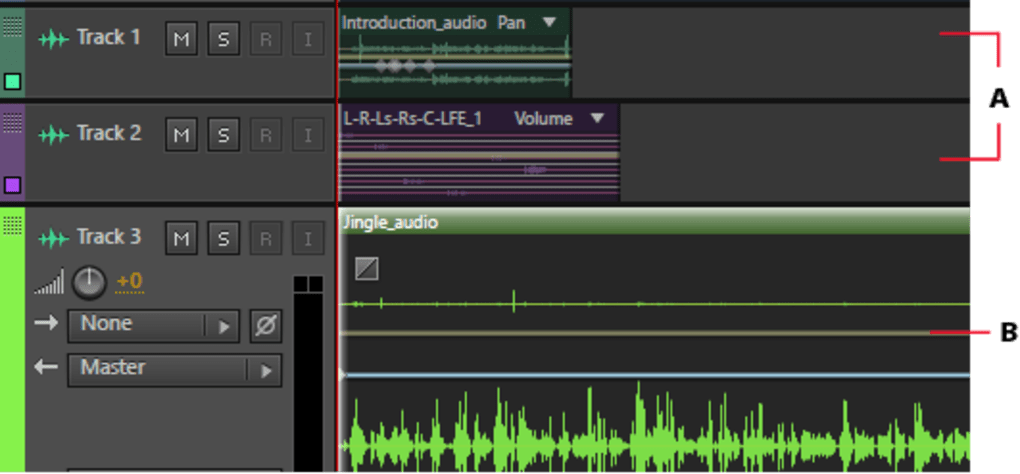
Adobe Audition excels at arranging and timing complex sessions. Automatic remix reshapes songs to exact durations while preserving natural transitions. Precise session and clip markers keep cues aligned across takes and stems. Speed-focused editors lean on variable playback speed for faster review, then use copy/paste effects to duplicate racks between tracks without rebuilding chains. The result is a quick iteration that scales from short promos to multi-chapter podcasts.
Core editing workflow and repair depth
Restoration utilities target noise and room issues without derailing the mix. The diagnostics panel finds clipped peaks and common artifacts, while DeNoise and DeReverb clean dialogue and location audio with minimal smearing. For consistent deliverables, loudness match normalizes levels across files to broadcast targets. These mechanics reduce manual rides and rerecords, keeping attention on timing, dynamics, and content rather than juggling add-ons or fragile, one-off settings.
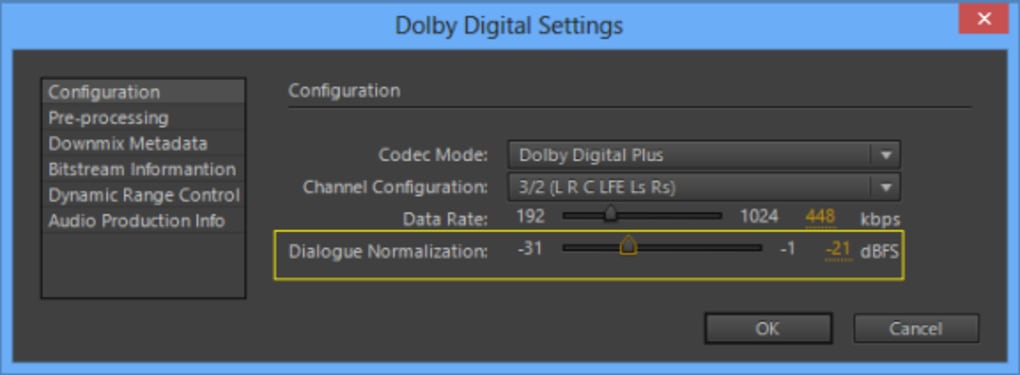
Delivery flexibility covers surround and broadcast work. A multichannel audio workflow routes stems, and 5.1 surround sound projects stay organized from edit to print. Third-party plug-ins and ecosystem handoffs serve video teams well, though subscription pricing can be costly long term and music composers may miss built-in instruments. For context, Audacity prioritizes free basics, Reaper emphasizes affordability and customization, and Pro Tools remains a studio standard for large productions.
Pros
- Fast iteration with duration reshaping and rack duplication
- Strong restoration and consistent loudness tools
- Reliable playback and renders on large sessions
- Multichannel and 5.1 delivery coverage
Cons
- Subscription pricing can be costly long term
- No built-in instruments for composition-heavy work







