Reliable Tool for BlackBerry device management
BlackBerry Desktop by BlackBerry RIM was the go-to solution for syncing and managing data between a BlackBerry smartphone and a computer. Designed to simplify everyday tasks, it provided users with an organized way to transfer files, synchronize contacts and calendars, and create reliable backups without needing third-party tools.
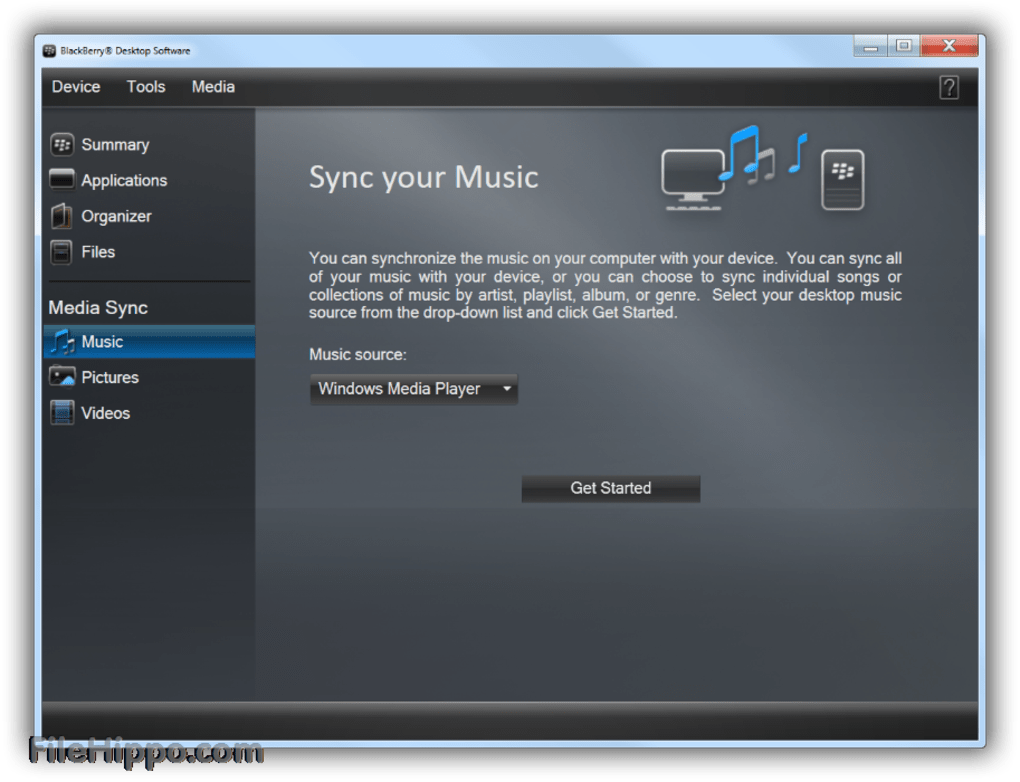
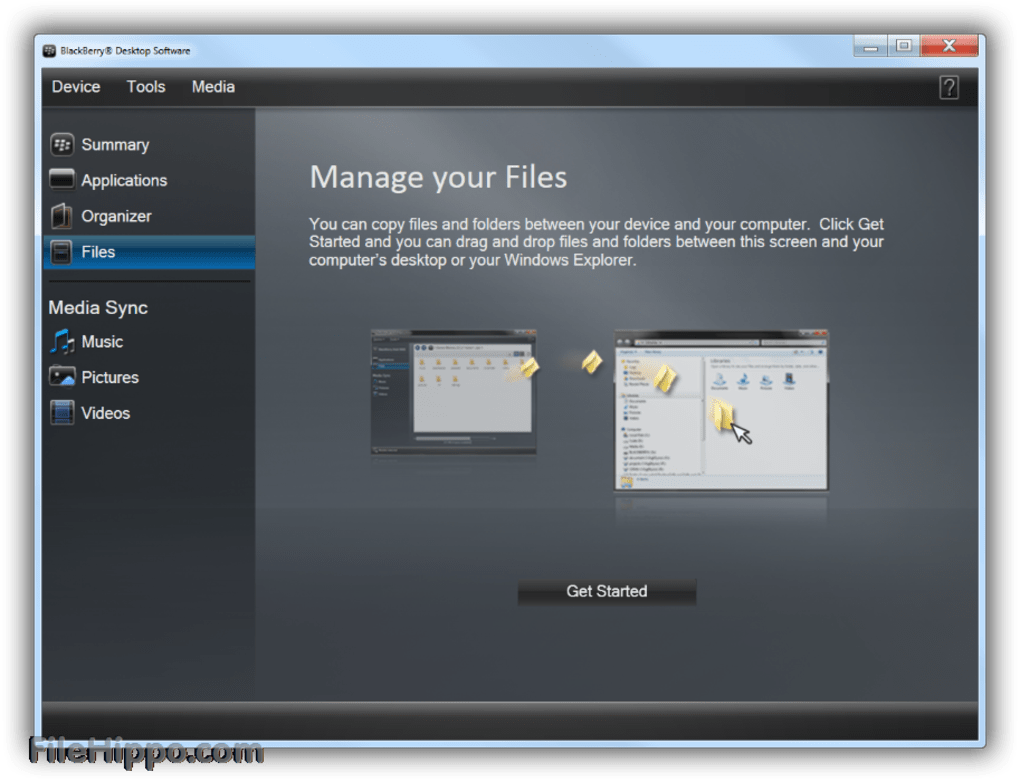
BlackBerry Desktop offered seamless synchronization with Outlook and Lotus Notes, ensuring contacts, messages, and tasks stayed up to date across devices. Its file transfer capabilities made it easy to move photos, videos, and music while maintaining well-organized libraries. Backup and restore features were among its strongest assets, allowing users to secure important data and recover it quickly if needed. The software also handled device updates, giving users a way to keep their BlackBerry operating system current without extra steps.
Streamlined data and media control
Ease of use with setup drawbacks
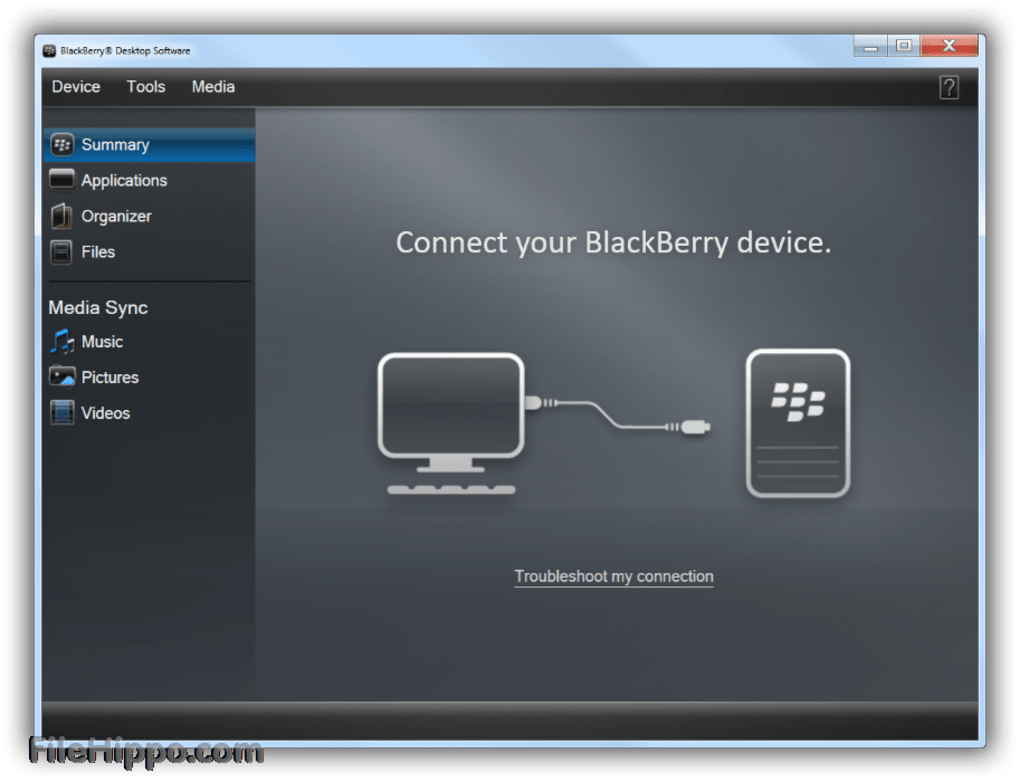
BlackBerry Desktop featured a wizard-driven interface that guided users through most tasks, reducing complexity once installed. However, its installation process was lengthy, consuming over 100 MB of space, and many found Bluetooth setup awkward or unreliable. While these hurdles could frustrate new users, the software’s stable synchronization and practical management tools outweighed the initial challenges for those committed to using it.
Pros
- Strong synchronization with Outlook and Lotus Notes
- Effective backup and restore functionality
- Simple, wizard-driven interface
- Supports device OS updates
Cons
- Lengthy installation process
- Awkward and unreliable Bluetooth setup
- Limited to BlackBerry devices only