

Optimize your PC with CCleaner
CCleaner excels in its core functionality, systematically removing junk files, temporary files, browser caches, cookies, and obsolete registry entries. This cleanup helps free up disk space and can enhance system performance, especially on older or heavily used systems. However, this tool does not include built-in performance benchmarking tools, so users cannot directly measure system improvements before and after cleanup.
CCleaner offers advanced optimization methods, including identifying duplicate files and managing startup programs, which can significantly streamline the operating system's responsiveness. For users on the free version, essential features such as junk file and basic registry cleaning provide a robust starting point. However, the premium version unveils additional tools like real-time monitoring and scheduled cleaning for a more comprehensive solution.
Comprehensive cleaning capabilities
User-friendly interface and accessibility
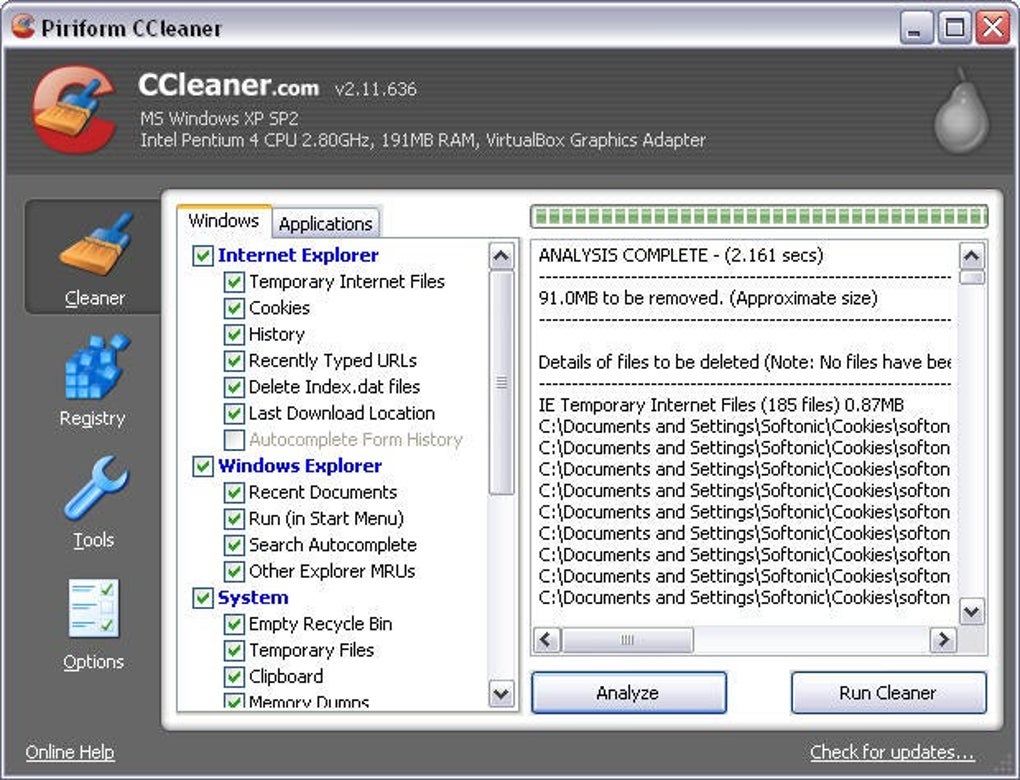
CCleaner has a clean and organized interface with one-click cleaning options and customizable settings for a range of user needs. Its layout includes sections such as Custom Clean, Registry, and Tools, where cleaning items are displayed with checkboxes and grouped into logical categories for easy selection.
Additionally, this tool shines with its impressive compatibility across various PC setups, ensuring accessibility for a broad range of users. This compatibility extends to 32-bit and 64-bit systems, offering reliable performance without major limitations.
Pros
- Removes junk files and trackers
- Manages startup and background apps
- Compatible with multiple operating systems
Cons
- No built-in performance benchmarking







