


Simple reboot-to-restore protection
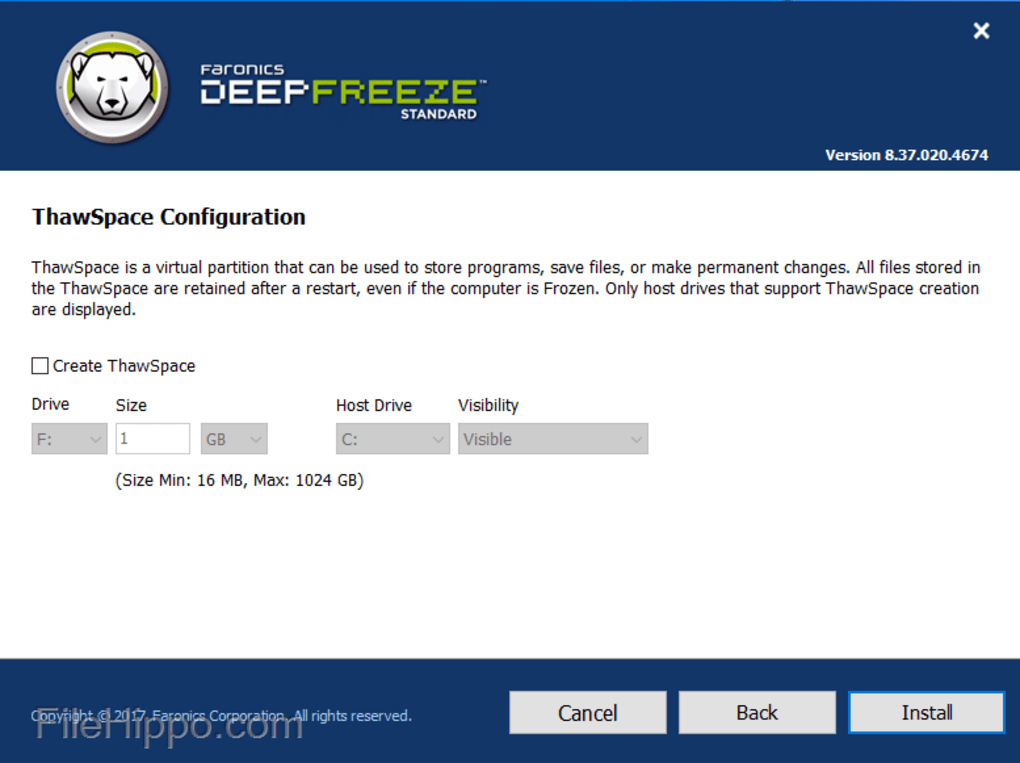
Deep Freeze Standard by Faronics is a system protection and recovery utility built on a reboot-to-restore principle. Instead of relying on complex monitoring or antivirus scans, it prevents issues by erasing unwanted changes every time the computer restarts. This keeps systems consistent, reliable, and easy to maintain.
The software is especially popular in shared environments such as schools, libraries, internet cafés, training labs, and public kiosks. In these spaces, hundreds of different users may interact with the same computer daily, often leaving behind changes, malware, or misconfigured settings. Deep Freeze Standard makes those problems disappear with a single reboot, returning the machine to its pristine state instantly.
Deep Freeze Standard functions at the kernel level of the operating system, redirecting all disk writes to a temporary location instead of the original system drive. This approach ensures the underlying configuration remains untouched, no matter what happens during a session. On restart, the temporary data is discarded, leaving the system exactly as it was defined in its “frozen” state. The effect is similar to having a constant, automatic system restore point—only faster and more reliable.
How does Deep Freeze Standard protect your computer?
This design offers several key benefits. Malware infections vanish immediately, unauthorized software installations are wiped clean, and accidental modifications are undone without the need for troubleshooting. Unlike some security solutions, Deep Freeze does not restrict what users can do. People can still download files, install apps, or change settings, but none of those actions survive a reboot unless the administrator deliberately enters a Thawed state to make permanent adjustments.
Deep Freeze’s design also introduces some trade-offs. Installing updates or new software requires thawing the system and then rebooting, which can interrupt workflows if frequent changes are needed. The lack of reporting, scheduling, or backup functions further limits its scope. As a result, Deep Freeze Standard is best for small setups—typically one to ten computers—where manual oversight is practical.
Pros
- Strong reboot-to-restore protection against unwanted changes
- Easy to install and operate with minimal training
Cons
- Requires reboot to make permanent changes
- No backup, scheduling, or reporting tools







