
Fast and free driver management tool
DriverPack Solution Online is a utility program built for users who want a hassle-free way to install or update drivers. With one scan and a few clicks, this program identifies missing or outdated drivers and installs them using its cloud-based driver database, making it ideal for fresh installations or long-neglected systems.
DriverPack Solution Online stands out for its automation and accessibility. Unlike many tools that need manual steps or paid upgrades, it offers automated updates, quick scanning, and a streamlined interface. Even non-tech-savvy users can handle basic system maintenance and driver fixes with ease.
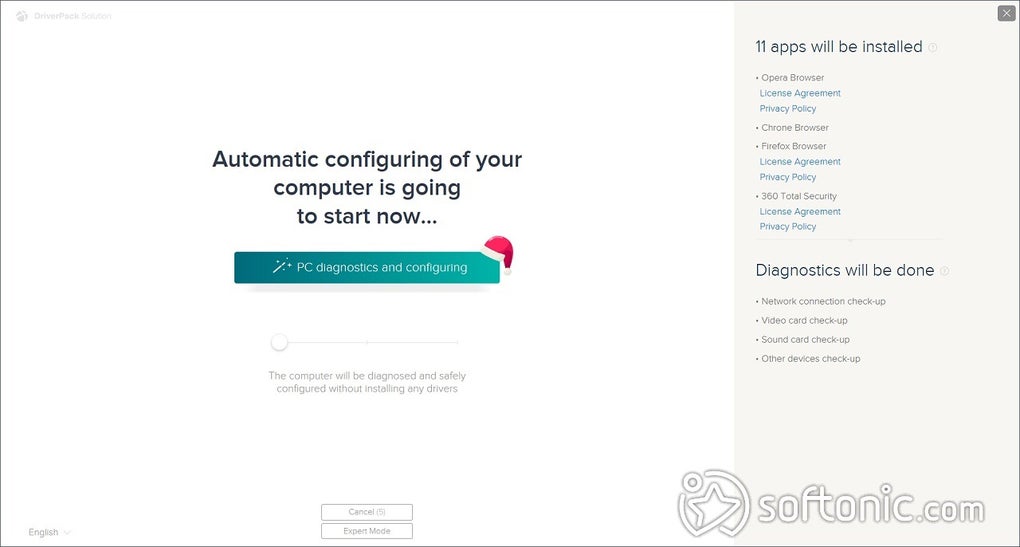
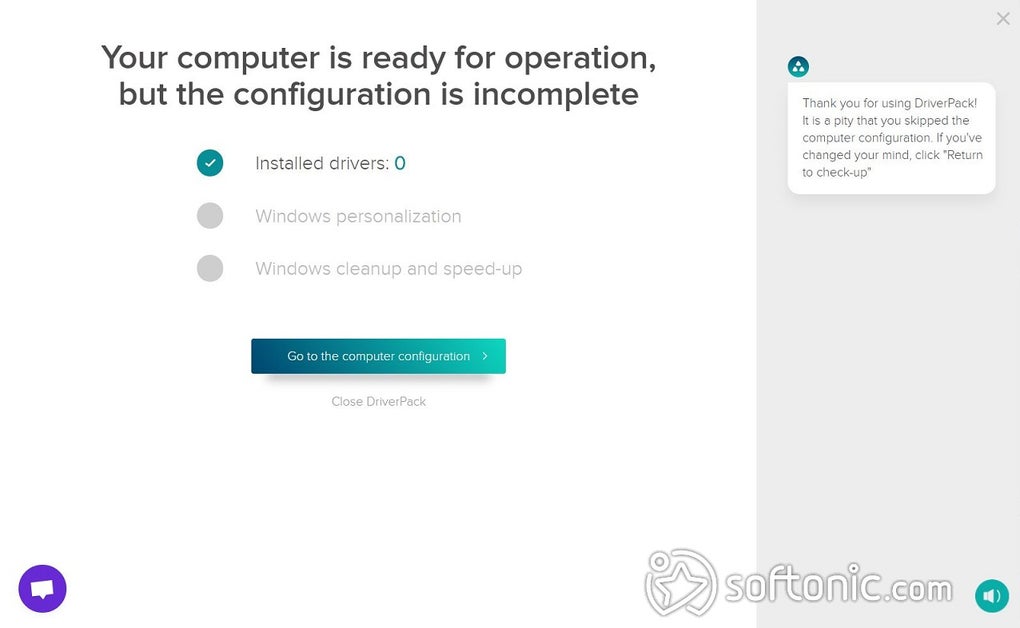
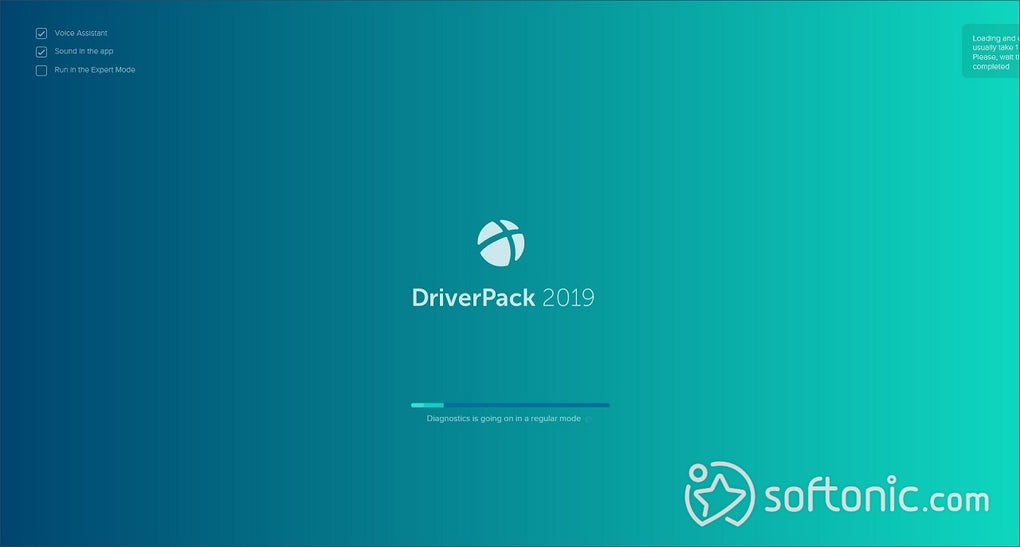
The tool opens with a simple, user-friendly dashboard that offers both automatic and expert modes, making it flexible for different user skill levels. Beginners can rely on the default mode, which scans and updates drivers with little input. Advanced users can switch to expert mode for more granular control. While the interface is generally clean and intuitive, occasional promotional content may cause confusion or distraction for inexperienced users.
Quick driver installs made easier
DriverPack Solution Online accesses an extensive online driver repository, enabling it to find suitable matches for a wide variety of hardware components. The process is generally smooth and fast, especially on decent internet connections. However, it sometimes recommends generic drivers that, while functional, may not be fully optimized for specific hardware setups. Manual verification is recommended for critical components like graphics or network drivers.
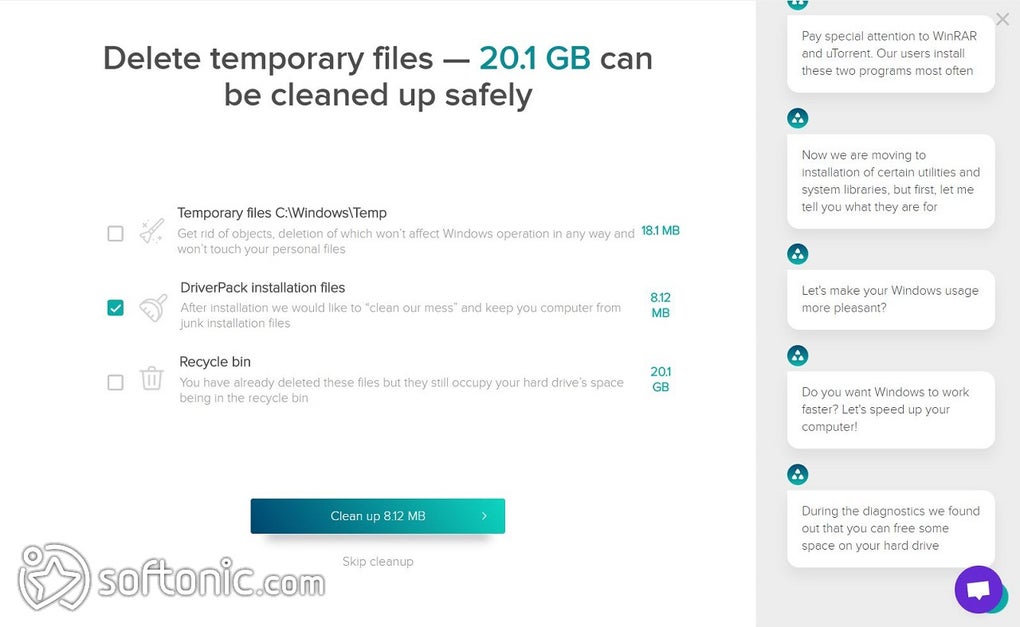
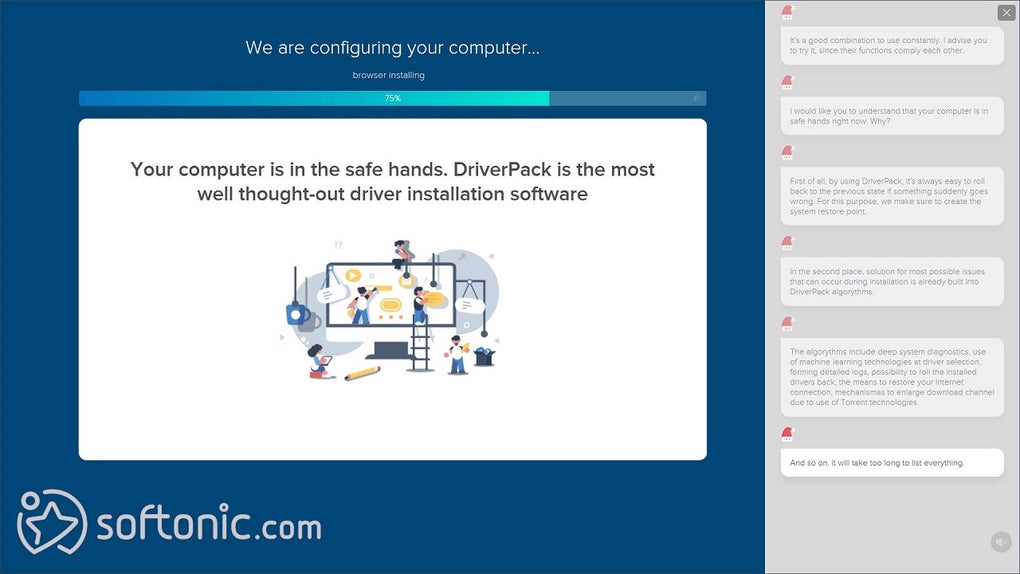
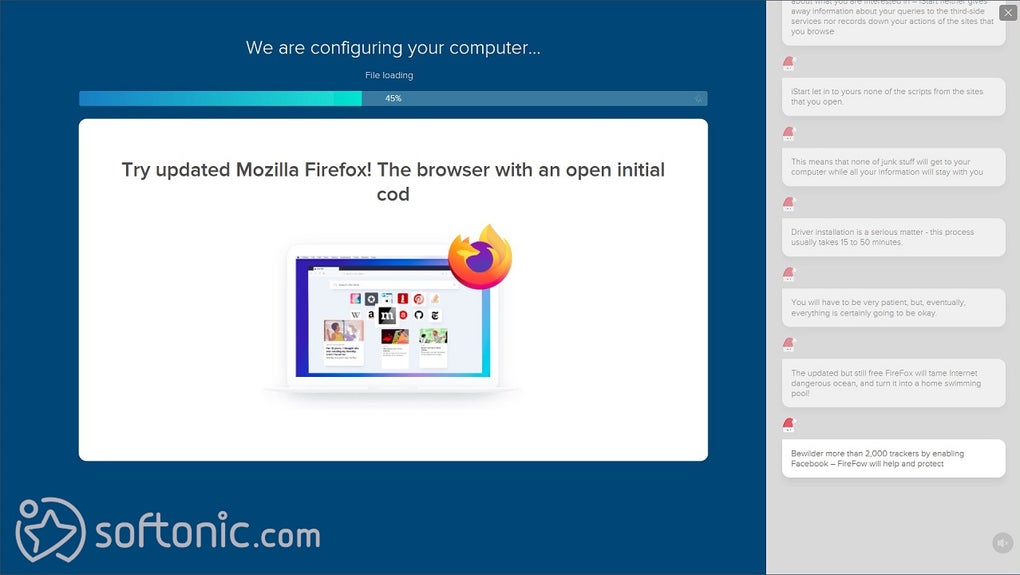
In terms of performance, the program is lightweight and handles most tasks smoothly without putting a strain on system resources. One of its strengths is that it doesn’t require installation, allowing users to run it directly — ideal for quick fixes across multiple devices. However, it often presents optional software offers during setup, which can be frustrating. Users should proceed carefully to avoid installing unnecessary or unrelated programs.
Pros
- Automated driver detection
- Lightweight and portable
- Fast online scanning
Cons
- Occasional generic drivers
- Contains promotional offers