Unified cloud sync client for Google Drive
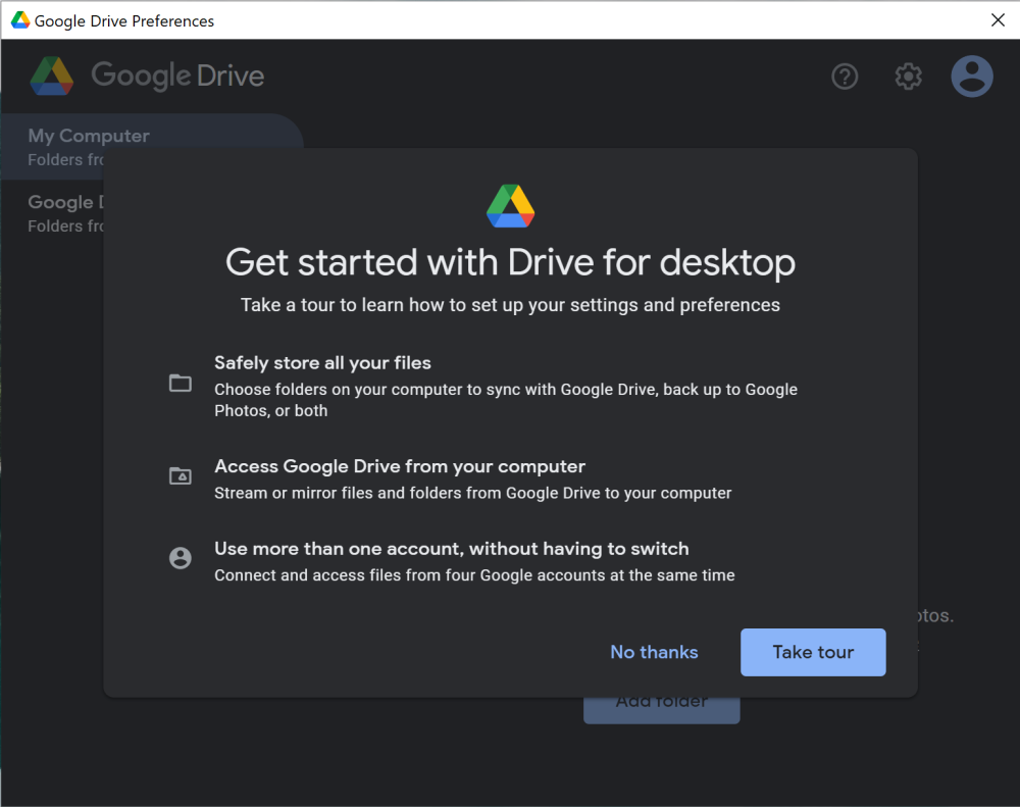
Google Drive for Desktop is Google’s official sync tool for managing Drive files directly from a Windows or macOS device. It combines features from the now-discontinued Backup and Sync and Drive File Stream apps into a single, streamlined experience. Designed for personal and Workspace users alike, it offers flexible file syncing, cloud access, and backup capabilities—all from your desktop’s file explorer.
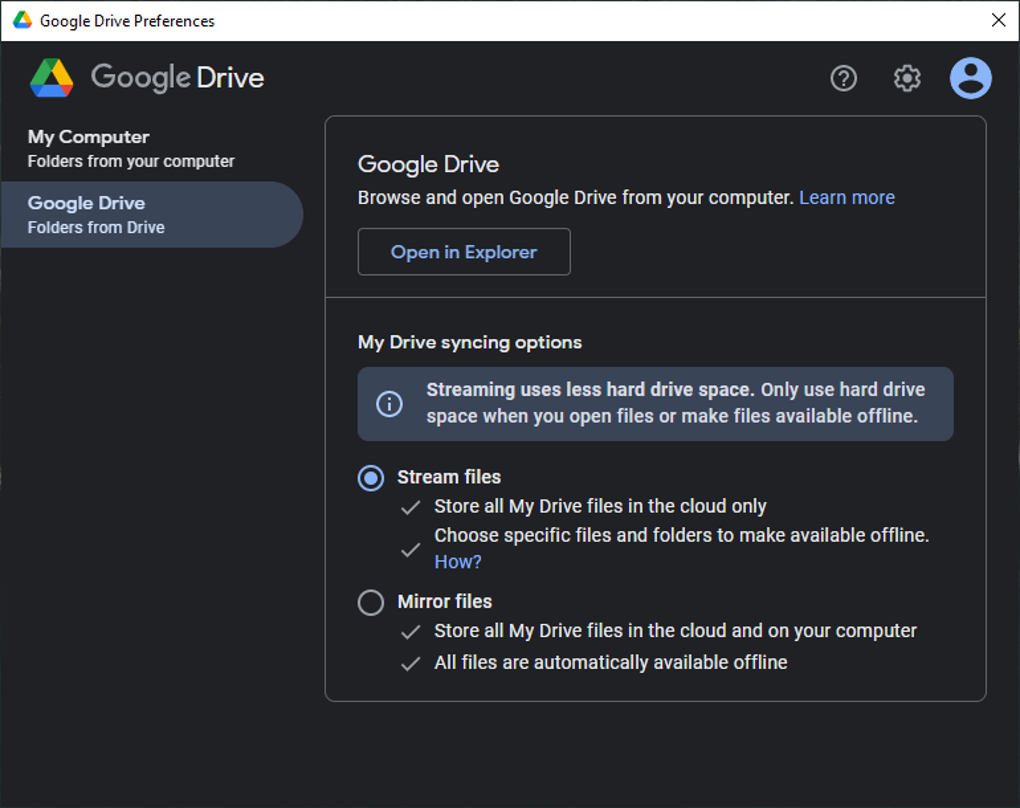
With support for multiple accounts and selective sync, Google Drive for Desktop helps users organize files across devices. Whether streaming files to save space or mirroring folders for offline access, the app ensures data stays up to date and easily accessible.
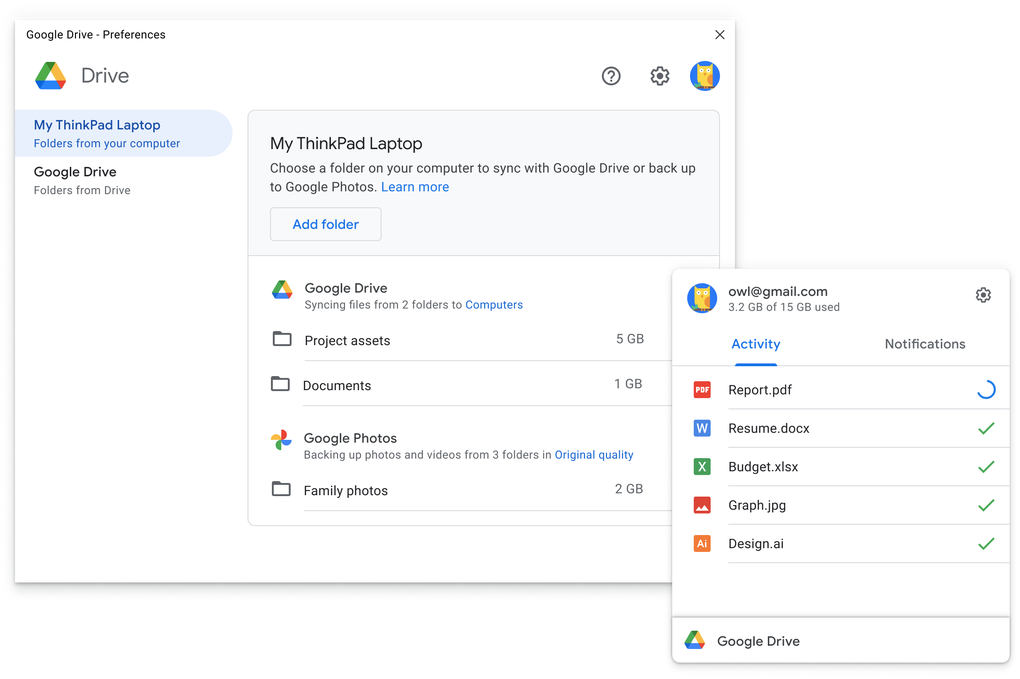
Google Drive for Desktop mounts your cloud storage as a virtual drive, letting you browse, open, and manage your Google Drive files just like local folders. You can choose between streaming mode, which shows cloud files on demand to save disk space, or mirroring, which stores local copies that sync automatically. Syncing runs quietly in the background, with built-in options to pause, resume, or limit bandwidth to manage network usage.
Streamlined syncing with local file integration
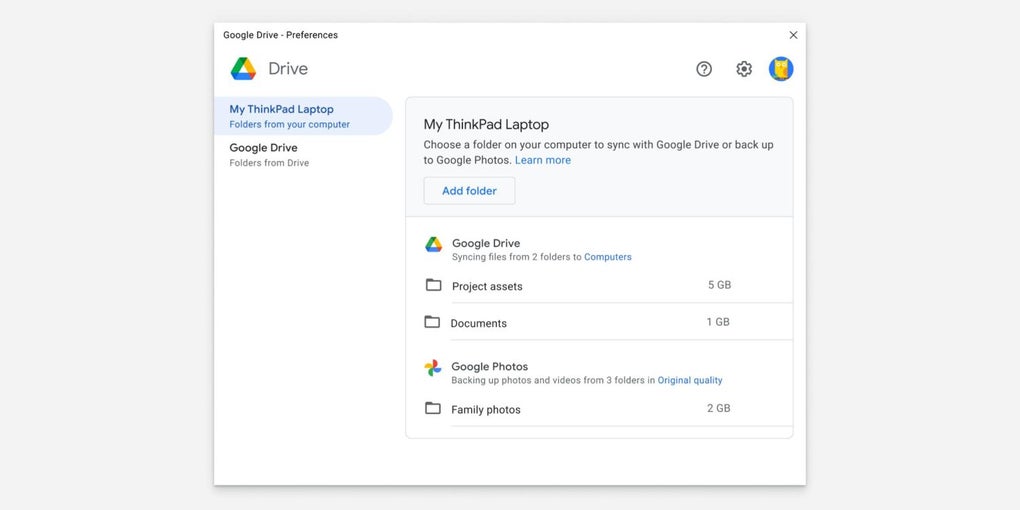
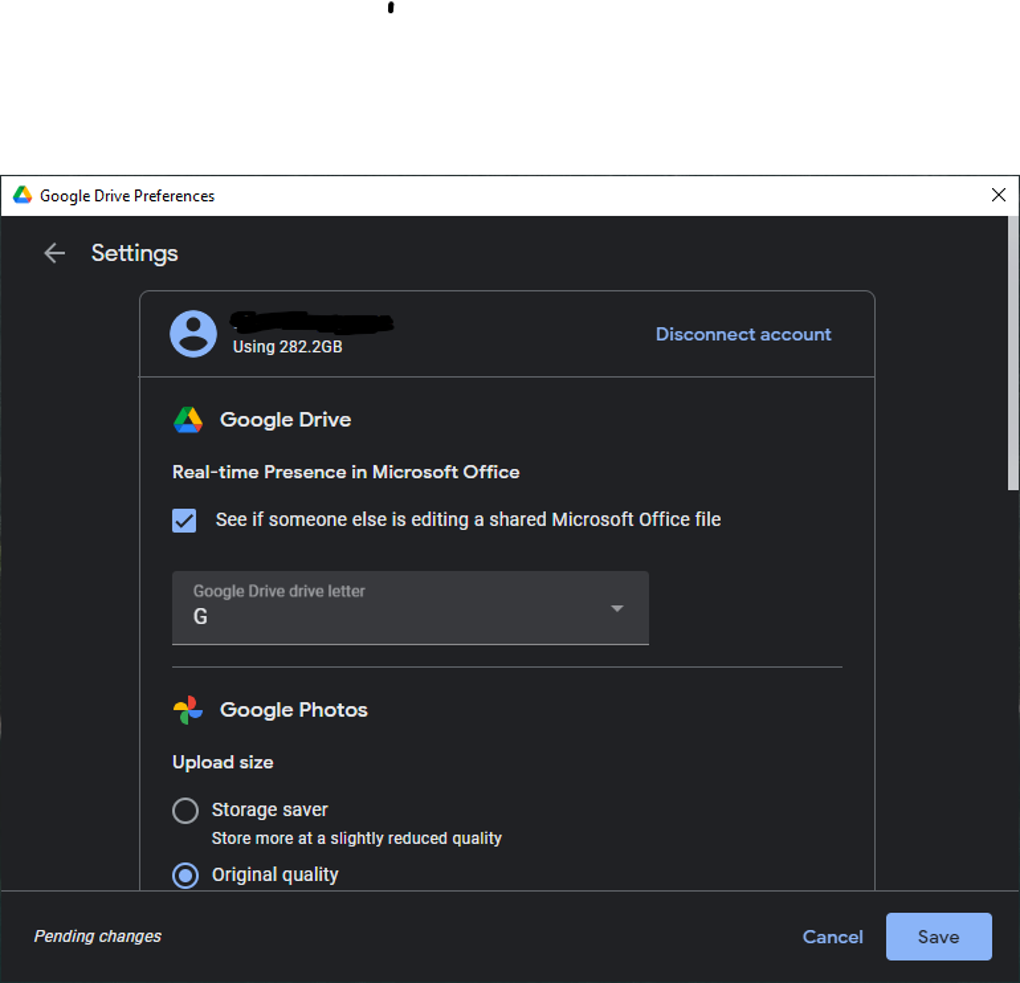
The app integrates directly with Windows File Explorer and macOS Finder, supporting right-click context menus and simple drag-and-drop uploading. Users can also back up specific folders, USB drives, or photo libraries to the cloud. Google Photos integration makes it easy to manage visual content, and sync indicators show the status of uploads at a glance. Any Drive file can be opened in the browser for collaboration via Docs, Sheets, and Slides.
Setup is fast, and the app uses minimal system resources during normal operation. It supports Windows 10 and later or macOS 11 Big Sur and newer. While it doesn’t offer direct editing or advanced file permissions in-app, it delivers reliable file syncing and cloud access. File sharing, link permissions, and document editing remain part of the web-based Google Drive interface.
Pros
- Supports file streaming and full folder mirroring
- Integrates with Windows and macOS file explorers
- Works with both personal and Workspace accounts
- Low resource use with background syncing
Cons
- No built-in editing or real-time collaboration
- File permissions managed via web interface only