
Remote access made simple and flexible
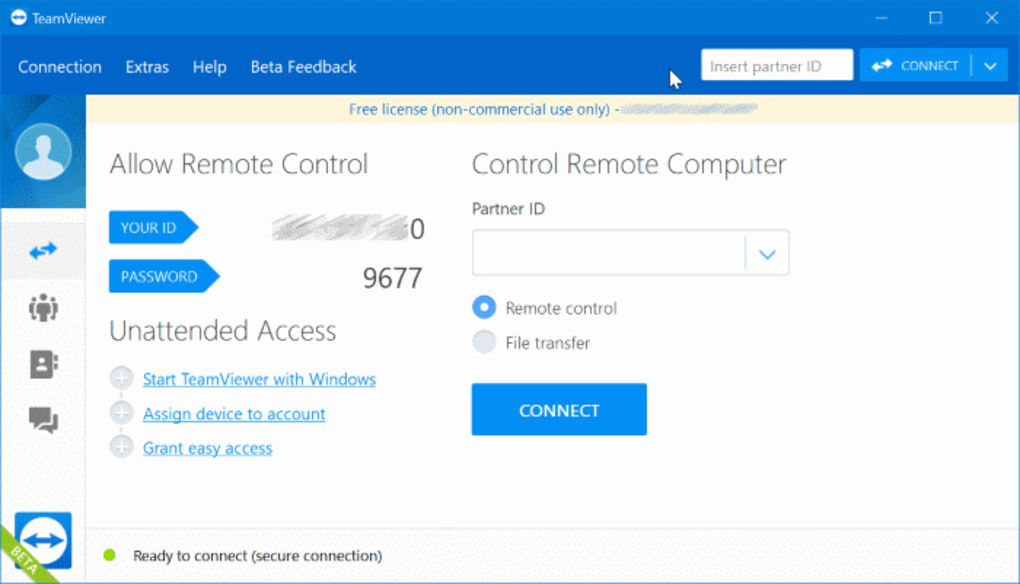
TeamViewer is remote access software that lets users connect to and control other devices. It can help with technical support, remote work, file access, and assisting friends or family. For gamers, it can also provide a convenient way to access another computer, troubleshoot software, or manage a personal device without being physically present.
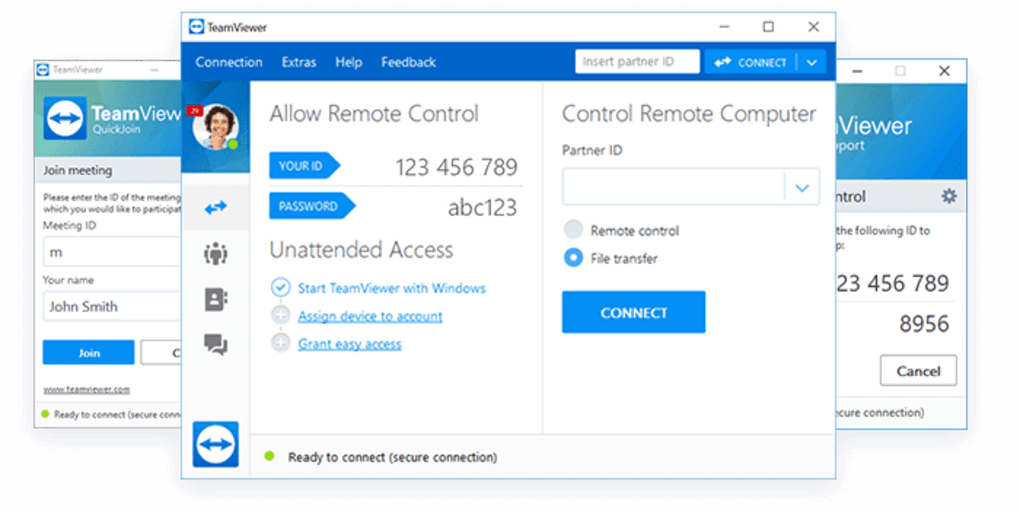
Its remote device control, file transfer, multi-monitor support, and unattended access cover several remote-use needs. Session links make connections easier without relying on manually sharing passwords, while two-factor authentication adds account protection. TeamViewer is free for personal, non-commercial use, while business users need an appropriate paid license.
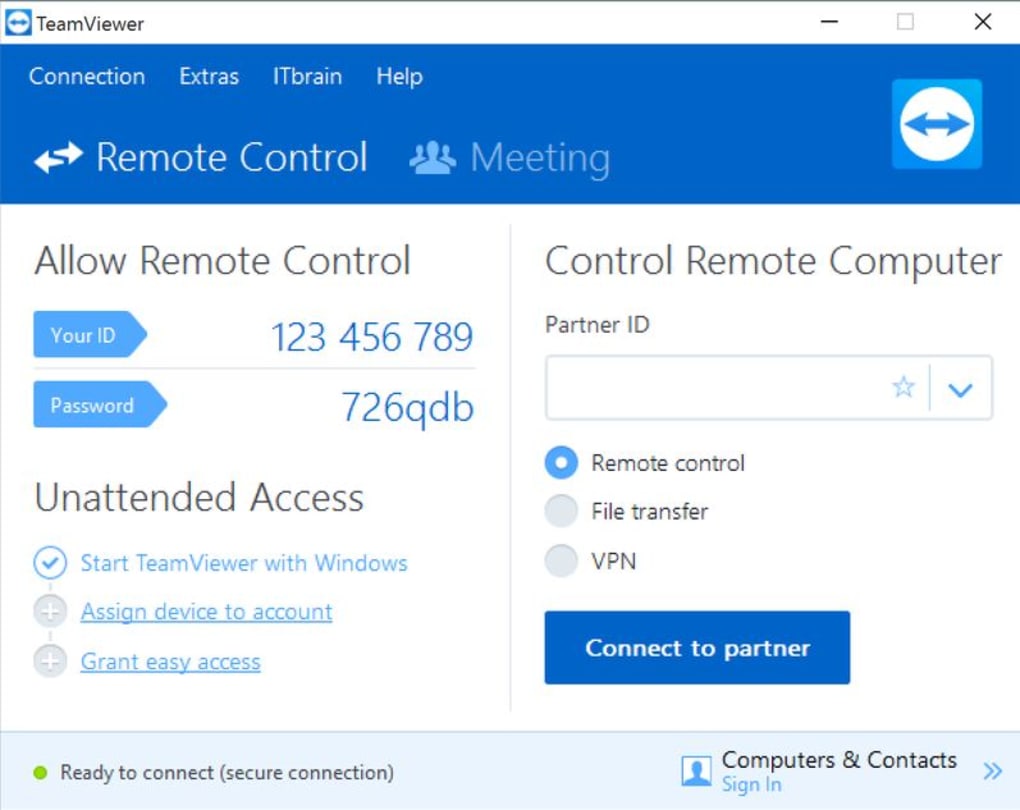
TeamViewer focuses on straightforward remote connections, allowing users to control another computer or supported device as though they were sitting in front of it. Remote support sessions make it possible to help another person directly, while unattended access allows approved users to reach devices without someone present. The software also supports cross-platform connections, making it useful when different operating systems are involved.
Flexible tools for remote access and support
For remote work and troubleshooting, file transfer lets users move files between connected devices, while remote printing can send documents to a local printer. Wake-on-LAN can start supported computers remotely, and multi-monitor support helps users working with several displays. Session recording and other management tools add more control for support work, although some advanced features depend on the selected license and setup.
Security is another major part of the experience, with AES-256 encryption, two-factor authentication, and trusted devices helping protect connections and accounts. The free version is available for personal use, but commercial and workplace use requires a paid license. Alternatives such as AnyDesk, Chrome Remote Desktop, and RustDesk offer useful comparisons, while this software combines remote support, device access, file handling, and management tools in one service.
Pros
- Free for personal, non-commercial use
- Supports remote device control
- Includes file transfer and multi-monitor support
- Offers multiple security features
Cons
- Commercial use requires a paid license
- Advanced features depend on the license
- Some setups require additional configuration
- Remote performance depends on the connection







