
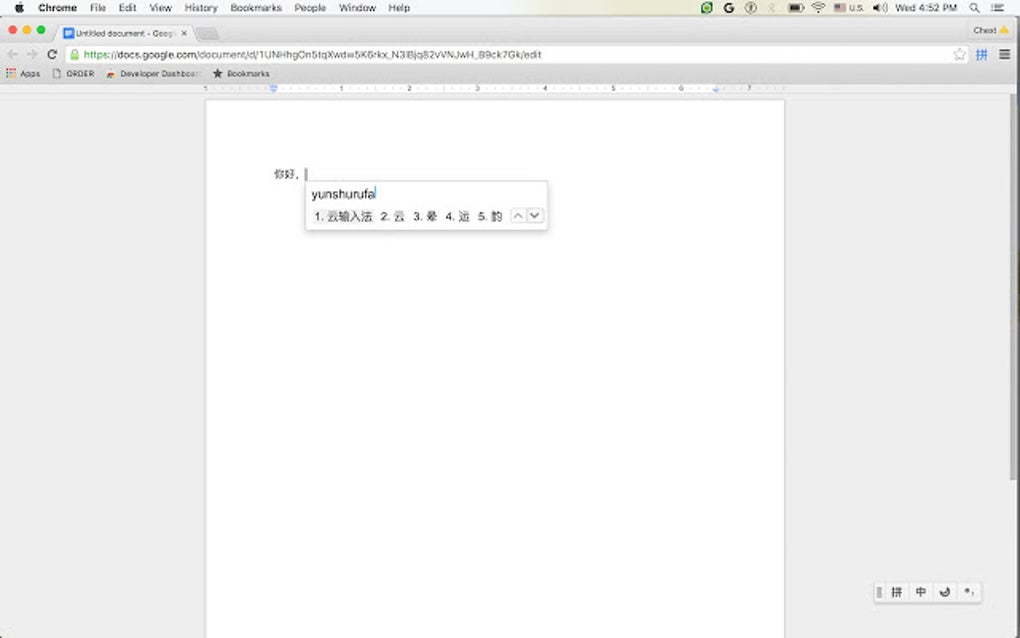
Smooth multilingual typing made simple
Google Input Tools provides a friendly and efficient way to type across languages, offering robust IME, transliteration, and virtual keyboard support built into browsers and Google services. The game strikes a great balance between simplicity and utility, making switching among 90+ languages seamless — a helpful asset for anyone navigating the productivity and internet software space.
Google Input Tools continues to deliver personalized, reliable typing experiences across platforms, with features like custom dictionaries and seamless switching. The game remains a strong tool for those needing flexible, multilingual input, blending utility and ease-of-use in an understated but effective manner.
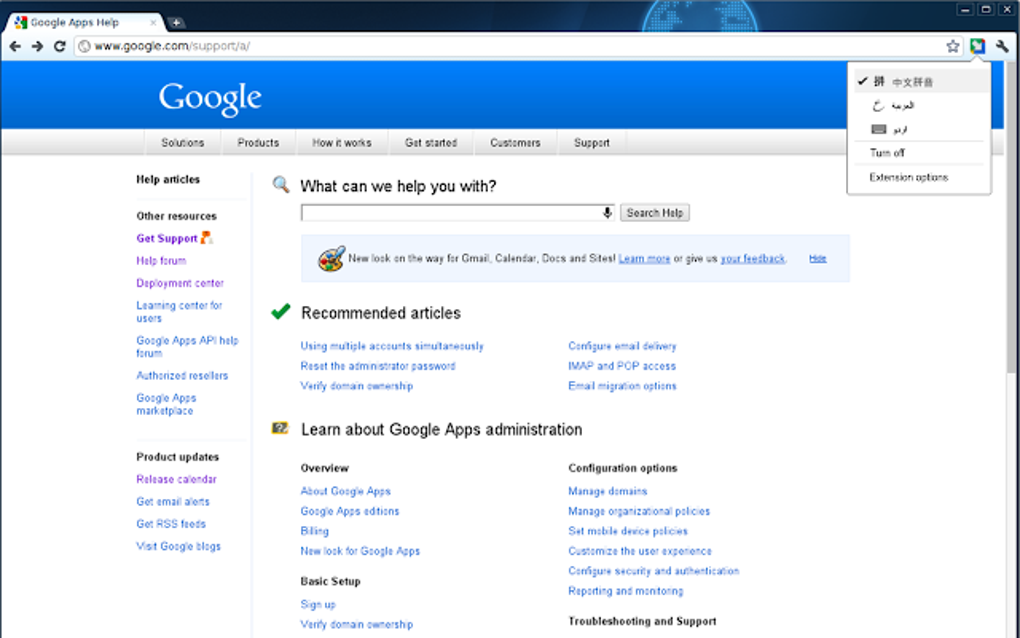
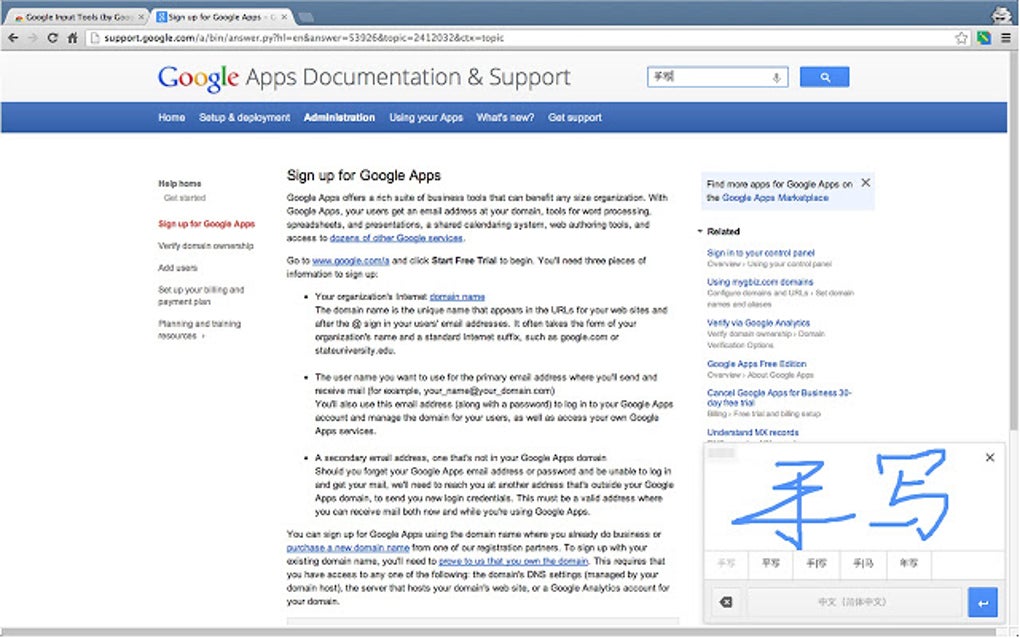
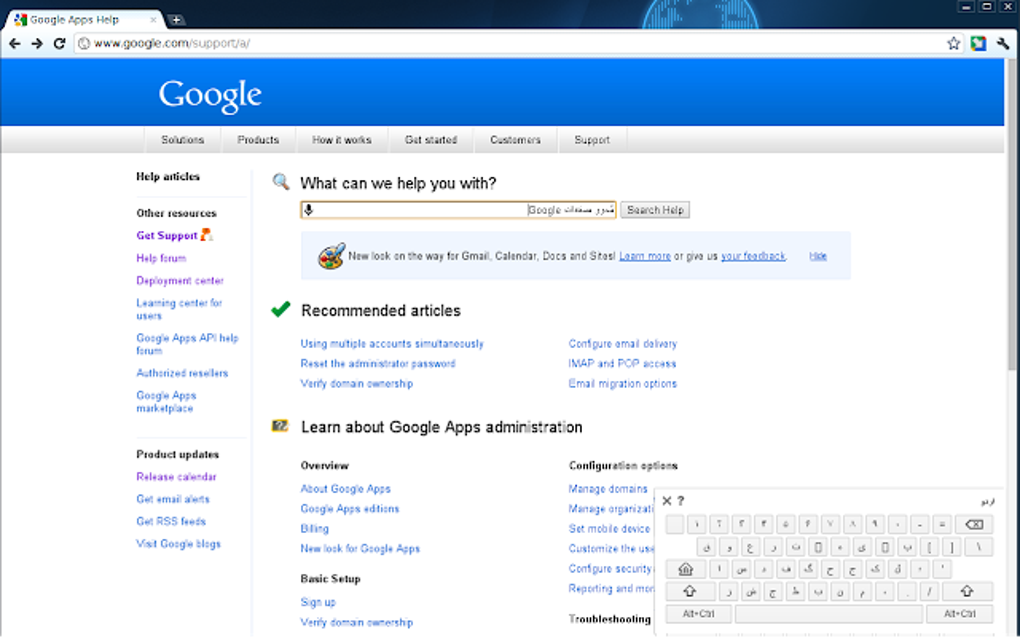
This program offers versatile input methods, including IME, transliteration, virtual keyboards, and handwriting via Chrome, allowing users to type comfortably in their preferred language. A custom dictionary improves suggestions over time, while quick language switching ensures efficiency. Compatible with Chrome, Gmail, Drive, and more, its clear and responsive interface adapts seamlessly to different workflows, providing a smooth and friction-free typing experience.
Effortless typing across languages
Despite its strengths, this multilingual app faces compatibility quirks — keyboard shortcuts can potentially misbehave in certain contexts, and support is limited on browsers like Microsoft Edge or specific apps like Discord Web. While it gracefully covers most browsers, users seeking a standalone system-wide tool — especially offline — might find these platform boundaries frustrating. Customization for shortcuts also remains minimal, limiting flexibility for power users.
Google Input Tools continues to evolve with refinements that address specific language needs, such as prioritizing Arabic numerals in certain scripts for smoother input. These targeted updates enhance accuracy, speed, and user comfort, particularly for communities with unique writing systems. Such adjustments underscore the program’s commitment to inclusivity and its ongoing effort to provide thoughtful attention to every supported language.
Pros
- Multilingual support
- Easy to use
- Custom dictionaries
Cons
- Shortcut issues
- Limited compatibility







