

Powerful statistical analysis for non-coders
IBM SPSS Statistics is the industry-standard application for advanced statistical analysis, predictive modeling, and data management. Available in a free trial version, it transforms raw data into actionable insights for researchers across social science, healthcare, and marketing. The software boasts a comprehensive suite of statistical tools, which have simplified complex calculations for generations of analysts.
Unlike open-source options like R or the steep learning curve of professional tools such as SAS, SPSS offers a powerful, menu-driven interface accessible to all. The platform goes beyond simple averages and charts, allowing users to dive into deep inferential and descriptive statistics.
Simply put, IBM SPSS Statistics is a program that helps you understand data. Whether you're a student, a scientist, or a business analyst, the software offers tools that let you dive deep into your data. It started as a game-changer, letting people without a deep knowledge of statistics get into the details of their research.
What exactly is SPSS?
The program is special because it gives you two ways to work: an easy menu for everyday tasks and a special language for the tricky stuff. It can handle all sorts of data and lets you keep notes on what your data means. You can even use it with other software like Python and R, making it even more powerful.
Here are some things SPSS is known for:
- Doing all kinds of math and statistics to find out what your data is saying
- Keeping your data organized and making notes about it
- Being easy enough for beginners but also powerful for experts
- Working with other programs to do even more with your data
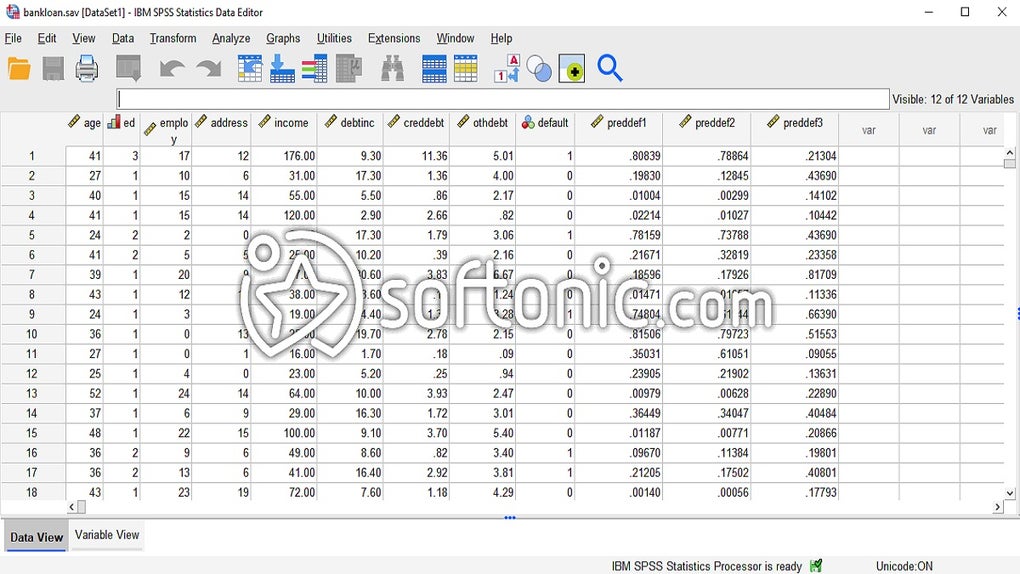
Plus, it provides exceptional data manipulation capabilities. Users can define variable properties, recode data, and compute new variables using a straightforward graphical utility, ensuring data integrity before analysis. However, its sophisticated feature set comes with two significant drawbacks. Firstly, the high cost of perpetual licenses and subscriptions is often prohibitive for independent researchers. Secondly, the software can become resource-intensive and slow when handling extremely large, real-world datasets.
Can I download SPSS for free?
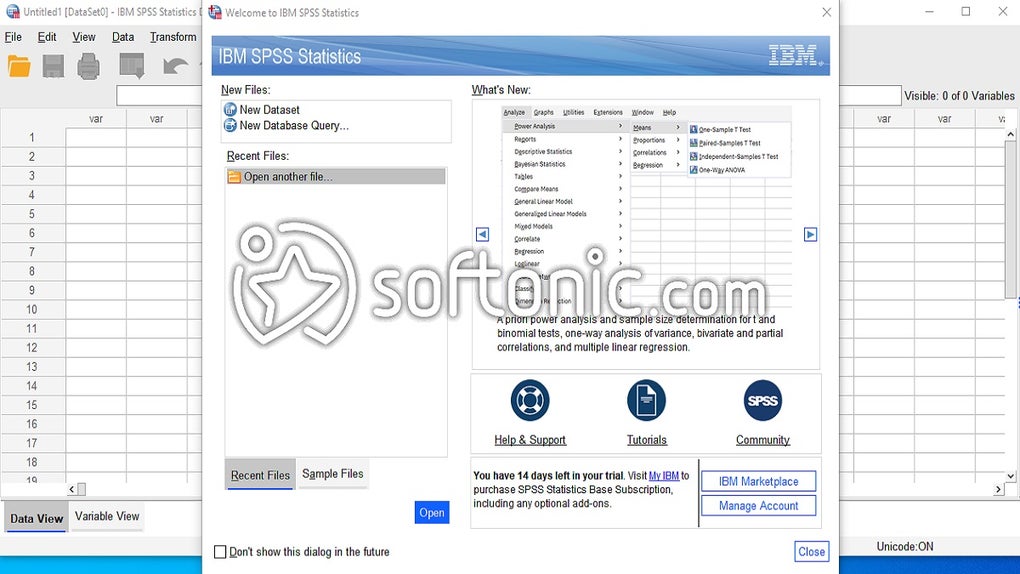
If you're thinking about trying SPSS but aren't sure about spending money on it yet, there's good news. It offers a free trial that works on both Mac and Windows computers. You get to use all of its features for 30 days without paying. This trial is a perfect chance to play around with the software and see if it's right for you. After the trial, if you find the data management tool helpful, you can choose how you want to pay for it. This way, you can be sure that it’s the right tool for your data analysis needs before you buy it.
AI-Driven interpretation
The new AI Output Assistant is a transformative feature designed to demystify complex statistical results for non-data scientists. This integrated tool uses artificial intelligence to analyze statistical outputs, including regressions and multivariate tests, and generate simple, plain-language summaries. It completely democratizes data intelligence, ensuring that anyone, regardless of their statistical background, can quickly grasp the meaning and implications of their analysis within IBM SPSS Statistics.
By providing curated, context-aware help and concise explanations, the assistant drastically accelerates the decision-making process for both academic and enterprise users. It also enhances analysis confidence through features like Boruta's feature selection, which explains why specific variables are deemed important. This deep, yet accessible, insight helps users confirm the reliability of their models, transforming raw numbers into actionable, confident strategies, especially for larger datasets.
Pros
- Intuitive, menu-driven interface for non-coders
- Robust handling of advanced statistical modeling
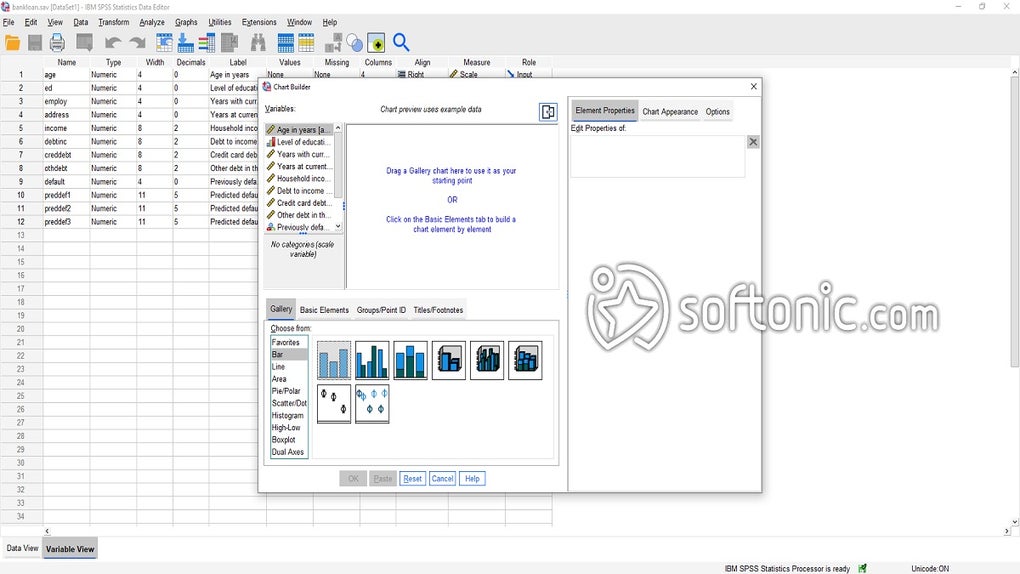
- Excellent data preparation and charting tools
- AI Output Assistant for simplified result interpretation
Cons
- High cost of perpetual licenses
- Can be resource-intensive







