
Precise disc burning utility
ImgBurn is a lightweight desktop application focused on creating, writing, and verifying disc images with a high level of precision. It supports CD, DVD, HD DVD, and Blu-ray, making it suitable for data, audio, and image-based projects. The program emphasizes reliability and accuracy, offering detailed control over write speeds, file systems, and disc structure through a clear, straightforward interface.
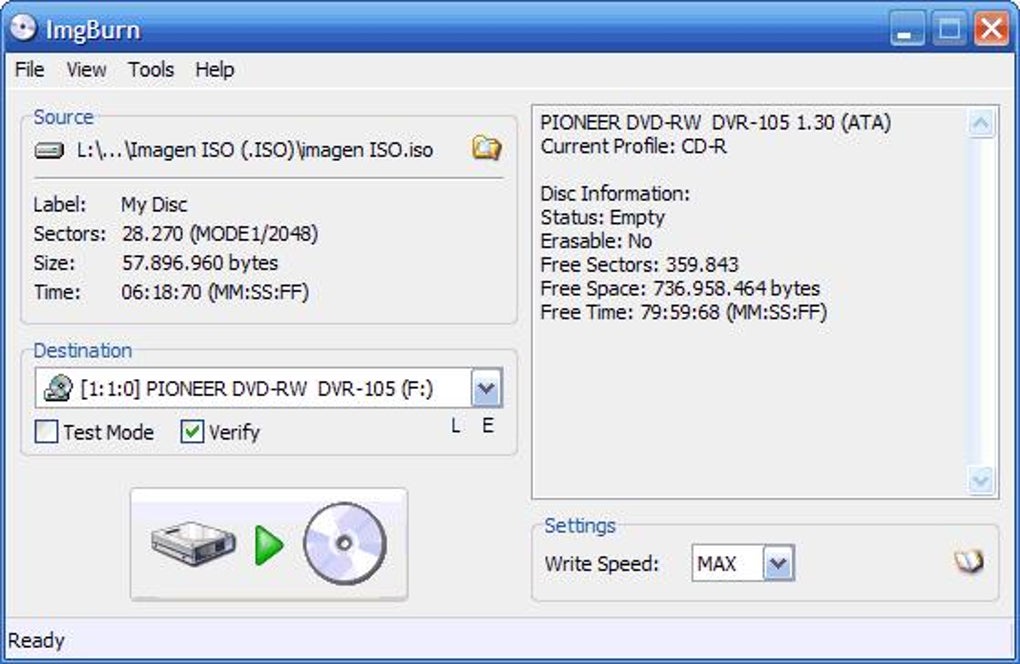
ImgBurn allows users to create image files from folders or existing discs and verify written data for accuracy. Detailed logs and clear status feedback provide visibility at every step, supporting consistent, reliable results when working with optical media.
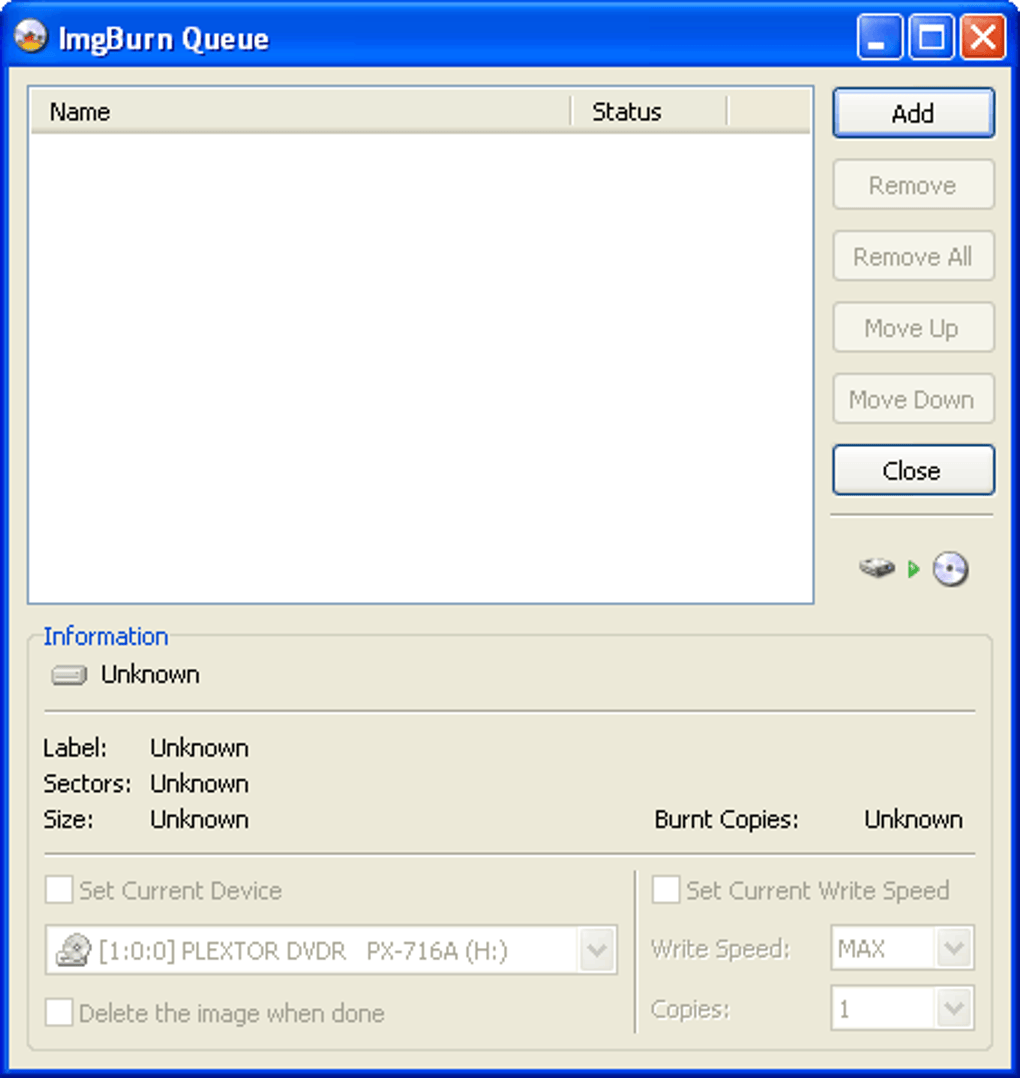
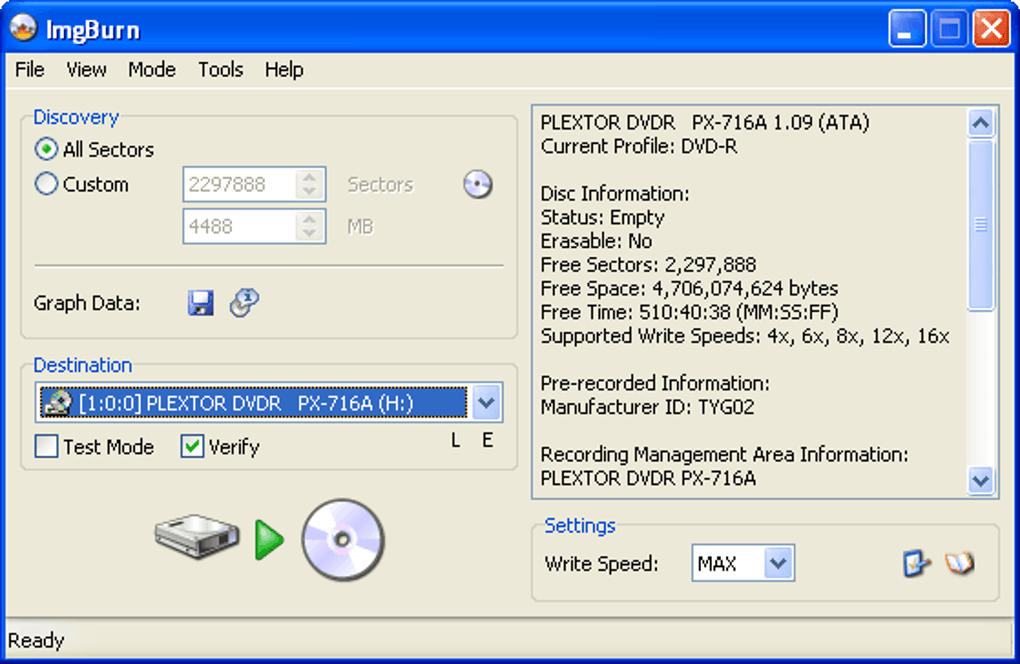
ImgBurn offers a focused set of tools for creating image files and burning them to disc with precision. Users can write ISO and other supported image formats directly to media or create images from files and folders on their system. Settings for write speed, disc finalization, and file system options allow users to fine-tune how data is written, supporting both simple and advanced use cases.
Disc creation and writing tools
The software also includes strong verification features that compare written data against the original source, helping ensure discs are created accurately and without errors. This verification process is especially useful for archival tasks or when producing discs that must remain readable over long periods. Clear progress indicators, detailed logs, and status messages allow users to monitor each operation closely and confirm successful results with confidence.
The interface and terminology may feel technical to less experienced users. While the software is powerful, its focus on detailed settings and disc-specific options can create a noticeable learning curve. Additionally, it is dedicated solely to optical media tasks, providing no support for newer storage formats, cloud-based options, or broader multimedia features, which may limit its usefulness for users seeking more versatile data management tools.
Pros
- Precise disc writing controls
- Strong verification features
- Supports multiple disc formats
Cons
- Interface feels technical
- Limited to optical media tasks
- Not beginner-focused







